> ## Documentation Index
> Fetch the complete documentation index at: https://carat.im/docs/llms.txt
> Use this file to discover all available pages before exploring further.
# What is Carat AI?
> Save time and money with Carat AI while creating amazing content.
Are you using different tools for planning, images, videos, audio, and editing?
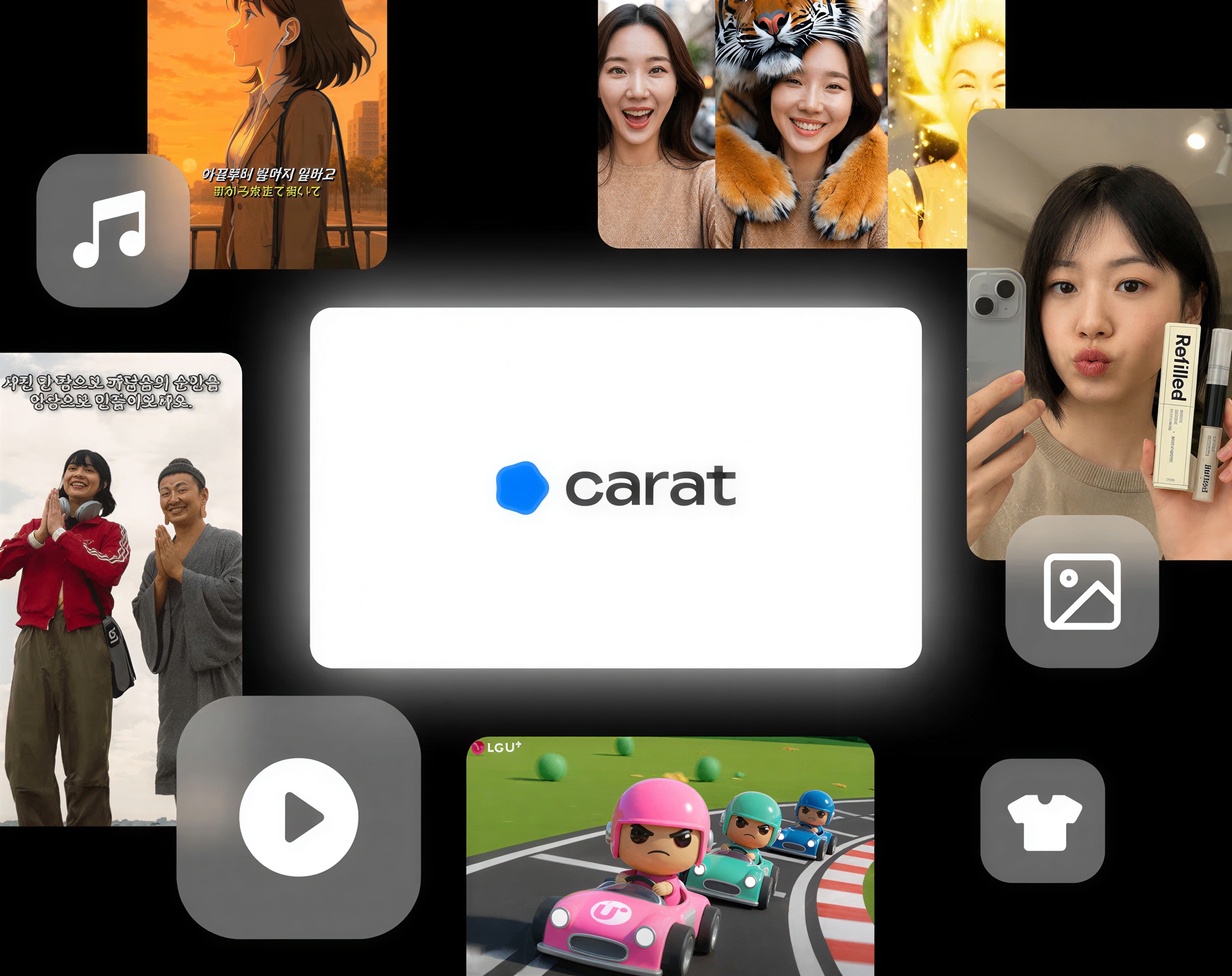
Carat AI is an **All-in-one AI agent** that handles all these tasks in a single Chat. Save significant time and money without switching between multiple services.
 ## Why choose Carat AI?
**Before**: Subscribing to separate image, video, and audio tools (\$65+/month)
**Carat**: Complete everything from planning to production in a single Chat
**Before**: Learning complex prompts and different interfaces for each tool
**Carat**: Just have a conversation
**Before**: Uploading and downloading files across different tools
**Carat**: Work seamlessly without file transfers
**Before**: Separate subscriptions for Veo 3 and other new technologies
**Carat**: Continuous updates with the latest models at no extra cost
## Who uses Carat AI?
Quickly create ad models, product shots, and social media content
Efficiently mass-produce short-form content for YouTube Shorts and Reels
From ideation to prototype creation, all in one place
Rapidly generate design mockups in various styles
Create menus, posters, and promotional videos yourself
Use for assignments, presentations, and projects
## What results have users achieved?
### Enterprise & public sector
**95% reduction** in ad production costs
Significantly shortened production time
**Selected as official production tool**
Used for AI video competitions and education
Product shot creation
**Significant time and cost savings**
### Individual creators
Instagram Reels
**26 million views**
YouTube Shorts
**12 million views**
TikTok video
**1.1 million views**
Want to see more success stories? Check out our [customer case studies](https://carat.im/blog/category/%EA%B3%A0%EA%B0%9D-%EC%82%AC%EB%A1%80).
## How do I get started?
Log in to [Carat AI](https://carat.im/en).
Follow our [3-minute tutorial](/en/getting-started/quickstart) to create your first project.
Use [templates](/en/how-to-use/mini-agent) to easily create professional content.
Find the right plan for you
Find answers to your questions in our FAQ
## Why choose Carat AI?
**Before**: Subscribing to separate image, video, and audio tools (\$65+/month)
**Carat**: Complete everything from planning to production in a single Chat
**Before**: Learning complex prompts and different interfaces for each tool
**Carat**: Just have a conversation
**Before**: Uploading and downloading files across different tools
**Carat**: Work seamlessly without file transfers
**Before**: Separate subscriptions for Veo 3 and other new technologies
**Carat**: Continuous updates with the latest models at no extra cost
## Who uses Carat AI?
Quickly create ad models, product shots, and social media content
Efficiently mass-produce short-form content for YouTube Shorts and Reels
From ideation to prototype creation, all in one place
Rapidly generate design mockups in various styles
Create menus, posters, and promotional videos yourself
Use for assignments, presentations, and projects
## What results have users achieved?
### Enterprise & public sector
**95% reduction** in ad production costs
Significantly shortened production time
**Selected as official production tool**
Used for AI video competitions and education
Product shot creation
**Significant time and cost savings**
### Individual creators
Instagram Reels
**26 million views**
YouTube Shorts
**12 million views**
TikTok video
**1.1 million views**
Want to see more success stories? Check out our [customer case studies](https://carat.im/blog/category/%EA%B3%A0%EA%B0%9D-%EC%82%AC%EB%A1%80).
## How do I get started?
Log in to [Carat AI](https://carat.im/en).
Follow our [3-minute tutorial](/en/getting-started/quickstart) to create your first project.
Use [templates](/en/how-to-use/mini-agent) to easily create professional content.
Find the right plan for you
Find answers to your questions in our FAQ