> ## Documentation Index
> Fetch the complete documentation index at: https://carat.im/docs/llms.txt
> Use this file to discover all available pages before exploring further.
# 3D logo/typography
> Quickly create 3D logos, icons, and posters without a designer.
This guide walks you through creating 3D logos, icons, and typography posters using text or images without professional 3D tools.
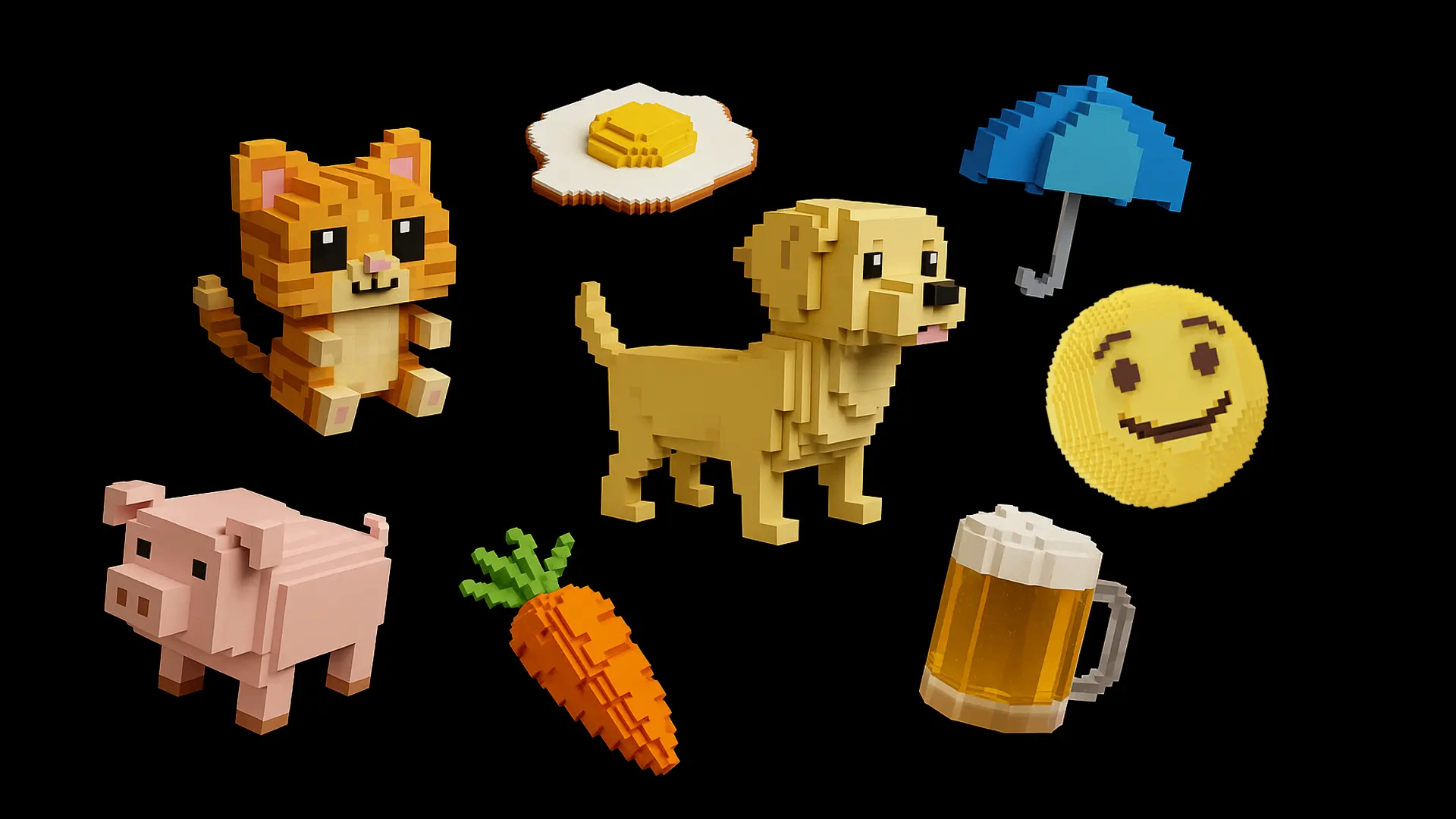 Combine the text (logo) you want to create with a texture to generate a 3D image.
**Generate directly from text**
Request directly in the Chat.
```text theme={null}
Create 'CARAT' text as 3D typography with 'puffy clay texture'. White background.
```
```code theme={null}
Create 'CARAT' text as 3D typography with 'puffy clay texture'. White background.
```
**Generate with image compositing**
Upload your 2D logo and desired texture image together to request.
1. Upload your 2D logo image (A) and desired texture image (B, e.g., cheese photo).
2. Request [compositing](/en/features/image/image-composition).
```text theme={null}
Apply the cheese texture (B) to the first logo image (A) to create a 3D logo.
```
Make the completed 3D logo or icon move for use in video intros, etc.
```text theme={null}
Create a 5-second video of this 3D logo slowly rotating in place.
```
Text may not generate as desired depending on its structure. We recommend trying with simple content.
Combine the text (logo) you want to create with a texture to generate a 3D image.
**Generate directly from text**
Request directly in the Chat.
```text theme={null}
Create 'CARAT' text as 3D typography with 'puffy clay texture'. White background.
```
```code theme={null}
Create 'CARAT' text as 3D typography with 'puffy clay texture'. White background.
```
**Generate with image compositing**
Upload your 2D logo and desired texture image together to request.
1. Upload your 2D logo image (A) and desired texture image (B, e.g., cheese photo).
2. Request [compositing](/en/features/image/image-composition).
```text theme={null}
Apply the cheese texture (B) to the first logo image (A) to create a 3D logo.
```
Make the completed 3D logo or icon move for use in video intros, etc.
```text theme={null}
Create a 5-second video of this 3D logo slowly rotating in place.
```
Text may not generate as desired depending on its structure. We recommend trying with simple content.