> ## Documentation Index
> Fetch the complete documentation index at: https://carat.im/docs/llms.txt
> Use this file to discover all available pages before exploring further.
# Character animation
> Create animated videos with stories using your own 2D/3D characters.
This guide walks you through creating your own original character, maintaining consistent appearance across multiple scenes, and producing animation videos.
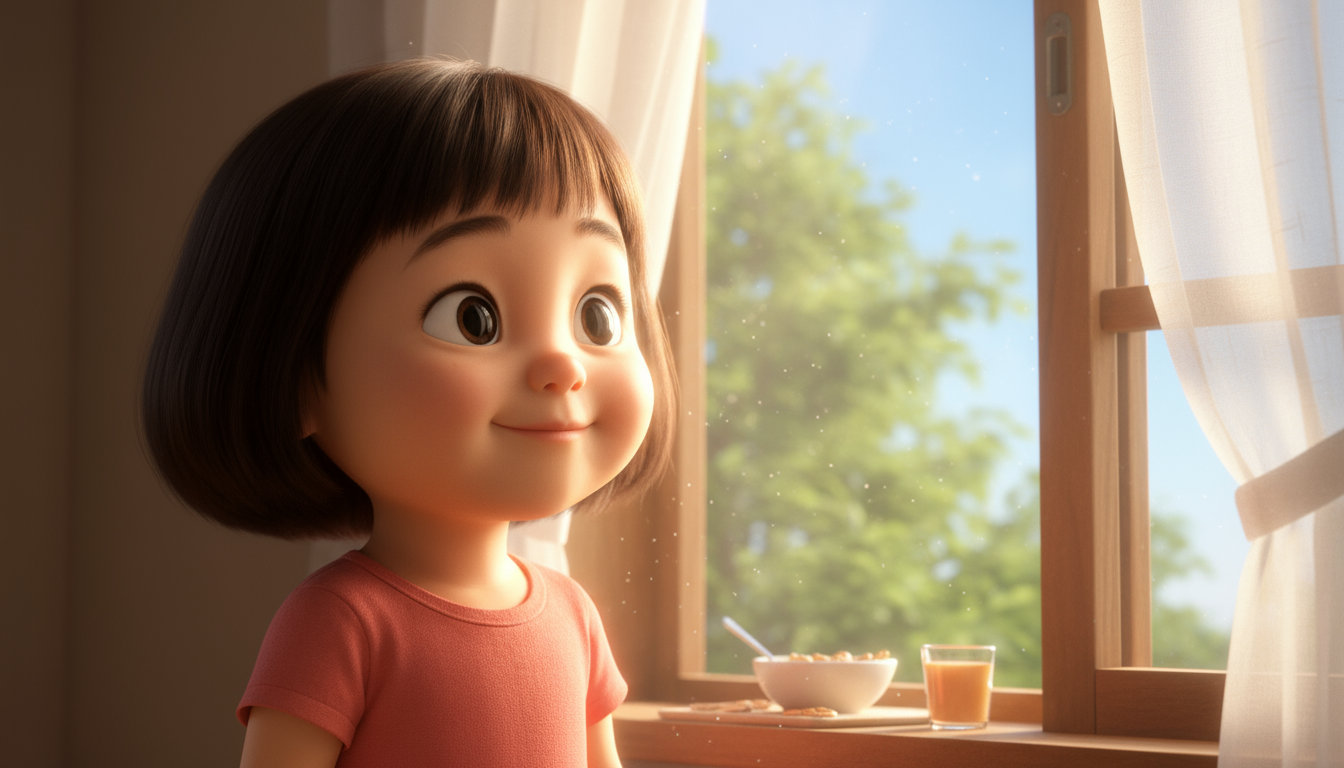 First, plan the main character for your animation and generate a base image.
**Request ideas:**
```text theme={null}
Suggest 3 character concepts for animation. I'd like an 'adventure-loving squirrel'.
```
**Generate base image:**
```text theme={null}
Great. Create a base image in Pixar 3D style, 9:16 vertical ratio.
```
Plan the story to use with your character.
```text theme={null}
Create a 4-panel storyboard (plan) for the squirrel character going on a 'treasure hunt adventure'.
```
Reference the 'base image' from step 1 to generate scene images that maintain consistent character appearance.
```text theme={null}
Create all 4 planned scene images at once. For consistency, use the squirrel base image created earlier as a reference image and use the Nanobanana image model.
```
This step is the most important. Using a reference image helps maintain character consistency.
Convert scene images to video and add audio to complete as one animation.
**Convert scenes to video:**
```text theme={null}
Convert each of the 4 scene images into natural 5-second videos.
```
**Merge:**
```text theme={null}
Merge the 4 generated video clips in order.
```
**Speed up:**
```text theme={null}
The merged video is too slow, speed it up to 1.5x.
```
**Add audio:**
```text theme={null}
Add 'epic adventure BGM' to the merged video.
```
**If you need dialogue**
Instead of video generation, you can use the [Lip sync](/en/features/video/lip-sync) feature to create 'talking videos' for each scene.
**Looking for an easier way?**
Use the **'Create Character Video'** feature in the [Mini Agent](/en/how-to-use/mini-agent) menu to make this process easier.
First, plan the main character for your animation and generate a base image.
**Request ideas:**
```text theme={null}
Suggest 3 character concepts for animation. I'd like an 'adventure-loving squirrel'.
```
**Generate base image:**
```text theme={null}
Great. Create a base image in Pixar 3D style, 9:16 vertical ratio.
```
Plan the story to use with your character.
```text theme={null}
Create a 4-panel storyboard (plan) for the squirrel character going on a 'treasure hunt adventure'.
```
Reference the 'base image' from step 1 to generate scene images that maintain consistent character appearance.
```text theme={null}
Create all 4 planned scene images at once. For consistency, use the squirrel base image created earlier as a reference image and use the Nanobanana image model.
```
This step is the most important. Using a reference image helps maintain character consistency.
Convert scene images to video and add audio to complete as one animation.
**Convert scenes to video:**
```text theme={null}
Convert each of the 4 scene images into natural 5-second videos.
```
**Merge:**
```text theme={null}
Merge the 4 generated video clips in order.
```
**Speed up:**
```text theme={null}
The merged video is too slow, speed it up to 1.5x.
```
**Add audio:**
```text theme={null}
Add 'epic adventure BGM' to the merged video.
```
**If you need dialogue**
Instead of video generation, you can use the [Lip sync](/en/features/video/lip-sync) feature to create 'talking videos' for each scene.
**Looking for an easier way?**
Use the **'Create Character Video'** feature in the [Mini Agent](/en/how-to-use/mini-agent) menu to make this process easier.