> ## Documentation Index
> Fetch the complete documentation index at: https://carat.im/docs/llms.txt
> Use this file to discover all available pages before exploring further.
# Interview videos
> Create interview shorts using AI video models that generate integrated audio.
This guide walks you through planning ideas through 'conversation' with AI and creating 'talking interview' videos with the Google Veo 3 model.
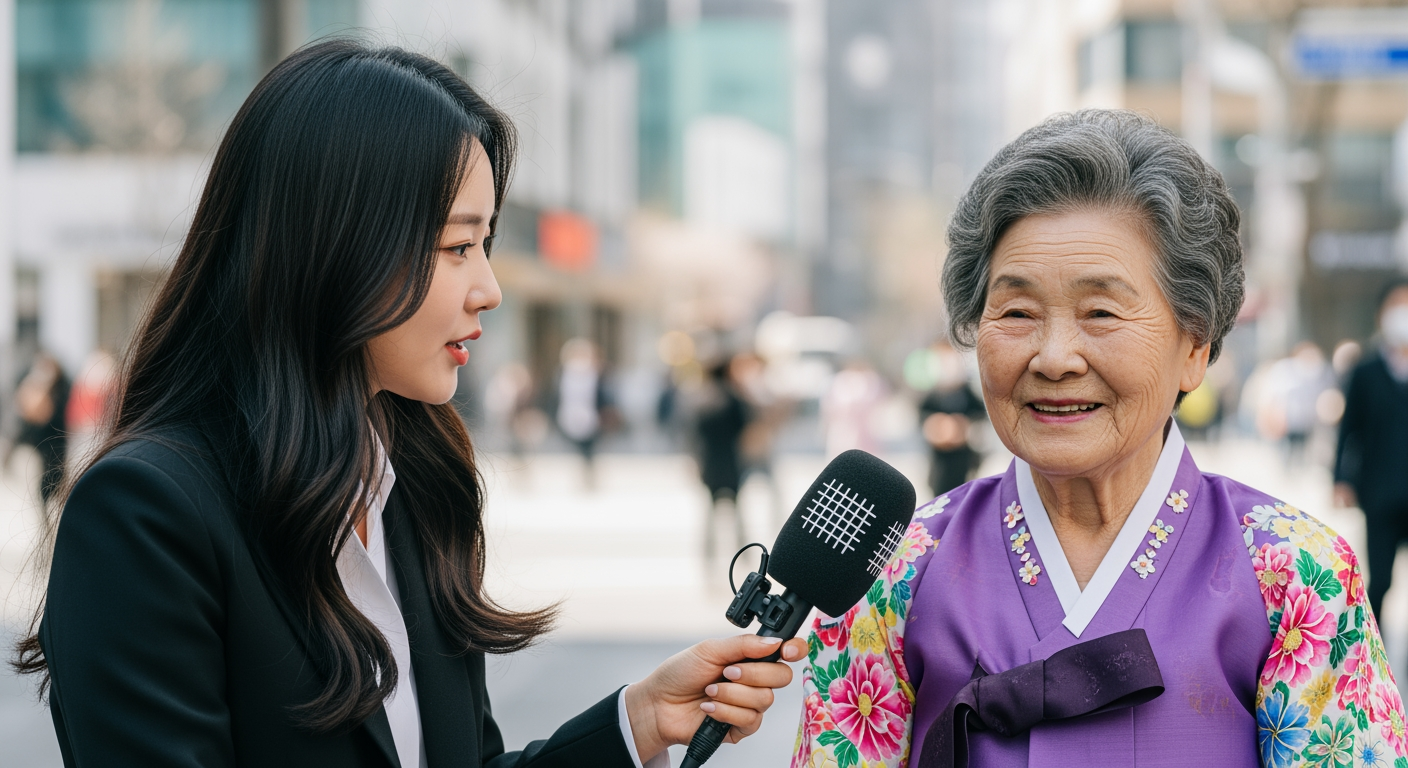 Good videos come from good planning. Develop your ideas through conversation with Carat AI.
**Request ideas:**
```text theme={null}
Suggest 3 plot-twist interview ideas that could go viral on social media.
```
**Request script:**
```text theme={null}
Great. Write a 10-second script using idea #3 'Hip-hop Grandma'.
```
**Generate prompt (optional):**
```text theme={null}
Convert this script to a Google Veo 3 timestamp prompt.
```
Use the script from step 1 to generate the video.
```text theme={null}
Generate an 8-second Google Veo 3 video using the prompt just created.
```
**Model selection tip**
Google Veo 3 generates matching audio (dialogue, sound effects, background sound) along with the video, making it well suited to 'talking interview' videos.
**Usage notice**
The Google Veo 3 model uses **much higher [usage](/docs/en/pricing/usage)** than regular models, so please be mindful.
**Looking for an easier way?**
Try the **'AI Interview Video'** feature in [Mini Agent](/docs/en/how-to-use/mini-agent).
Good videos come from good planning. Develop your ideas through conversation with Carat AI.
**Request ideas:**
```text theme={null}
Suggest 3 plot-twist interview ideas that could go viral on social media.
```
**Request script:**
```text theme={null}
Great. Write a 10-second script using idea #3 'Hip-hop Grandma'.
```
**Generate prompt (optional):**
```text theme={null}
Convert this script to a Google Veo 3 timestamp prompt.
```
Use the script from step 1 to generate the video.
```text theme={null}
Generate an 8-second Google Veo 3 video using the prompt just created.
```
**Model selection tip**
Google Veo 3 generates matching audio (dialogue, sound effects, background sound) along with the video, making it well suited to 'talking interview' videos.
**Usage notice**
The Google Veo 3 model uses **much higher [usage](/docs/en/pricing/usage)** than regular models, so please be mindful.
**Looking for an easier way?**
Try the **'AI Interview Video'** feature in [Mini Agent](/docs/en/how-to-use/mini-agent).