> ## Documentation Index
> Fetch the complete documentation index at: https://carat.im/docs/llms.txt
> Use this file to discover all available pages before exploring further.
# Presentations (PPT)
> Create presentation materials by just entering a topic, and complete edits through conversation.
This guide walks you through quickly creating a first draft with Mini Agent, then improving quality through conversational editing.
 Select the **'Create PPT'** template from the [Mini Agent](/en/how-to-use/mini-agent) menu.
Answer the basic information (topic, style, etc.) that AI asks.
**Topic:**
```text theme={null}
The impact of AI on marketing
```
**Style:**
```text theme={null}
Business style
```
When Carat AI suggests a plan (7-slide text and image draft), review the content and request edits directly through conversation.
**Edit image:**
```text theme={null}
I don't like the image on slide 3. Change it to a different image of 'AI analyzing customers'.
```
**Edit text:**
```text theme={null}
The text on slide 5 data slide is too long. Summarize it to 3 lines.
```
**Edit content:**
```text theme={null}
Remove slide 6 'Action Plan' and search the web for 'AI adoption success stories' to change the slide content.
```
When all slides are satisfactory, request final completion from AI.
1. "Great. Finalize it as is."
2. When Carat AI provides a `[Download Completed Presentation]` link, click to open the HTML file.
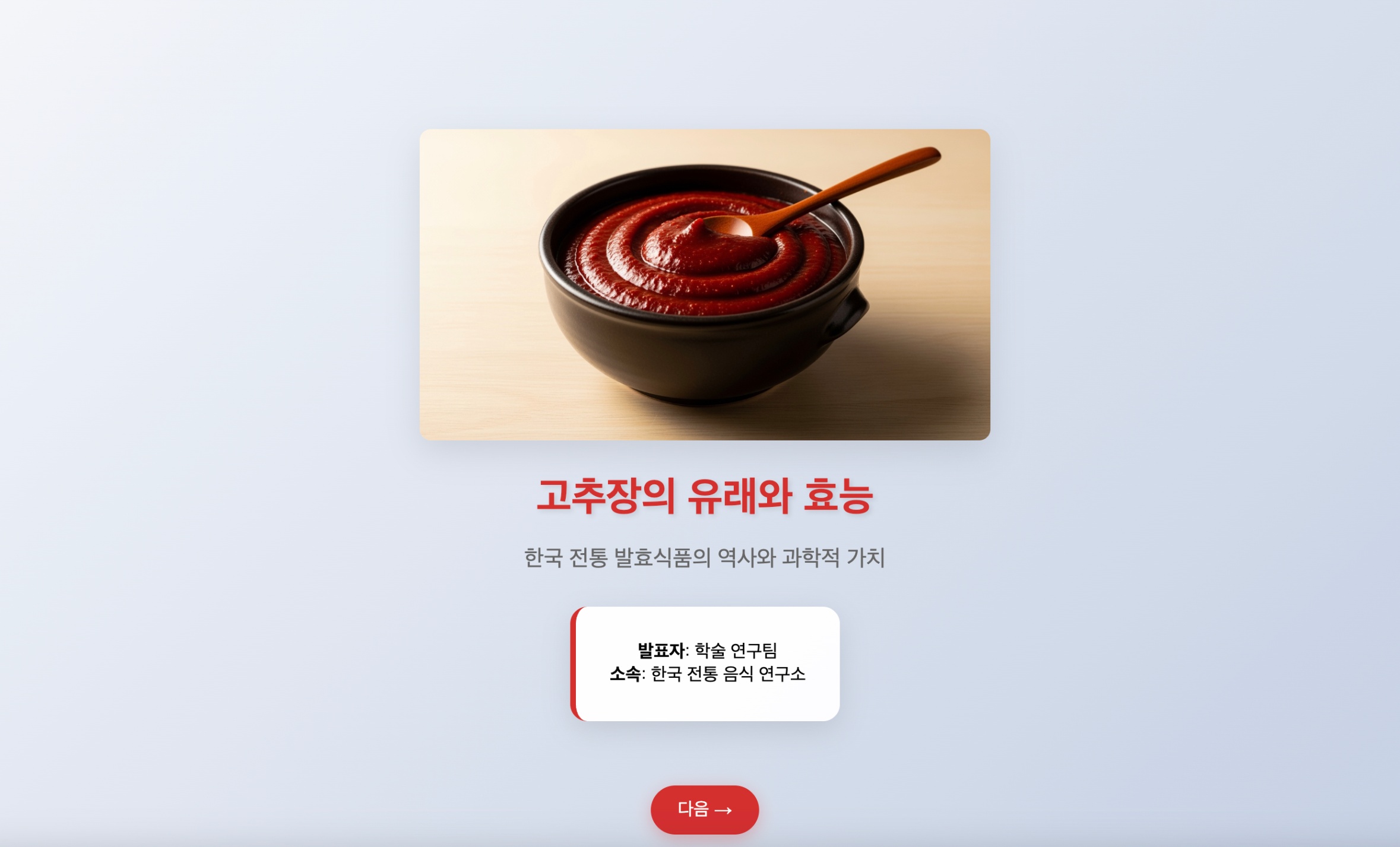
3. Open the downloaded HTML file in a browser (Chrome, Edge, etc.) and use the left/right arrow buttons to navigate the presentation.
**Why HTML file format?**
Carat AI provides presentations in HTML format that can be run directly on the web. If you want to convert to PowerPoint file, you can use a separate conversion tool or use the HTML as-is for presentations.
Select the **'Create PPT'** template from the [Mini Agent](/en/how-to-use/mini-agent) menu.
Answer the basic information (topic, style, etc.) that AI asks.
**Topic:**
```text theme={null}
The impact of AI on marketing
```
**Style:**
```text theme={null}
Business style
```
When Carat AI suggests a plan (7-slide text and image draft), review the content and request edits directly through conversation.
**Edit image:**
```text theme={null}
I don't like the image on slide 3. Change it to a different image of 'AI analyzing customers'.
```
**Edit text:**
```text theme={null}
The text on slide 5 data slide is too long. Summarize it to 3 lines.
```
**Edit content:**
```text theme={null}
Remove slide 6 'Action Plan' and search the web for 'AI adoption success stories' to change the slide content.
```
When all slides are satisfactory, request final completion from AI.
1. "Great. Finalize it as is."
2. When Carat AI provides a `[Download Completed Presentation]` link, click to open the HTML file.
3. Open the downloaded HTML file in a browser (Chrome, Edge, etc.) and use the left/right arrow buttons to navigate the presentation.
**Why HTML file format?**
Carat AI provides presentations in HTML format that can be run directly on the web. If you want to convert to PowerPoint file, you can use a separate conversion tool or use the HTML as-is for presentations.