> ## Documentation Index
> Fetch the complete documentation index at: https://carat.im/docs/llms.txt
> Use this file to discover all available pages before exploring further.
# Webtoon
> Create character designs and scene illustration assets for webtoon production.
This guide focuses on creating 'illustration assets' needed for webtoon production, not 'completing' a webtoon. With Carat AI, you can plan characters, create storyboards, and generate consistent illustrations.
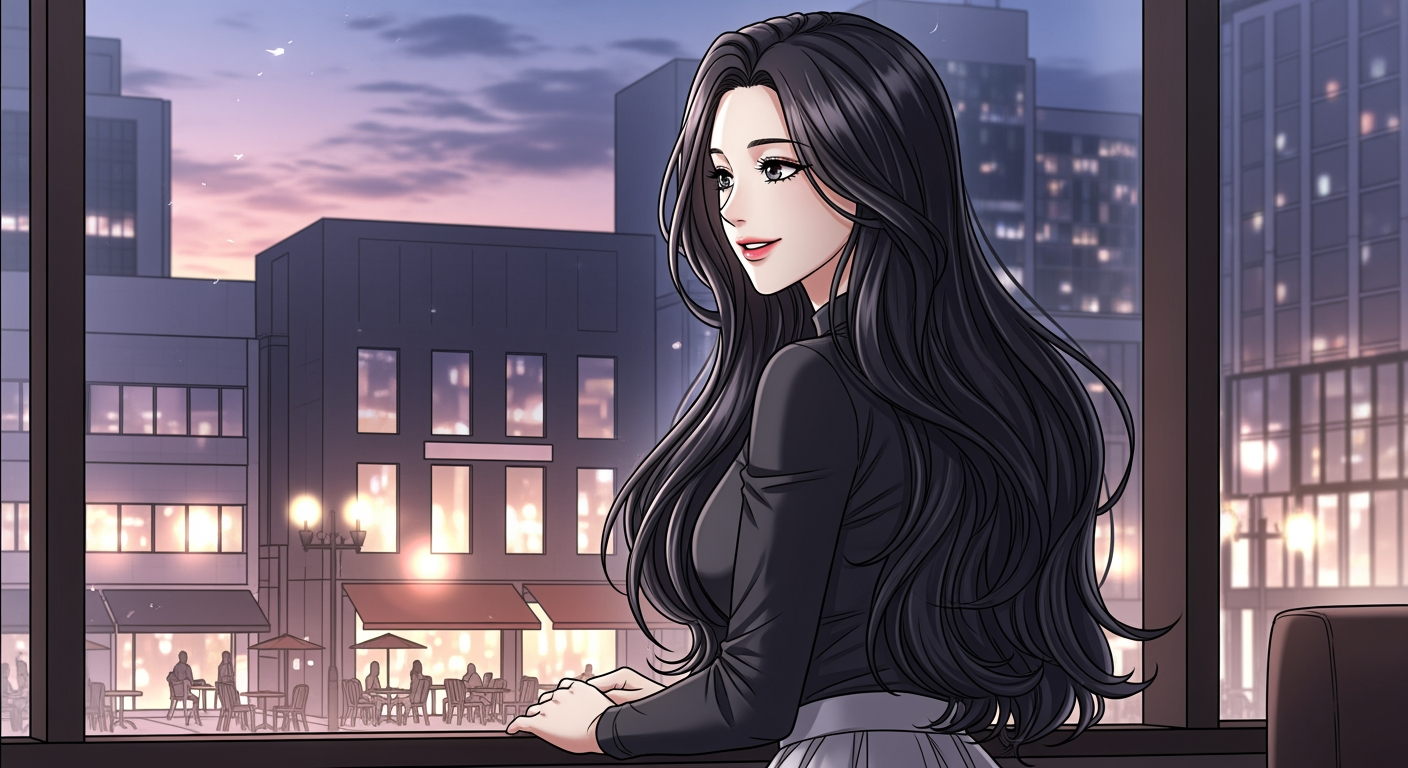 Plan the settings and character designs that form the backbone of your webtoon with AI.
**Request ideas:**
```text theme={null}
I want to create a romance fantasy webtoon. Suggest 3 worldviews, plot summaries, and characters.
```
**Generate character:**
```text theme={null}
Great. Design the female protagonist character in 'Korean webtoon style', 9:16 ratio using worldview #1.
```
Plan detailed panel composition for episode 1 as text (script).
```text theme={null}
Create a 6-panel storyboard for episode 1 using the character just created. Specify scene description, composition, and character placement for each panel in detail.
```
Generate illustrations consistently based on the planned content.
```text theme={null}
Generate all 6 planned panels at once. Apply the character appearance description planned earlier exactly. Also, use the character image generated earlier as a reference image to maintain character consistency. Use the Nanobanana image model. Never include text or speech bubbles.
```
Receive dialogue and sound effects to overlay on the generated panel images as separate text.
```text theme={null}
Analyze the 6 panel illustrations just created and write fitting dialogue and sound effects as text only, matched to panel numbers.
```
Take the 'illustration assets' and 'text' generated with Carat AI to a separate editing tool like Photoshop or Clip Studio, where you arrange panels and insert speech bubbles to complete the final webtoon.
**Text generation limitations**
Currently, AI cannot perfectly draw text or speech bubbles within images. This guide focuses on creating 'illustration assets', and we recommend post-editing with separate editing tools for text work.
Plan the settings and character designs that form the backbone of your webtoon with AI.
**Request ideas:**
```text theme={null}
I want to create a romance fantasy webtoon. Suggest 3 worldviews, plot summaries, and characters.
```
**Generate character:**
```text theme={null}
Great. Design the female protagonist character in 'Korean webtoon style', 9:16 ratio using worldview #1.
```
Plan detailed panel composition for episode 1 as text (script).
```text theme={null}
Create a 6-panel storyboard for episode 1 using the character just created. Specify scene description, composition, and character placement for each panel in detail.
```
Generate illustrations consistently based on the planned content.
```text theme={null}
Generate all 6 planned panels at once. Apply the character appearance description planned earlier exactly. Also, use the character image generated earlier as a reference image to maintain character consistency. Use the Nanobanana image model. Never include text or speech bubbles.
```
Receive dialogue and sound effects to overlay on the generated panel images as separate text.
```text theme={null}
Analyze the 6 panel illustrations just created and write fitting dialogue and sound effects as text only, matched to panel numbers.
```
Take the 'illustration assets' and 'text' generated with Carat AI to a separate editing tool like Photoshop or Clip Studio, where you arrange panels and insert speech bubbles to complete the final webtoon.
**Text generation limitations**
Currently, AI cannot perfectly draw text or speech bubbles within images. This guide focuses on creating 'illustration assets', and we recommend post-editing with separate editing tools for text work.