

Movie-Quality AI Video, No VFX Crew Needed
100% AI-generated video just hit studio production quality. The lighting, camera work, and color grading all look human-shot, but not a single VFX artist was involved. One AI video model and a few lines of prompt got this done.

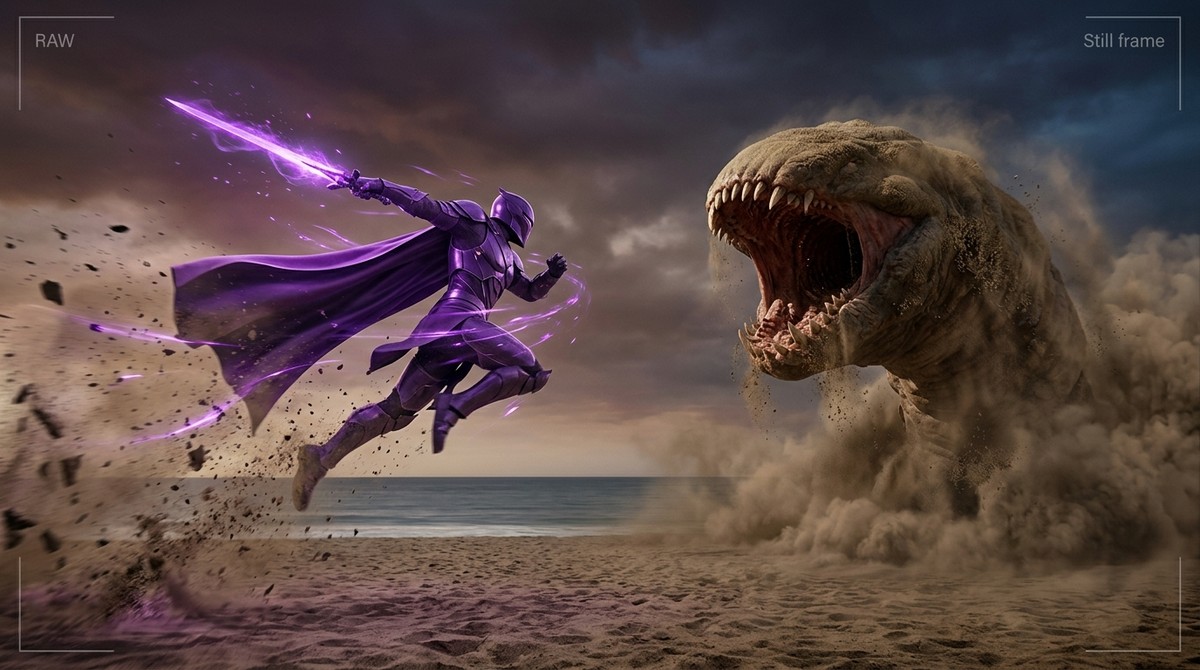
Big news in AI video today. Five stories, each worth your time.
🔥 Movie-Quality AI Video With Zero VFX Crew?
100% AI-generated video just hit studio production quality. The lighting, camera work, and color grading all look human-shot, but not a single VFX artist was involved. One AI video model and a few lines of prompt got this done.
AI-only footage has reached a point where it's genuinely hard to tell apart from studio production. Lighting, angles, editing all feel natural.
Long runtimes and complex action sequences still have limits. But 15-second short-form ads, music video concepts, brand films? AI handles those solo now.
📌 3 Stories You Should Know
1️⃣ Grok Imagine Just Hit 1.2 Billion Videos in One Month
Quietly staggering numbers from the AI video space. Grok Imagine alone generated 1.245 billion videos in 30 days. A year ago, AI video was a novelty. Now everyday users are churning it out like Instagram stories.
Video extension features keep rolling out too. You can now continue generating from the end of a short clip to chain scenes together, and some tools already support 10-second 720p with native audio sync.
The kicker? 1.2 billion means AI video is no longer a pro-creator-only tool. Carat gives you access to 11 video models including Kling, Sora 2, and Runway, all in one place. Good time to jump in.
2️⃣ Meta Spent $115B on AI, Still Needs to Borrow Google's
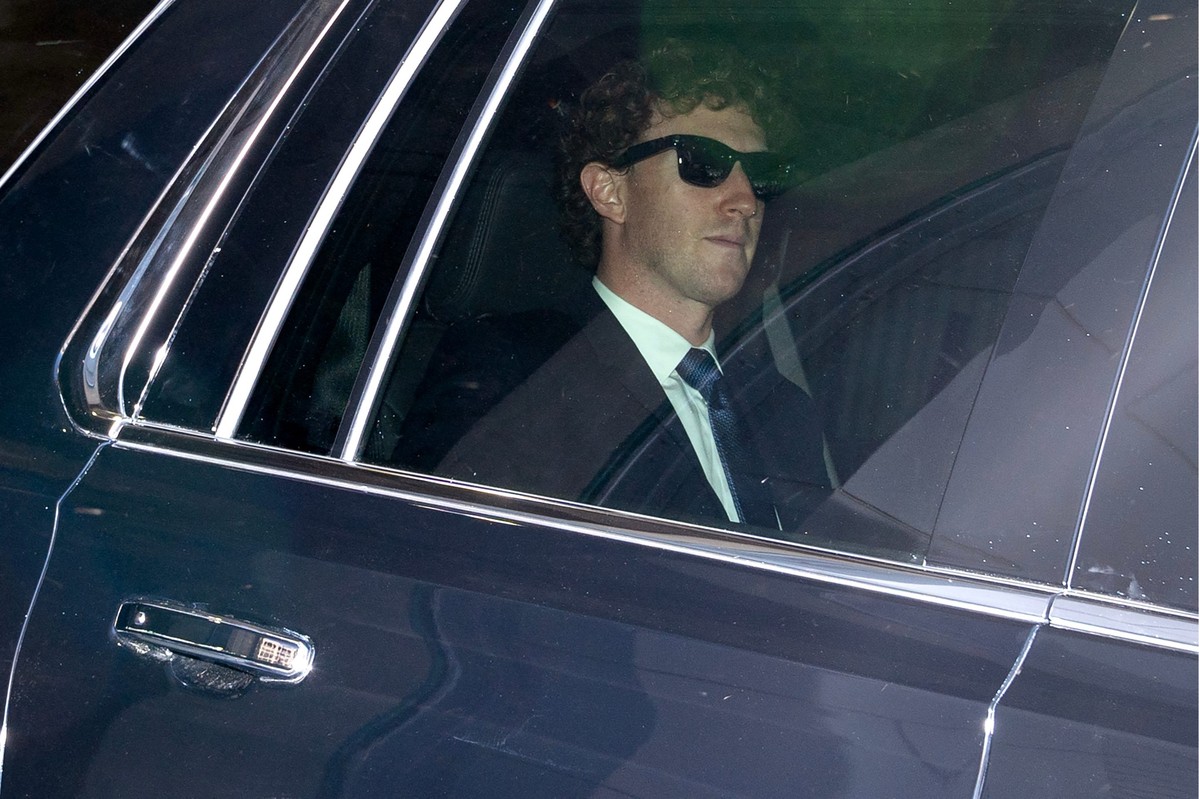
Meta pledged $115 billion for AI this year. But their flagship model 'Avocado' just got pushed back to May. Internal testing showed it falling well short of Google Gemini 3.0 and Anthropic Claude.
Here's the thing: Meta's AI team is reportedly discussing licensing Google Gemini as a stopgap. Their own model can't keep up, so they're considering renting a competitor's tech to keep Meta AI products running.
Reasoning, coding, and agentic capabilities are where the gap shows most. Avocado beats previous Llama models, but can't touch Gemini 3.0. And Meta, famous for its open-source strategy, quietly pivoted to a closed model this time.
3️⃣ Midjourney + Nano Banana Pro: The New Creator Formula
AI creators have locked in on a go-to combo: Midjourney for composition and mood, Nano Banana Pro for detail refinement. Add Kling 3.0 or Seedance for the video layer and you get short-film-level output.
AI video creator @lexx_aura on X used exactly this combo to make an AI short film that racked up 1,500+ likes. Multiple creators are running the same stack now. Each model's strengths stack up when combined.
🧪 Prompt Tip of the Day
Kling 3.0 Multi-Shot: 6 Cuts From a Single Prompt?
Kling 3.0's multi-shot feature is a blast. Write one prompt with 6 scenes in order, and it handles cut transitions automatically to produce a single video. Before this, you'd generate each scene separately and stitch them in editing software. Now one prompt does it all.
The key is specifying camera angles and character actions for each scene. For a natural transition from close-up to wide shot, you need visual continuity between cuts. Swap in your own character and try the prompt below.
Create a multi-shot video with Kling 3.0. 6-cut structure:

Scene 1: A Korean woman walks through Seoul's Hongdae district. Wide shot, neon signs in the background.
Scene 2: She steps into a cafe. Medium shot, warm interior lighting.
Scene 3: She takes her coffee and smiles. Close-up, shallow depth of field.
Scene 4: Her profile as she gazes out the window. Side lighting, golden hour.
Scene 5: She opens her laptop and starts working. Over-the-shoulder shot.
Scene 6: End with a wide shot of the entire cafe. Cinematic lighting.

1080p resolution, cinematic color grading.
Here's the video we made on Carat using Kling 3.0 with the prompt above ↓
That's all for today's AI roundup. Give the prompt tip a shot on Carat. You might be surprised by what comes out. 😉
More articles
 GPT 6 Astra Prompt Guide | Official Traits, Task-Type Skeletons, and How to Prompt It Without StallsCarat Editor · 2026.09.18
 AI BL Drama Explained: Where to Watch and How to Make OneCarat Editor · 2026.09.17
 GPT 6 Astra Video Production and Editing: The Complete Guide | How to Use It, Render Models, CostCarat Editor · 2026.09.15