
Carat AI - AI Transition Generator
Apply smooth and dynamic transition effects to your videos with Carat AI. Create professional-grade transition videos easily using over 30 AI models and a conversational interface.
Mulai berkarya sekarang, GRATIS!
atau lepaskan file di sini
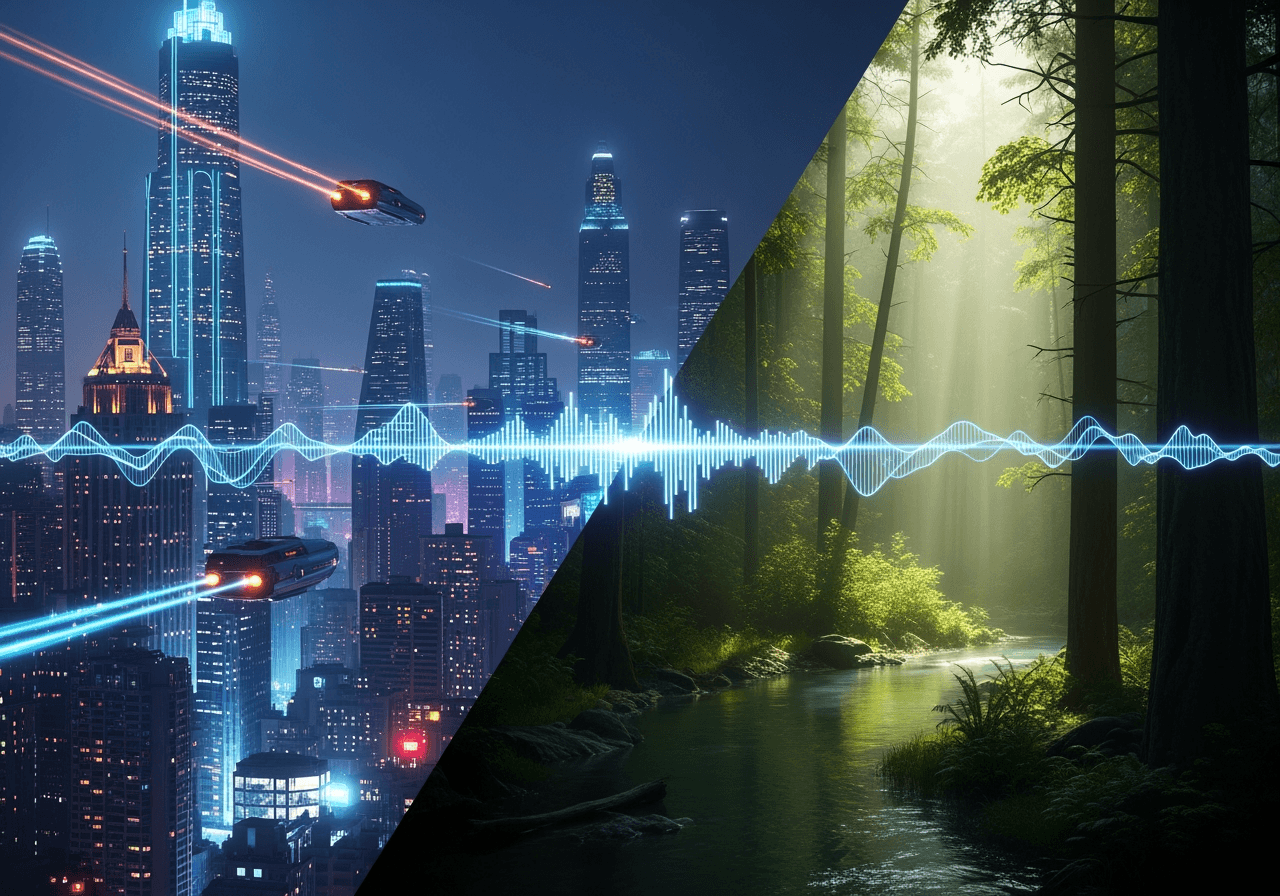
Complex Video Effects Made Simple with Conversation
Instantly implement desired transition effects through Carat AI's conversational agent without professional editing skills.
Conversational AI Interface
Instead of complex timeline adjustments, simply describe the effect in the chat, and the AI applies it instantly.

Over 30 Diverse AI Models
Access various styles including cinematic, animation, and glitch using diverse image and video models in one place.

4K Ultra-High Resolution Upscaling
Upscale generated transition videos to crisp 4K resolution while maintaining high quality.

How to Create AI Transition Videos
Create professional-level transition effects with just a few clicks and simple commands.
01
Upload Video
Upload the source video file where you want to apply effects.
02
Input Style and Effects
Describe the desired transition style (e.g., morphing, zoom, glitch) in the chat window to generate.
03
Share and Download
Download the finished high-quality video or share it instantly with teammates via a link.
Why Choose Carat AI
We provide powerful features to optimize creator workflows.
No Watermarks
All generations are provided clean without watermarks, making them easy for commercial use.
Seamless Collaboration
Easily share generated assets with teammates and incorporate feedback to accelerate your workflow.
Integrated Creative Environment
Use image, video, and audio models in one place to create consistent branded content.
FAQ
Check out frequently asked questions about AI Transition generation.
What is AI Transition?
×
AI Transition is a technology that uses artificial intelligence to seamlessly connect or transform two video scenes or images. Going beyond simple dissolves or cuts, it automatically generates dynamic and creative visual effects like morphing or style transfer.
How can I achieve natural transition effects?
+
Can I improve the quality of the generated transition video?
+
Why is Carat AI the best choice for transition tasks?
+


