
InShot vs CapCut AI Video Editor Alternative
Compare InShot vs CapCut and discover Carat AI, the powerful alternative. Edit videos via a conversational interface without complex timelines, access 30+ AI models, and upscale to 4K quality effortlessly.
Mulai berkarya sekarang, GRATIS!
atau lepaskan file di sini
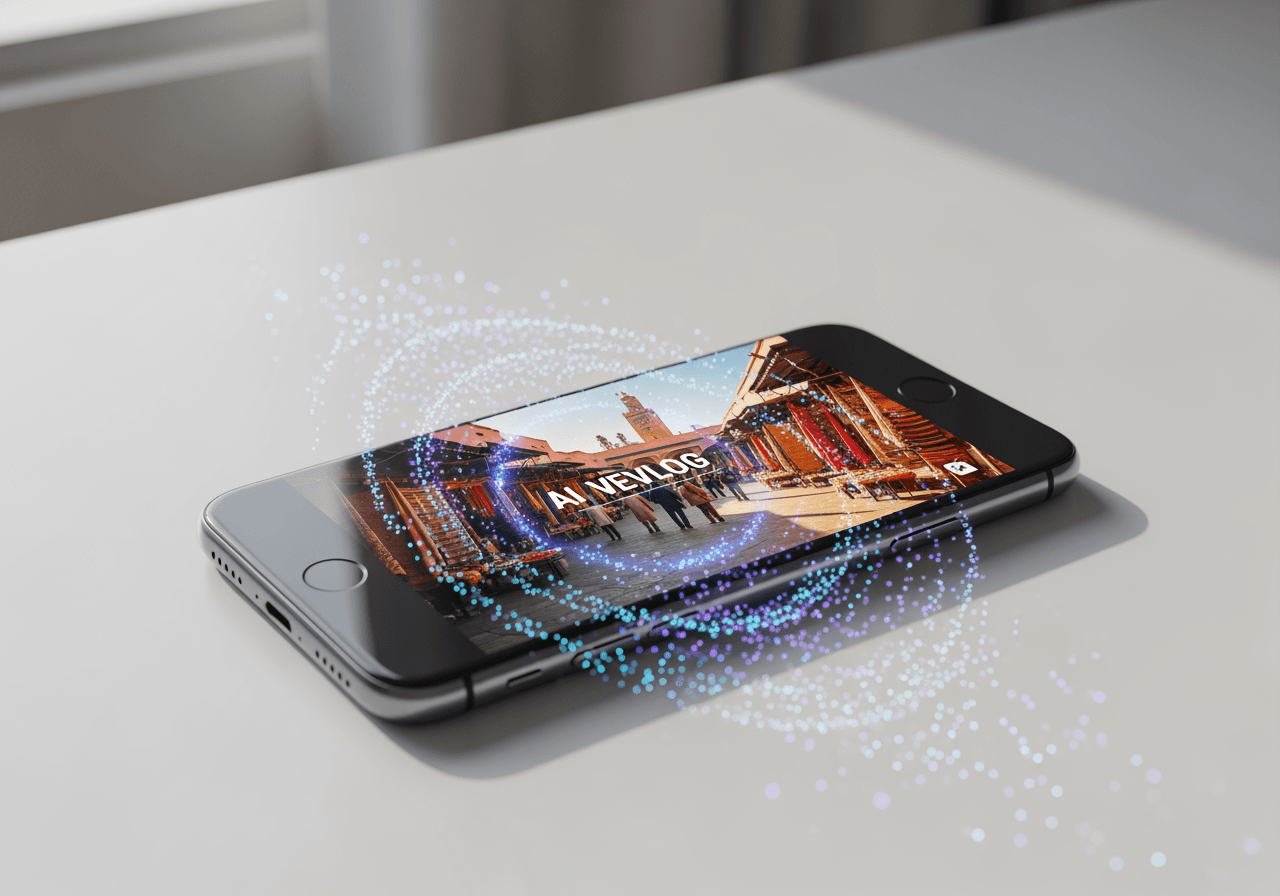
AI Agent Editing Beyond Traditional Apps
Surpassing the manual editing limits of InShot and CapCut, Carat AI handles complex video tasks with just a conversation.
Conversational AI Interface
Edit videos instantly by describing desired effects or changes in the chat, without managing complex timelines.

Integrated 30+ Multimodal Models
Access over 30 latest AI models in one place, not just for video editing but also for image generation and audio addition.

4K Ultra-High Resolution Upscaling
Upscale your results to crisp 4K resolution with a single click, avoiding the quality loss often found in mobile apps.

How to Edit Like a Pro with Carat AI
Create high-quality videos with an intuitive process requiring no complex tutorials.
01
Upload and Analyze Video
Upload the video file you want to edit, and the AI will analyze the content and get ready.
02
Conversational Editing Commands
Naturally request the desired mood, cuts, or subtitles via chat commands.
03
High-Quality Export and Share
Upscale the finished video to 4K for download or share it instantly with your team.
Why Carat AI beats InShot and CapCut
Experience an AI partner that supports the entire creative process, going beyond simple editing tools.
Overwhelming Workflow Speed
Reduce manual cutting and splicing time, and see results in seconds with AI automation.
Professional Quality Guaranteed
Even beginners can produce professional-level videos using 4K upscaling and advanced AI filters.
Seamless Collaboration Workflow
Generate clean, watermark-free results and share easily via link to boost collaboration efficiency.
FAQ about InShot vs CapCut
Answering your questions about choosing video editing apps and using Carat AI.
What is the main difference between InShot and CapCut?
×
InShot is known for its intuitive interface suitable for photo and simple video editing, while CapCut features TikTok integration and trendy effects. However, both rely on manual timeline editing by the user.
Are there any tips for creating high-quality videos with mobile apps?
+
How can I improve the quality of my edited video?
+
Why is Carat AI a better choice than InShot or CapCut?
+
Jelajahi AI lainnya

MP4 Editor Online - AI Video Editing Agent

Trim GIF & Animation Editor

MP4 to MKV Converter

Slow Down GIF Speed Changer

AI GIF Splitter & Frame Extractor

AI Split GIF & Frame Extractor

Speed Up GIF - AI GIF Speed Changer

GIF Speed Changer

Crop GIF

What Is The Best Editing App: AI Integrated Agent

Compress MOV AI Video Reducer

Infinite GIF Generator
