
Edit MP4 Video - Carat AI
Edit MP4 videos effortlessly using a conversational interface. Carat AI creates professional-quality content with 30+ AI models and 4K upscaling capabilities.
Mulai berkarya sekarang, GRATIS!
atau lepaskan file di sini
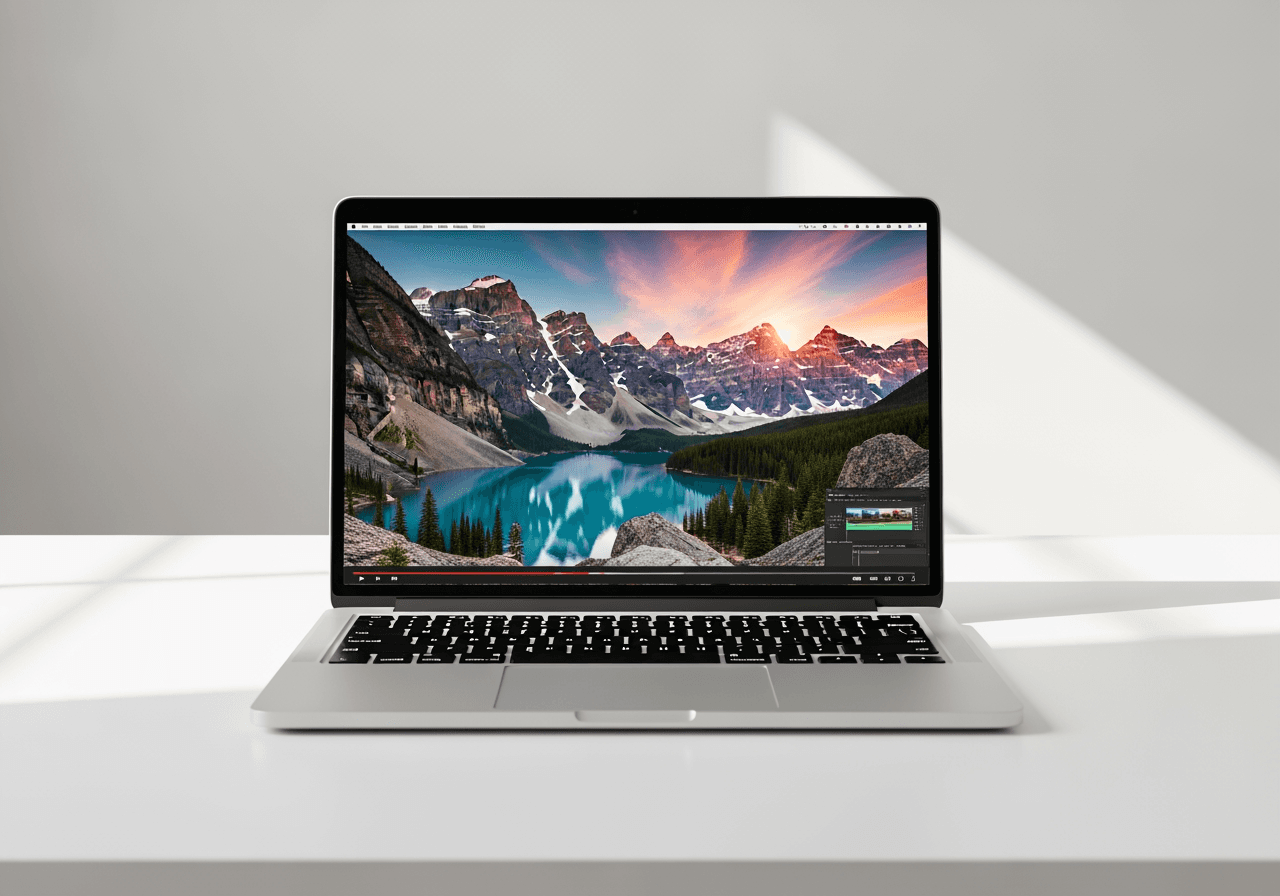
Professional Video Editing via Chat
Edit videos without complex timelines or technical skills by simply talking to the AI Agent.
Conversational Editing Interface
Type your desired effects into the chat instead of navigating complex menus. The AI understands context and modifies your MP4 instantly.

30+ Integrated AI Models
Access over 30 cutting-edge AI models for style transfer, denoise, frame interpolation, and more in one place.

4K Upscaling & Enhancement
Low-quality MP4 files are no problem. AI restores details and converts them into crisp 4K ultra-high resolution.

How to Edit MP4 with Carat AI
Experience a workflow that allows anyone to create high-quality videos quickly and easily.
01
Upload MP4 File
Upload the MP4 video you want to edit. Supported on both mobile and desktop.
02
Instruct the AI Agent
Type your editing requests in the chat, such as 'Change to vintage style' or 'Enhance quality'.
03
Download High-Quality Result
Review the generated video, download it in 4K quality, or share it immediately with your team.
Why Choose Carat AI for MP4 Editing?
More than just an editing tool, it's an AI partner that expands your creative limits.
No Installation Required
No need to install heavy software. Access AI features from anywhere with just a browser.
Watermark-Free Pro Quality
Create commercially usable high-quality videos without watermarks, even in the free trial.
Seamless Collaboration Workflow
Share edited videos with a single link and review results with your team to shorten work time.
Frequently Asked Questions
Find answers to your questions about MP4 editing and AI features.
What is MP4 editing and why is it important?
×
MP4 editing involves cutting, adding effects, or enhancing the quality of MP4 files, the most popular video format. As it has become the standard for social media and YouTube content, fast and high-quality MP4 editing is increasingly important.
How can I get the best results when editing MP4 videos?
+
Can I upscale MP4 video quality to 4K?
+
Why should I use Carat AI over other editing tools?
+


