
MP4 Video Editor - AI Powered 4K Editing
Edit MP4 videos easily with Carat AI. Use a conversational interface to cut, enhance, and upscale to 4K using 30+ AI models. No watermark, pro results.
Mulai berkarya sekarang, GRATIS!
atau lepaskan file di sini
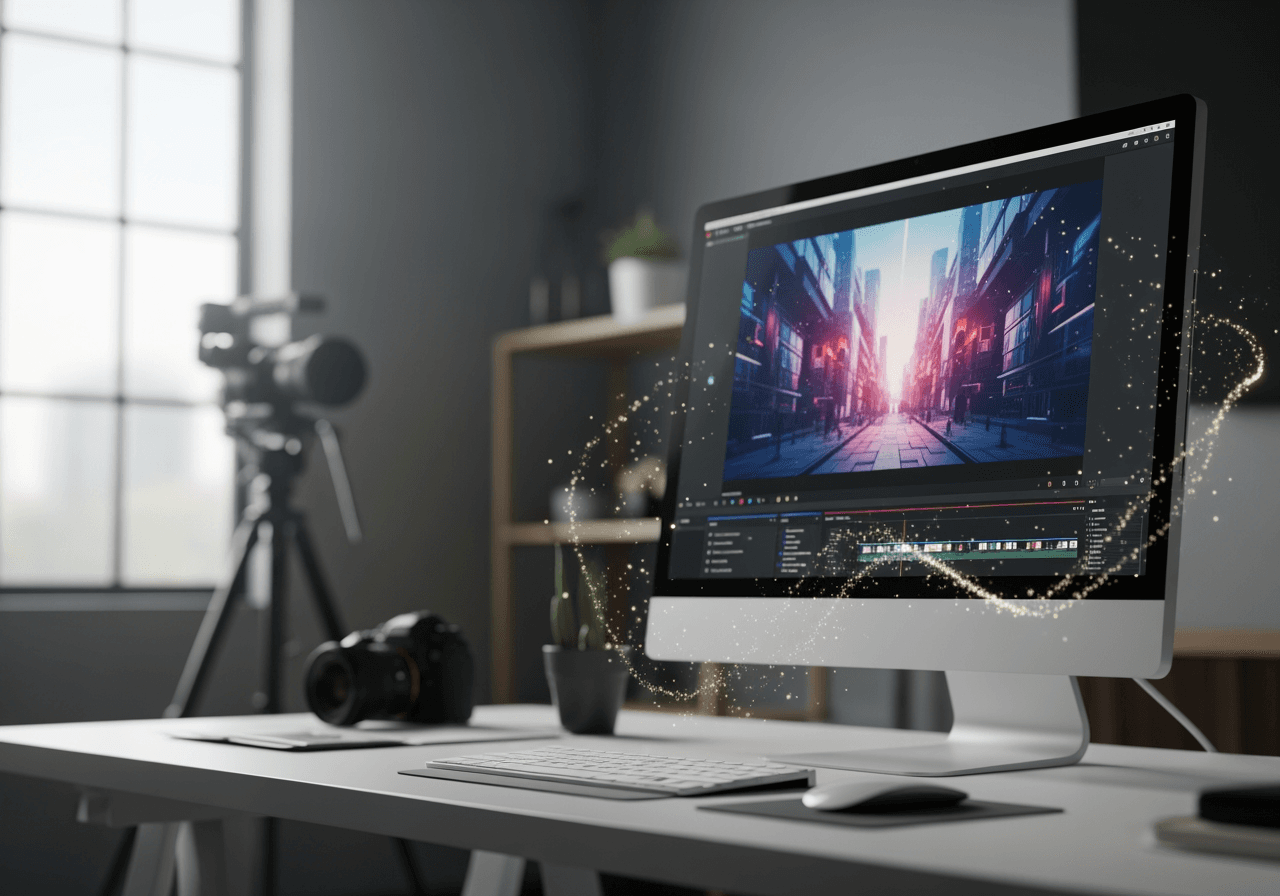
Solve Complex Editing via Chat
No need to learn professional tools. Carat AI perfectly controls MP4 videos through simple conversation.
Conversational AI Video Editing
No complex timeline manipulation needed. Just type your edits in the chat, and the AI applies them instantly.

4K Upscaling & Enhancement
Low-quality MP4s are no problem. Use the latest AI models to remove noise and convert videos to 4K resolution.

30+ Multi-modal Models
Access over 30 diverse AI models covering image, video, and audio in one place for creative editing.

How to Edit MP4 Videos
Create pro-level videos with just a few clicks and a conversation using Carat AI.
01
Upload Video File
Drag and drop the MP4 file you want to edit. Large files are processed quickly.
02
Request Edits to AI
Type your desired edits in the chat, such as 'Remove background music' or 'Enhance quality'.
03
Share & Download
Instantly share the finished video with your team or download it as a high-quality file without watermarks.
Why Choose Carat AI Editor?
More than just an editor, it's an AI partner that revolutionizes your creative workflow.
No Watermark, Clean Output
Get clean videos without watermarks even in trials, ready for immediate commercial use.
Optimized Collaboration
Easily share generated assets via a link and exchange real-time feedback with your team.
All-in-One Creative Studio
Handle not just video editing, but also image generation and audio editing in a single interface.
Frequently Asked Questions (FAQ)
Here are the most common questions about MP4 editing and using Carat AI.
Why is an MP4 video editor essential?
×
MP4 is the most compatible video format. An MP4-specific editor is essential for creating videos that play anywhere—websites, social media, and mobile devices.
How do I maintain the best quality when editing videos?
+
How do I use the 4K upscaling feature?
+
Why is Carat AI better than other editors?
+
Jelajahi AI lainnya

MP4 to MPEG AI Converter

MP4 to MOV Converter

AI MP4 to AVI Converter

Convert MP4 to MOV & AI Video Upscaling

MP4 to WMV Converter

MPEG-4 to MP4 Converter & AI Enhancer

MP4 to M4A Converter

WebM to MP4 Converter - High-Quality Video Conversion

WMV to MP4 AI Converter

M4A to MP4 Converter

WAV to MP4 Converter

AI .m4a Converter & Visualizer
