
MPEG4 to MP4 AI Converter - Free & 4K Upscaling
Instantly convert MPEG4 files to MP4 with Carat AI. Beyond simple conversion, experience AI 4K upscaling and handle everything from codec settings to sharing via an easy conversational interface.
Mulai berkarya sekarang, GRATIS!
atau lepaskan file di sini
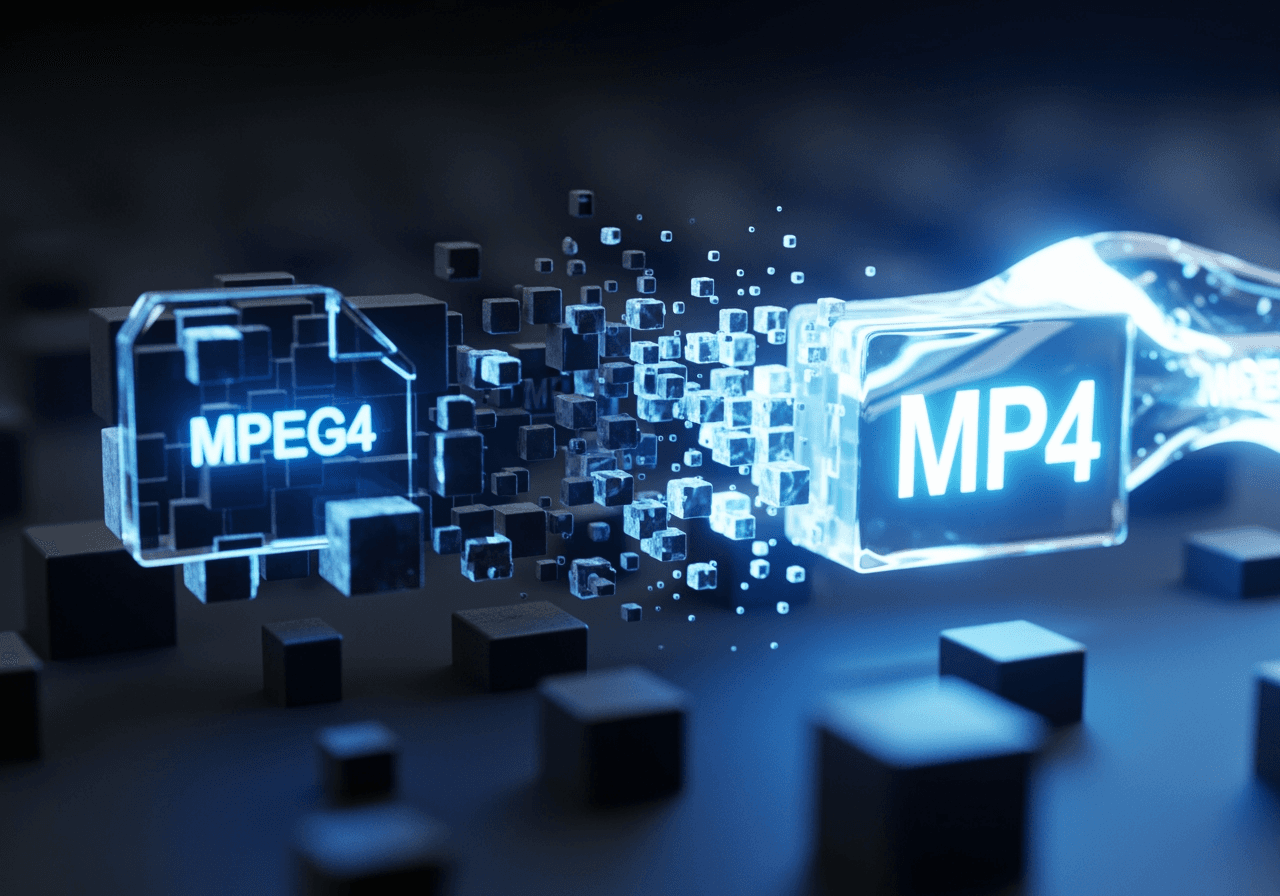
AI-Powered Video Conversion & Enhancement
Convert older MPEG4 files to modern MP4 formats and experience Carat AI's powerful video enhancement technology.
Conversational AI Conversion
Create complex image and video content easily through a conversational interface without worrying about codec settings.

Access 30+ Diverse AI Models
Access 30+ diverse AI models (Image, Video, Audio) and integrated editing features in one place to refine your converted video.

4K Upscaling & Restoration
Generate high-quality images/videos and upscale them to 4K resolution, restoring details from older MPEG4 files.

How to Convert MPEG4 to MP4
With Carat AI, anyone can perform pro-quality video conversion quickly and easily.
01
Upload MPEG4 File
Upload the MPEG4 video file you want to convert. Carat AI supports various video formats.
02
Command AI Conversion
Type 'Convert to MP4' in the chat, or use commands like 'Enhance quality' to utilize AI editing features.
03
Download & Share
Easily share generated assets with others and download high-quality files for seamless workflow without watermarks.
Why Choose Carat AI Converter?
Carat AI is not just a file converter, but an AI partner that revolutionizes your creative workflow.
No Watermark & Pro Quality
Get clean results without watermarks even in trials, with pro-level bitrate optimization.
Blazing Fast Speed
Convert large MPEG4 files to MP4 in seconds using powerful cloud-based GPUs.
Workflow for Collaboration
Share converted videos via link and collaborate with real-time feedback seamlessly.
Frequently Asked Questions
Check out frequently asked questions and pro-tips about MPEG4 to MP4 conversion.
What is the difference between MPEG4 and MP4?
×
MPEG4 refers to a video compression standard (codec), while MP4 is a file format (container) that holds video and audio. Users typically want to convert videos using the MPEG4 codec into the universal .mp4 extension for better compatibility.
How can I prevent quality loss during conversion?
+
Can I convert old low-quality videos to 4K?
+
Why is Carat AI better than other converters?
+
Jelajahi AI lainnya

Convert MPEG to MP4 AI Video Converter

AI Loop GIF Generator

How to Make a Boomerang Video - AI Looping Video Maker

AI Cow Drawing Generator

Monday Mandala Generator

Money GIF Generator

How to Do Boomerang on Instagram: AI Video Looper

AI Cute Girl Image Generator

Happy New Year Blessings Generator

Instagram Boomerang Maker

Camera To See Yourself Real Face Generator
