
WMA to MP3 Converter - High Quality & Unlimited
Instantly convert WMA files to high-quality MP3 using Carat AI's conversational agent. Leverage 30+ AI models to enhance audio quality and complete conversions via chat without complex settings.
Mulai berkarya sekarang, GRATIS!
atau lepaskan file di sini
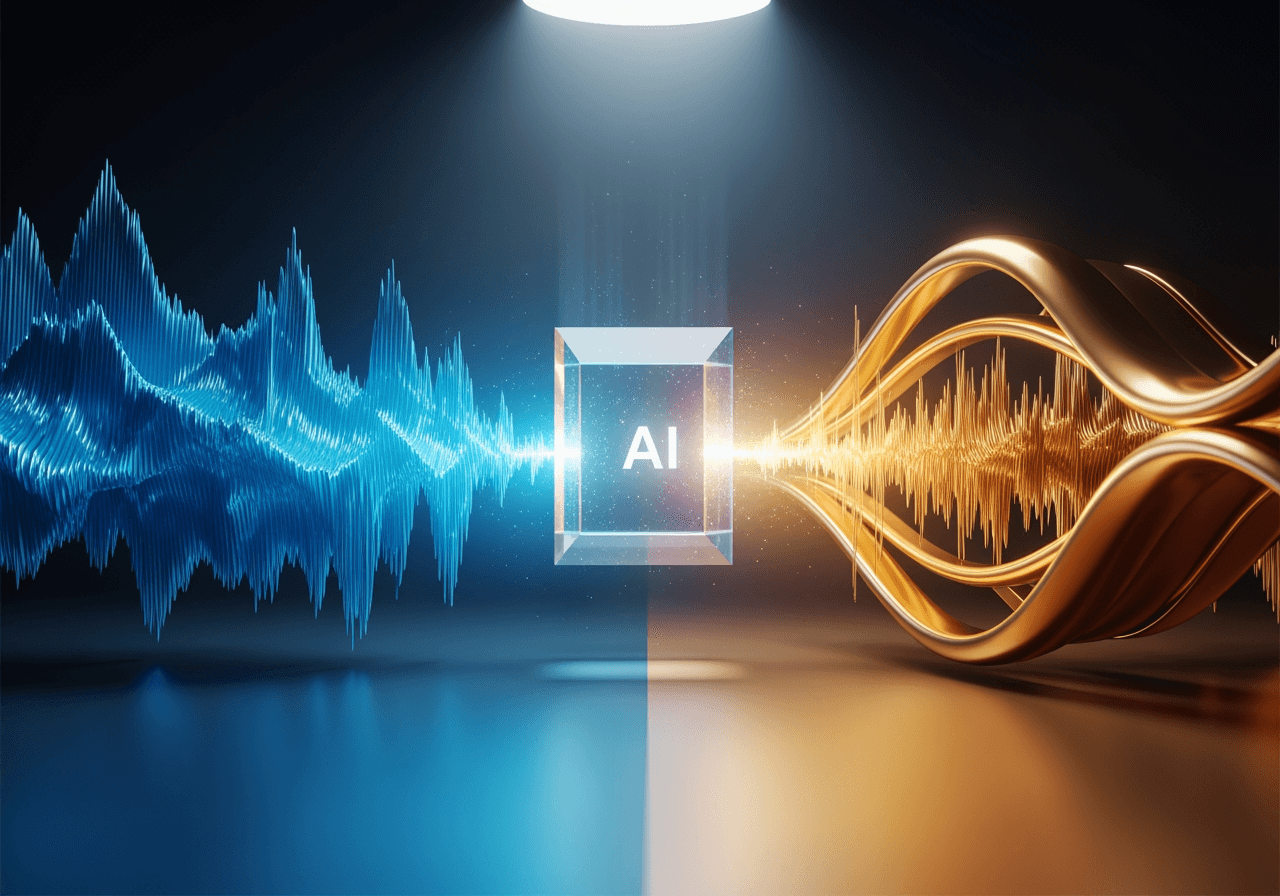
Conversational AI Audio Solution
Beyond simple conversion, our AI agent analyzes and optimizes audio quality.
Easy Conversion via Chat Interface
Simply type 'Convert to MP3' without complex codec settings, and the AI automatically applies the optimal configuration.

Integrated Support for 30+ AI Models
Utilize diverse audio and video processing models in one platform to minimize quality loss during conversion.

Smart Audio Upscaling
Not just format changing, AI enhances audio clarity and optimizes it for 4K-grade high-resolution media workflows.

How to Convert with Carat AI
An intuitive 3-step process that anyone can use easily.
01
Upload WMA File
Drag and drop the WMA audio file you want to convert into the chat window.
02
Enter Conversion Command
Tell the AI 'Convert to MP3' or specify your desired bitrate quality.
03
Download High-Quality File
Instantly preview the converted MP3 and download the clean file without watermarks.
04
Upload WMA File
Drag and drop the WMA audio file you want to convert into the chat window.
Why Choose Carat AI?
Fast speed, superior quality, and built-in collaboration features.
Solve Compatibility Issues
Convert Windows-specific WMA to universal MP3 to make it playable on all devices including Mobile, Mac, and Tablets.
Easy Team Collaboration & Sharing
Share converted files with teammates via a single link without needing to download, maintaining seamless workflows.
Security & Privacy Protection
Uploaded files are processed securely, following strict security protocols to protect your personal information.
Frequently Asked Questions
Check out common questions about WMA to MP3 conversion.
Why should I convert WMA to MP3?
×
WMA is optimized for Windows and may not play on Mac or mobile devices. MP3 is the most universal audio format, so converting ensures playback compatibility across all devices.
How can I maintain the best audio quality during conversion?
+
Can I use AI to further improve the converted audio quality?
+
Why should I use Carat AI instead of free online converters?
+
Jelajahi AI lainnya

MPEG to MP3 Converter

Opus to MP3 Converter AI Audio Tool

MKV to WAV Converter

Translate English to Spanish Audio

MP3 to MOV Converter

Spanish to English Audio Translator AI Agent

AI ASMR Generator

AI Audio Looper Generator

AI Video Overlay Generator

How to Do Voice Over on TikTok: AI Voice Generator

Spanish to English Audio Translator

Person Drawing AI Generator
