

Midjourney V8: 5x Faster, Now in 2K
Midjourney released V8 alpha yesterday. The biggest difference you'll feel is speed. It generates images roughly 5x faster than V7, so the wait after hitting enter is basically gone.
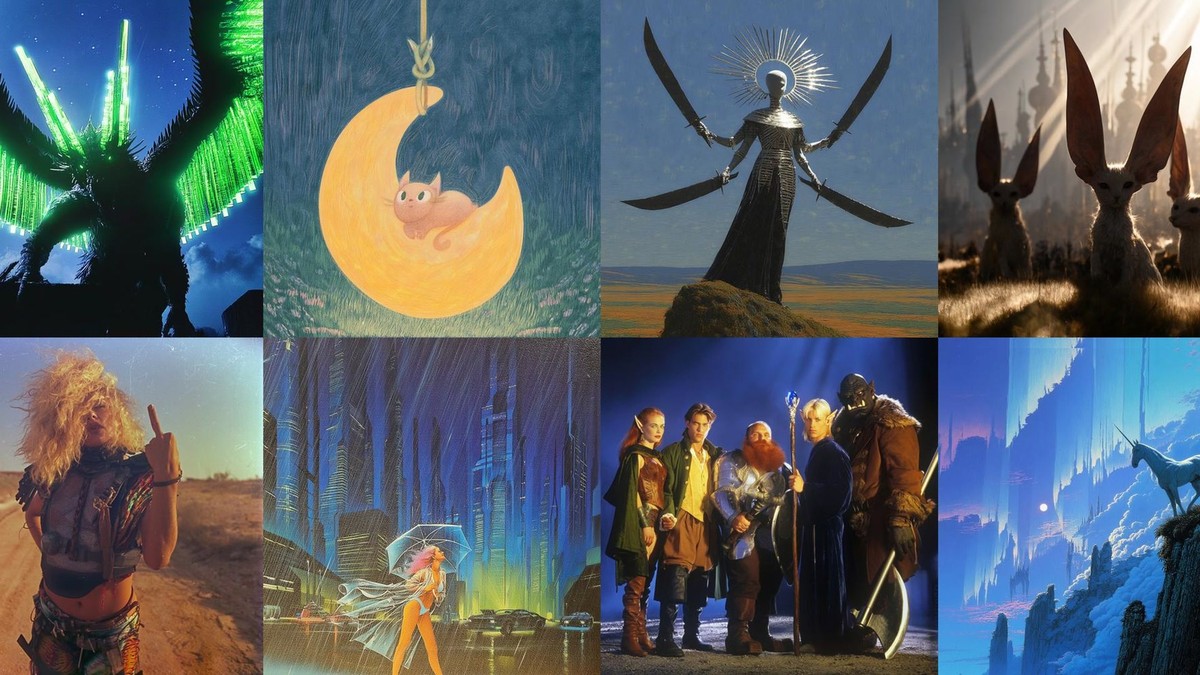
Midjourney just dropped V8 alpha, and OpenAI slashed model prices again. Five stories, all worth your time.
🔥 Midjourney V8 Alpha: 5x Faster, Native 2K
Midjourney released V8 alpha yesterday. The biggest difference you'll feel is speed. It generates images roughly 5x faster than V7, so the wait after hitting enter is basically gone.
Resolution got a bump too. Turn on --hd mode and it renders natively at 2K (2048×2048). That's 2x the width and height of V7's 1024×1024. Text rendering is noticeably better as well—put words in quotes and they actually come out legible.
Personalization profiles, moodboards, and style references (sref) from V7 all carry over. Parameters like --chaos and --weird still work too. Relax mode isn't available yet, but it may land during the alpha period. Carat will support Midjourney V8 soon.
📌 Three Stories Today
1️⃣ Midjourney V8 vs Nano Banana 2: Who Draws Better?
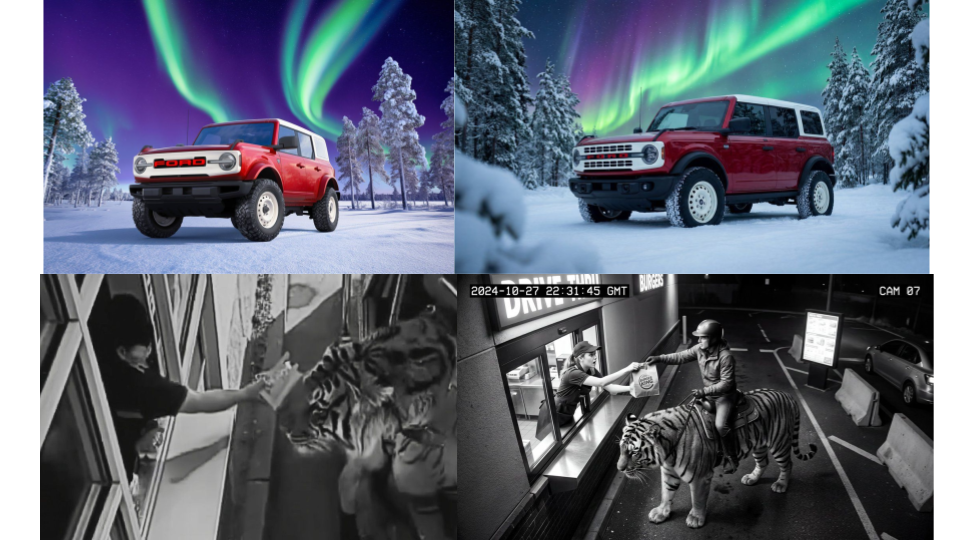
The moment V8 alpha dropped, comparison battles kicked off on X. The consensus so far: Midjourney still leads in color palette and mood, while Nano Banana has the edge in realism and text rendering.
A proper head-to-head will likely come once V8 stabilizes. On resolution alone, Nano Banana supports up to 4K (4096×4096), while V8 maxes out at 2K.
2️⃣ GPT-5.4 Mini & Nano: 76K Photos Analyzed for $52
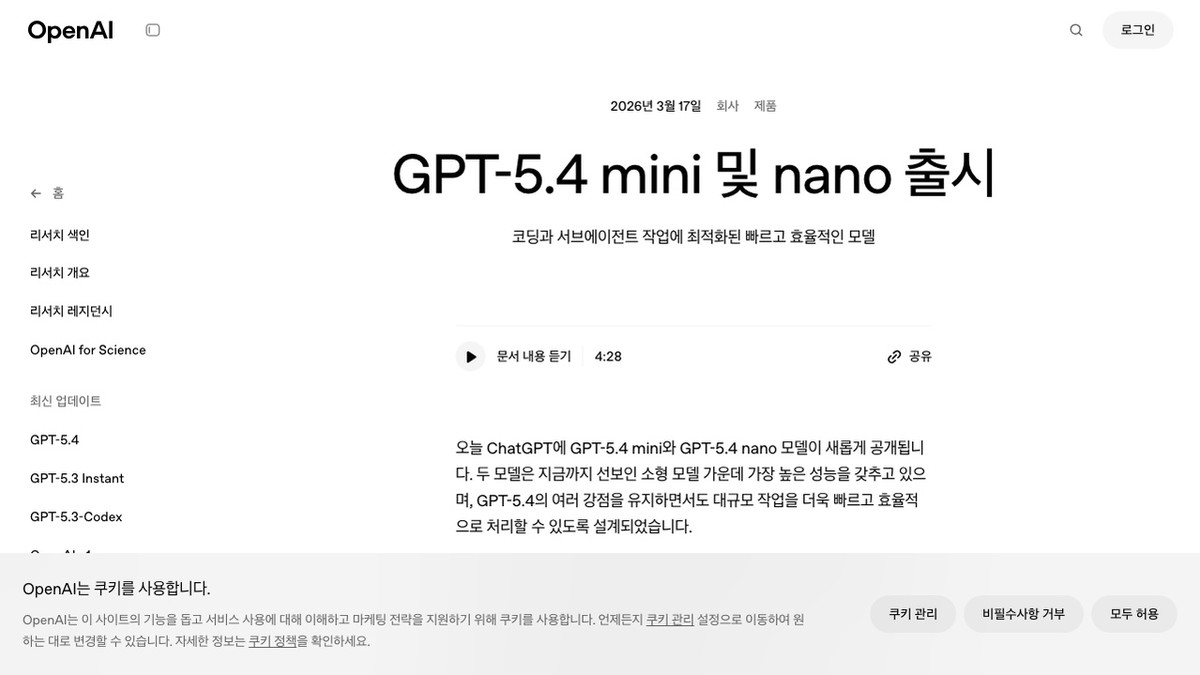
OpenAI released GPT-5.4 Mini and Nano yesterday. Mini is over 2x faster than GPT-5 Mini with better coding and reasoning, while Nano is the lightest and cheapest model in the lineup.
How cheap? Developer Simon Willison did the math: analyzing all 76,000 of his photos cost just $52 (~₩72,000) with GPT-5.4 Nano. That's $0.20 per million input tokens and $1.25 per million output tokens. Free ChatGPT users can now access the Mini model too.
3️⃣ One Prompt, Instant SVG Vector Icons
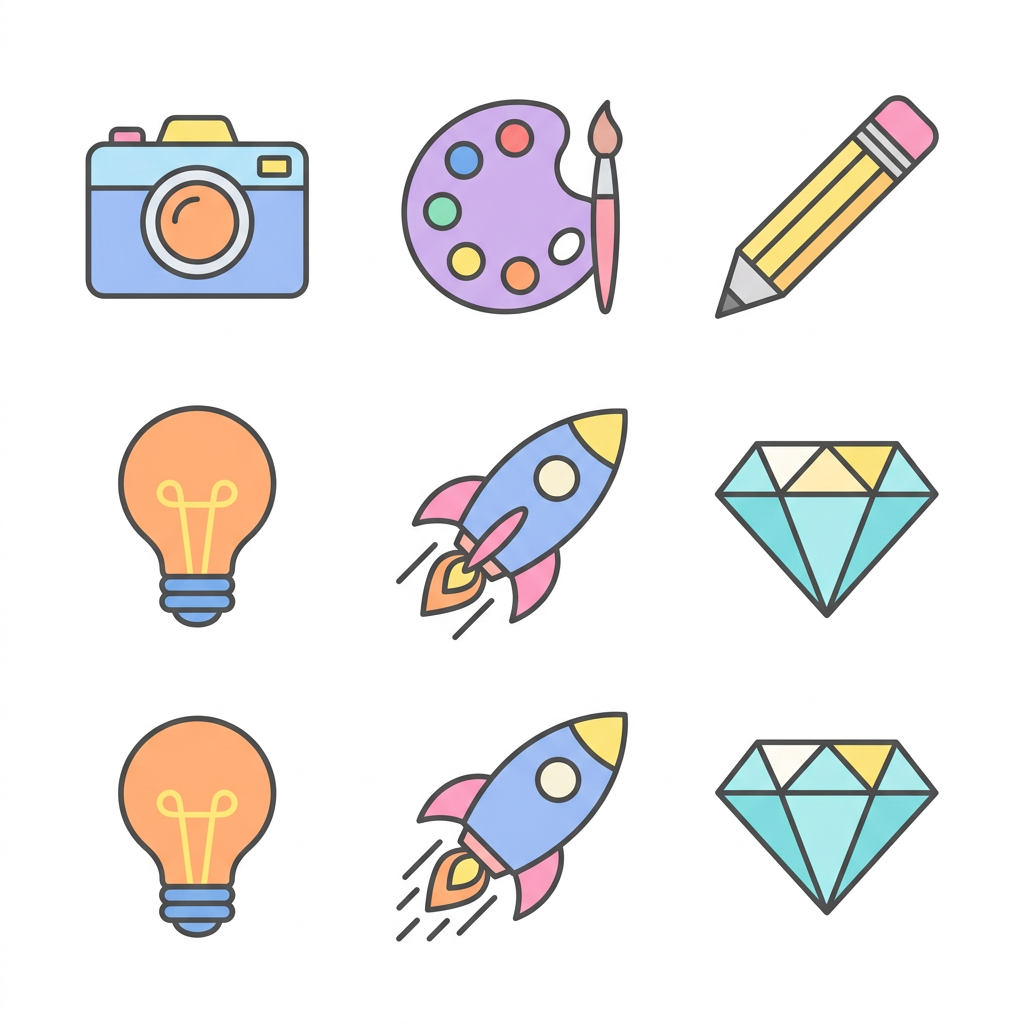
Type a prompt, get SVG vector code back instantly. A demo on Google AI Studio went viral with over 1,800 likes, showing Gemini outputting XML-based SVG code directly. No Illustrator needed—just clean vector icons from a text prompt.
Designers and developers can use this to rapidly prototype app icons, UI elements, and more. Specifying viewBox dimensions and colors in the prompt yields more accurate results.
🧪 Prompt Tip of the Day
One JSON Prompt That Levels Up Your Kling Videos
AI video creator @CharaspowerAI shared a JSON-structured prompt on X that's been getting a lot of attention. The difference between a plain-text prompt and a structured JSON prompt is night and day.
The trick: break your prompt into JSON keys for shot, subject, environment, and style, then get specific with each. Add camera movement, lens type, and lighting details, and Kling produces noticeably more polished results.
Copy the prompt below and try it with Kling 3.0 on Carat.
{
  "shot": {
    "composition": "wide cinematic shot with camera flying through jungle toward temple",
    "lens": "epic adventure wide lens",
    "camera_movement": "fast forward flight, branch dodge, sudden tilt up to reveal temple"
  },
  "subject": {
    "description": "A Korean explorer running toward an ancient temple deep in the jungle",
    "action": "running through dense vegetation, pushing branches aside"
  },
  "environment": {
    "setting": "dense tropical jungle with ancient stone temple",
    "lighting": "golden hour rays breaking through canopy",
    "atmosphere": "misty, humid, adventurous"
  },
  "style": "cinematic blockbuster, adventure film aesthetic"
}
Here's a video we made on Carat with Kling 3.0 using the prompt above ↓
That's all for today's AI roundup. Give the prompt tip a shot—the results might surprise you 😊
More articles
 GPT 6 Astra Prompt Guide | Official Traits, Task-Type Skeletons, and How to Prompt It Without StallsCarat Editor · 2026.09.18
 AI BL Drama Explained: Where to Watch and How to Make OneCarat Editor · 2026.09.17
 GPT 6 Astra Video Production and Editing: The Complete Guide | How to Use It, Render Models, CostCarat Editor · 2026.09.15