Trending AI prompts now all in one place
Make trendy results easily with ready-made prompts.

Make trendy results easily with ready-made prompts.
Make trendy results easily with ready-made prompts.
13 prompts
6 prompts
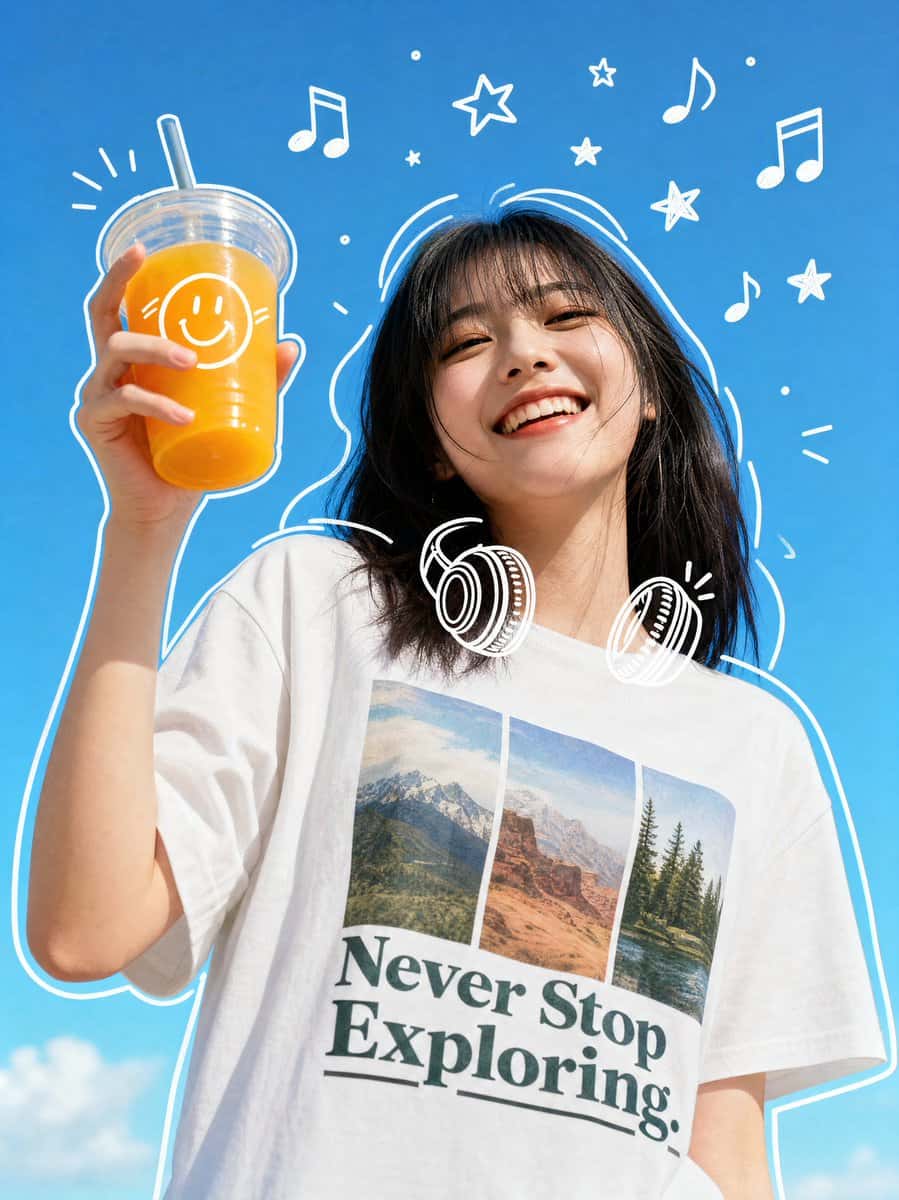
66 prompts
26 prompts
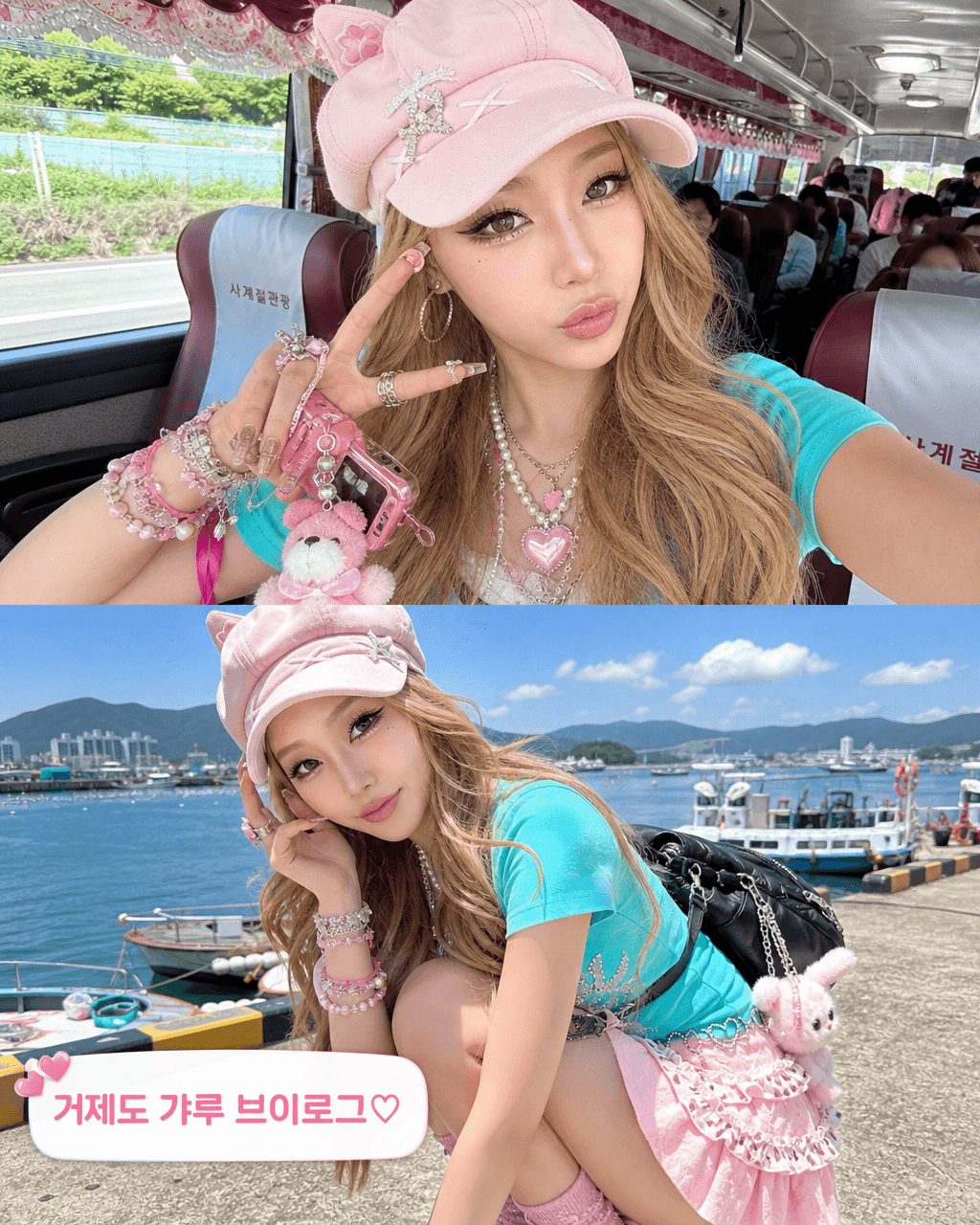
16 prompts
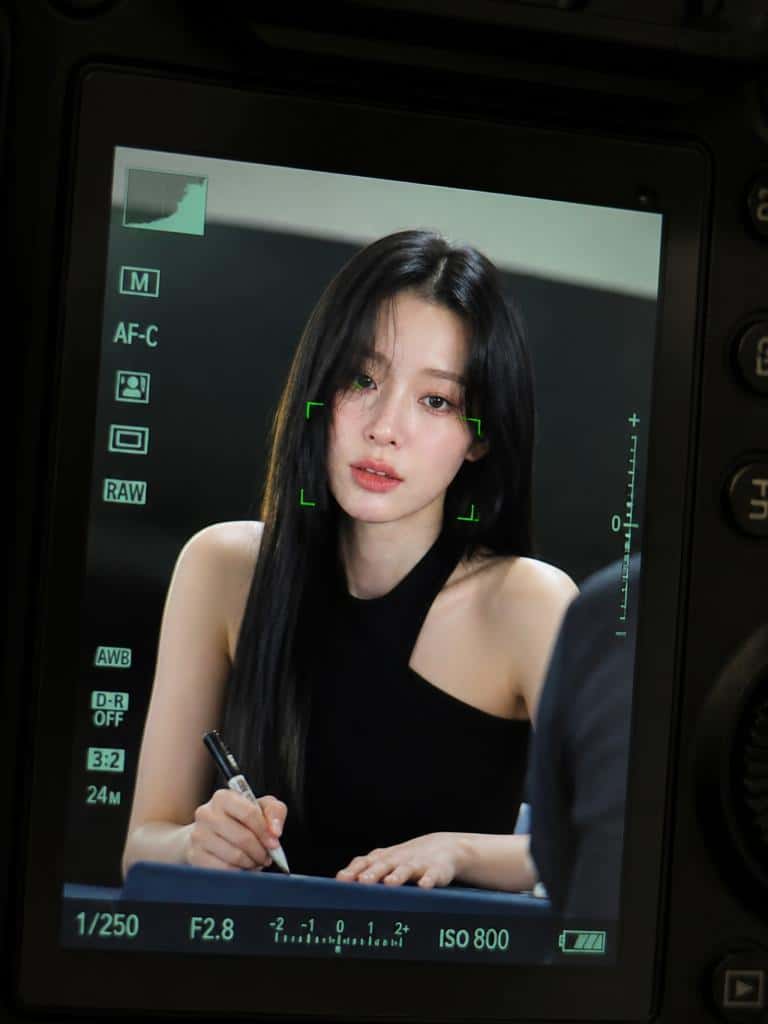
54 prompts
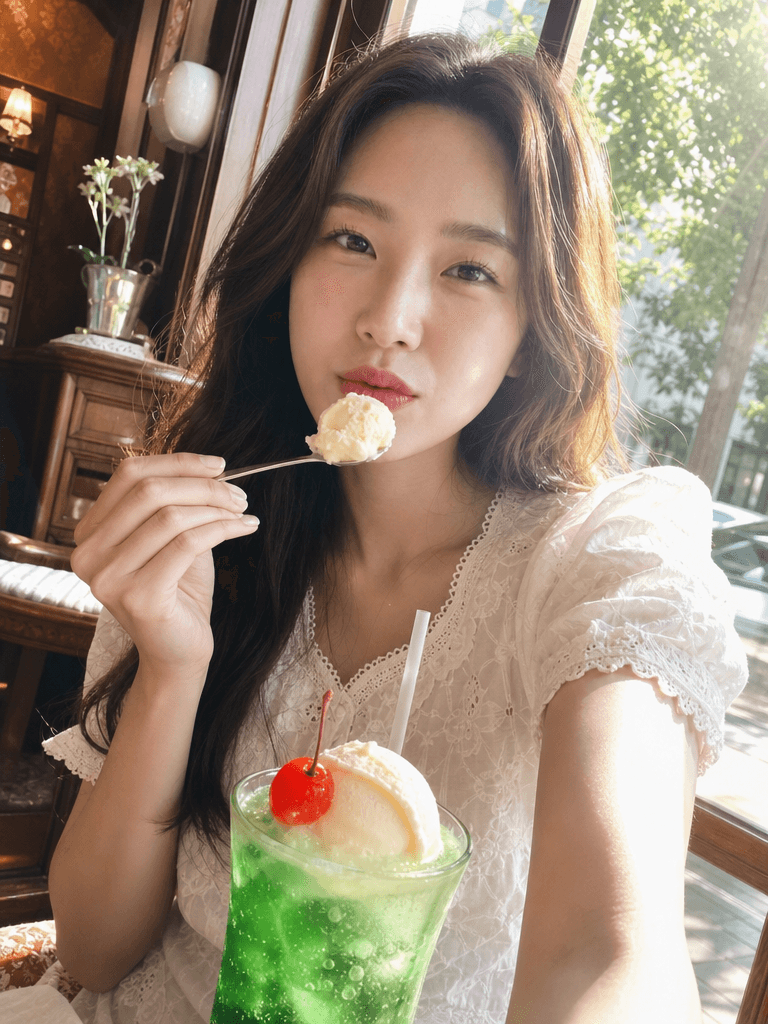
29 prompts
5 prompts
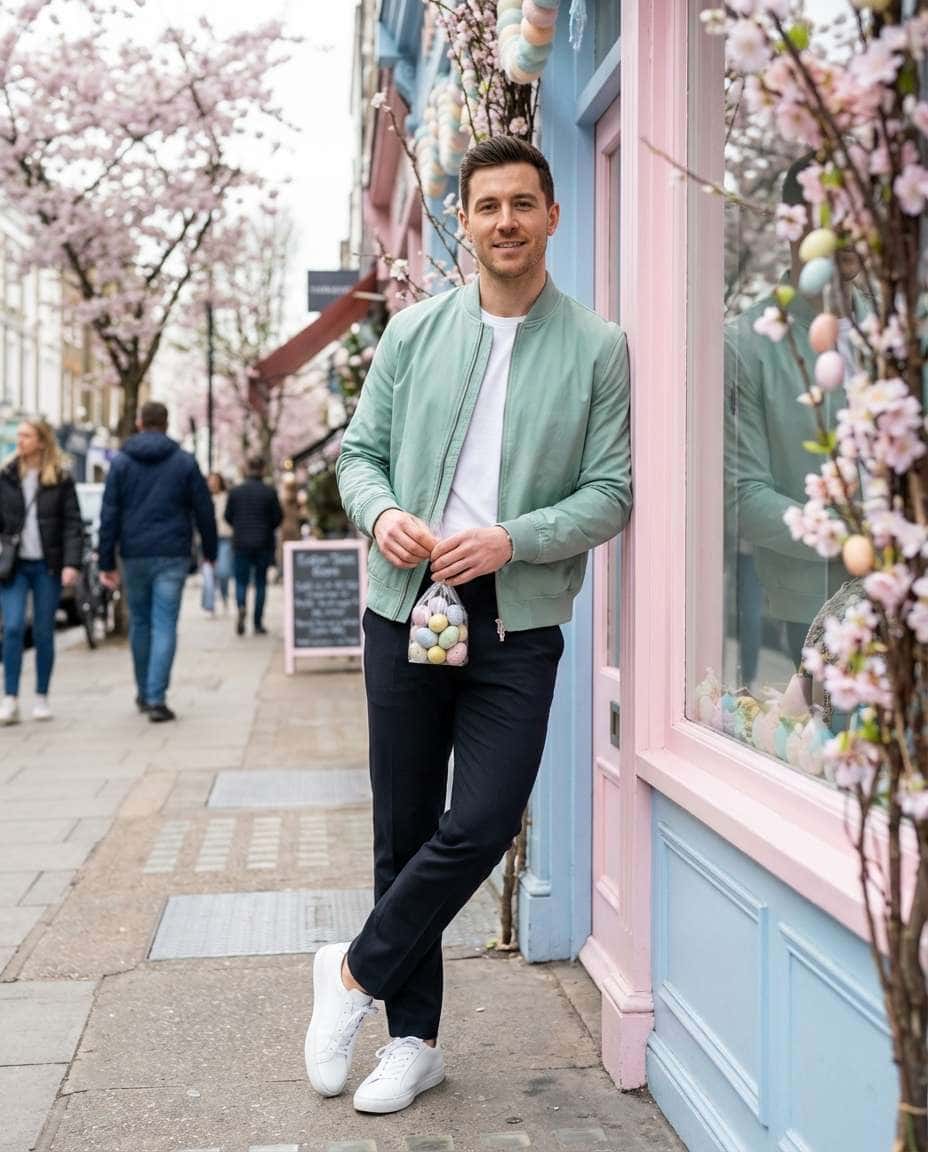
22 prompts

8 prompts

8 prompts
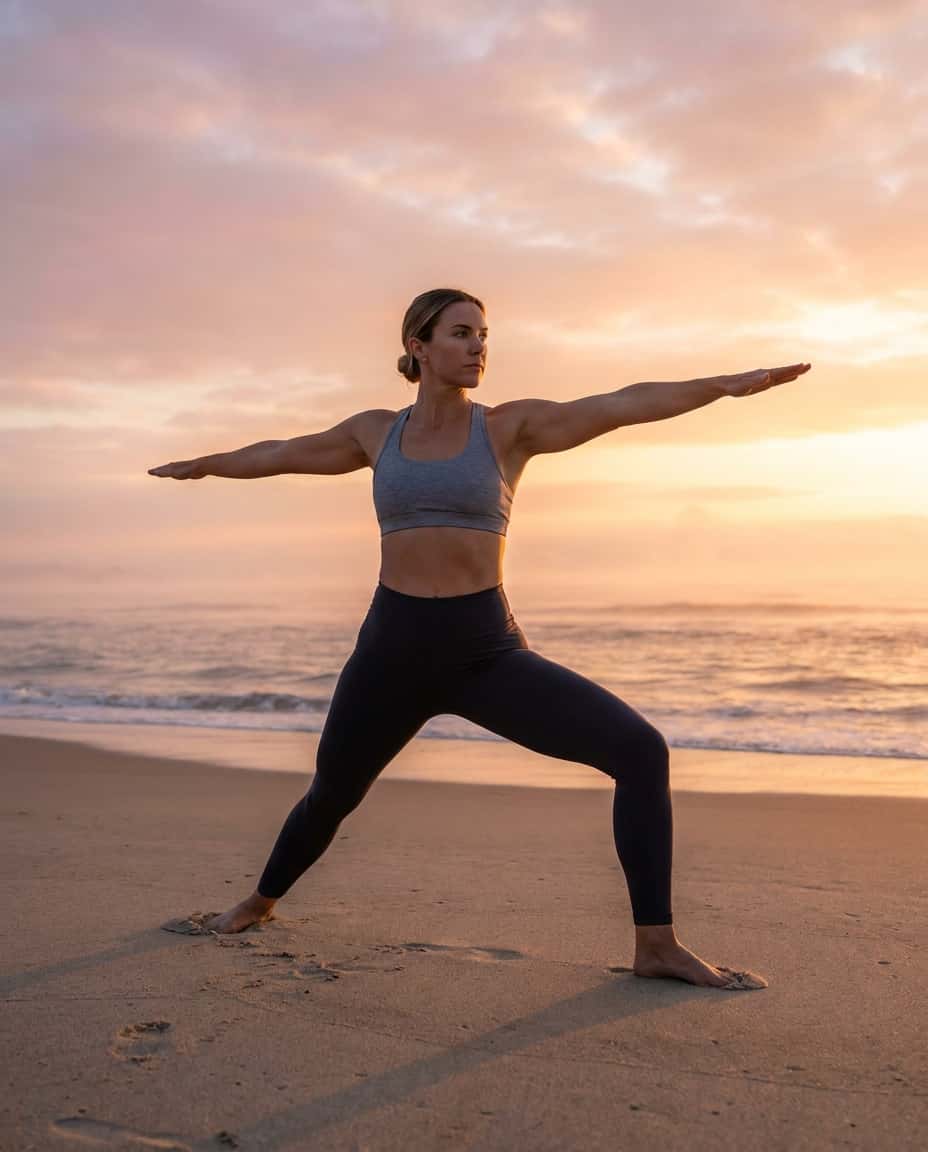
10 prompts
11 prompts

8 prompts
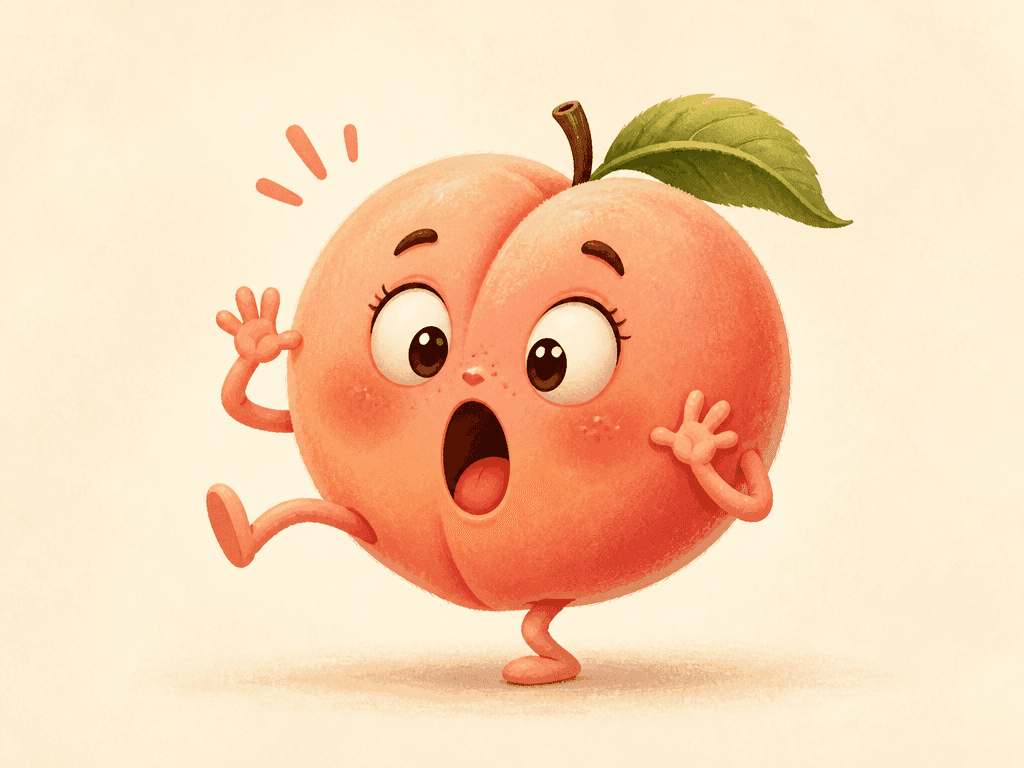
8 prompts
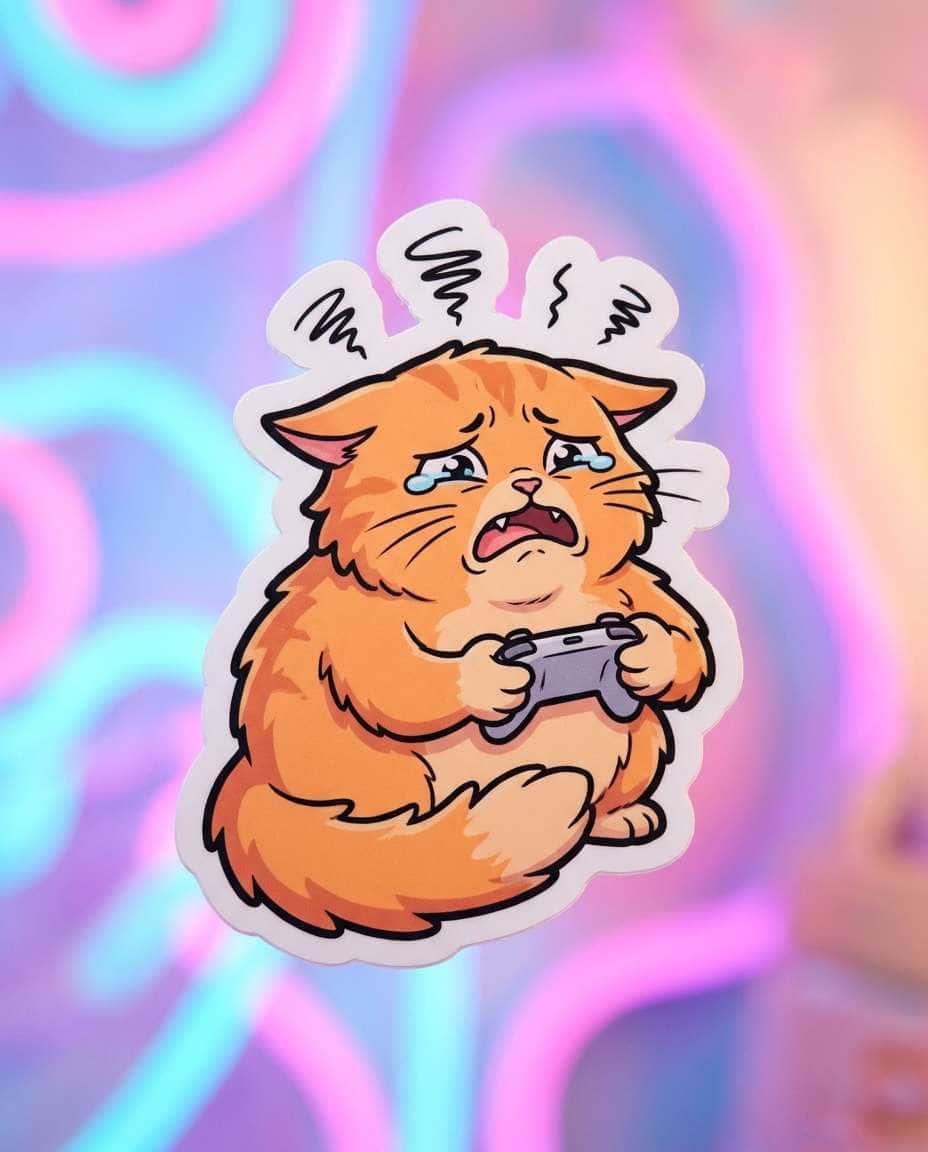
8 prompts




62 prompts
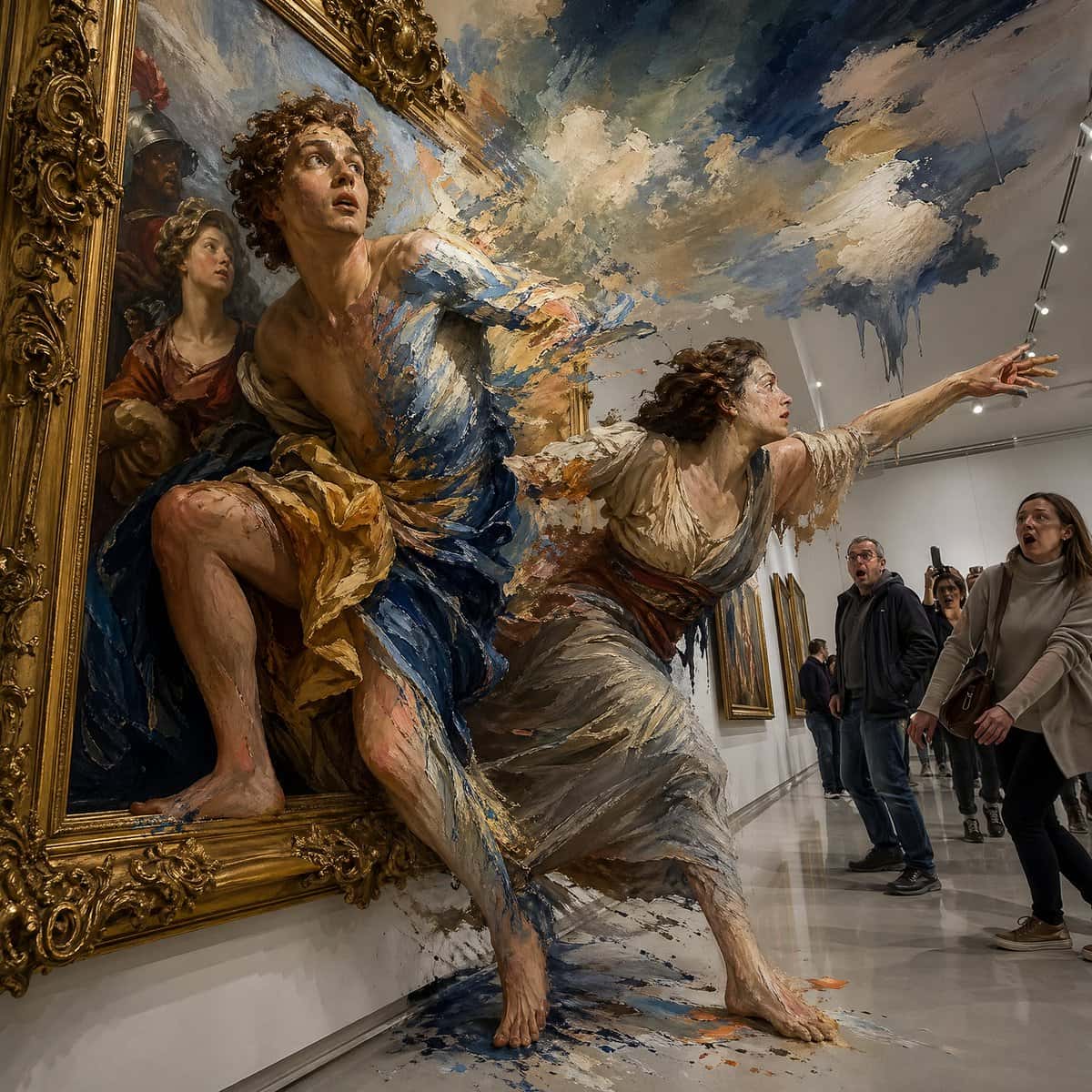
56 prompts
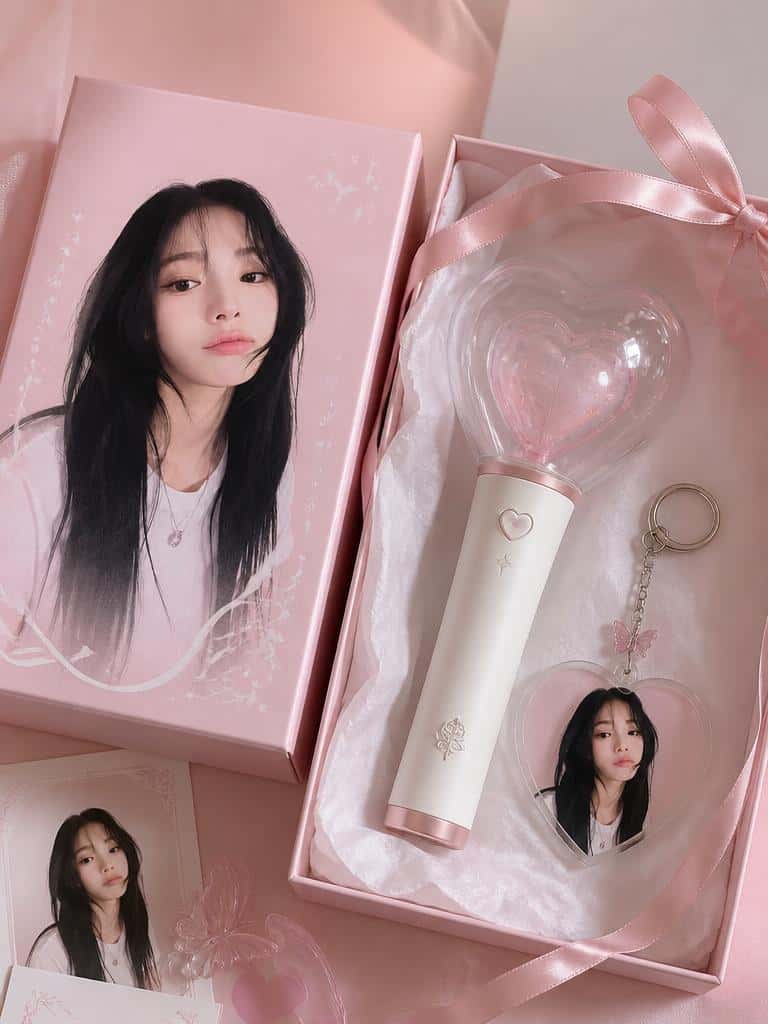
58 prompts
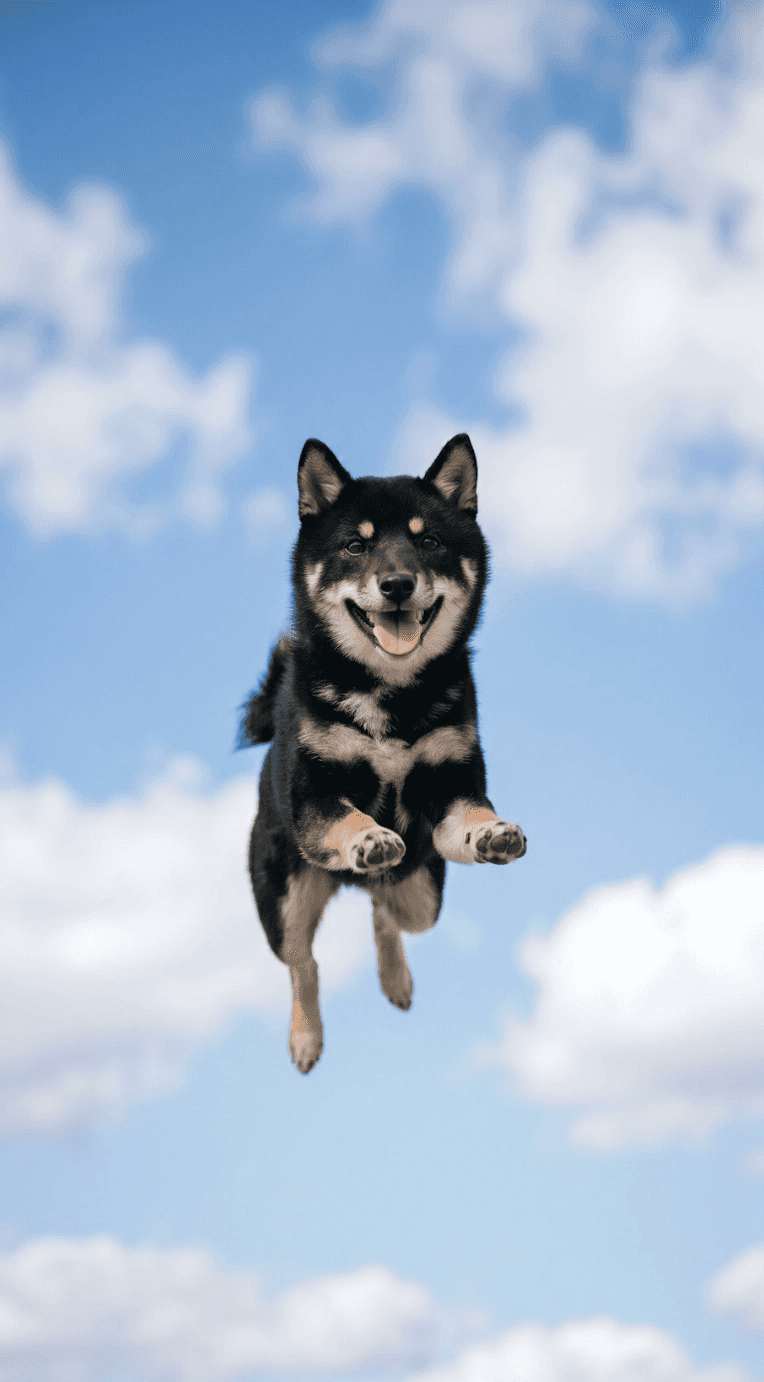
55 prompts
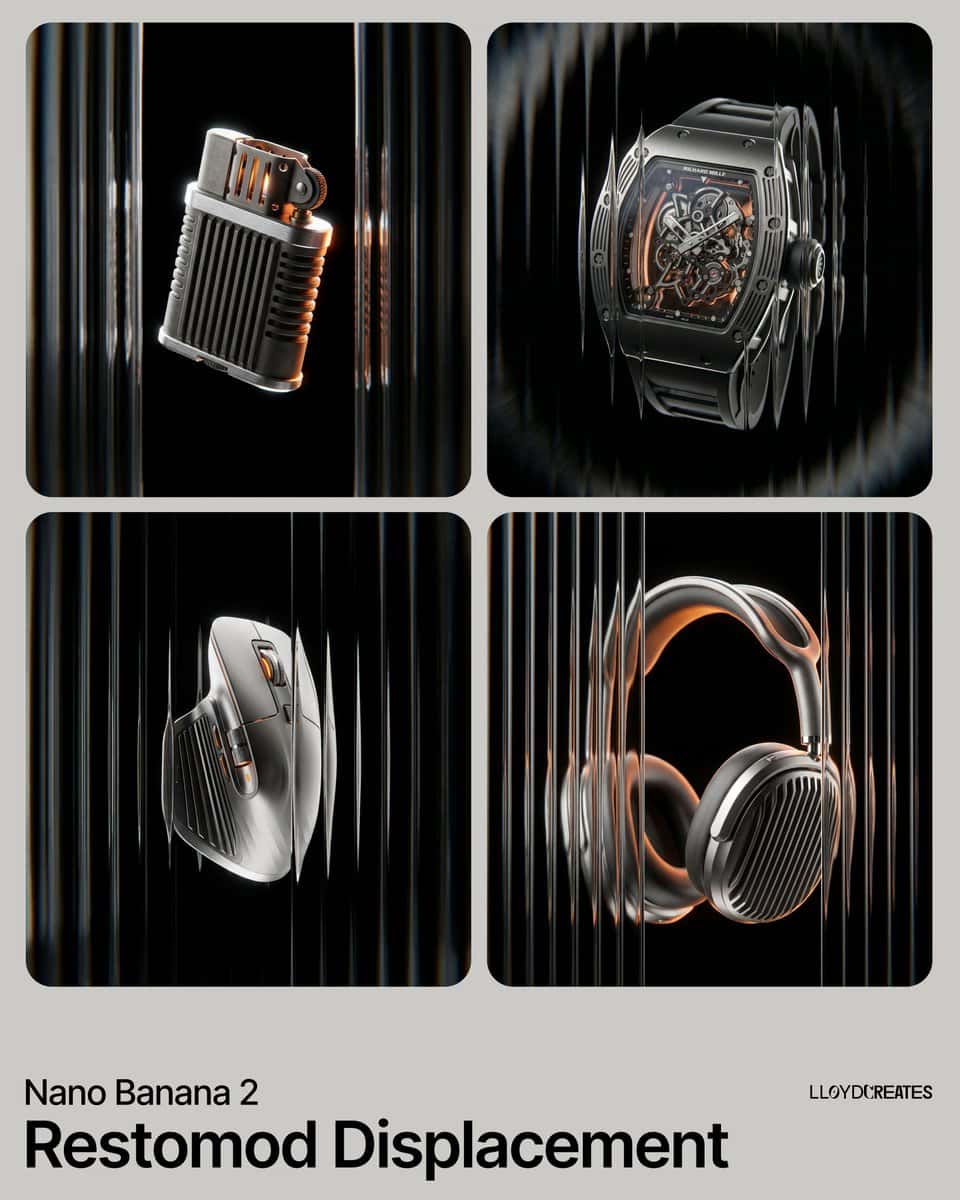
55 prompts
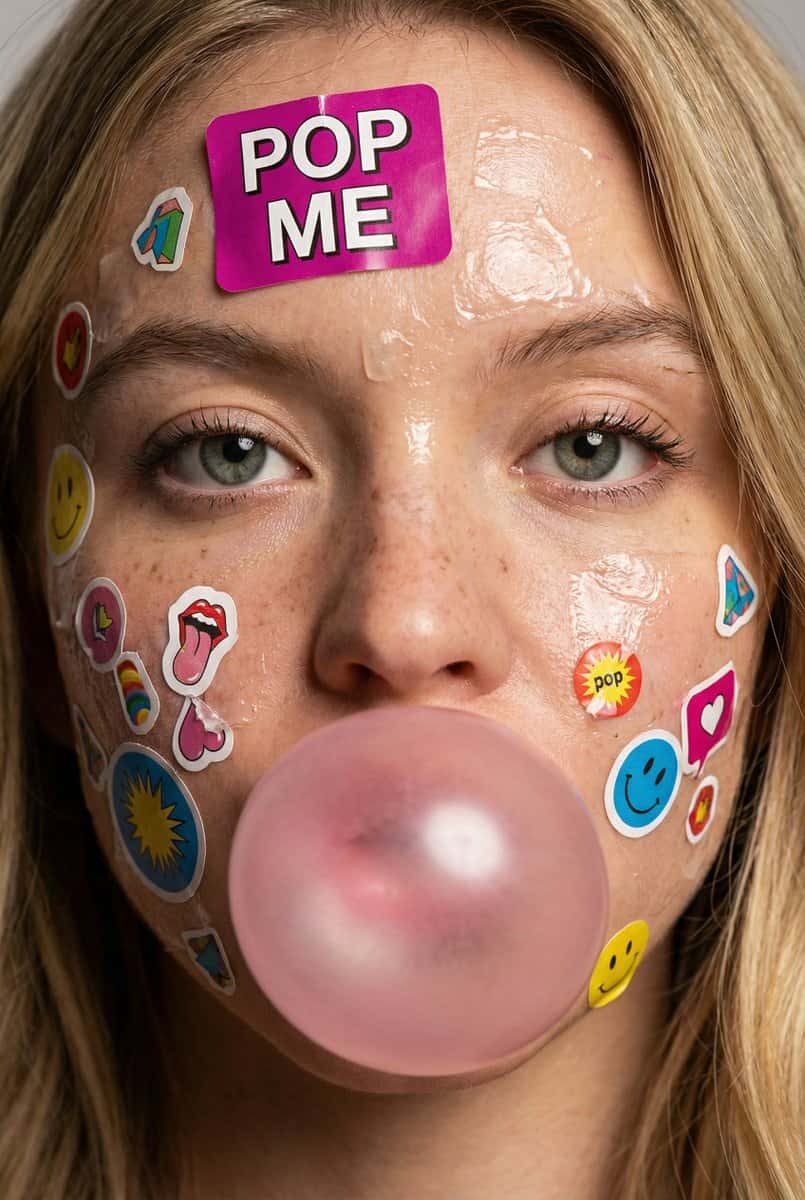
65 prompts
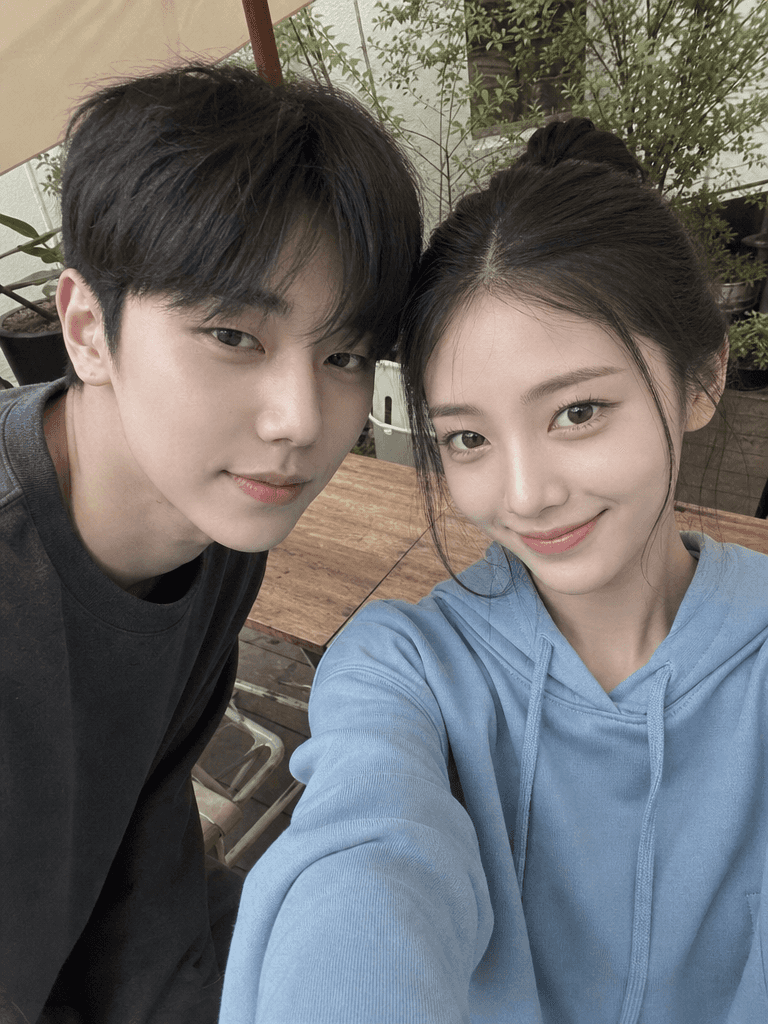
85 prompts

64 prompts
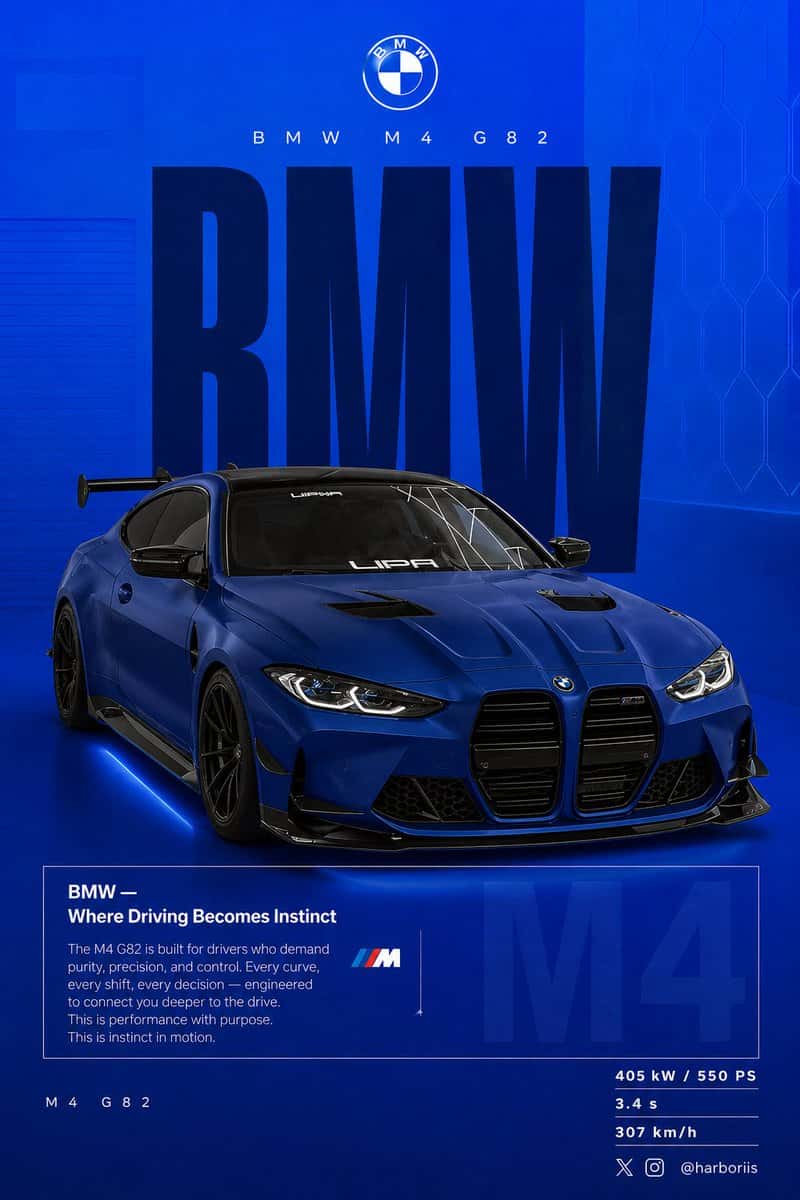
90 prompts
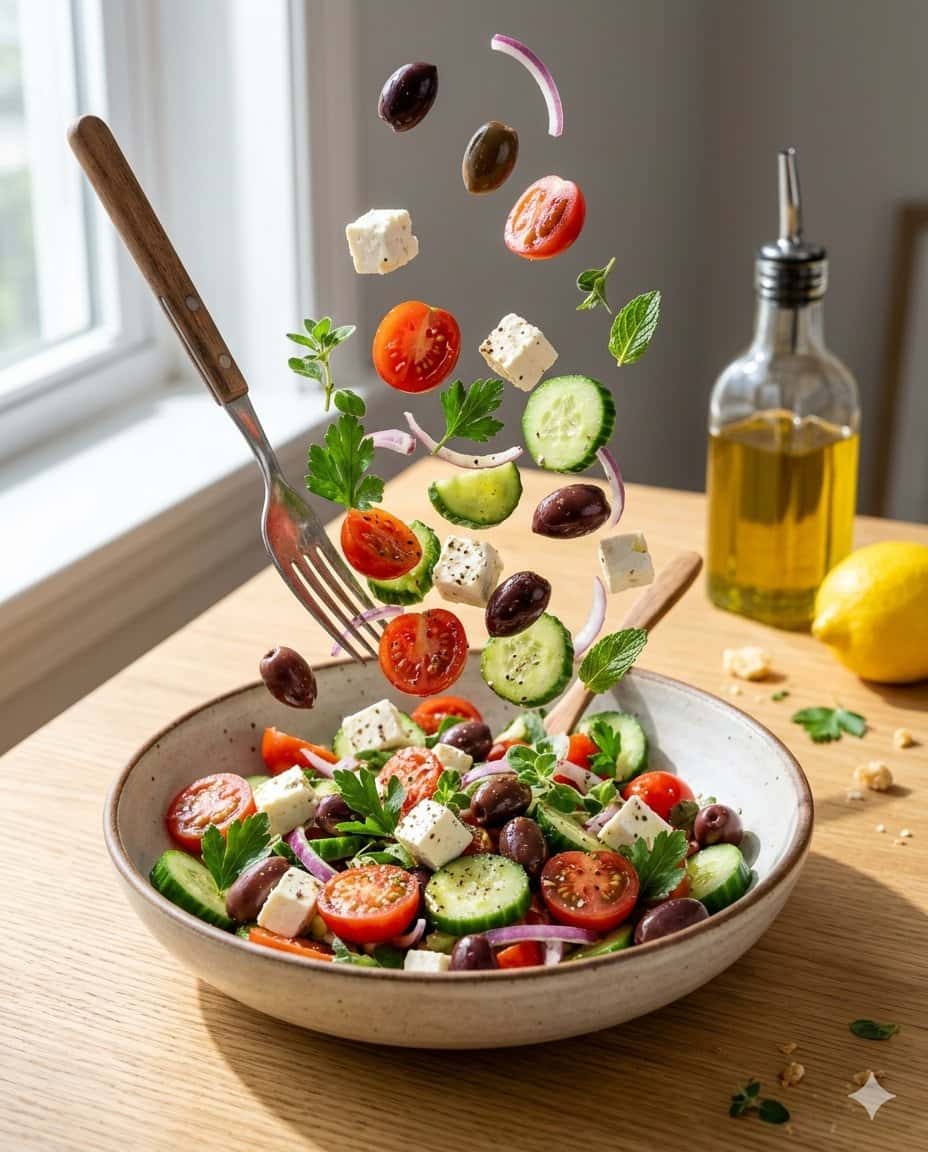
91 prompts
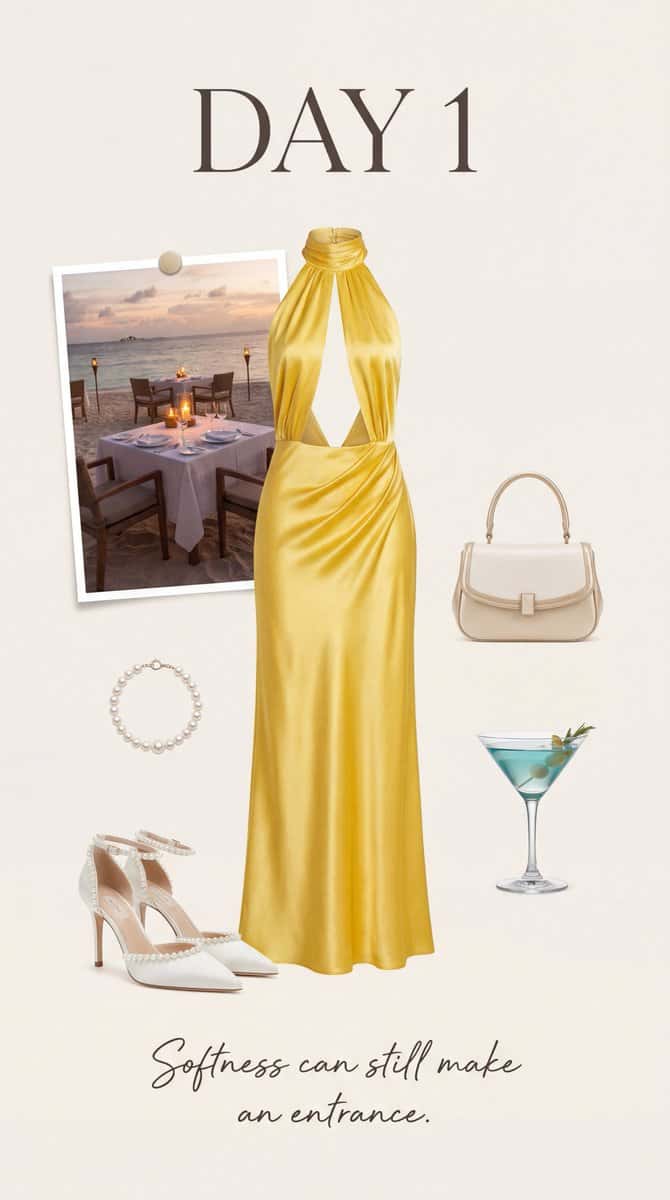
57 prompts
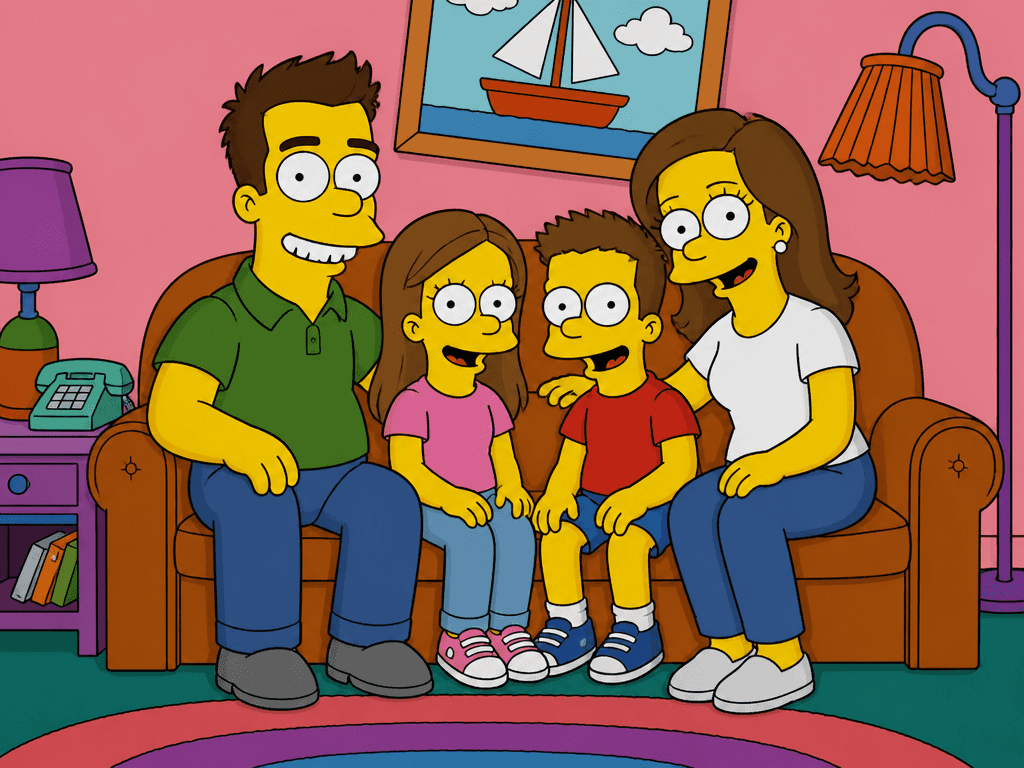
55 prompts
Just ask in plain language — Carat generates optimized images and videos for you.
Create directlyCarat Prompt Gallery is a collection of AI prompts you can use right away for image and video generation. For every prompt, we show the actual result it produced side by side (1:1), so you can check the output first and then take the prompt with no guesswork. Prompts are organized by model (GPT Image 2, Seedance 2.0, Nano Banana Pro, Nano Banana 2) and by topic (poster, thumbnail, product ad, character, film and drama video), with over 1,400 prompts in total.
Once you find a prompt you like, copy it and generate it in Carat with the same model. It flows from browsing straight through to the finished result.
It is an AI prompt site that collects AI prompts you can use right away for image and video generation, organized by model and by topic. Unlike other prompt collections, every prompt is shown 1:1 with the actual result it produced, so you can check the output first and take the prompt without guessing what it will create. Copy a prompt you like and generate it in Carat with the same model, right through to the finished result.
There are over 1,400 image and video prompts combined, with new ones added regularly. They range from image prompts like thumbnails, posters, logos, product ads, detail pages, and characters, to video prompts like music videos and film and drama. You can find what you want quickly by browsing by model and topic, or by searching.
Viewing and copying the prompts in the gallery is free. Actual image and video generation happens when you run a model in Carat; you can try it for free, and use a paid plan when you want to do more. Browsing and copying prompts costs nothing.
Yes. Copy a prompt you like and use it as is, or adapt it by changing only the key parts such as the subject, background, color, or text. Because the result is shown alongside each prompt, you can gauge how it will turn out in advance, which cuts down on trial and error compared with writing a prompt from scratch.
Currently GPT Image 2, Seedance 2.0, Nano Banana Pro, and Nano Banana 2, with more models on the way. Since the same idea can need different wording and produce different results across models, we recommend checking the examples for the model you want in the by-model view.
Yes, both. Image prompts cover single outputs like thumbnails, posters, product ads, and characters, while video prompts cover ads, music videos, and film and drama, all browsable by topic and model. You can also make an image first and then continue into a video.
They work well for practical use such as presentations, ad creatives, and detail pages. That said, materials like logos, real people, or copyrighted characters need a separate check before final use, and results that must be protected, such as a logo, may require additional steps like trademark registration.
It depends on the prompt. Prompts that need to keep a specific face or reference assume an uploaded photo, while others generate from text alone. Follow the note shown on each prompt to prepare what you need (such as an attached photo) for more stable results.