Skip to main content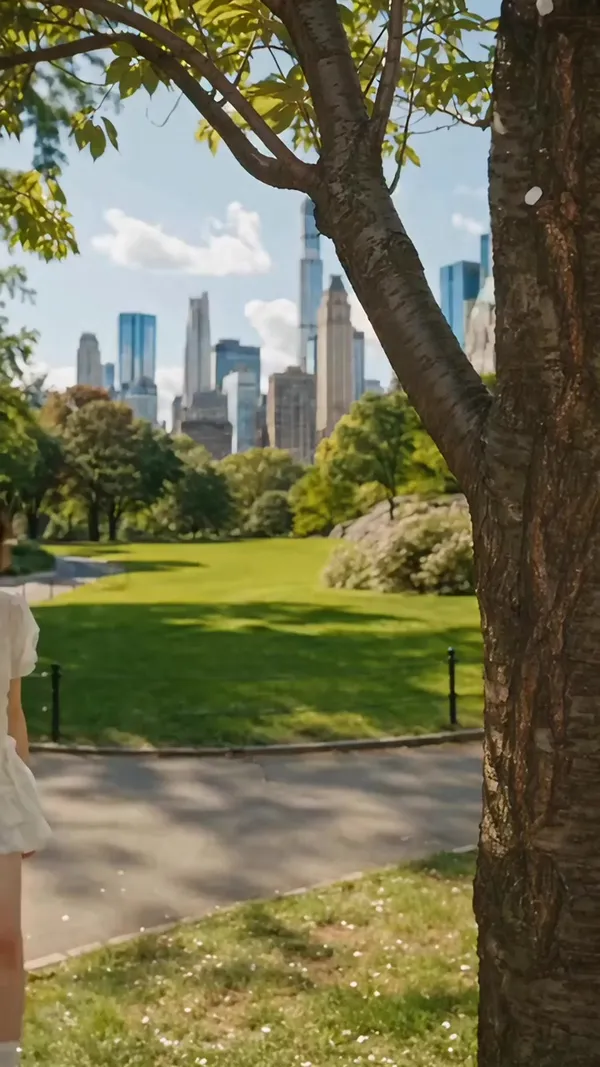
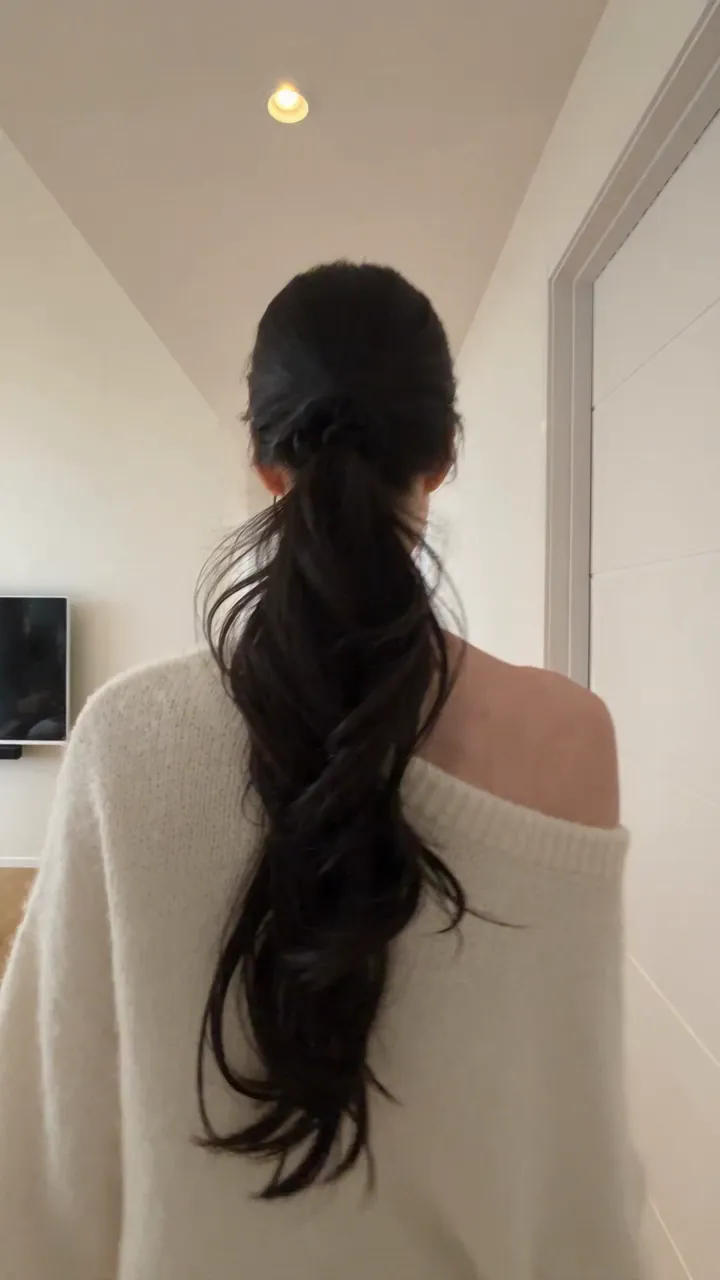
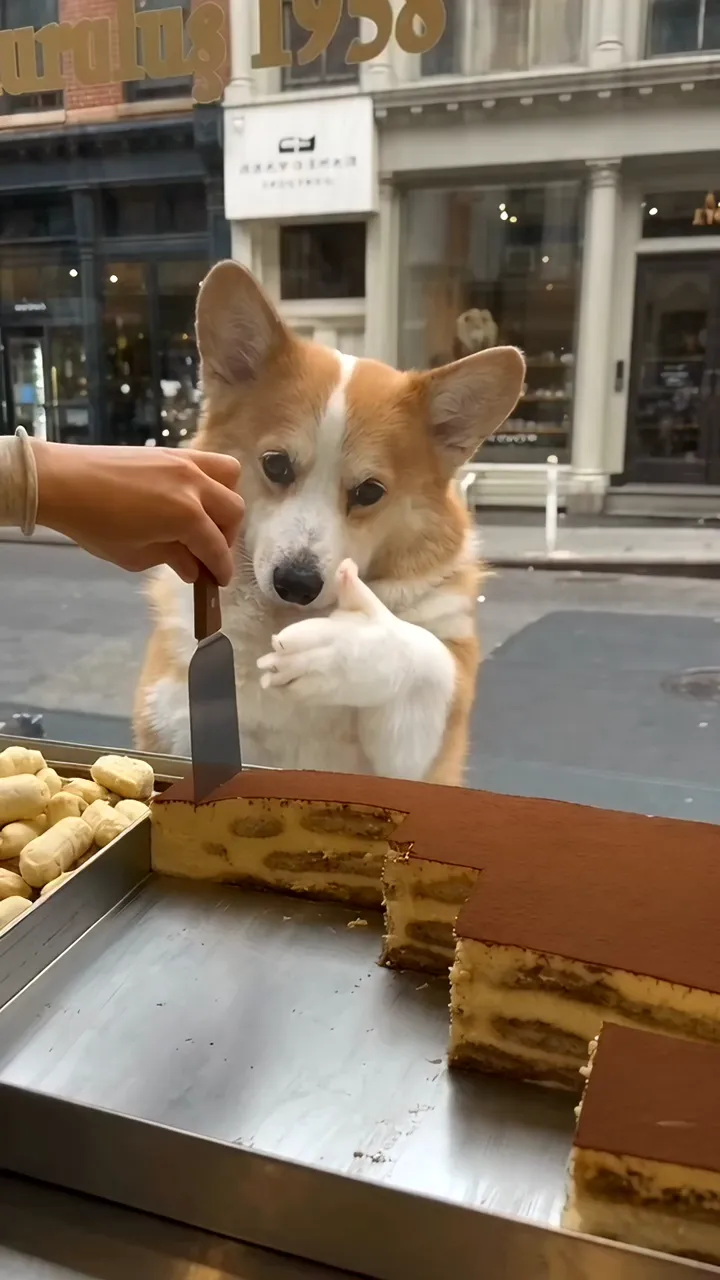
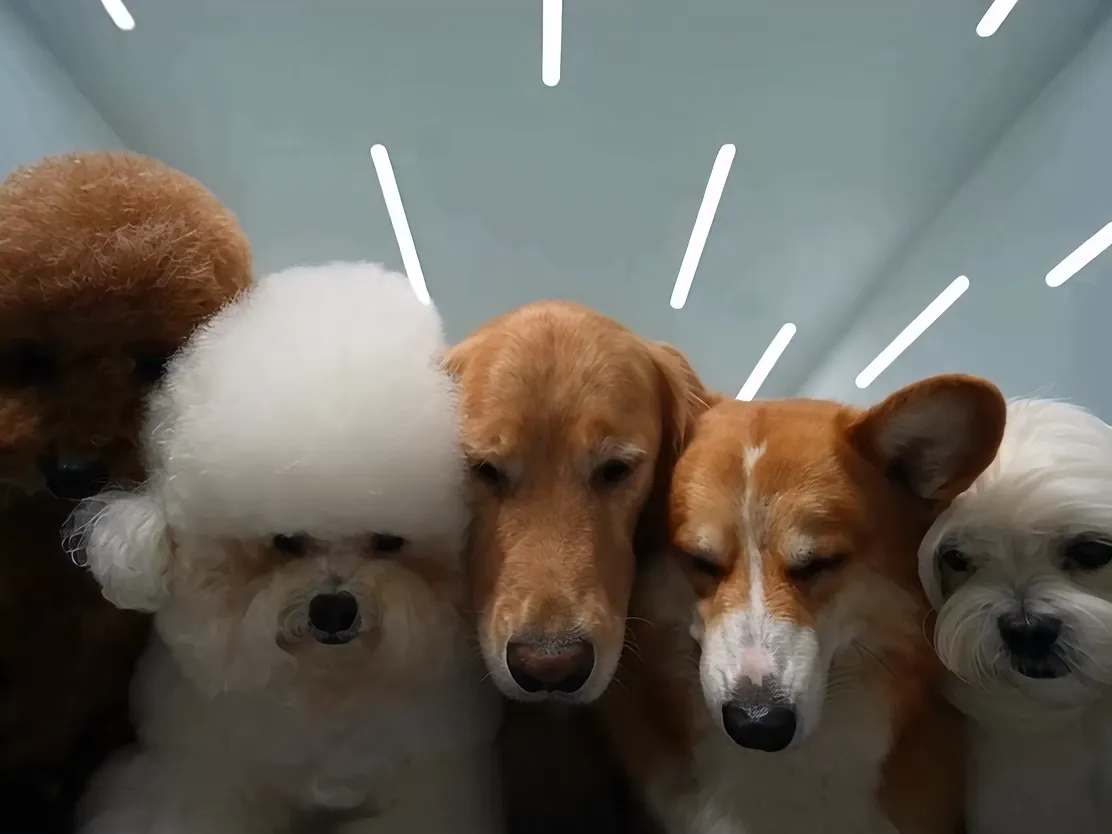
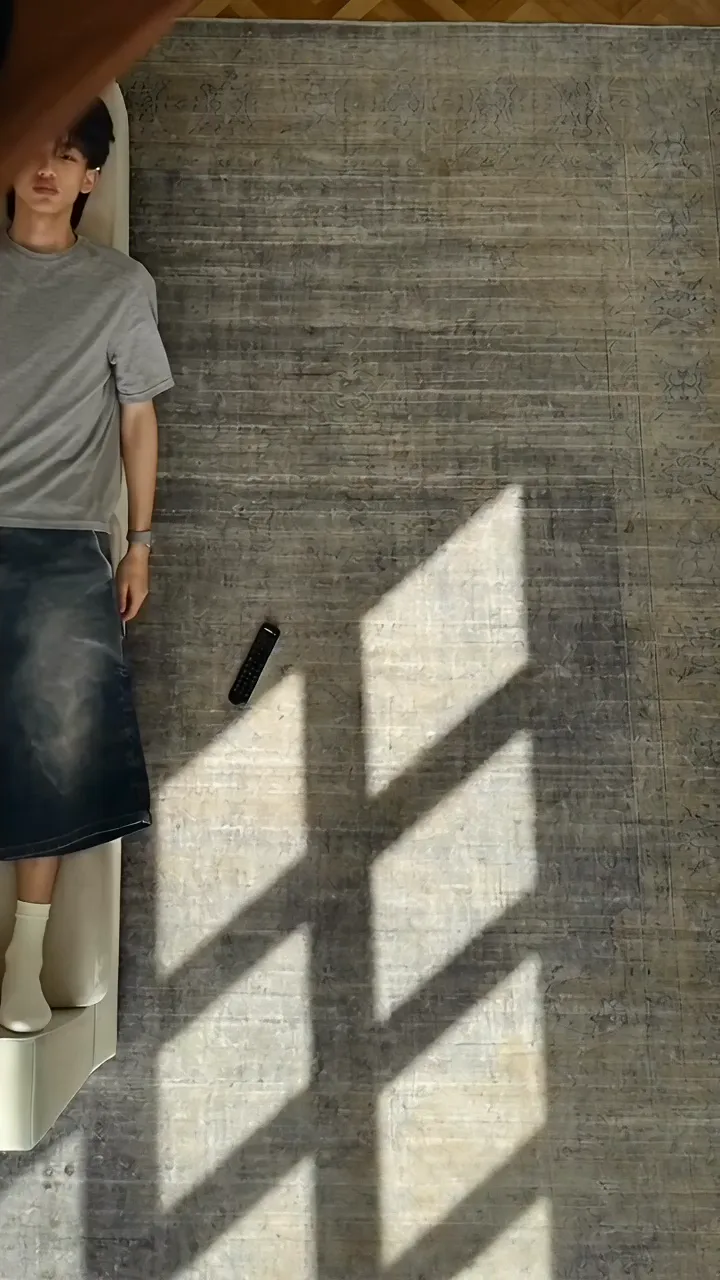



Carat Genjutsu
Carat Genjutsu
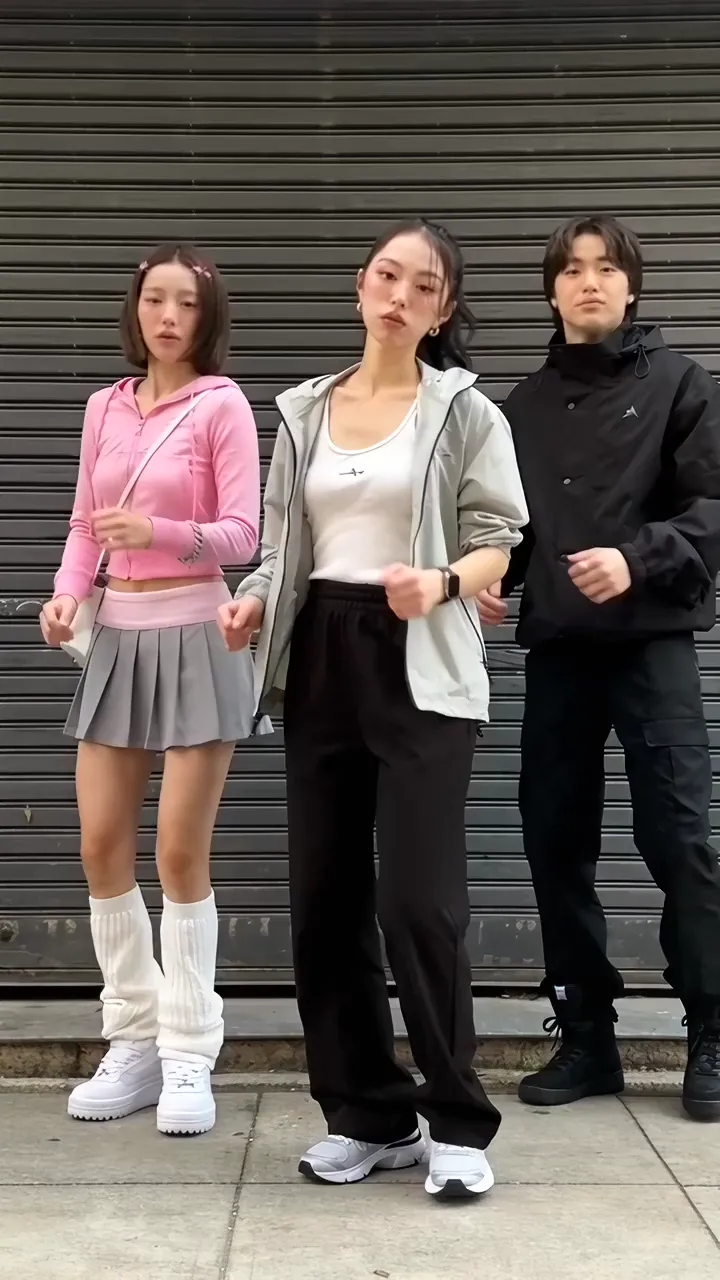
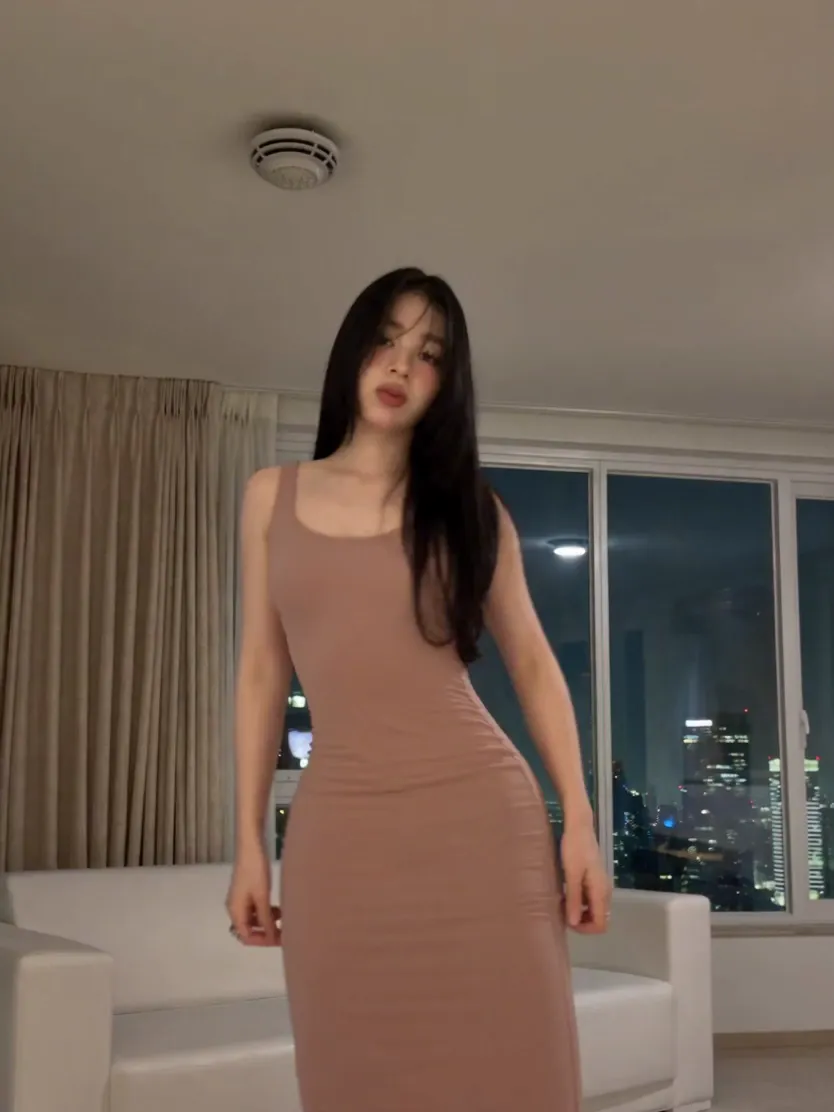
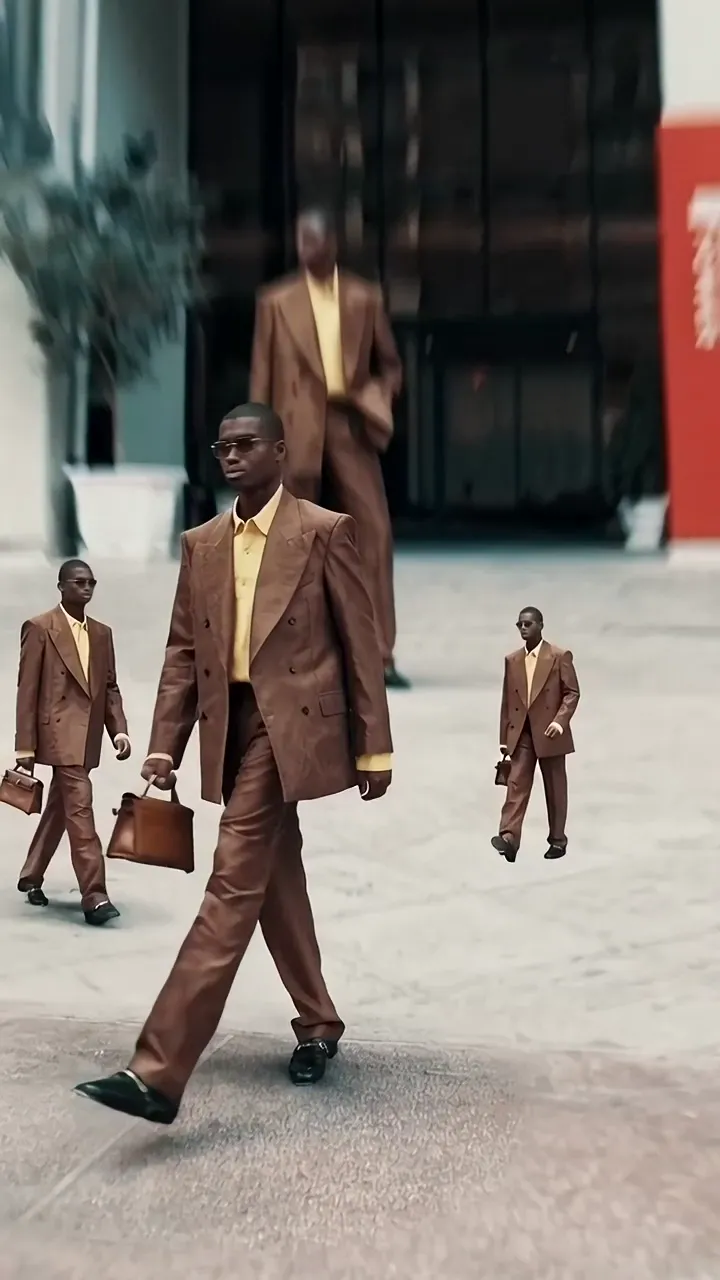
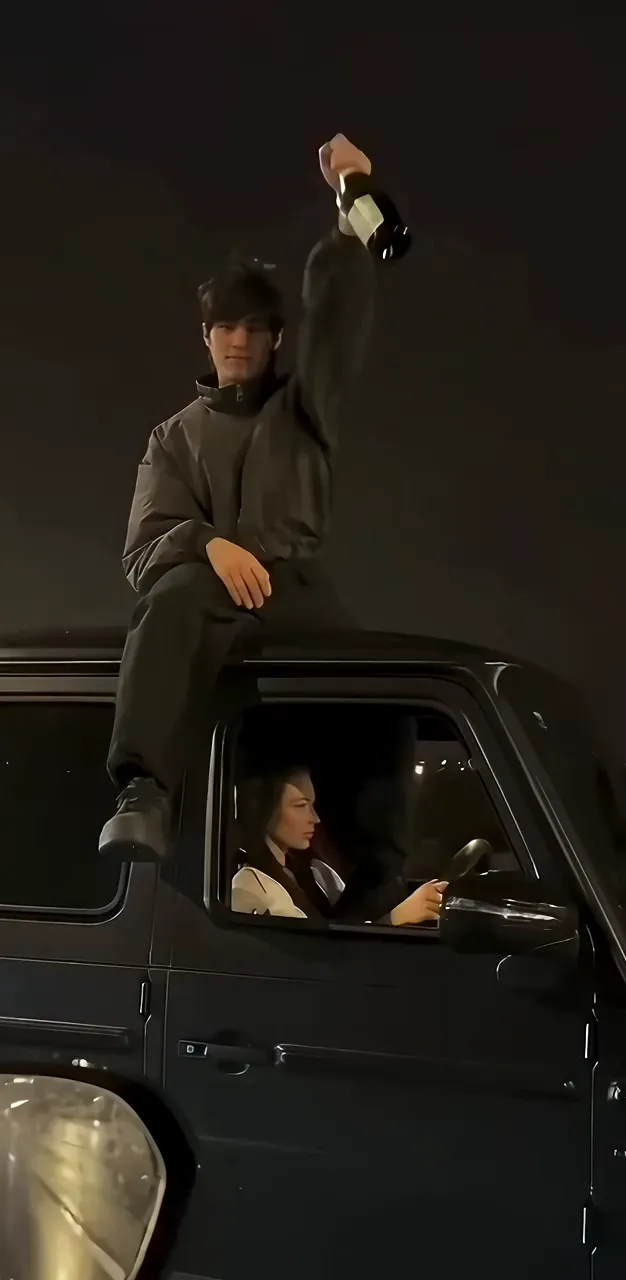
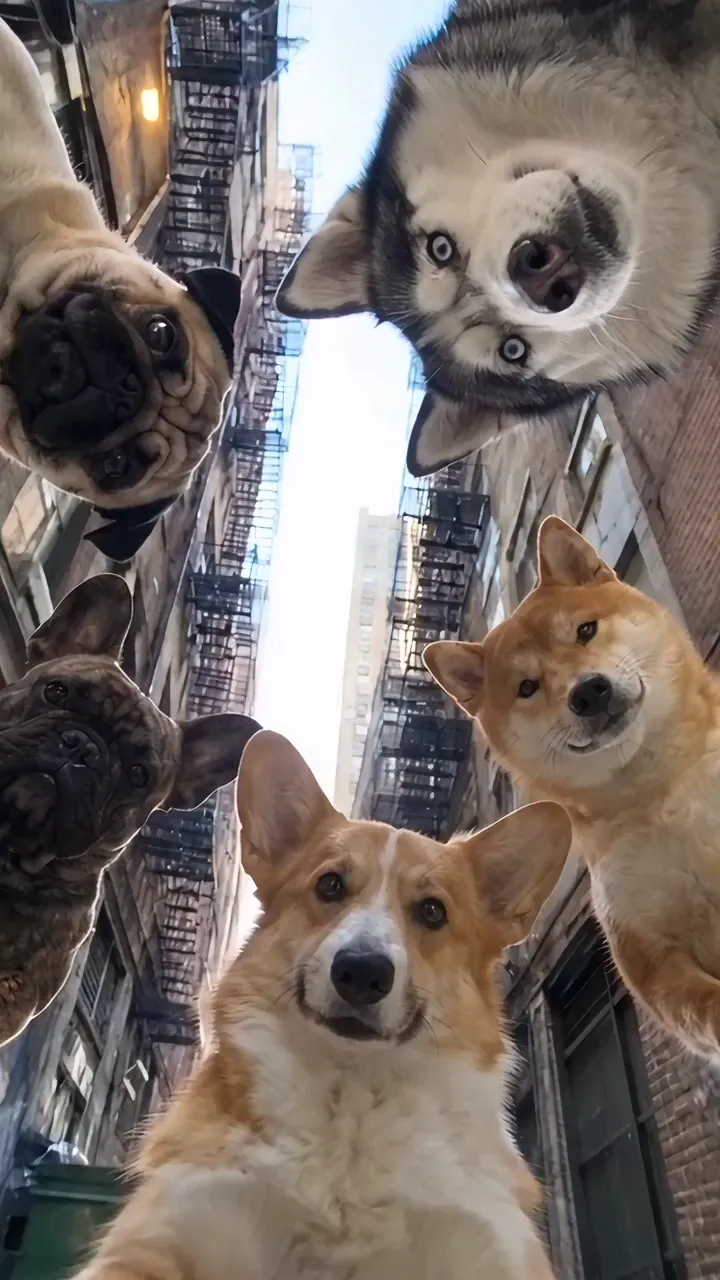
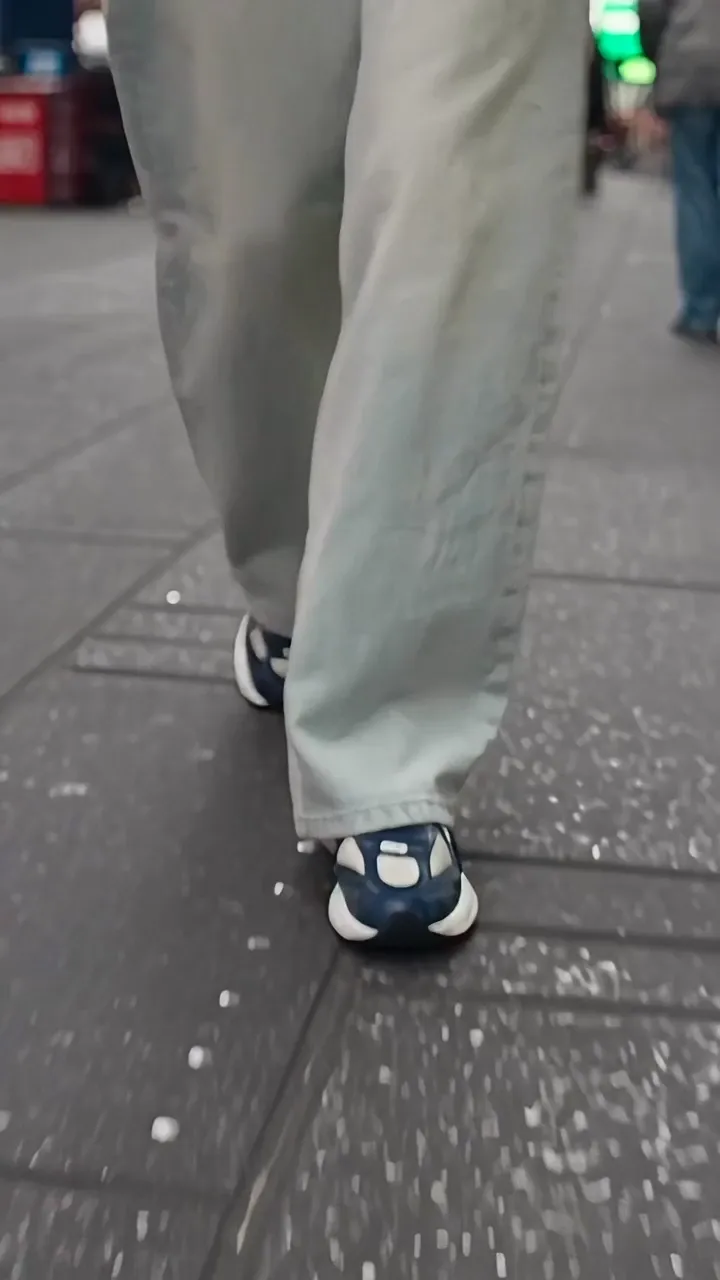
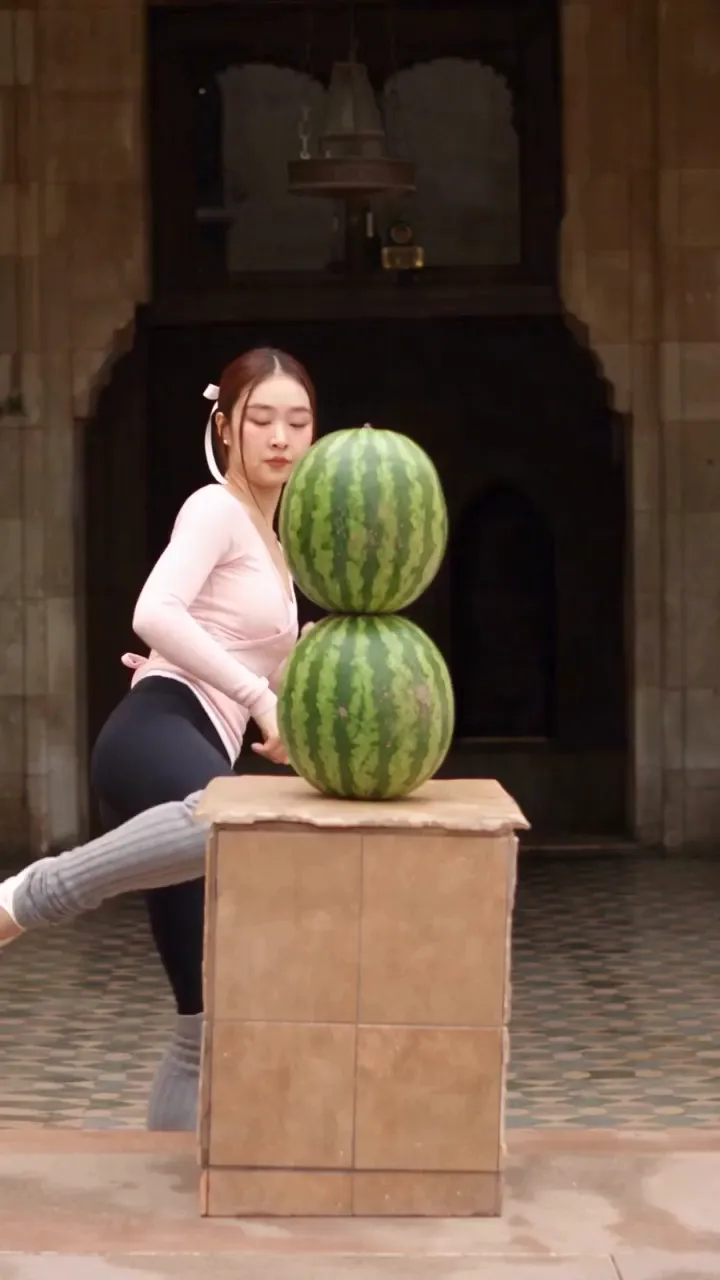
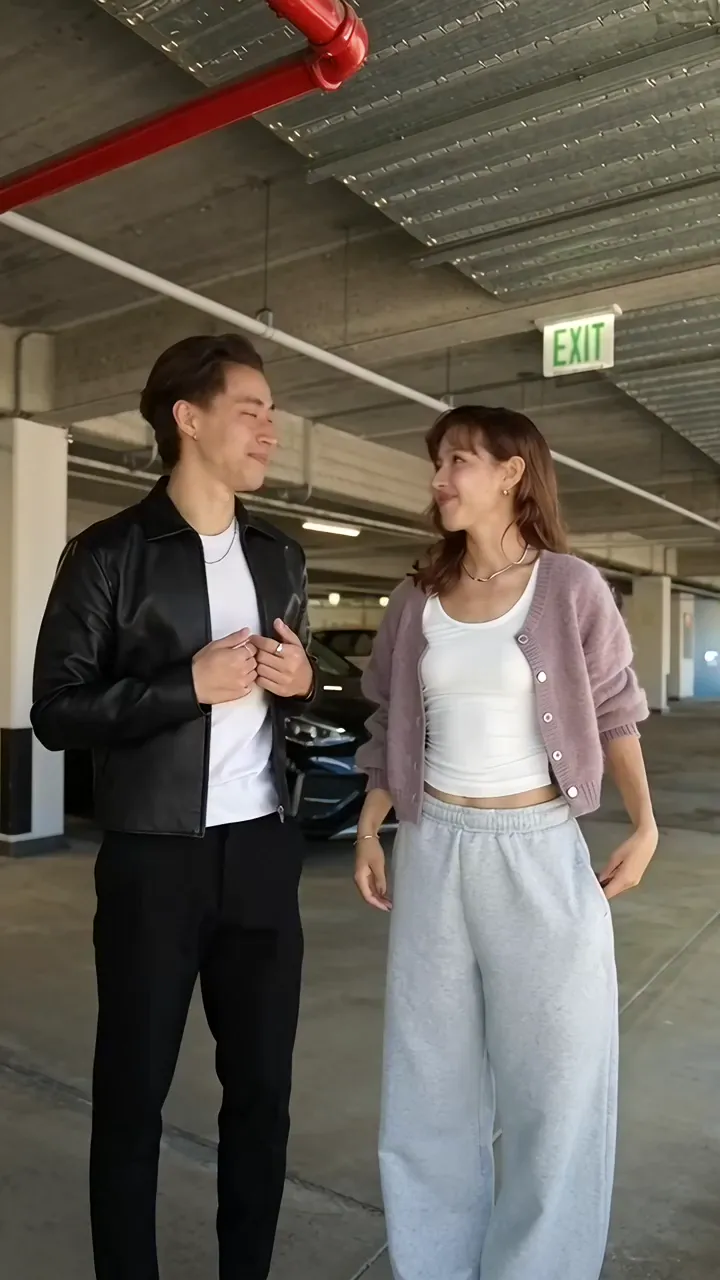
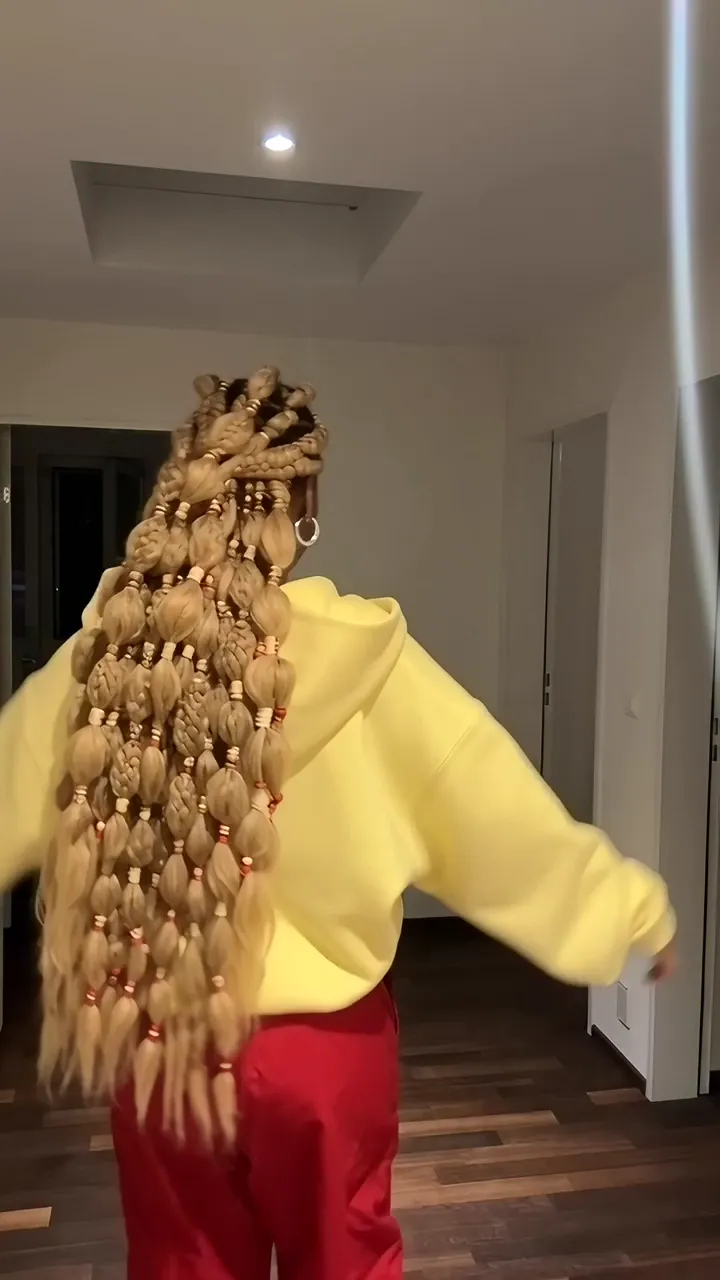
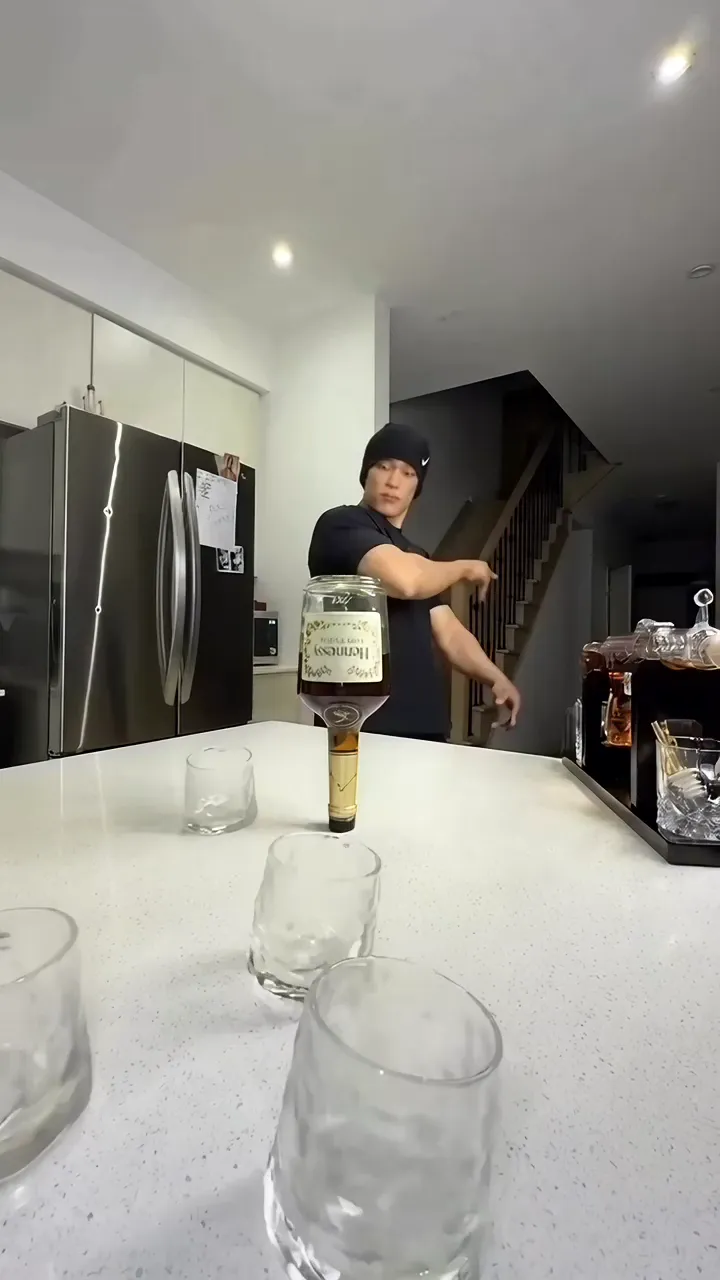
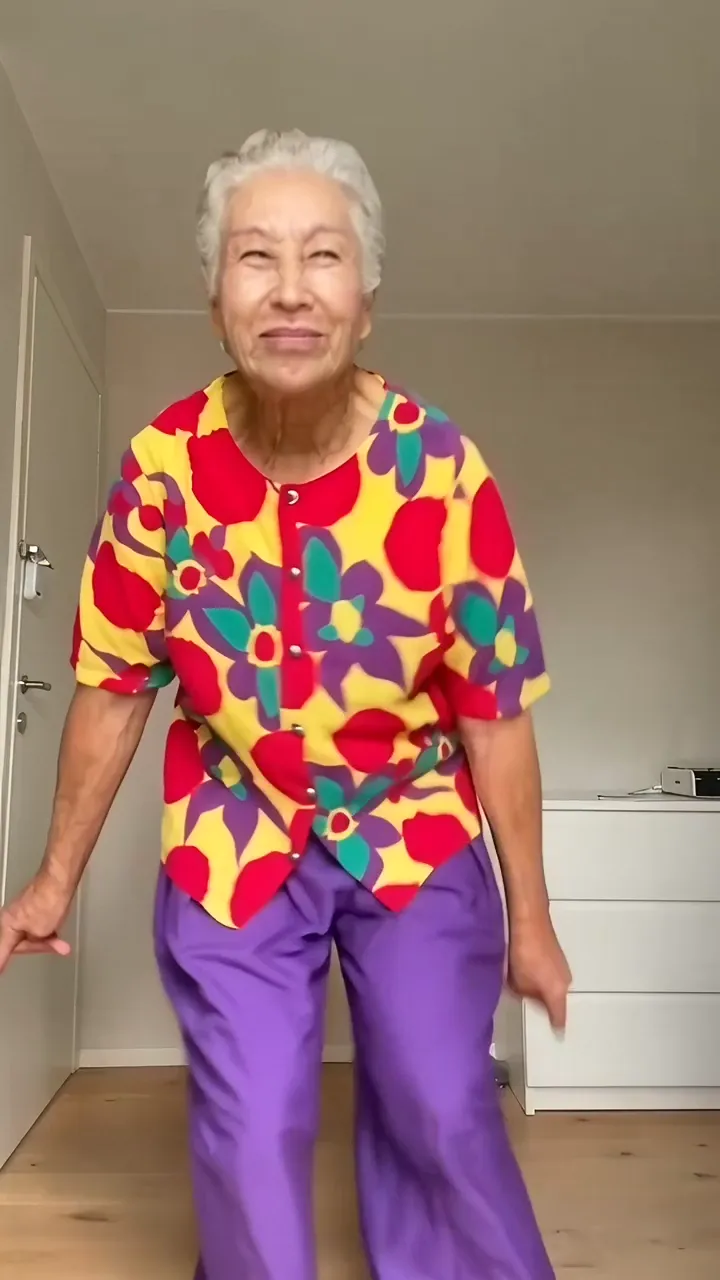
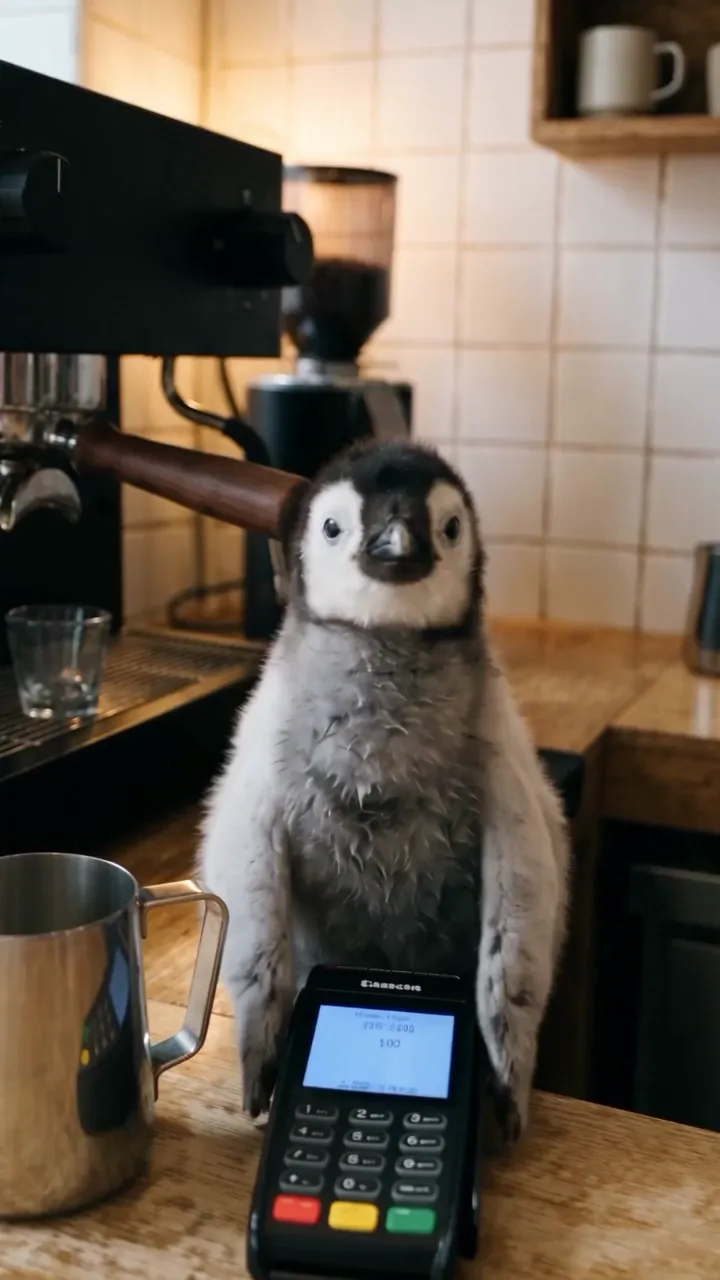
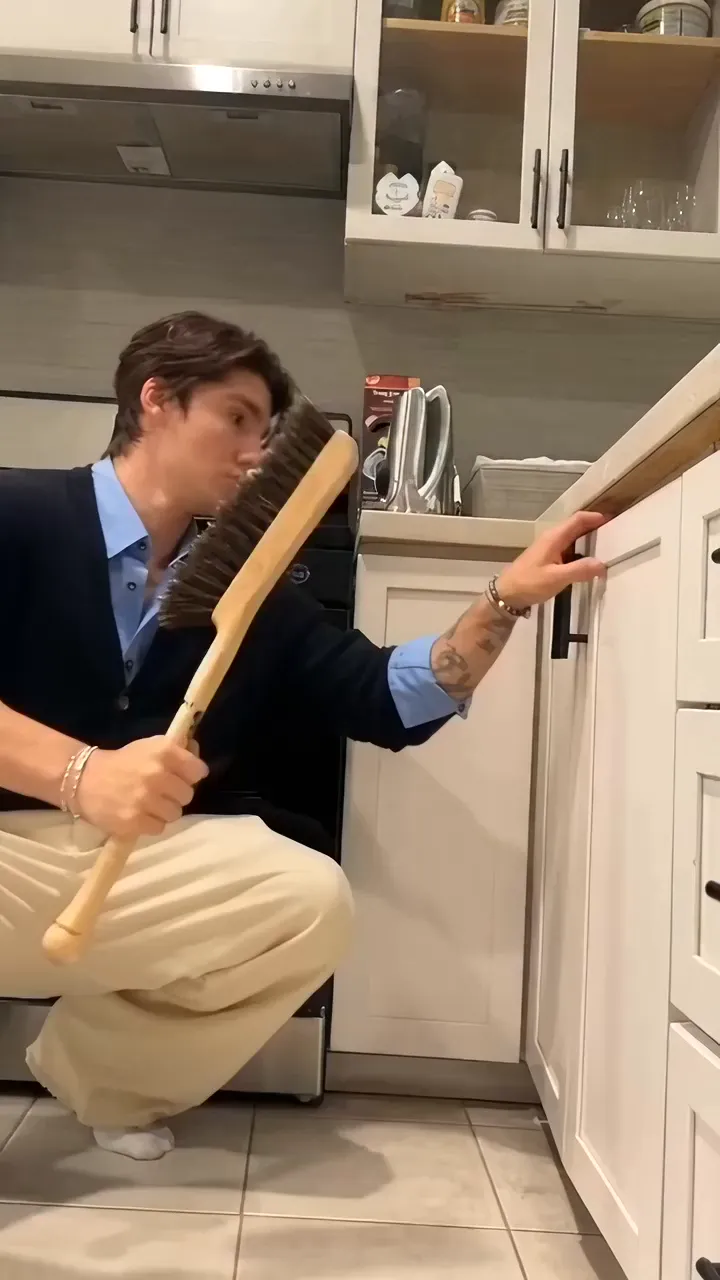
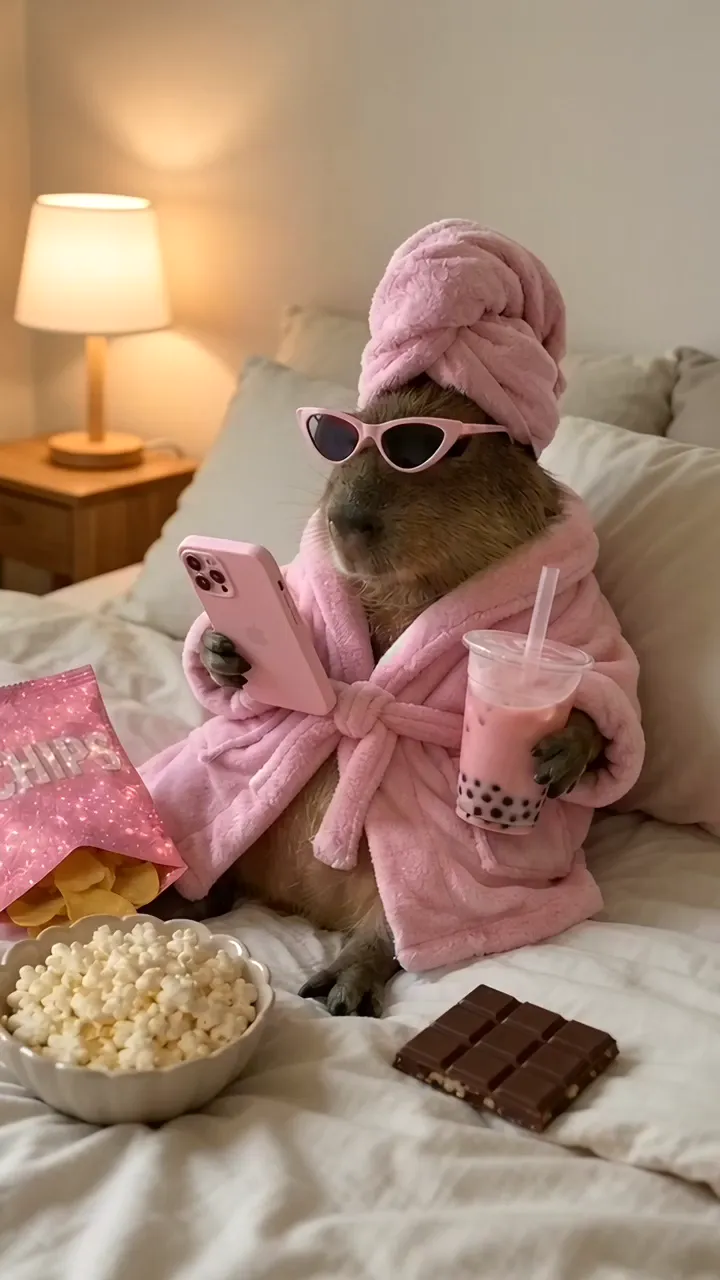
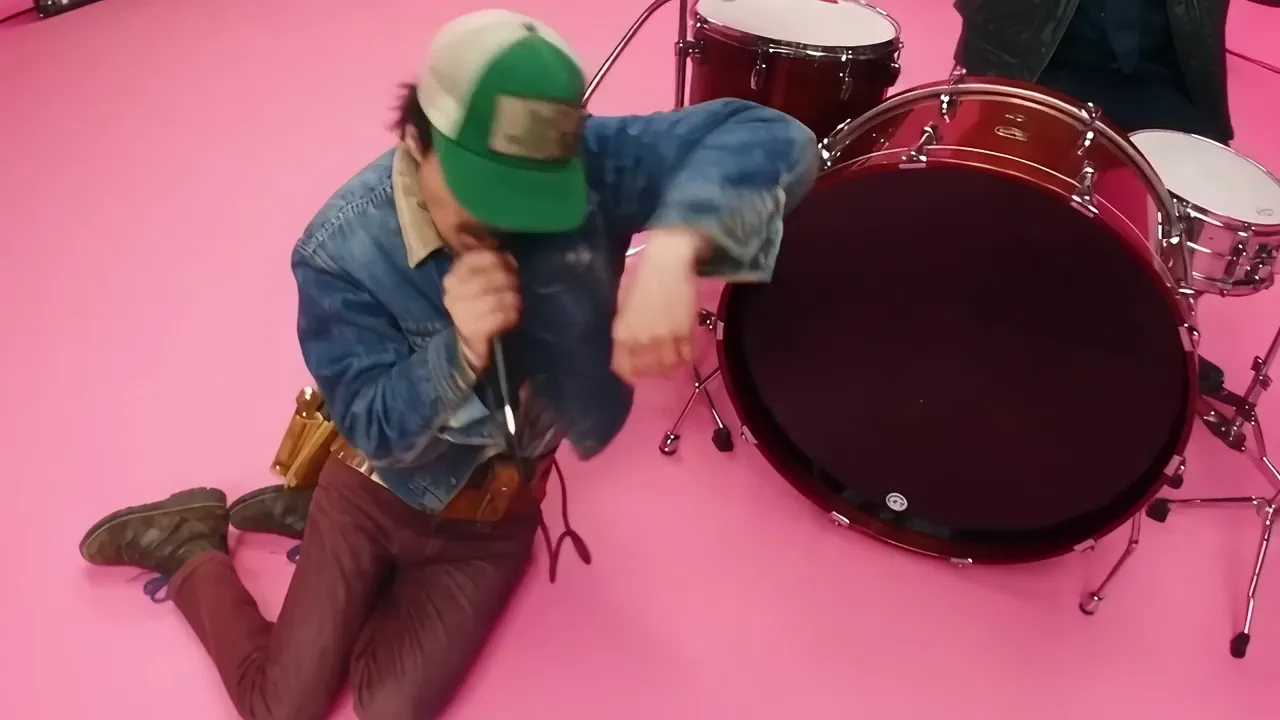
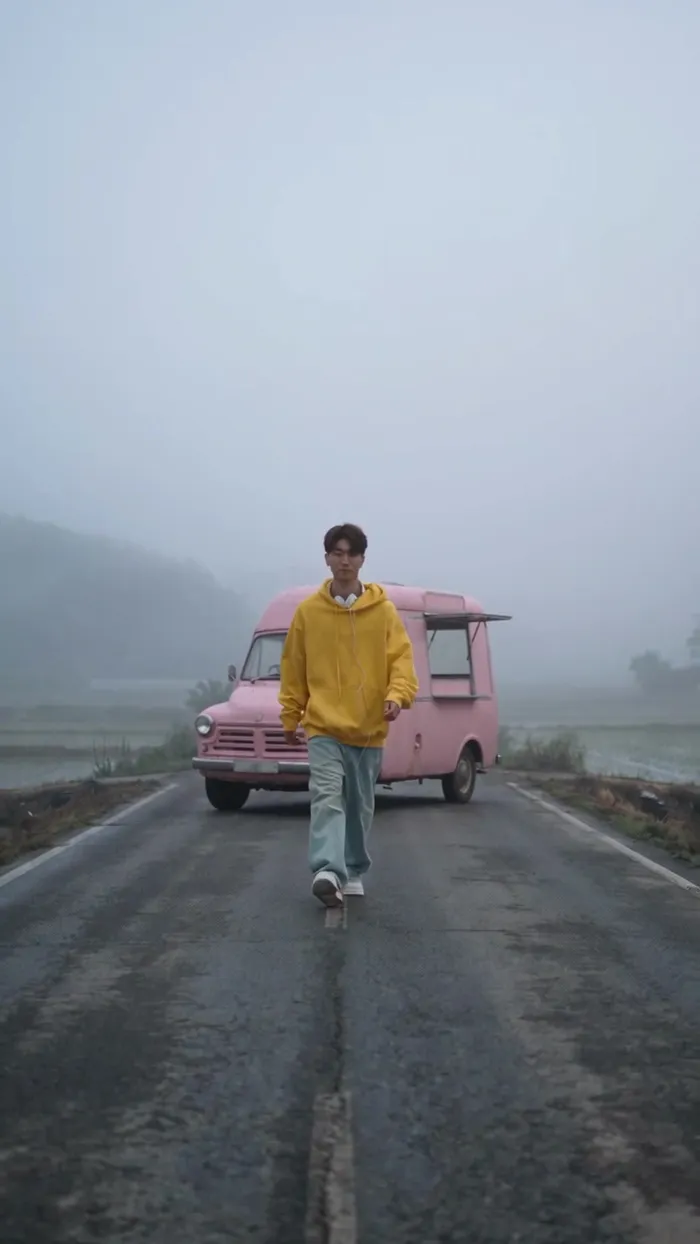
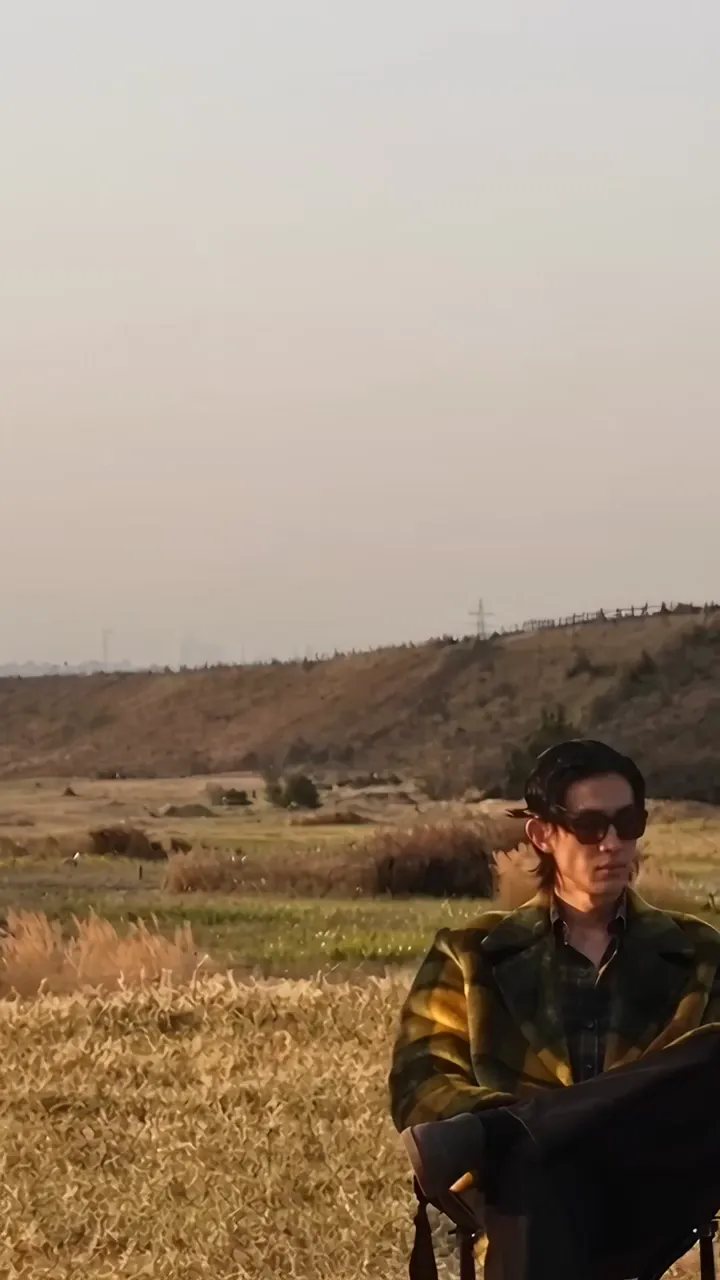
Copies only the motion; people and scene are newly created.
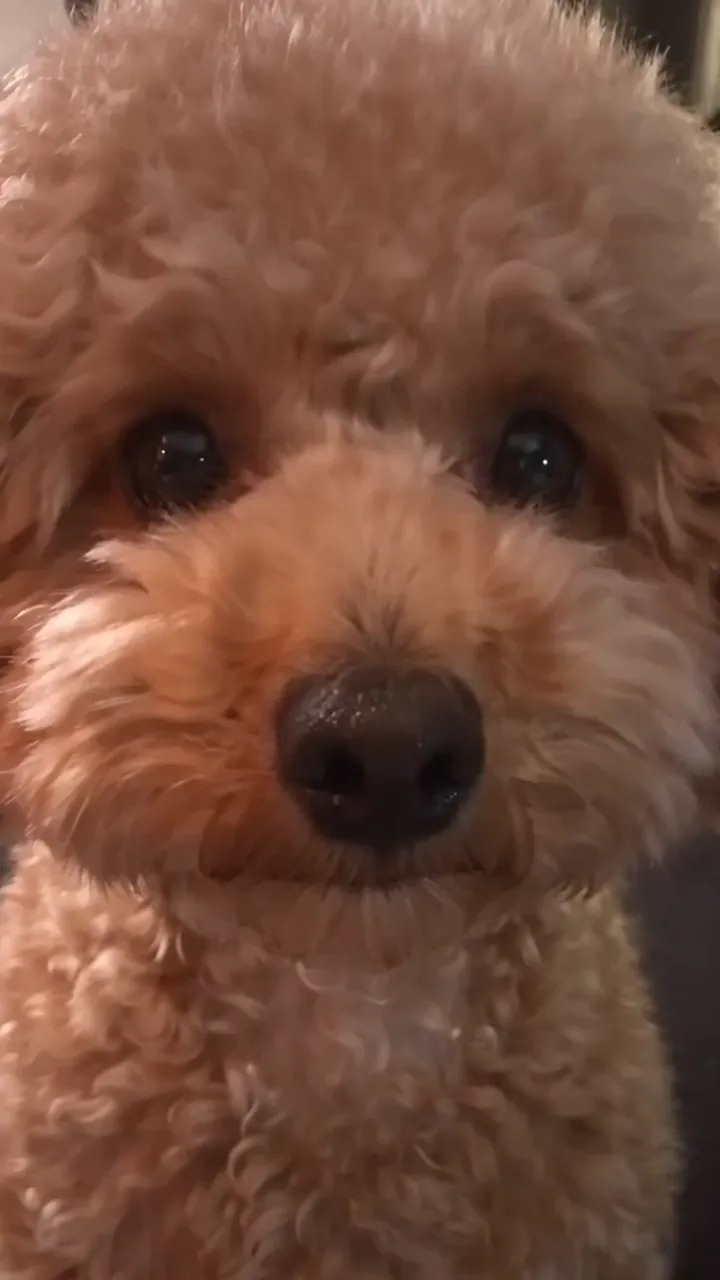
Reference imagesPeople or characters · up to 30 images
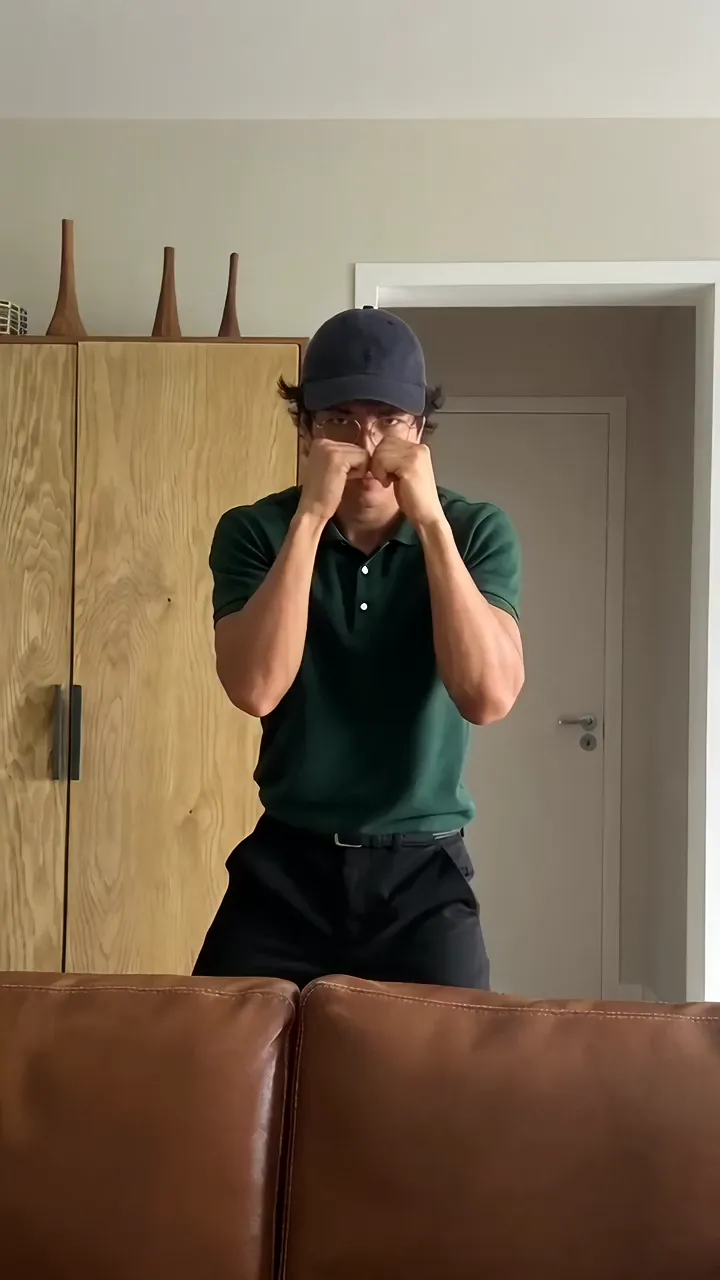
Example results
AI Character Swap for Video: Keep the Motion, Change the Character
How to swap a character in a video with AI
Genjutsu by Carat AI is an AI character swap tool for video. It keeps the movement from a clip you already have and puts your own character or object into it. You don't need to reshoot the dance, walk, or gesture. Upload the motion video, add reference images of the person, character, or object you want, and Genjutsu builds a new video that follows the original motion. It works in two modes. **Motion transfer** gives the movement in your video to the character in your references. **Object swap** keeps the clip's motion and replaces what's on screen with your character or object. You don't need keyframes, rigging, or a motion-capture suit. Think of it as motion control for anyone with a phone video and an idea.
01
Upload your motion video
Choose the clip whose movement you want to keep. MP4 and MOV files from 4 to 30 seconds, up to 200MB, are supported.
02
Add reference images and pick a mode
Add up to 30 images of the person, character, or object you want to see. Write a short prompt describing the result, then choose Motion transfer or Object swap.
03
Create your video
Hit Create at 720p quality. Genjutsu generates a new clip that follows the original motion. Review it and download it.
What creators use it for
Dance and trend videos
Let your character, avatar, or mascot perform the exact moves from a trending clip.
Brand mascot ads
Reuse one recorded performance to produce ad variants starring your brand character.
Animation and character tests
See how a character design moves before you commit to full production.
Product and prop swaps
Use object swap to replace an item in a clip with a different product for quick ad mockups.
FAQ
What's the difference between motion transfer and object swap?
×
Motion transfer takes the movement from your uploaded video and applies it to the character in your reference images, so that character performs the same action. Object swap keeps the video's motion and flow and replaces the subject on screen with the character or object from your references.
What kind of video can I upload?
+
MP4 or MOV clips between 4 and 30 seconds, up to 200MB. Results are cleanest when the moving subject is clearly visible and its limbs aren't hidden for long stretches.
Which reference images work best?
+
You can add up to 30 images of people, characters, or objects. Use sharp images where the subject is easy to see. Adding a few angles that roughly match the motion video helps keep the look consistent.
What should I write in the prompt?
+
Briefly describe the result you want: which character or object should appear, and any notes on look, mood, or setting.
What quality is the output?
+
The current quality option is 720p. You can review the finished clip and download it for social posts, ad drafts, or previews.
Can I use anyone's photos or videos?
+
No. Only use images and videos you have the rights to, and get consent from anyone who appears in them. Don't create content that impersonates or misleads about a real person. Check the rights before using copyrighted characters too.
© 2026 Paradot Inc. All rights reserved.