GPT Image 2.5
AI prompts for GPT Image 2.5, ChatGPT's image model with better reference preservation and multi-turn editing. Posters, product ads, characters, and infographics you can copy and run.
2026.09.08
Make “GPT Image 2.5” exactly the way you wantCreate your own “GPT Image 2.5”
Just ask in plain language — Carat generates optimized images and videos for you.

Start now with 100 free credits daily
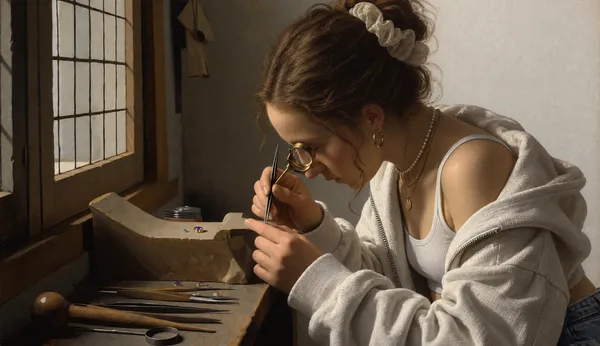
Swap Only the Clothing in a Classical Portrait
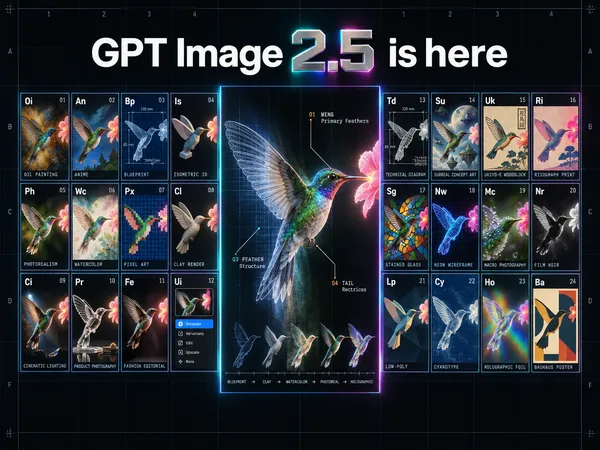
24-Style Grid Hero Infographic
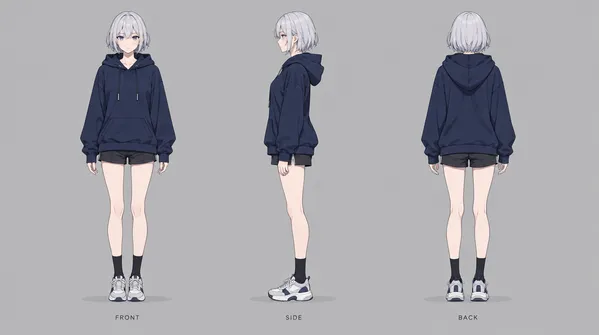
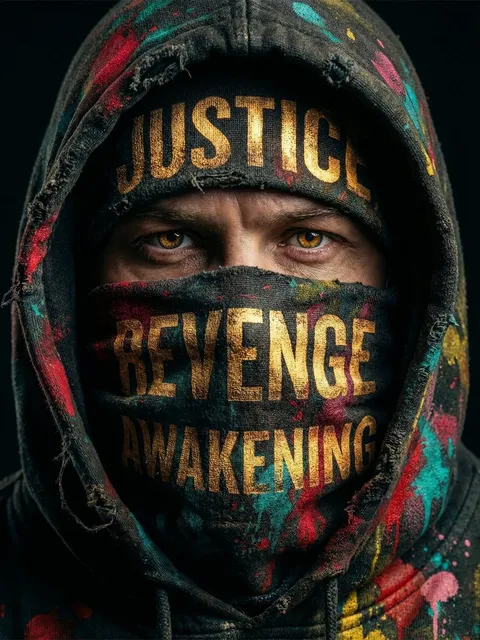
Hooded Character Three-View Sheet
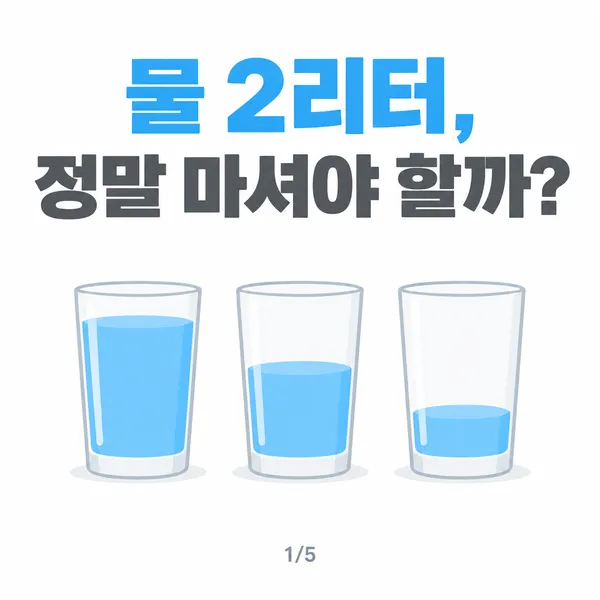
Water Intake Card News Cover
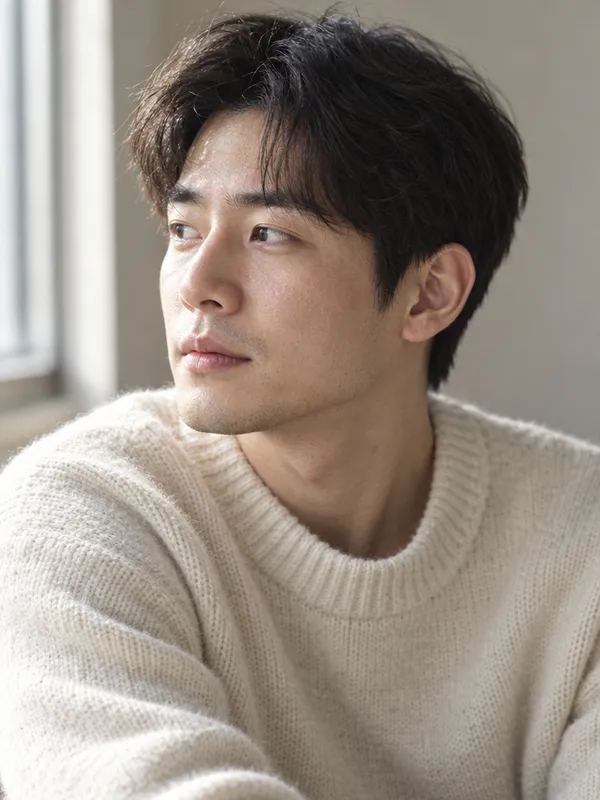
Natural Window Light Male Portrait
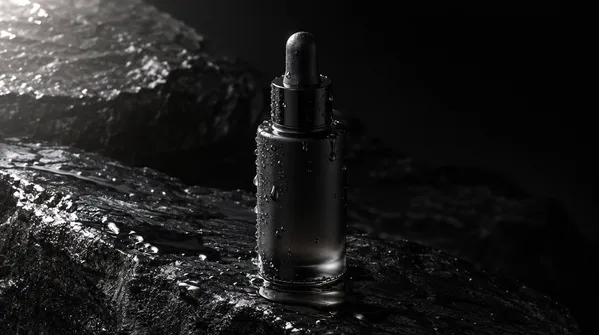
Black Serum Bottle on Wet Stone
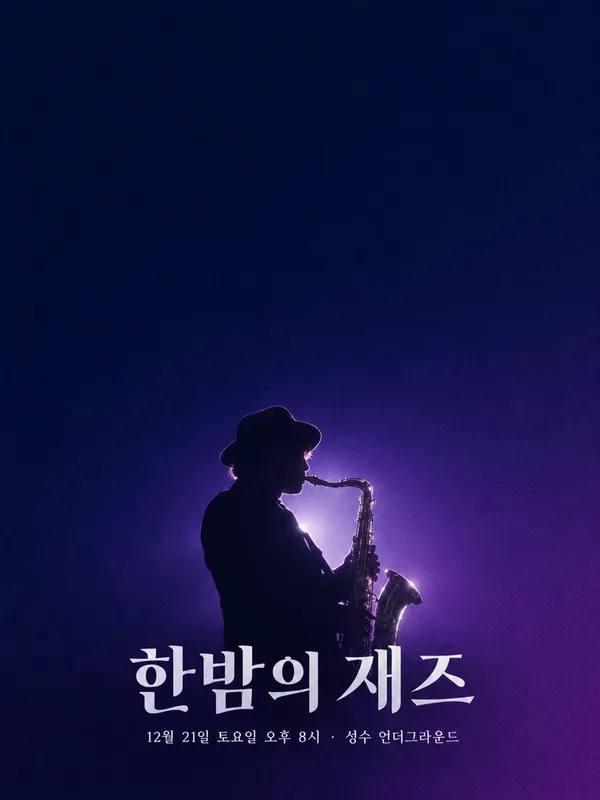
Late Night Jazz Concert Poster
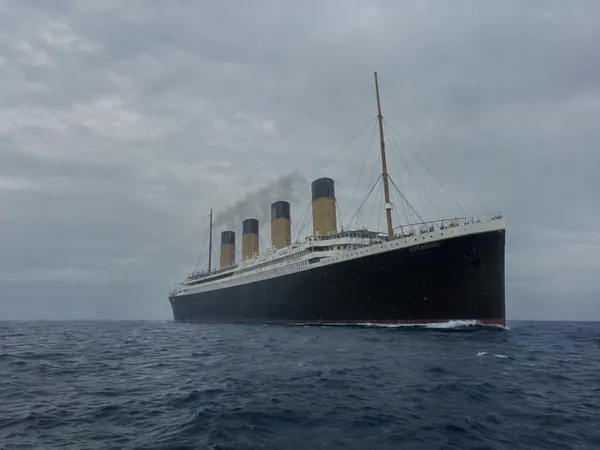
The Sea at Those Coordinates, 15 April 1912
What Are GPT Image 2.5 AI Prompts?
GPT Image 2.5 is ChatGPT's image generation model, released on September 8, 2026. Compared with the previous GPT Image 2, it renders more natural lighting and richer textures, holds on to the people and products you pass in as reference images more accurately, and follows editing instructions more reliably across several turns. Generation latency is also up to 50% lower than GPT Image 2.
Two variants shipped in the API. Flare is the default for most work: fast, and able to handle transparent backgrounds and complex layouts. Sunburst is built for premium visual work such as campaign creative or polished product imagery, trading longer generation times for extra fidelity on intricate detail.
In Carat you can run a prompt to generate an image, then keep going with follow-up work such as editing the result, changing the aspect ratio, removing the background, upscaling, or converting to video. Below are GPT Image 2.5 prompt examples you can copy and use right away, grouped by use case.
Where You'll Use It
- Posters and thumbnails that need accurate on-image text
- Product ad images where lighting and texture carry the shot
- Characters and portraits that must stay consistent across cuts
- Infographics where labels and figures cannot drift
- Brand mockups and package design
Why This Tag Is Useful
What sets GPT Image 2.5 apart shows up less in the first render and more in whether your original holds after you edit it. You can keep a reference subject or product fixed while swapping only the background, replacing only the copy, or relighting the scene, and the composition you set up early tends to survive several rounds of instructions. That makes it a better fit for work you iterate on than for one-and-done renders. When picking a prompt, favor examples that spell out subject, composition, lighting, and text placement as separate items, so you can change one item later. Looking at adjacent tags like logos and product detail pages will help you find the direction you want faster.
Explore More Prompts
Prompts made with GPT Image 2.5 can be copied straight from the card gallery below, alongside their results. You'll also find them under topics like posters, thumbnails, product ad images, characters, portraits, infographics, mockups, package design, logos, and product detail pages.