carat

Prompt Gallery

/

PPT Design

Login
Sign Up

PPT Design

AI PPT design prompts you can use right away for slide visuals in presentations and proposals. Quickly create pitch decks, reports, and service introduction slides.

2026.05.22

·
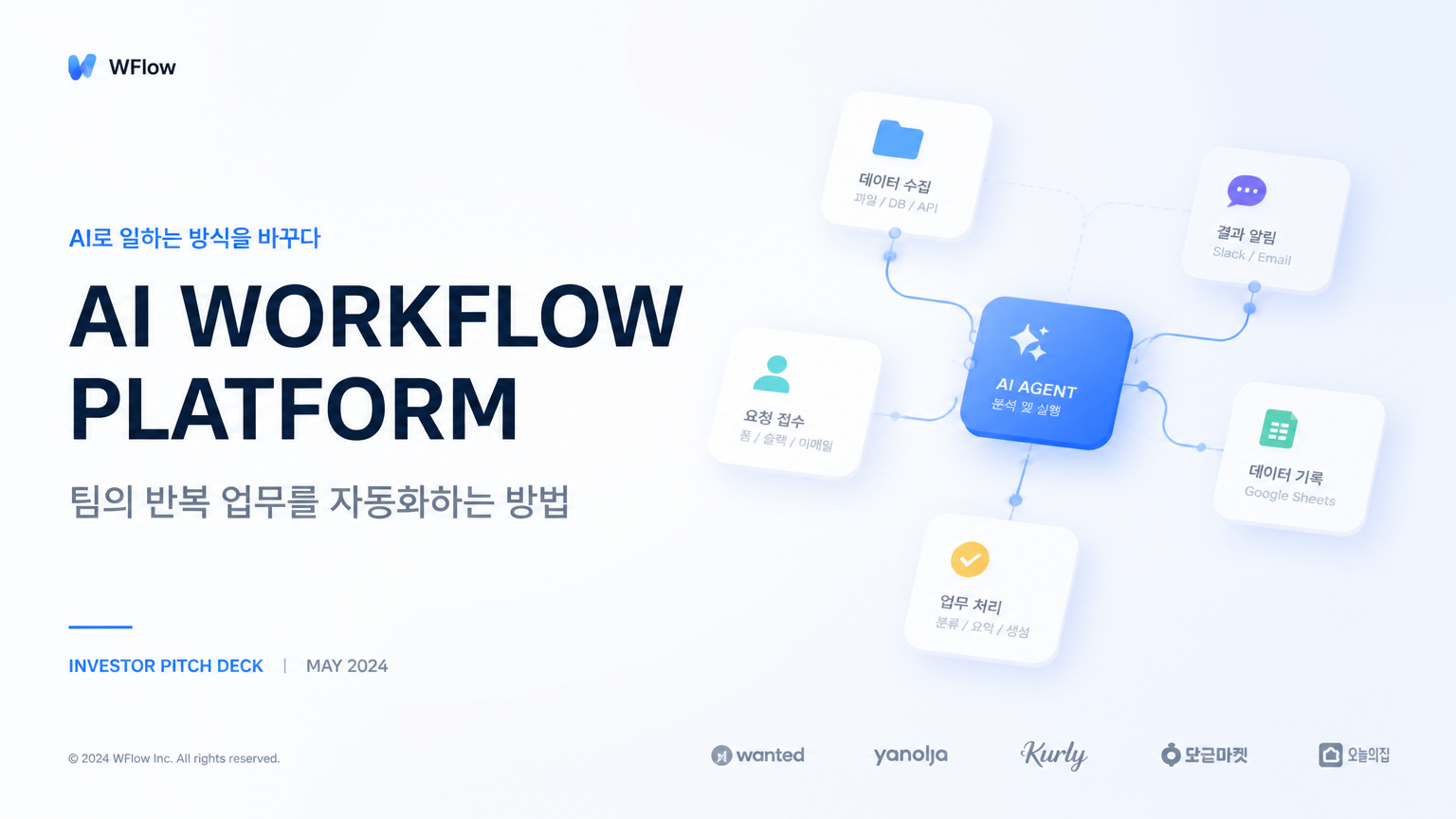
AI-generated Polished 16:9 Presentation Cover Slide for a Korean Startup Pitch Deck made with GPT Image 2

Polished 16:9 Presentation Cover Slide for a Korean Startup Pitch Deck

GPT Image 2· Image
Create a polished 16:9 presentation cover slide for a Korean startup pitch deck. Title text: 'AI WORKFLOW PLATFORM'. Korean subtitle: '팀의 반복 업무를 자동화하는 방법'. Use a clean SaaS visual style with a large abstract modular workflow diagram, soft blue gradient blocks, generous white space, and sharp modern Korean/English typography. Must look like a real investor presentation cover, not a poster. Clear hierarchy, professional layout, no mockup, no people.
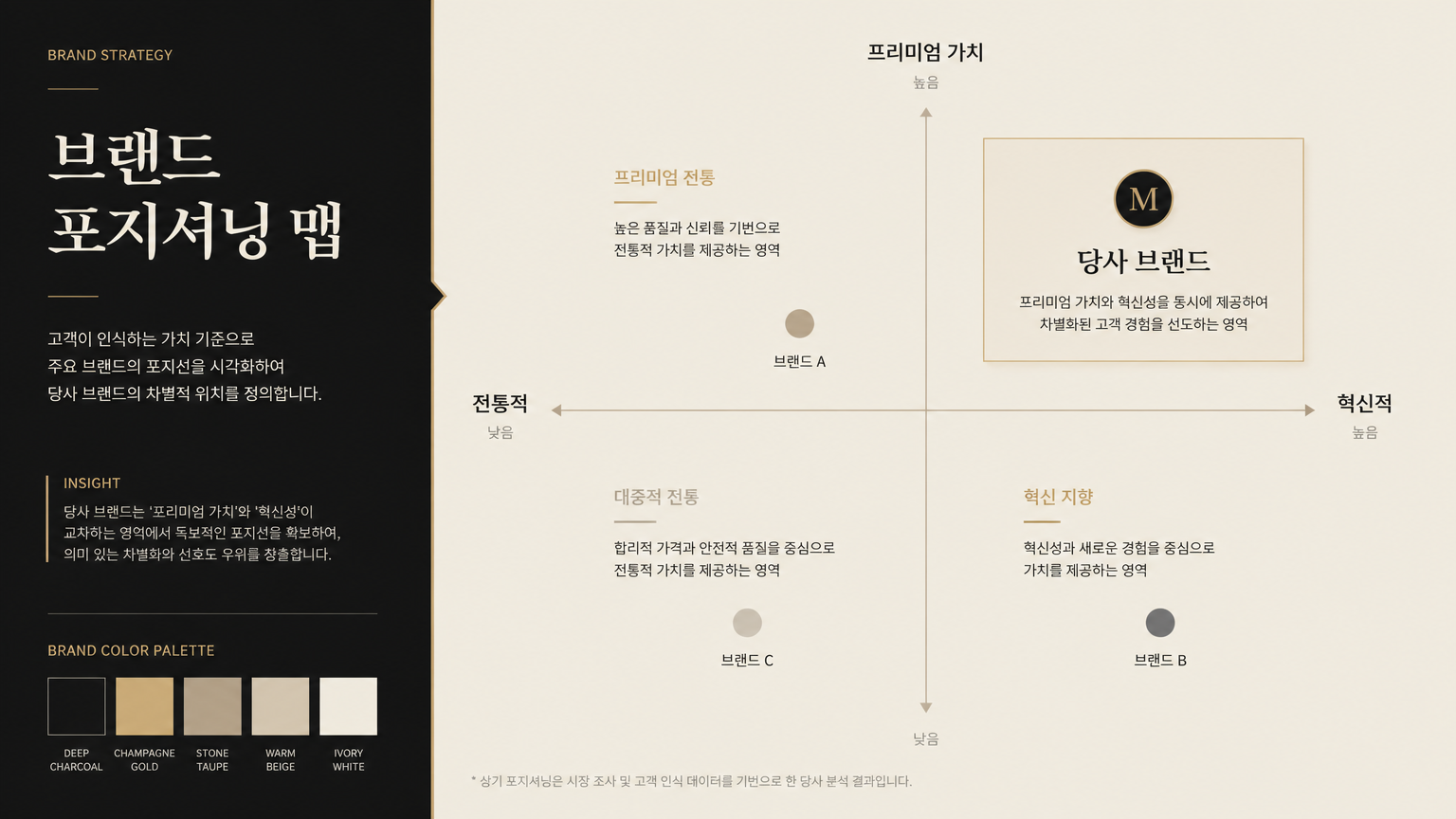
AI-generated 16:9 Brand Strategy Presentation Slide made with GPT Image 2

16:9 Brand Strategy Presentation Slide

GPT Image 2· Image
Create a 16:9 brand strategy presentation slide. Main title: '브랜드 포지셔닝 맵'. Show a premium positioning matrix with four quadrants, subtle brand color swatches, and short Korean labels. Use editorial design, muted beige and black palette, elegant typography, and a refined consulting deck mood. Clear grid, high-end visual hierarchy, no random images.
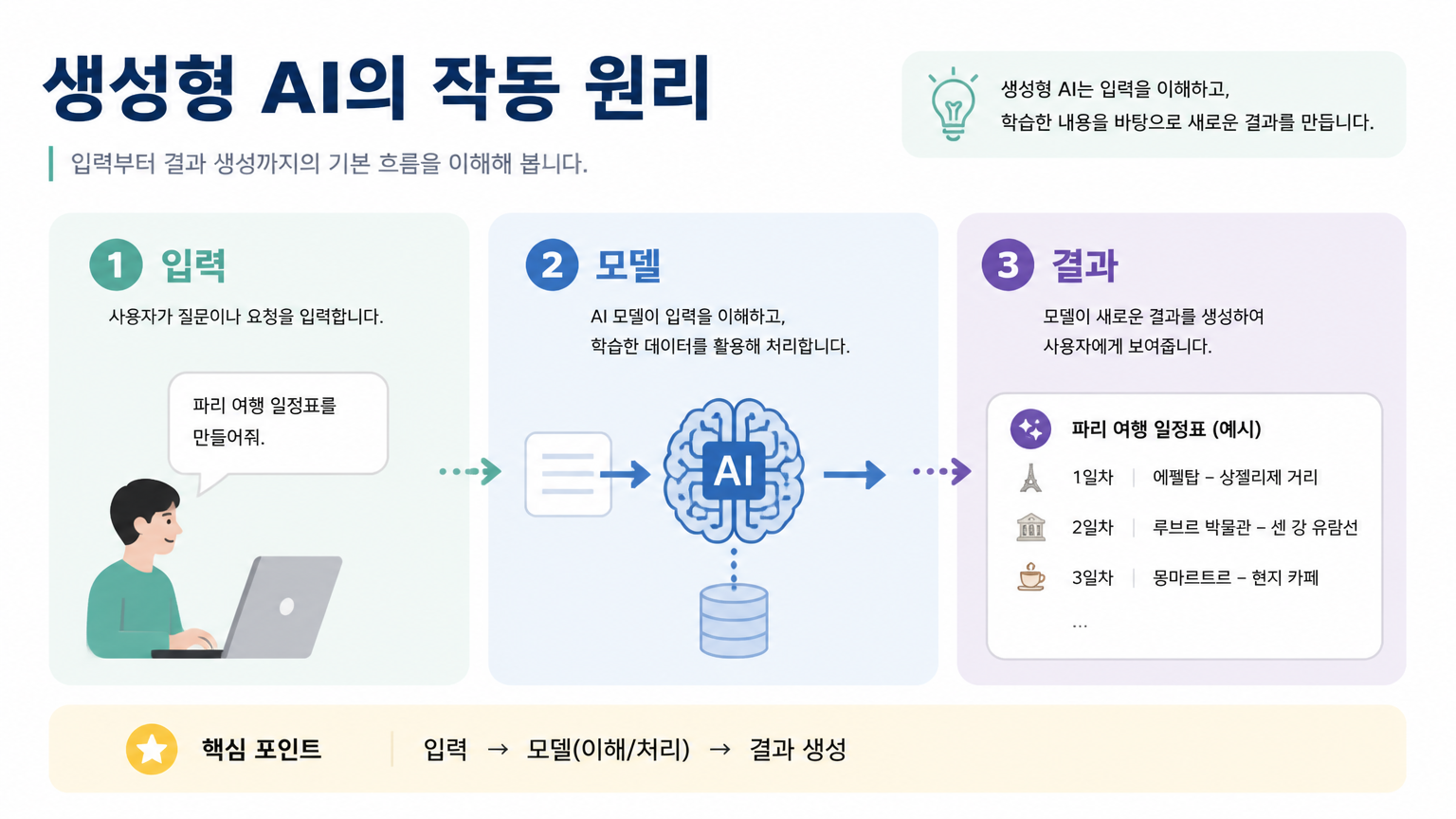
AI-generated 16:9 Educational Presentation Slide in Korean made with GPT Image 2

16:9 Educational Presentation Slide in Korean

GPT Image 2· Image
Design a 16:9 educational presentation slide in Korean. Title: '생성형 AI의 작동 원리'. Create a simple visual explanation with three steps: 입력, 모델, 결과. Use friendly flat icons, soft pastel blocks, and clear numbered sections. The slide should be easy to understand for beginners, with clean Korean labels and a teacher-friendly layout. Avoid childish style, avoid excessive text.
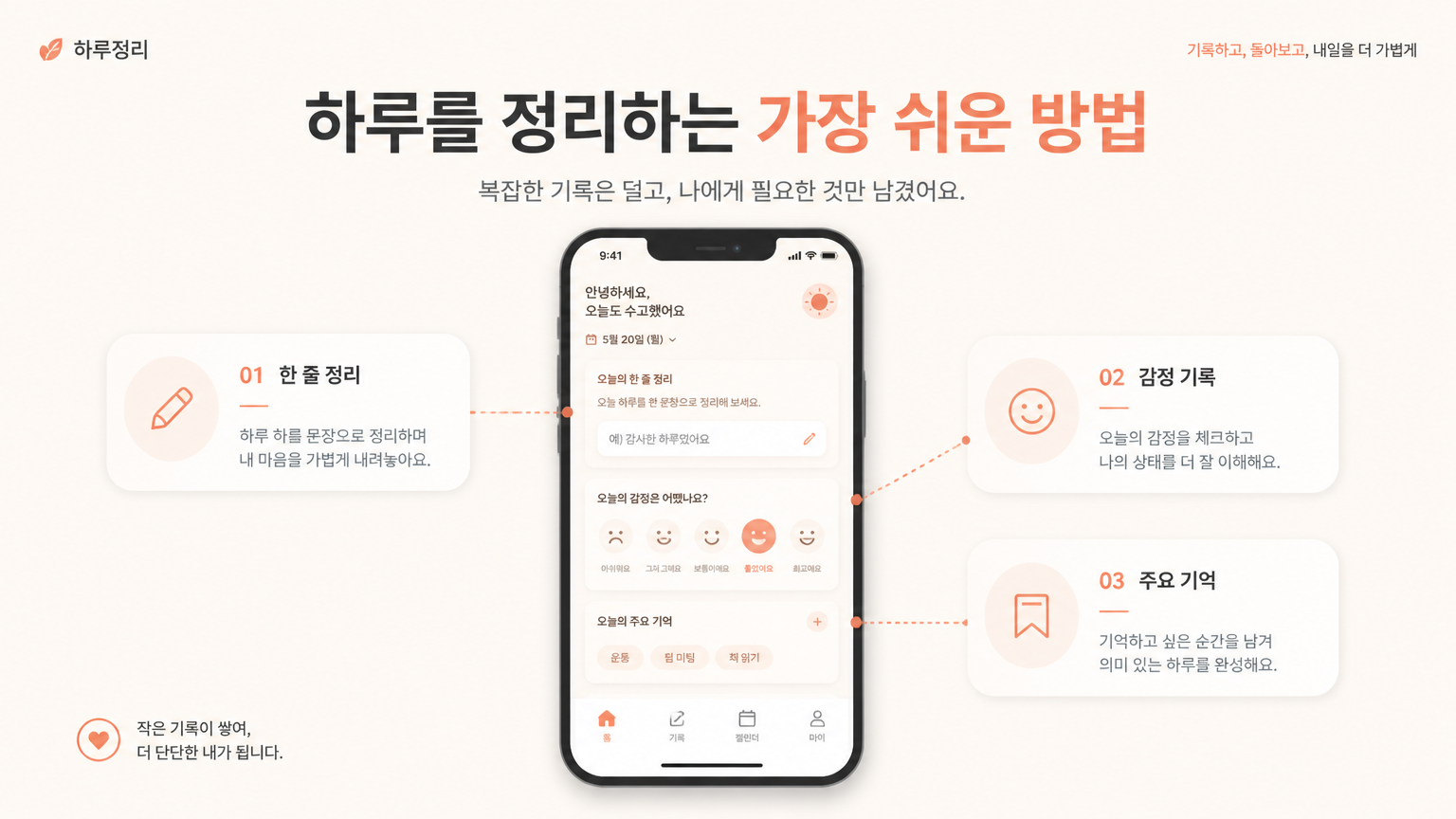
AI-generated 16:9 Service Introduction Slide for a Korean Mobile App made with GPT Image 2

16:9 Service Introduction Slide for a Korean Mobile App

GPT Image 2· Image
Create a 16:9 service introduction slide for a Korean mobile app. Main title: '하루를 정리하는 가장 쉬운 방법'. Show a central smartphone UI card with three feature modules around it, connected by subtle lines. Use warm minimal colors: cream, coral, charcoal. Modern product presentation layout, clean Korean typography, enough whitespace, realistic startup proposal deck. No realistic hand, no busy background.
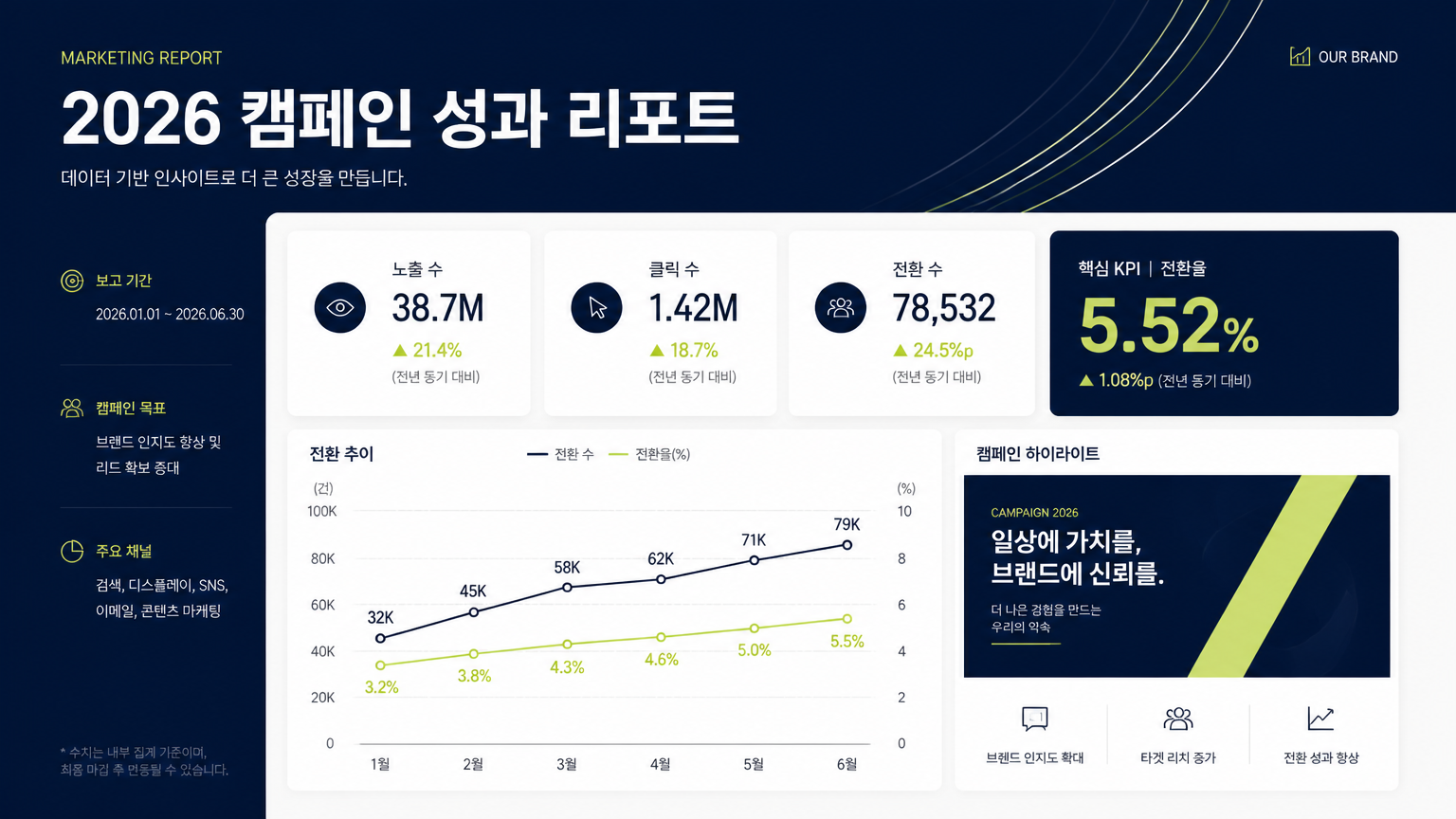
AI-generated 16:9 Korean Marketing Report Presentation Slide made with GPT Image 2

16:9 Korean Marketing Report Presentation Slide

GPT Image 2· Image
Design a 16:9 Korean marketing report presentation slide. Main title: '2026 캠페인 성과 리포트'. Include three clean data cards, a simple line chart, one highlighted KPI number, and a small campaign visual block. Use premium corporate design: navy, off-white, muted lime accent. Crisp sans-serif typography, clear grid layout, realistic business deck style. All text should be clean and legible. No stock photo collage, no 3D characters.
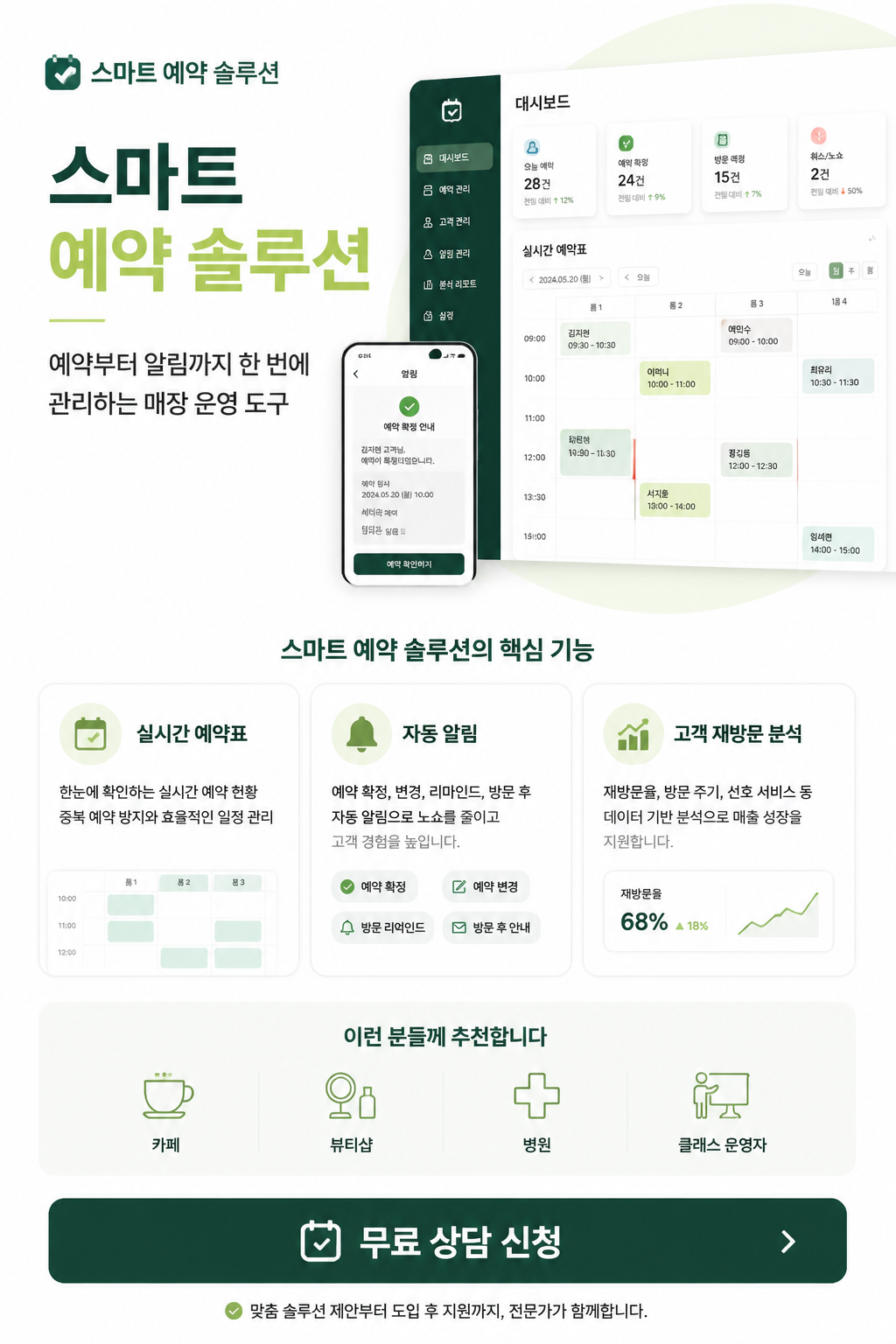
AI-generated SaaS One Page Proposal made with GPT Image 2

SaaS One Page Proposal

GPT Image 2· Image
원하는 SaaS 서비스 정보를 바탕으로 세로형 원페이지 서비스 소개서를 만들어줘. 상단에는 서비스명과 한 줄 소개, 중간에는 대시보드 UI 조각과 정확히 3개의 기능 카드, 하단에는 추천 대상과 CTA 버튼을 배치해줘. 예시 문구는 '스마트 예약 솔루션', '예약부터 알림까지 한 번에 관리하는 매장 운영 도구', '실시간 예약표', '자동 알림', '고객 재방문 분석', '카페, 뷰티샵, 병원, 클래스 운영자', '무료 상담 신청'을 사용해줘. 흰색 바탕, 진한 초록색과 연두색 포인트, 프리미엄 B2B 제안서 스타일로 구성해줘.

What Are PPT Design AI Prompts?

PPT design prompts are AI prompts for quickly shaping slide visuals used in presentations and proposals. In Carat, you can generate images or video with models like GPT Image 2, then keep going with follow-up work such as editing the result, changing the aspect ratio, removing the background, upscaling, or converting to video.

Where You'll Use It

  • Startup pitch deck covers
  • Brand strategy slides
  • Marketing report slides
  • Service introduction images
  • Educational presentation materials

Why This Tag Is Useful

With PPT design, the purpose matters more than simply making something that looks good. PPT design is about the hierarchy of information more than a single image. Clearly dividing the title, key message, charts, images, and white space gives you slides that are easy to reference straight away in a presentation. When choosing a prompt, look first for examples that show the subject, composition, style, text placement, and intended channel.

Tips for Building Your Prompt

  1. Decide the channel and aspect ratio the result will be used in first.
  2. Spell out the key subject, background, lighting, and camera composition.
  3. If needed, separate out the brand name, product name, character traits, and color palette.
  4. After generating, check for text errors, logo accuracy, and likeness/copyright issues.

In Carat, once you run a prompt you can refine from the result you like, or continue with follow-up work like changing the aspect ratio, removing the background, upscaling, or converting to video.

Frequently Asked Questions

Related Prompts

Food Photo

Food Photo

7 prompts

Vlog Thumbnail

Vlog Thumbnail

2 prompts

Webtoon

Webtoon

6 prompts

Music Video

9 prompts

Carat Prompt Gallery

Create trending AI prompts instantly

Prompts

  • Logo
  • PPT Design
  • Thumbnail
  • Poster
  • Web Novel Cover
  • ID Photo
  • Caricature
  • Product Detail Page
  • Banner

Models

  • GPT Image 2
  • Seedance 2.0
  • NanoBanana Pro
  • NanoBanana 2

Carat

  • Get started
  • About
  • Blog
  • Careers
  • Contact
  • Partnership
  • Terms
  • Privacy

© 2026 Paradot.Inc All rights reserved.