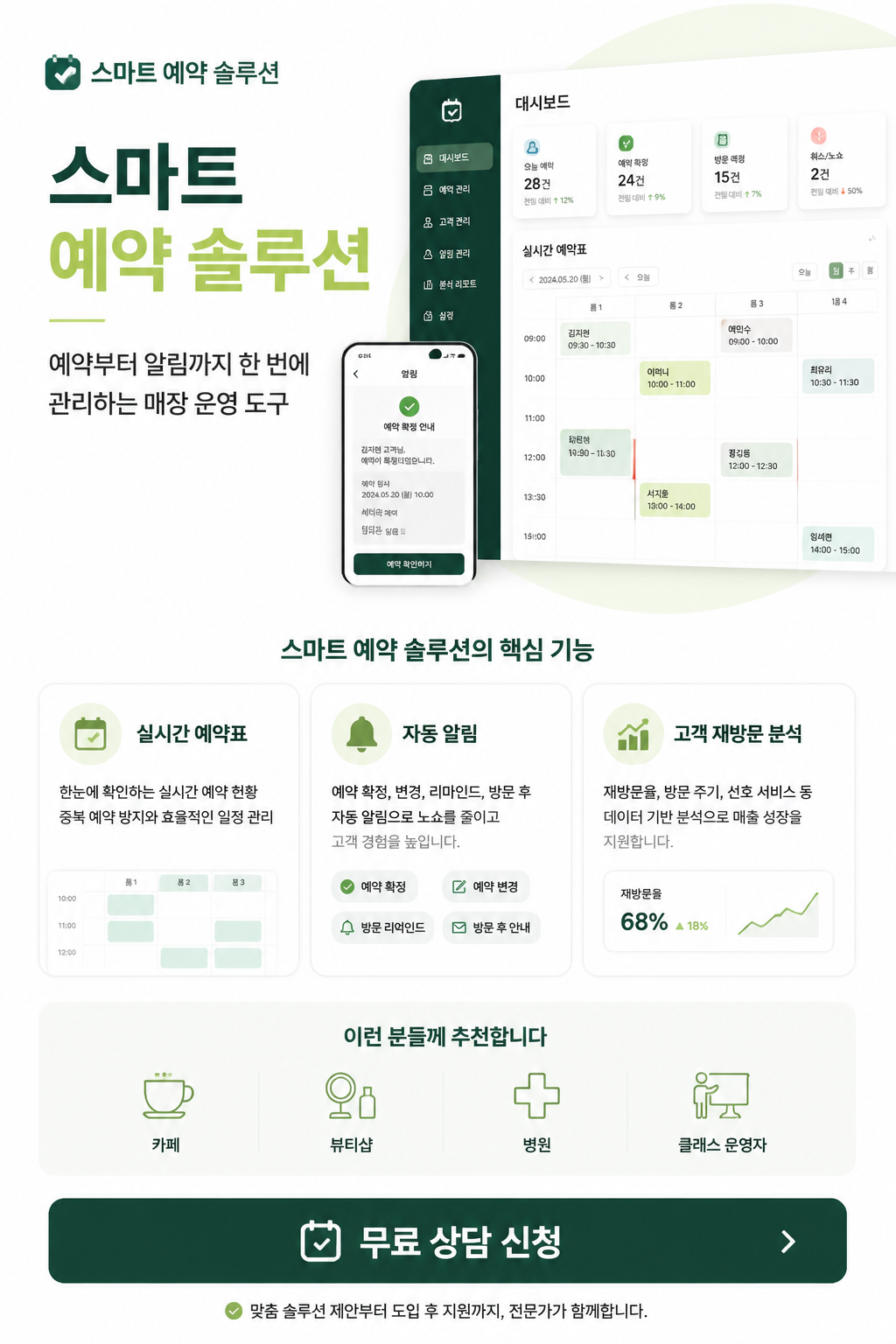
Presentation Design
Create professional presentation slides and creative layouts with high-end AI design prompts.
2026.07.08
Make “Presentation Design” exactly the way you wantCreate your own “Presentation Design”
Just ask in plain language — Carat generates optimized images and videos for you.

Start now with 100 free credits daily
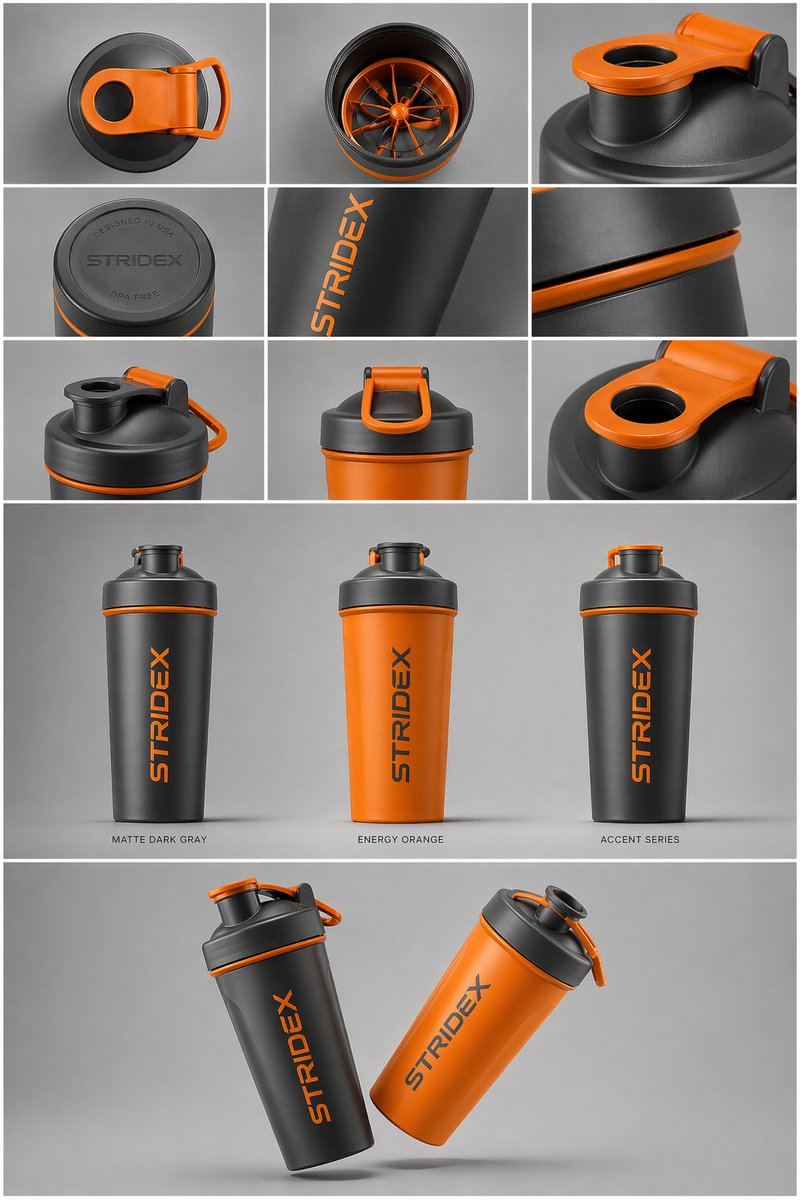
Core Subject: [Use the Uploaded Image
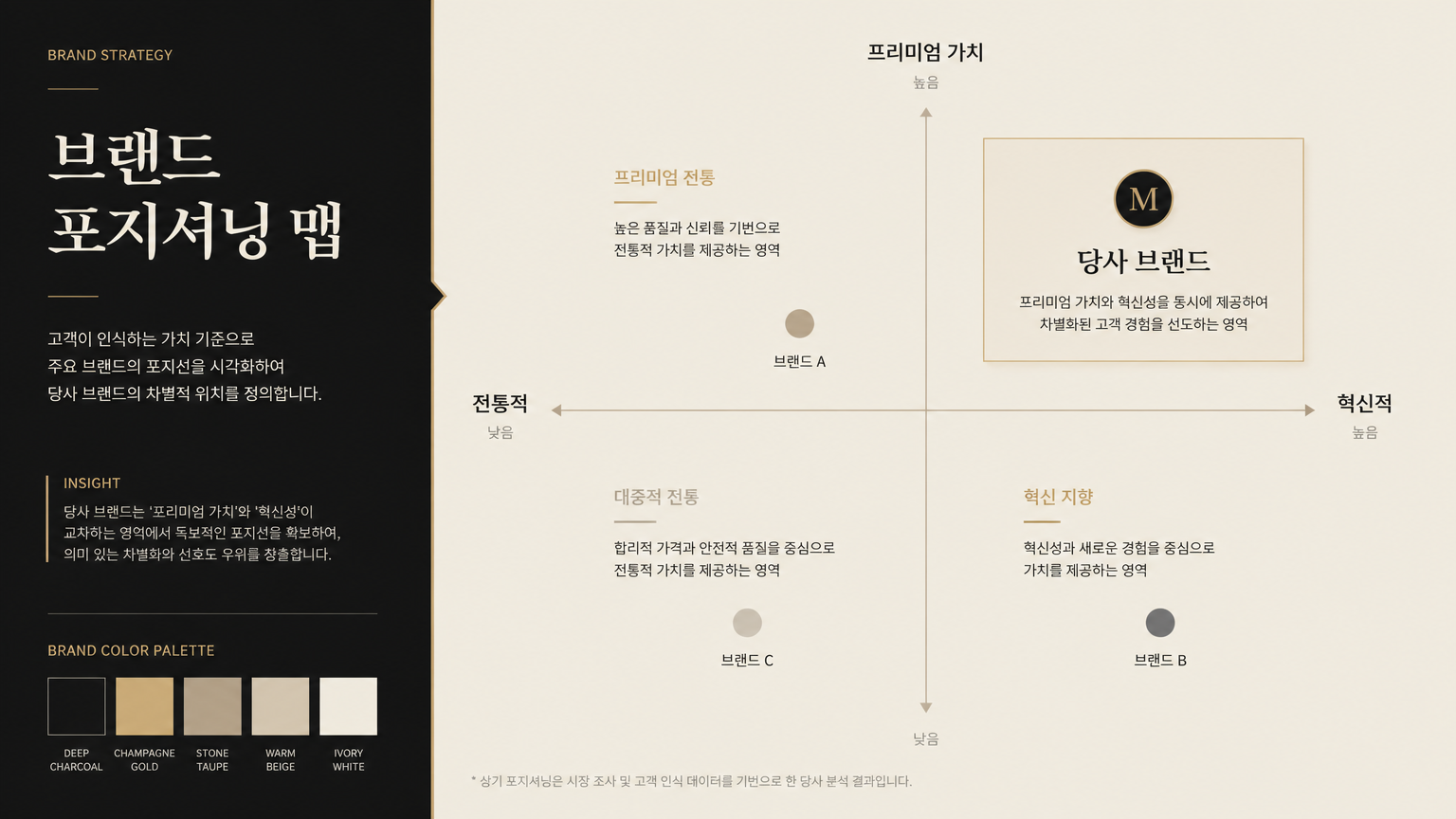
Brand Strategy Presentation Slide

Korean History Explanatory Diagram Slide () About Silla Kingdom Capital Gyeongju

Professional Presentation Slide About AI Game Development Trends in Korea, 16:9
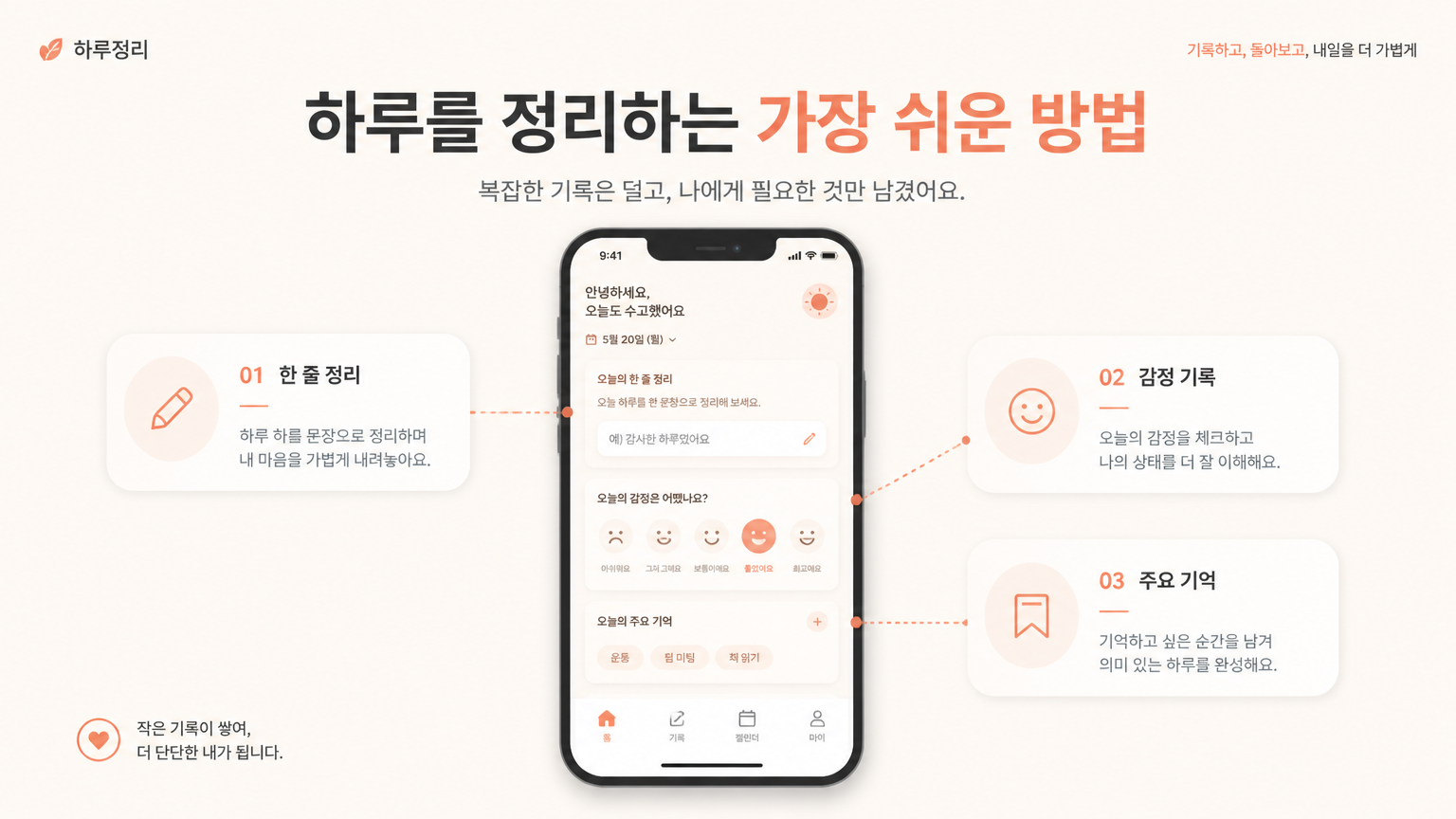
Service Introduction Slide
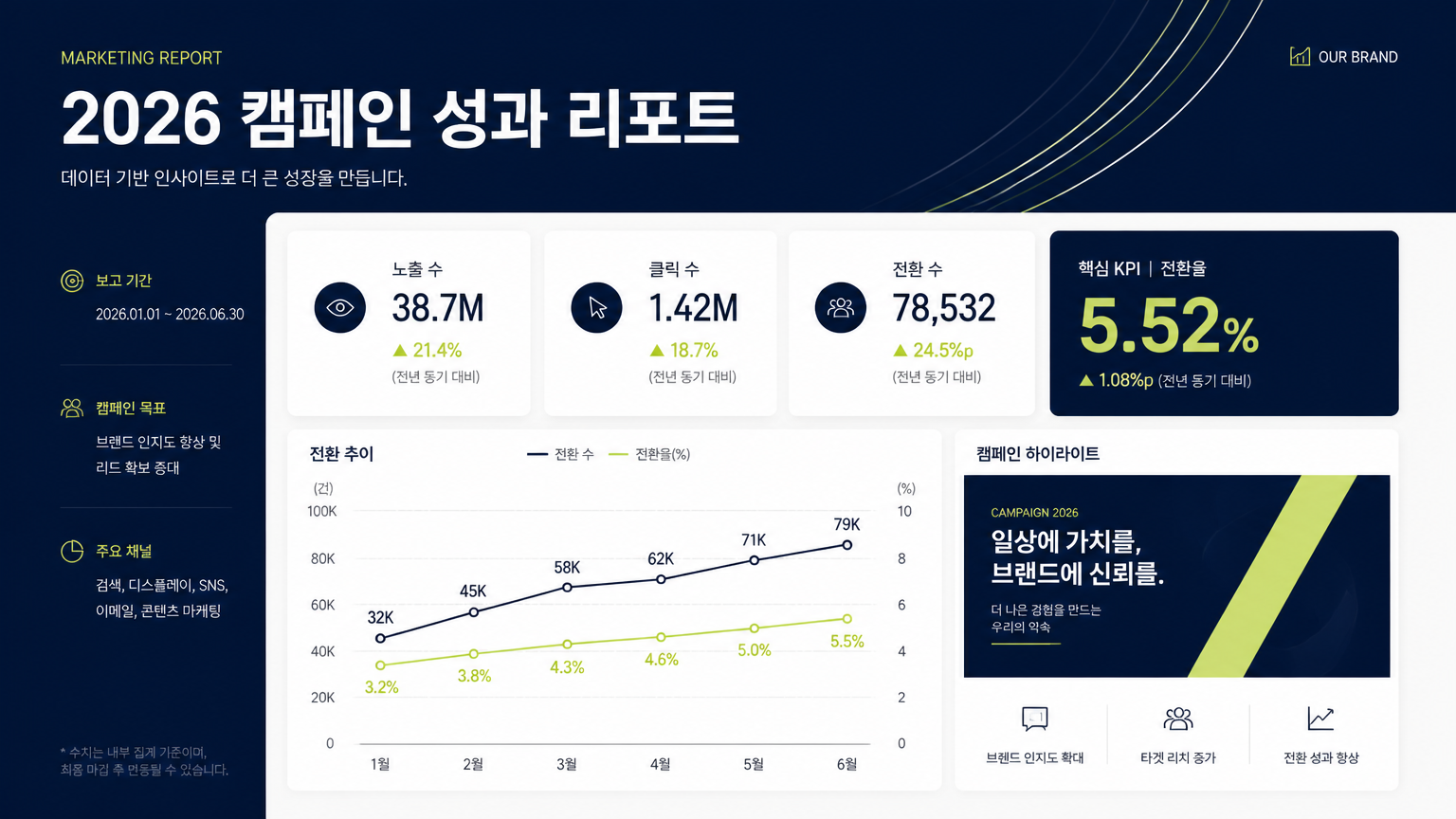
Marketing Report Presentation Slide
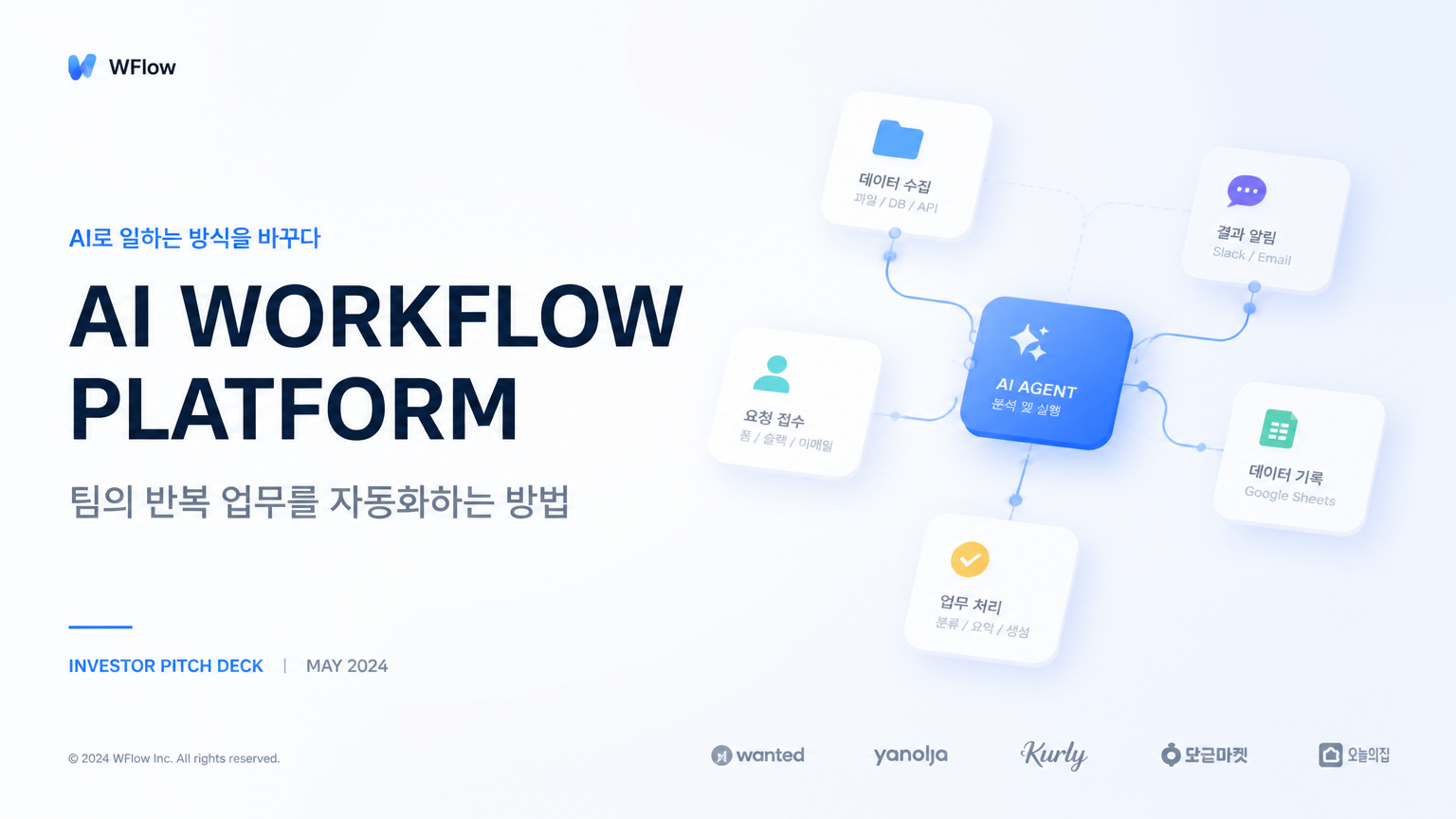
Startup Pitch Deck Cover Slide
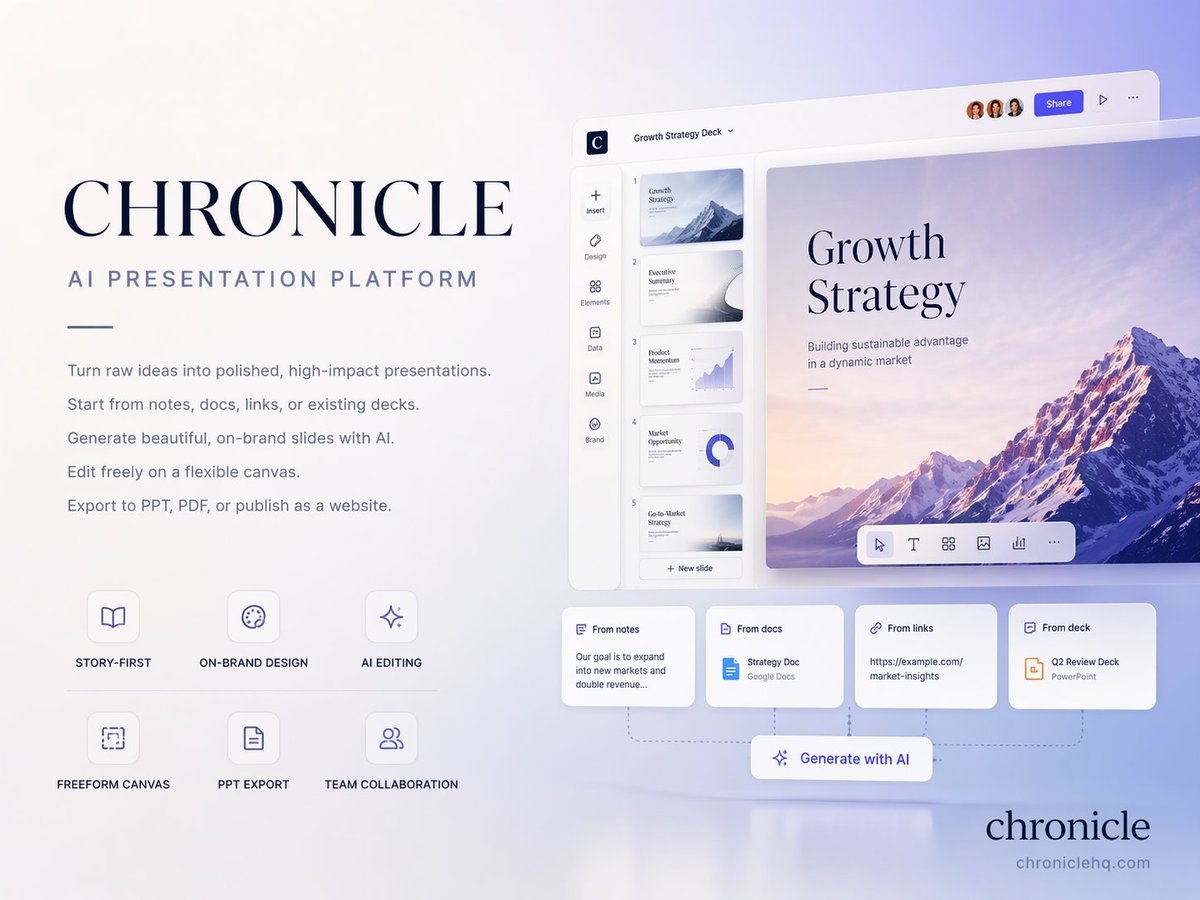
AI Presentation Cover Slide
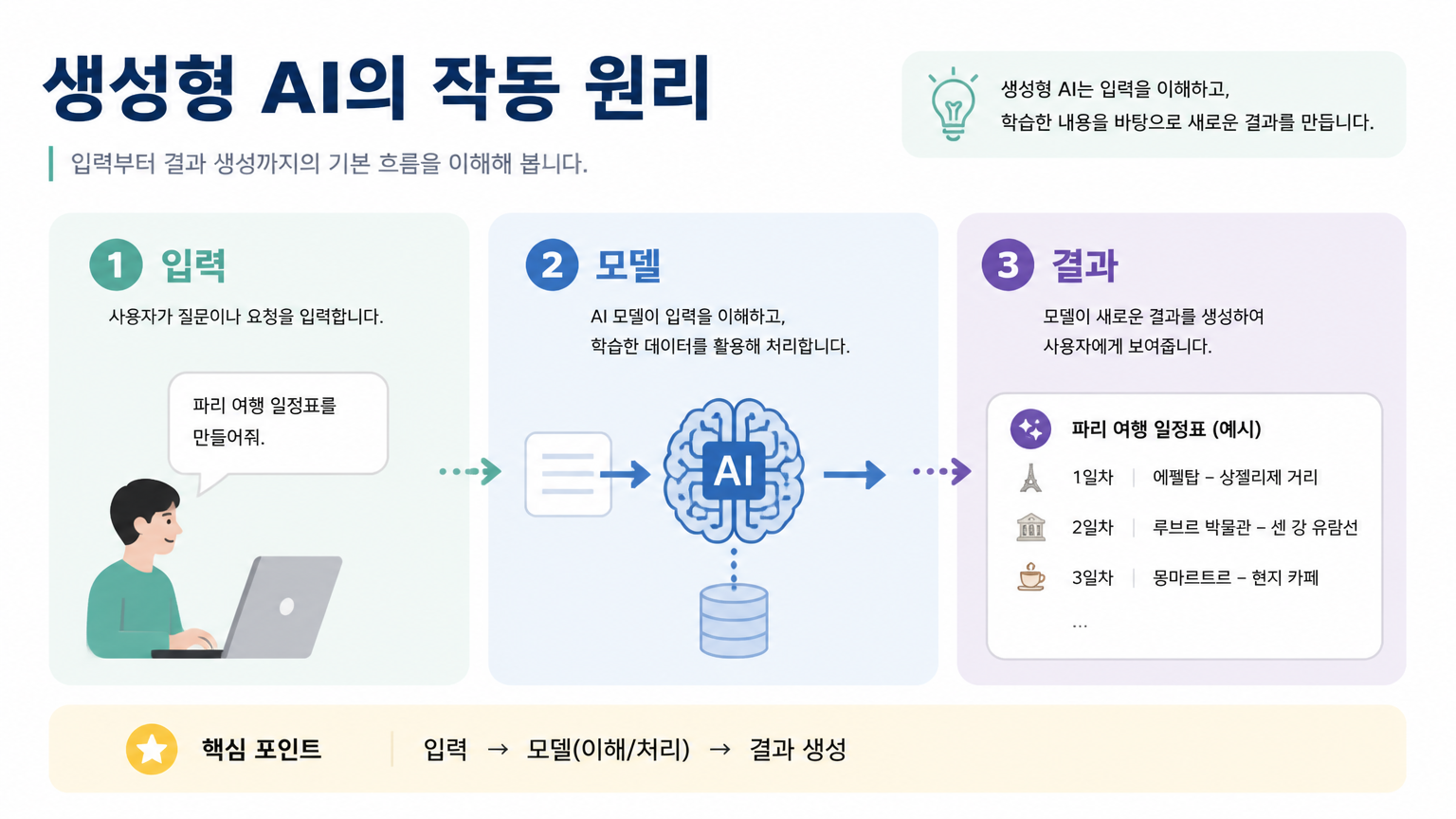
Educational Presentation Slide
The Future of Presentation Design via AI
In today's fast-paced professional world, the ability to communicate ideas visually and effectively is a crucial skill. Presentation design has evolved from simple bullet points to complex, narrative-driven visual experiences. Artificial intelligence is now at the forefront of this evolution, providing tools that allow anyone to generate professional-grade slide layouts, backgrounds, and graphic elements with ease. AI-driven presentation design focuses on creating a harmonious balance between information and aesthetics. By leveraging generative models, users can produce unique visual assets that are far superior to generic, overused templates. This technology enables a level of customization that was previously only available to those with advanced graphic design skills. Whether you are preparing a high-stakes investor pitch or a routine internal meeting, AI can help you elevate your content and ensure your message resonates with your audience through superior visual storytelling.
Principles of Effective Slide Composition
Creating a successful presentation slide requires an understanding of basic design principles such as hierarchy, contrast, and white space. AI prompts can be engineered to respect these principles by using specific terminology. For example, 'visual hierarchy' ensures that the most important information stands out, while 'negative space' or 'minimalist layout' prevents the slide from becoming cluttered and overwhelming. Contrast should be used to make text readable against the background; prompting for 'dark mode interface with neon accents' or 'clean white background with bold black typography' can help achieve this. Another key aspect is consistency. By using a consistent set of prompts for an entire deck, you can maintain a unified look and feel, which enhances professionalism. Keywords like 'cohesive color scheme', 'unified icon set', and 'consistent font style' are essential for guiding the AI to produce a series of related images that function as a single, coherent presentation template.
Advanced Prompting for Modern UI-Inspired Slides
Many of the most effective modern presentations draw inspiration from UI (User Interface) and UX (User Experience) design. Using terms like 'dashboard design', 'mobile app interface', or 'web portal layout' can lead to highly structured and modern-looking slides. Techniques such as 'glassmorphism' (a frosted glass effect), 'neumorphism' (soft shadows and highlights), and 'claymorphism' (3D, soft-touch aesthetics) are currently very popular in the design world and can be easily replicated by AI. Including these terms in your prompts will give your slides a cutting-edge, tech-forward feel. Additionally, describing specific components such as 'timeline diagrams', 'process flowcharts', or 'comparison tables' can help the AI generate relevant structural elements for your data. Focus on descriptors like 'sleek', 'futuristic', 'polished', and 'professional' to further refine the output style. By blending traditional graphic design terms with modern digital interface keywords, you create a unique visual language for your presentations.
Practical Use Cases: From Pitch Decks to Education
The applications for AI-generated presentation assets are diverse and span across every industry. Startup founders can use AI to create stunning visuals for their pitch decks, helping to visualize market trends and product roadmaps in a way that captures investor attention. Corporate professionals can use it to make financial reports more engaging by incorporating high-quality data visualization backgrounds. In the field of education, teachers and students can generate illustrative diagrams and thematic slide backgrounds that make complex topics easier to understand and more visually stimulating. Marketing agencies can quickly prototype different brand directions for clients, showing how a new identity would look across various presentation formats. The primary advantage is the speed of iteration; you can generate dozens of design variations in minutes, allowing you to choose the most effective visual direction without the time-consuming process of manual design.
Designing the Perfect Deck with Carat
Carat provides a comprehensive ecosystem for creating and sourcing the best AI presentation design prompts. Our gallery showcases a wide array of slide styles, ranging from hyper-minimalist to vibrant and artistic. By exploring the matched items, you can see the exact strings of text used to generate successful layouts. You can take these prompts as a baseline and modify them with your company's brand colors or specific industry themes. Our platform supports the creation of various aspect ratios, ensuring your designs fit perfectly on standard 16:9 screens or 4:3 monitors. Beyond just backgrounds, you can use Carat to generate custom icons, decorative elements, and conceptual illustrations that make your slides truly unique. The goal is to move beyond the limitations of pre-packaged software and embrace the infinite creative potential of AI. With Carat, your presentations will not only inform but also inspire, setting a new standard for visual communication in your field.