AI GPT Image 2 prompts you can use right away for visual content built on a high-quality image model. Quickly create posters, product ads, characters, and card news images.
2026.05.28
Make “GPT Image 2” exactly the way you wantCreate your own “GPT Image 2”
Just ask in plain language — Carat generates optimized images and videos for you.
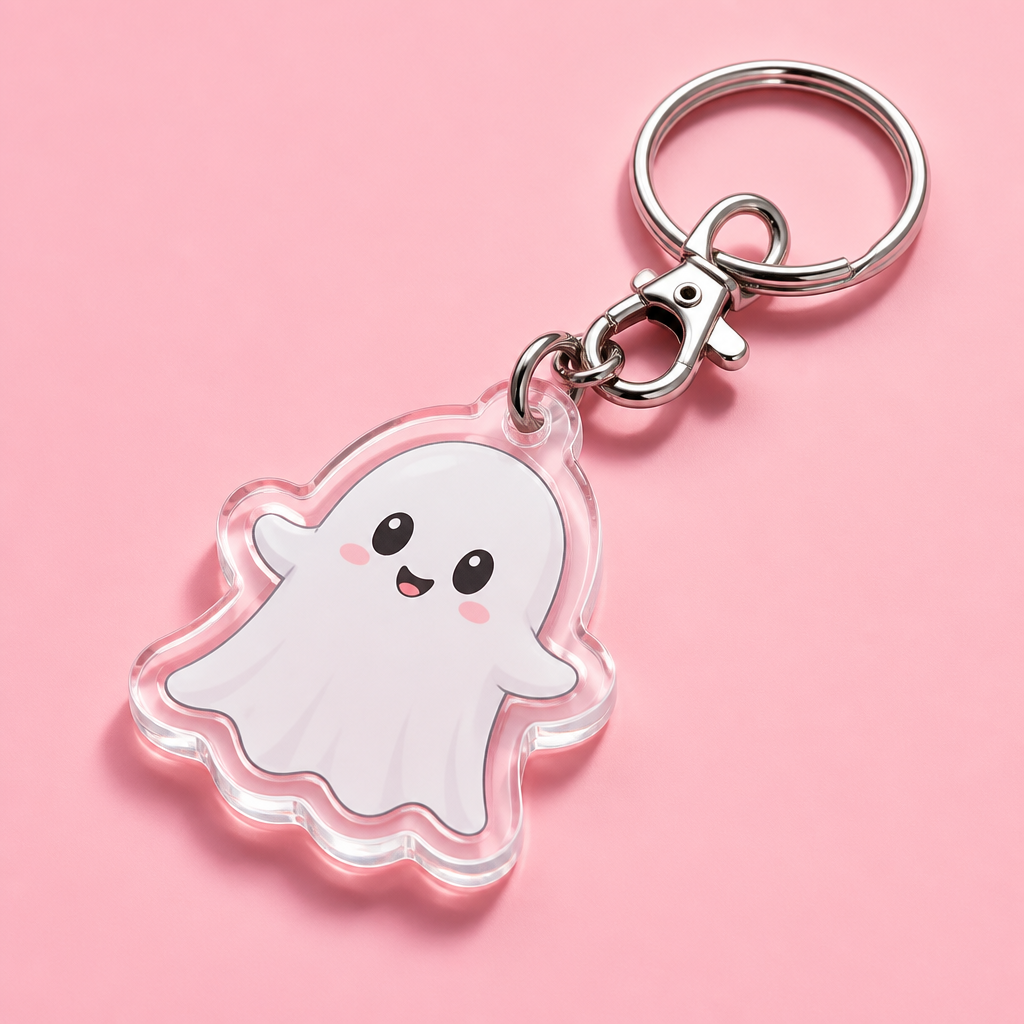
A professional product mockup of a custom transparent acrylic keychain lying flat on a minimalist pastel pink background. The custom keyring has a cute little white ghost character design printed inside, with a polished shiny steel ring and clip assembly casting a gentle shadow. High-end retail visual layout with sharp reflections of studio lighting. No watermark, clean composition, purposeful details.
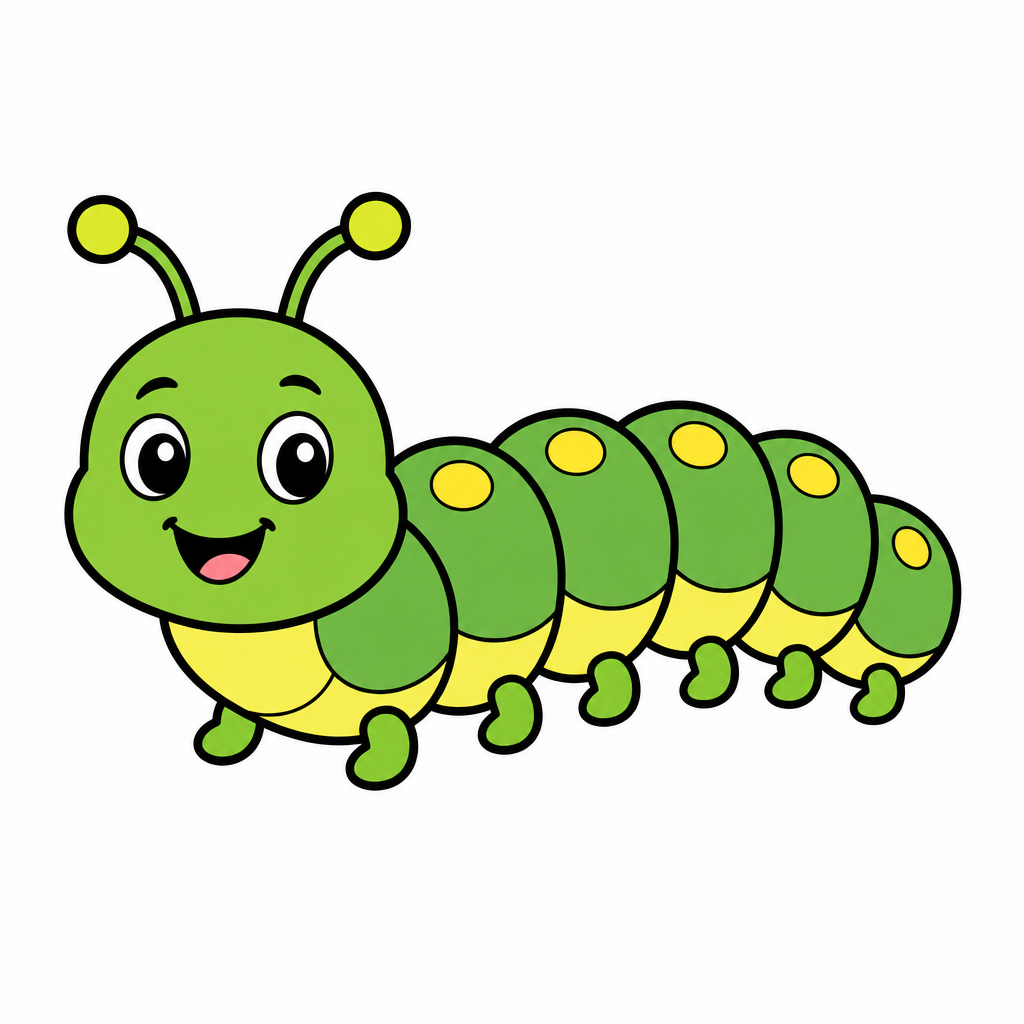
vector sticker illustration of a friendly caterpillar, green segmented body with small legs and cute antennae, friendly cartoon bug style, green and yellow color palette, centered composition, thick crisp black outline, flat colors, clean white background, no text, no logo, no watermark, no 3D render, no shadows, no gradients.
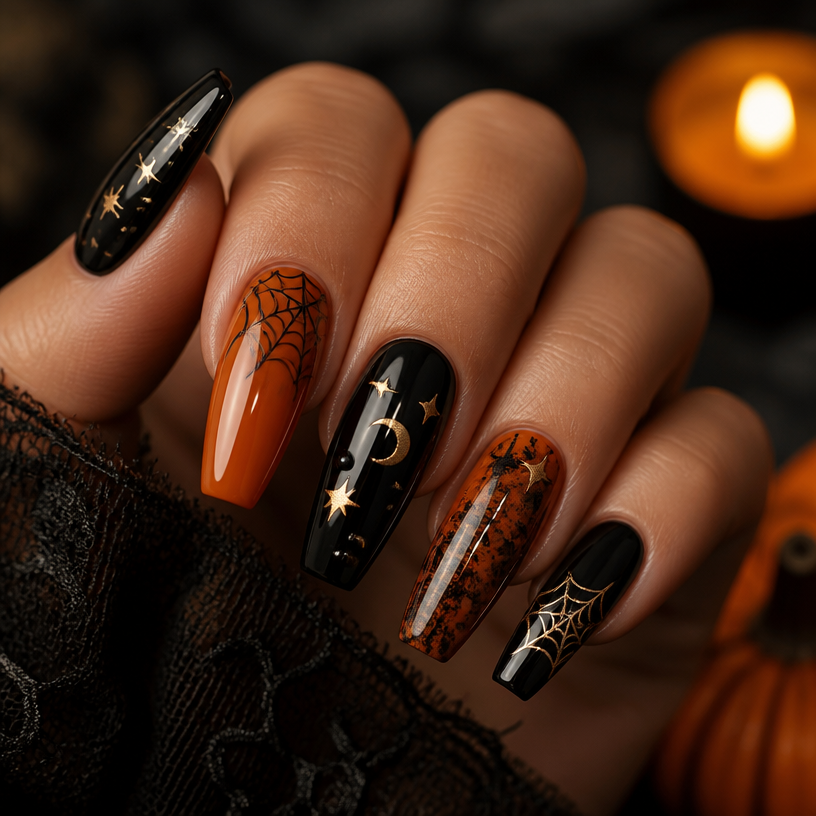
Square beauty editorial macro photograph of a Halloween nail design on a manicured hand, glossy black and deep orange polish, tiny spooky seasonal motifs such as stars, moons, and elegant cobweb accents, sophisticated salon nail-art composition, dramatic warm candlelight against a dark neutral background, crisp nail details, no readable text, no logos, no watermark.
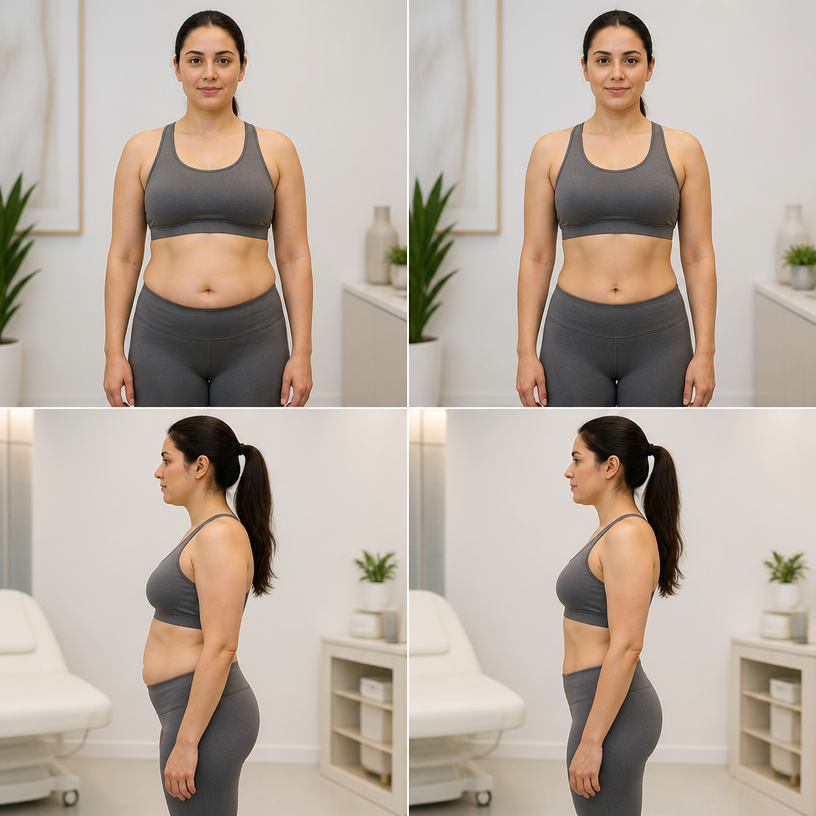
Square clinical wellness body-contouring simulation reference featuring an adult woman in modest fitted athletic wear, neutral front and side standing views, subtle realistic reduction in abdominal fullness shown as a restrained before-and-after comparison, natural anatomy and proportions, bright medical consultation studio, informative non-sexual presentation, no procedure claims, no measurements, no readable text, no logo, no watermark.
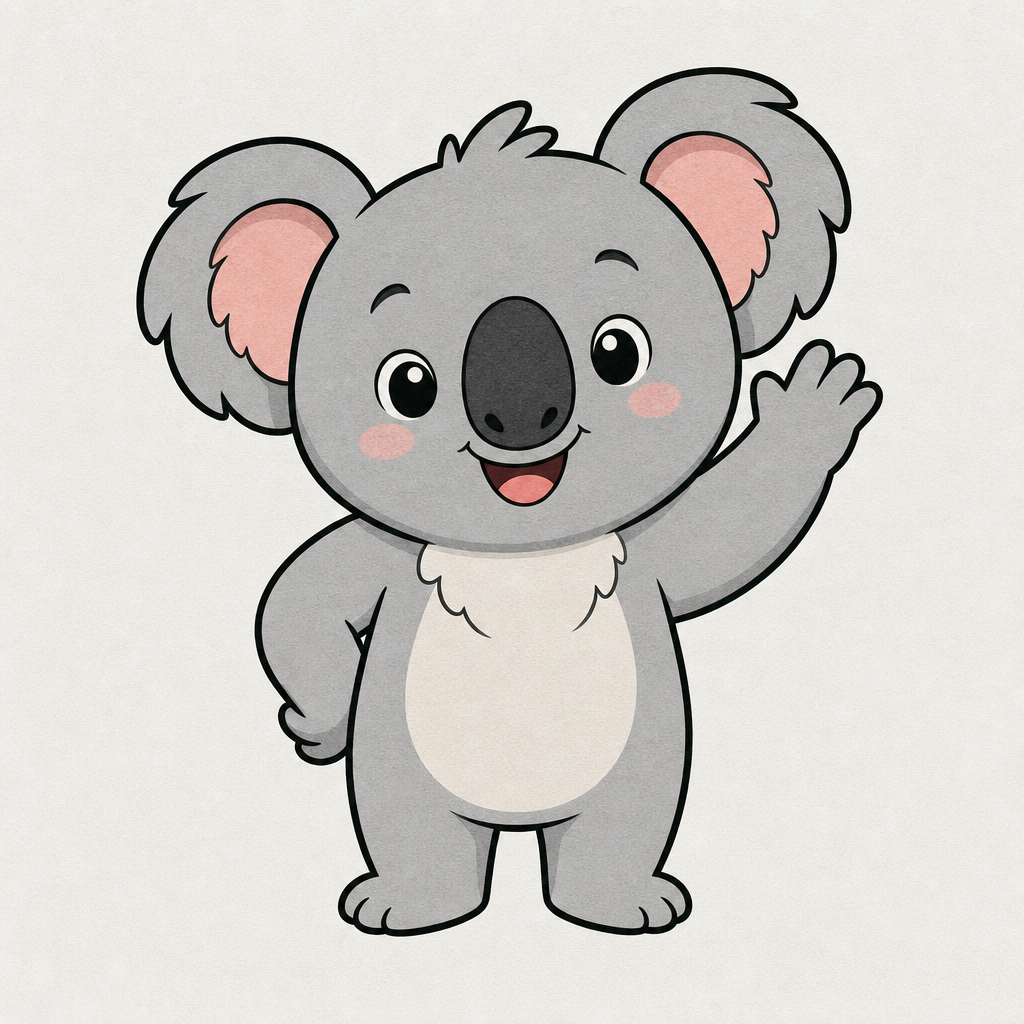
photograph, clean vector sticker illustration of a cute koala character, full body mascot pose, rounded ears, soft gray fur, friendly expression, crisp black outline, flat pastel colors, subtle paper texture, light background, no text, no logo, no watermark, no 3D render.
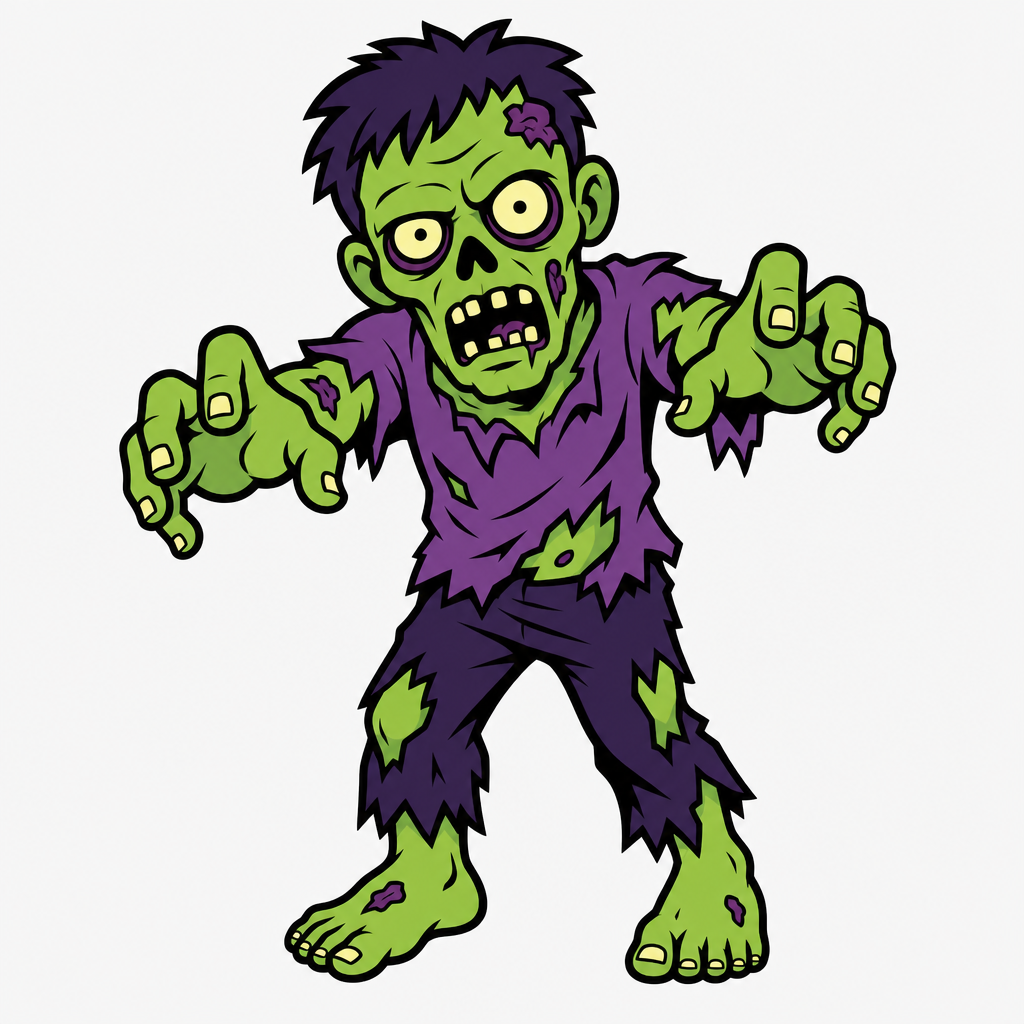
Clean vector sticker illustration of a cartoon zombie character, undead person with tattered clothes and green skin, outstretched arms in a classic mascot pose. Horror mascot style with a vibrant green and purple palette. Centered composition with a thick crisp black outline and flat colors. High-contrast graphic design on a light neutral background. No text, no logo, no watermark, no 3D render, no shading, no gradients.
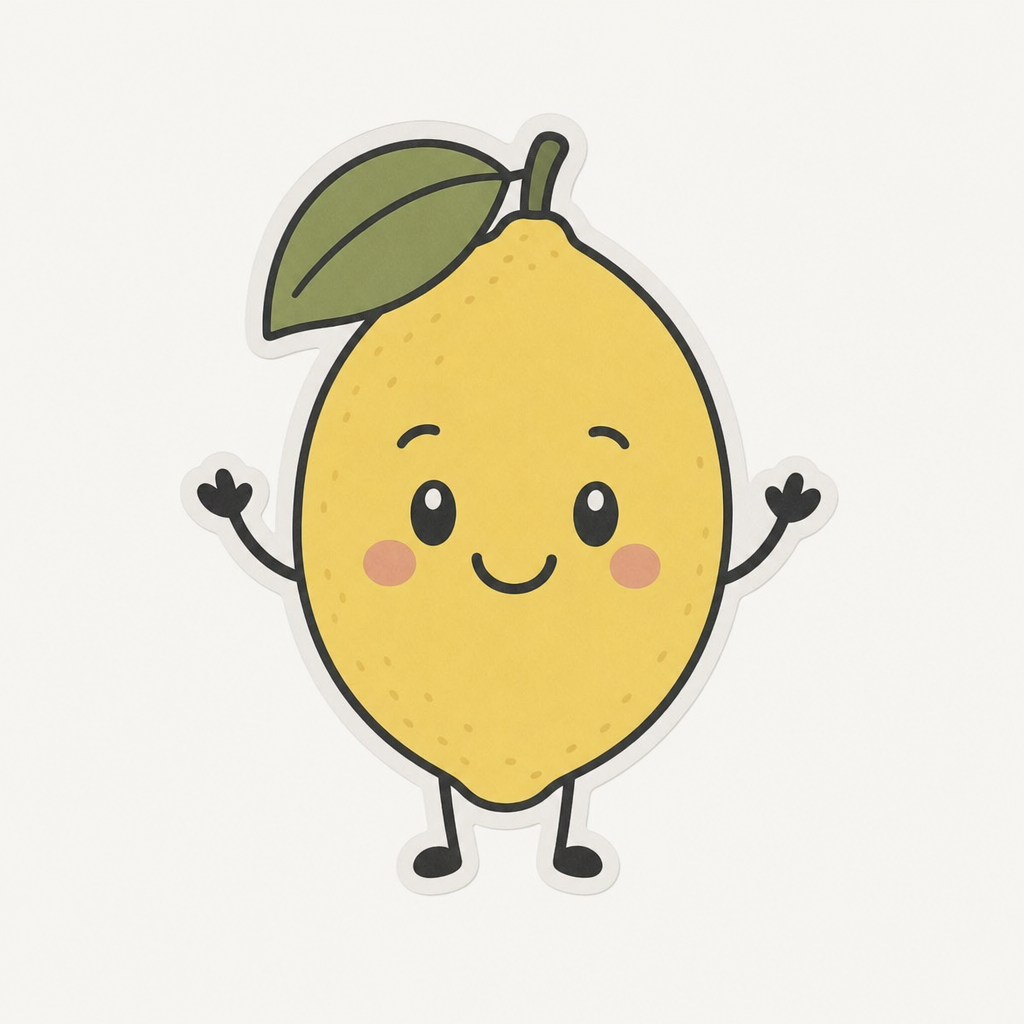
photograph, clean vector sticker illustration of a lemon character. Muted washed-out tones, neutral white balance slightly warm, shadows lifted to ashy gray-brown, very low contrast flat exposure, midtones desaturated and chalky. Cute anthropomorphic lemon mascot with a friendly smiling face, small stick-like arms and legs. Thick crisp black outline, flat colors, yellow and green palette. Centered composition, subject isolated on a light solid background. No text, no watermark, no 3D render, no studio lighting, no heavy makeup, no portrait mode blur.
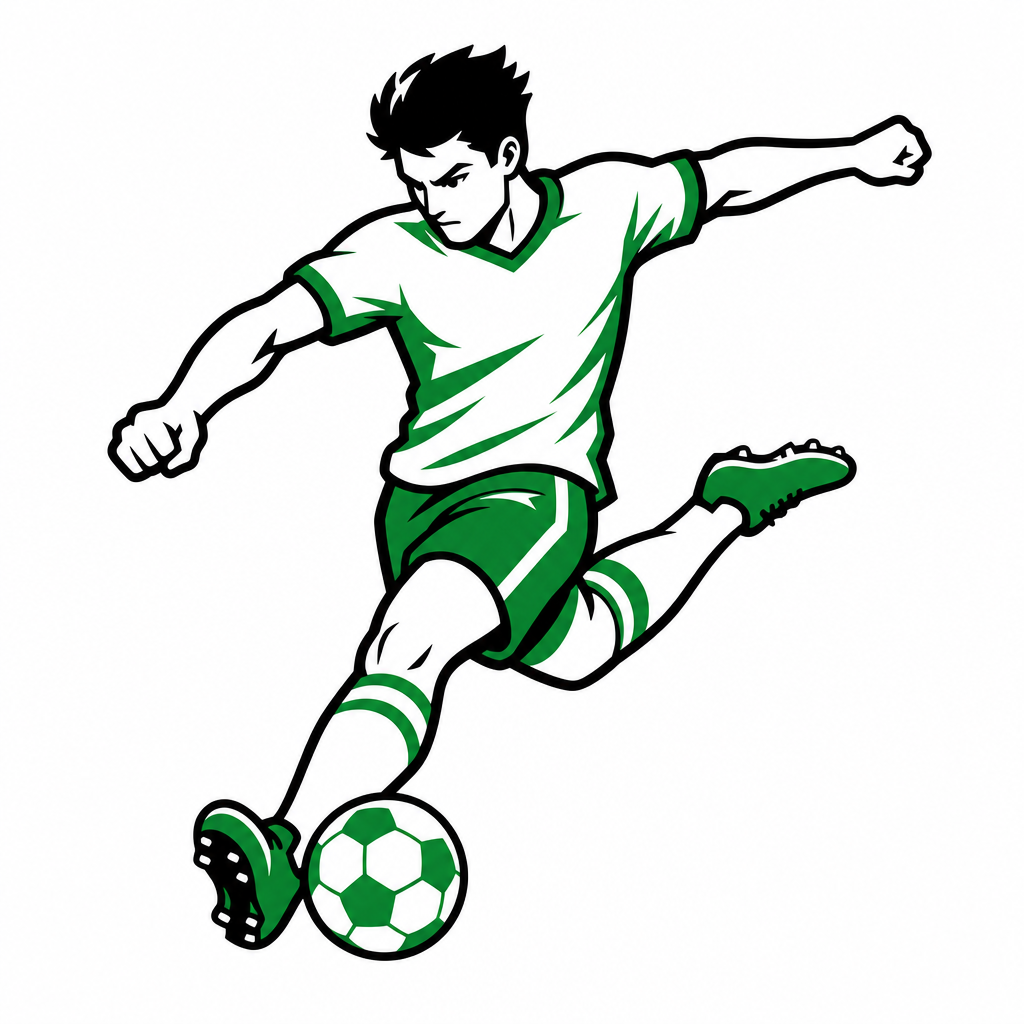
Clean vector sticker illustration of a soccer player in motion, sports icon style. Subject: stylized character mid-kick striking a soccer ball, dynamic athletic pose, explosive energy. Palette: limited green and white color scheme. Style: thick crisp black outline, flat colors, minimalist vector graphics, clean edges, no gradients, no shading. Composition: centered, isolated on a plain light background. No readable text, no logo, no watermark, no 3D render, no photographic elements, no complex background.
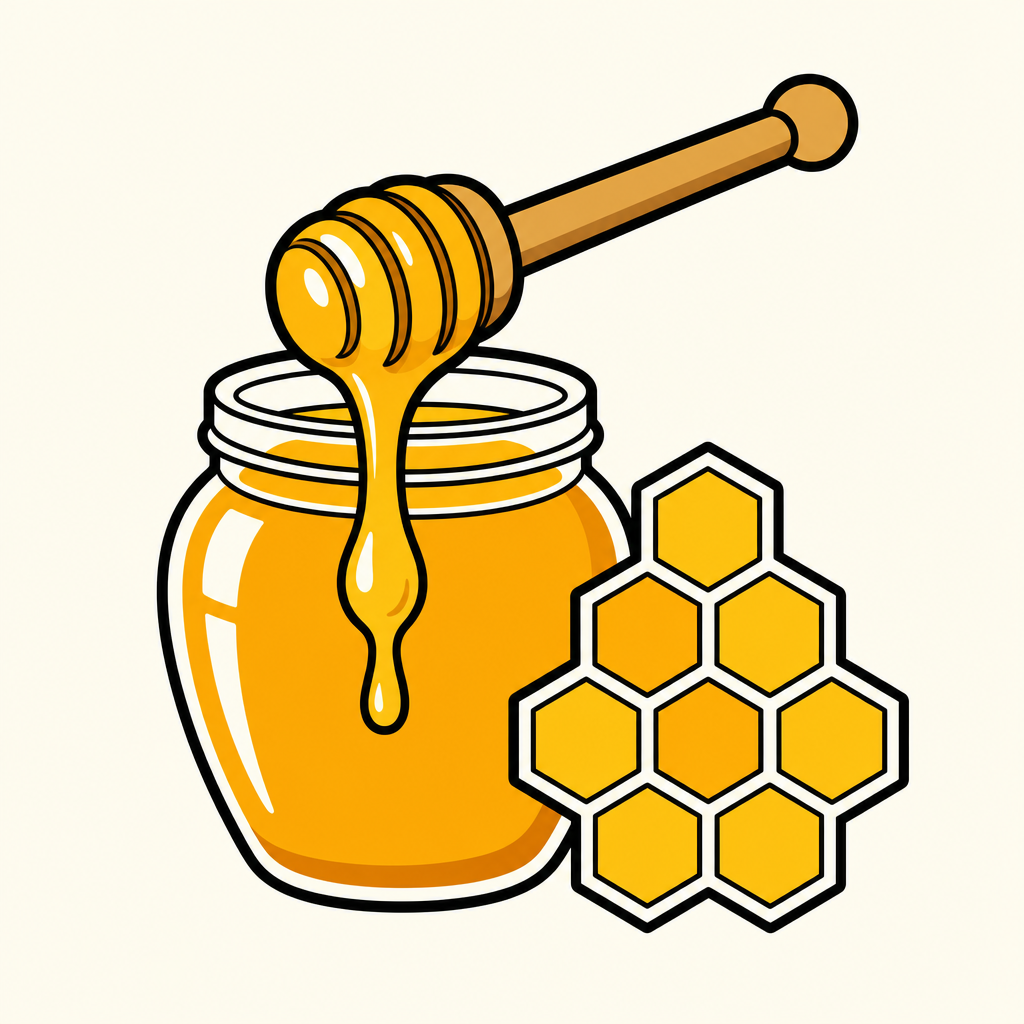
Vector sticker illustration of a honey jar, clean graphic design, sweet food icon style. A glass honey jar with a wooden dipper dripping thick golden honey, accompanied by a geometric honeycomb hexagon pattern beside it. Palette of bright yellow, amber, and warm gold. Centered composition, thick crisp black outline, flat colors, minimalist vector art, light off-white background. No text, no watermark, no 3D render, no gradients, no realistic textures, no shadows.
photograph, Glimmerglass micro-diffusion on skin only. Crystal clear on product. Lifted blacks to soft gray. Overexposed highlights high-key. Skin L0-L1 glass reflection poreless. Flat front lighting no shadows. White or pale pastel background. Ultra-clean digital. No grain. Hasselblad Phase One, clean vector sticker illustration of a large exclamation mark symbol, bold yellow and orange palette, burst effect behind the mark, attention and alert icon style, centered composition, thick crisp black outline, flat colors, minimalist aesthetic, razor sharp macro, minimal background. No text, no watermark, no 3D render, no film grain, no harsh shadows.
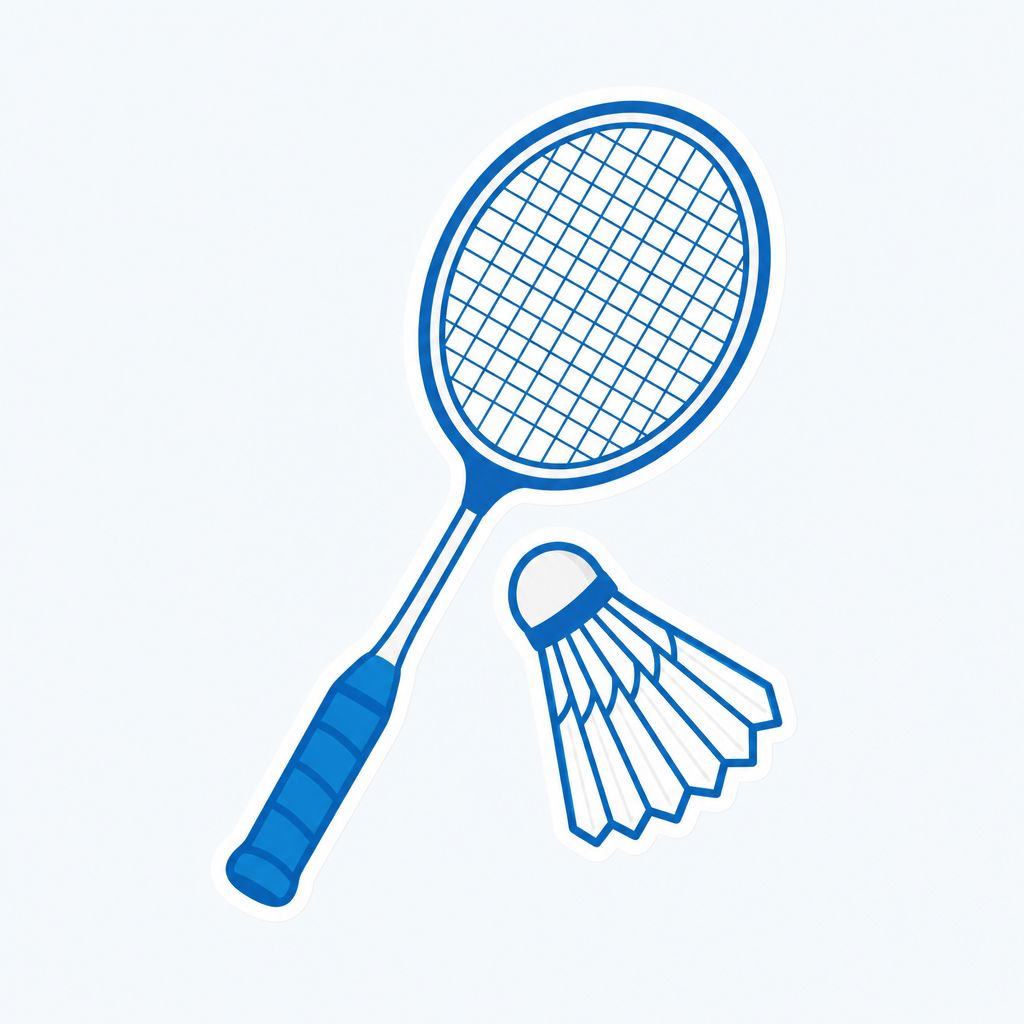
photograph, Glimmerglass micro-diffusion on skin only. Crystal clear on product. Lifted blacks to soft gray. Overexposed highlights high-key. Skin L0-L1 glass reflection poreless. Flat front lighting no shadows. White or pale pastel background. Ultra-clean digital. No grain. Hasselblad Phase One, clean vector sticker illustration of a badminton racket and shuttlecock, sports equipment icon style, blue and white palette, centered composition, thick crisp outline, flat colors, light background, no readable text, no logo, no watermark. No text, no watermark, no 3D render, no warm yellow tones, no film grain, no harsh shadows.
fal:213612
What Are GPT Image 2 AI Prompts?
GPT Image 2 prompts are AI prompts for quickly shaping visual content built on a high-quality image generation model. In Carat, you can generate images or video with models like GPT Image 2, then keep going with follow-up work such as editing the result, changing the aspect ratio, removing the background, upscaling, or converting to video.
Where You'll Use It
Product ad images
Posters and thumbnails
Character and portrait images
Card news and infographics
Brand mockups and packaging
Why This Tag Is Useful
GPT Image 2 work is less about simply making something that looks good and more about its purpose. GPT Image 2 is a model good for experimenting broadly—from a single polished image to design drafts that include text. Once you nail down the prompt's purpose and the type of result, it's easy to carry it straight into marketing, commerce, and social content. When choosing a prompt, look first for examples that show the subject, composition, style, text placement, and intended channel together.
Tips for Building Your Prompt
Decide the channel and aspect ratio the result will be used in first.
Spell out the key subject, background, lighting, and camera composition.
If needed, separate out the brand name, product name, character traits, and color palette.
After generating, check for text errors, logo accuracy, and likeness/copyright issues.
In Carat, once you run a prompt you can refine from the result you like, or continue with follow-up work like changing the aspect ratio, removing the background, upscaling, or converting to video.