Realistic Photo
AI prompts for creating realistic photo images that look like believable camera captures rather than overly polished AI renders. Use them for natural portraits with believable skin, light, and background depth, social snapshots that feel taken by a phone or compact camera, and polished visual concepts in Carat.
2026.05.22
Make “Realistic Photo” exactly the way you wantCreate your own “Realistic Photo”
Just ask in plain language — Carat generates optimized images and videos for you.

Start now with 100 free credits daily
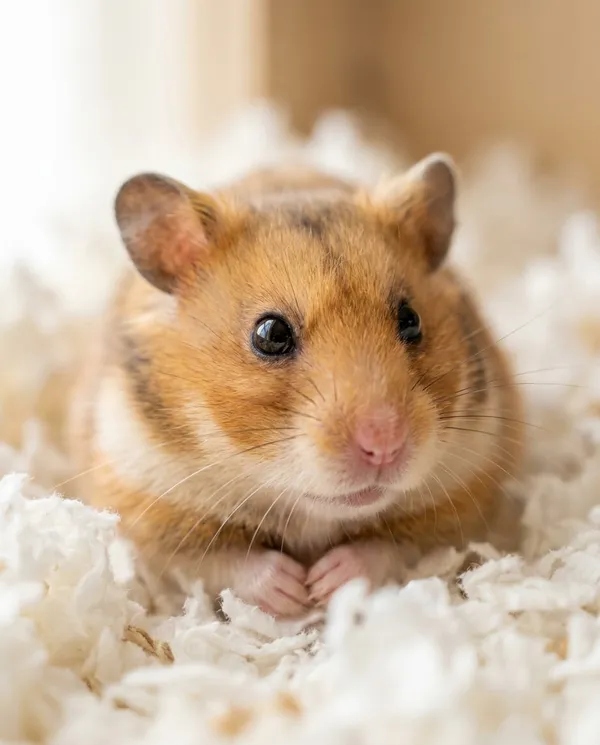
Cozy Bedding Hamster Close-Up
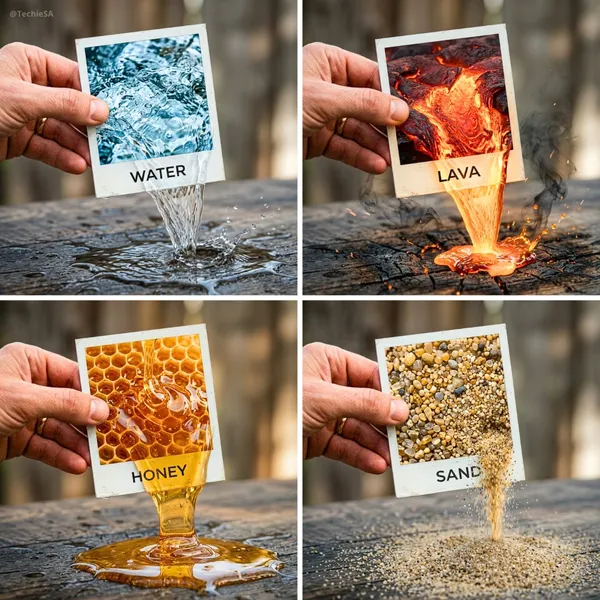
Element Emerging From Polaroid
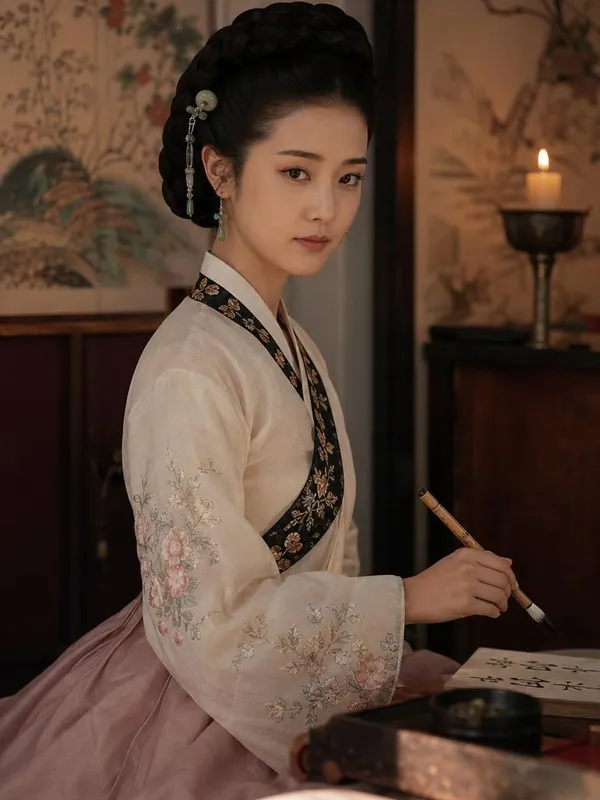
Photorealistic Portrait of Hwang Jini (), the Legendary Joseon-era Korean Gisaeng Poet
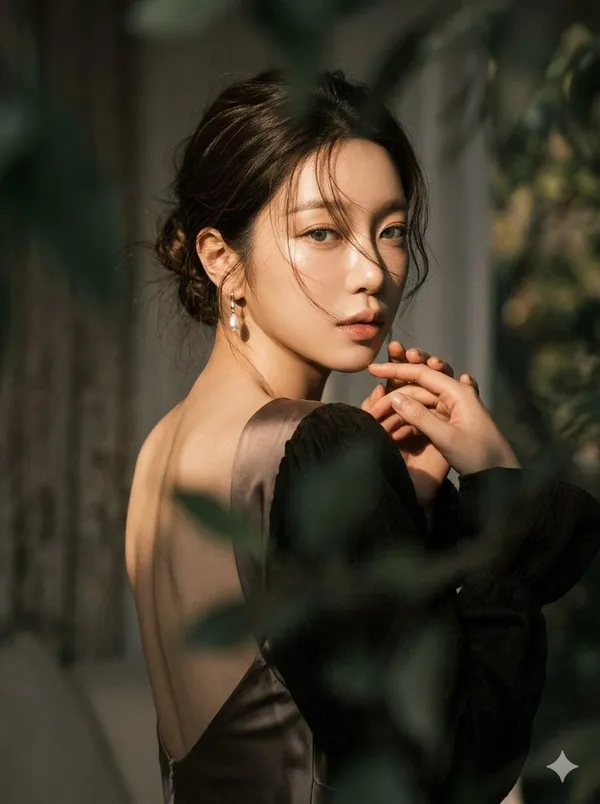
Over-the-Shoulder Moody Portrait
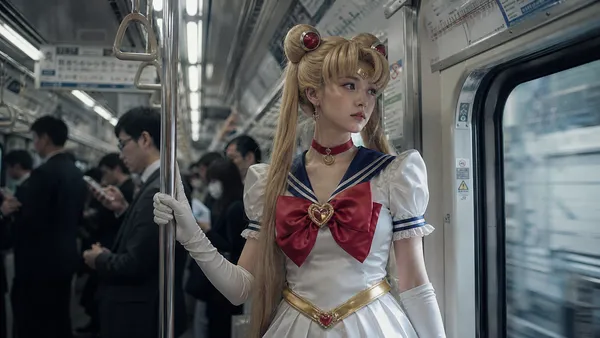
Sailor Moon Subway Cosplay
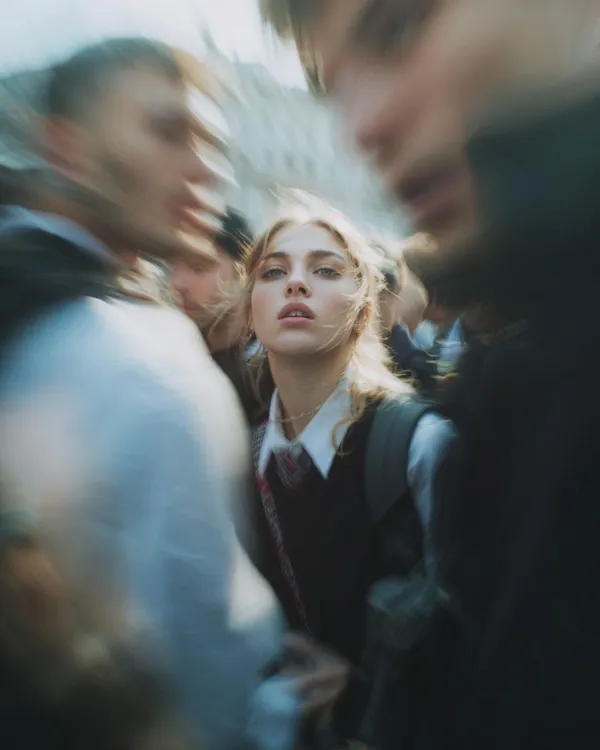
Paparazzi Flash Close-Up
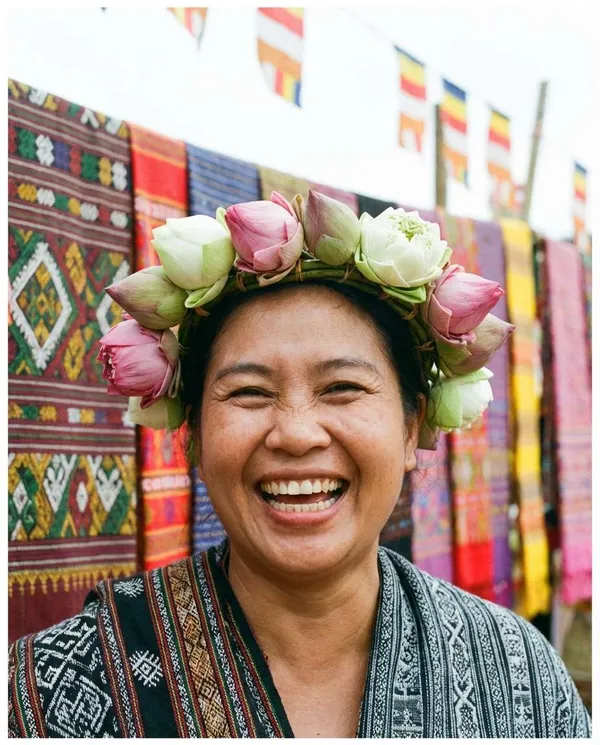
Lotus Crown Festival Portrait
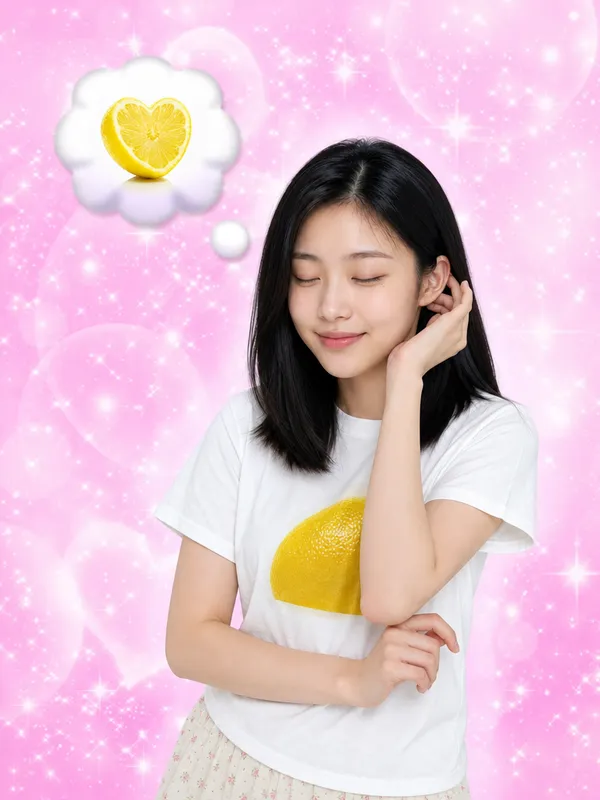
I Keep Thinking of Lemon
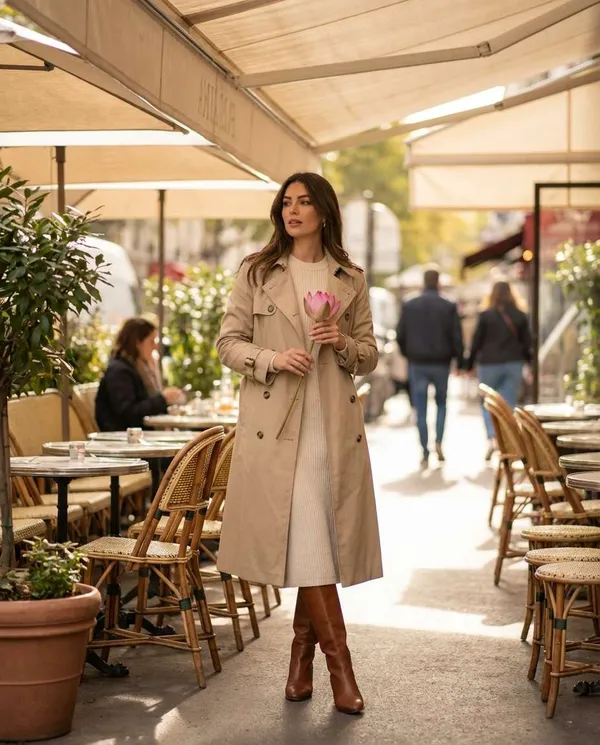
Cafe Lotus Daily Look
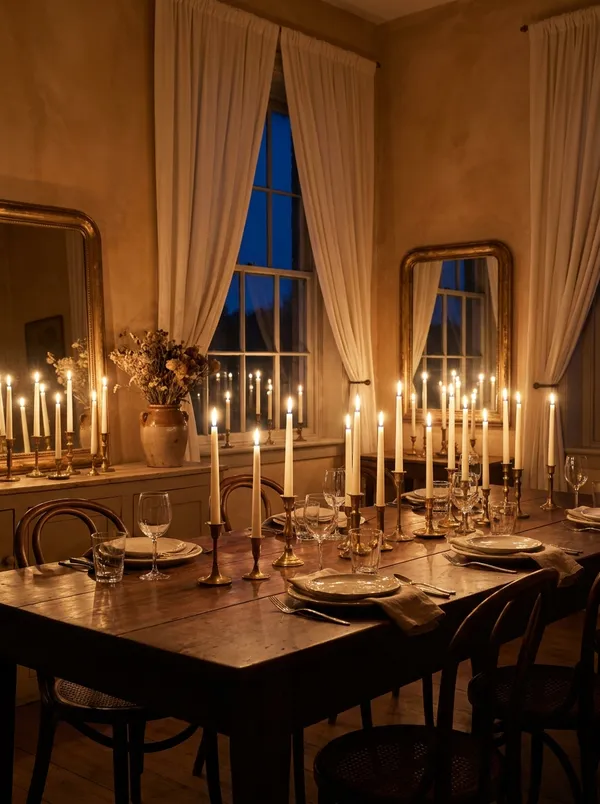
Candlelit Dining Atelier
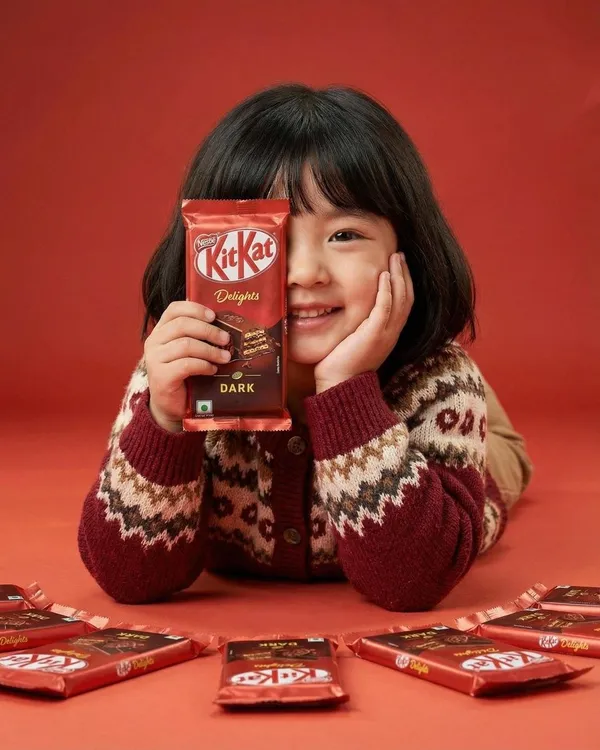
KitKat Food Ad
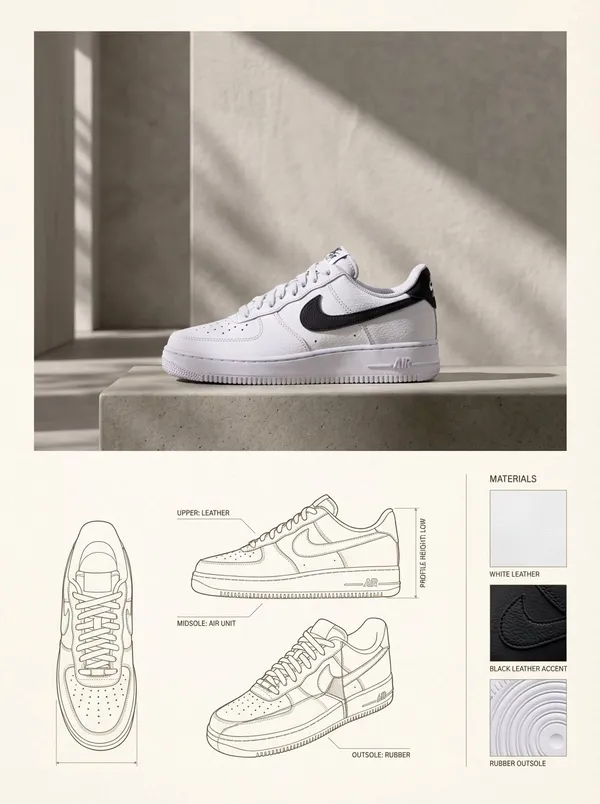
Lifestyle and Spec Product Layout
What Are Realistic Photo AI Prompts?
Realistic Photo prompts are AI image prompts for quickly creating realistic photo images that look like believable camera captures rather than polished AI renders. They set the subject, background, lighting, distance, framing, and mood at once. In Carat, you can generate results with image models such as GPT Image 2, Nano Banana Pro, and Nano Banana 2, then follow up by changing the aspect ratio, cleaning up the background, editing specific areas, or turning the still into a short video.
Where You'll Use It
- natural portraits with believable skin, light, and depth
- social snapshots that feel taken by a phone or compact camera
- product, fashion, and lifestyle concepts that need a real-photo look
- reference images for campaigns, profiles, and moodboards
- detail pages, mockups, and editorial shots that must look trustworthy
Why This Tag Is Useful
A realistic photo look matters most where the image has to pass as an actual camera capture: ads, profiles, detail pages, and social feeds. With AI you can produce the person, location, and mood you want without booking a shoot, and test many versions quickly by fixing only the parts you dislike. The trick is to leave a little imperfection in on purpose, such as natural light and soft shadows, rather than a flawlessly smooth render.
Tips for Crafting Prompts
- Start with the main subject and how it relates to the camera. Who is where, and how they are framed, matters most.
- Add a concrete setting such as an ordinary room, street, cafe, or outdoor spot so the image has a clear place.
- Define lighting and texture with plain cues like natural light, subtle shadows, and imperfect skin instead of broad style words.
- Control the shot with camera cues such as a phone view, candid framing, or documentary composition, and keep one or two moods strong.
After the first result, ask Carat for a targeted revision: soften the lighting, darken the background, crop it vertical, or clean up faces and hands. This way one prompt can grow into several usable image and video variations.