carat

Prompt Gallery

/

Typography Poster

Login
Sign Up

Typography Poster

Create stylish typography posters that convey messages through letterforms and layout using AI prompts.

2026.07.01

·
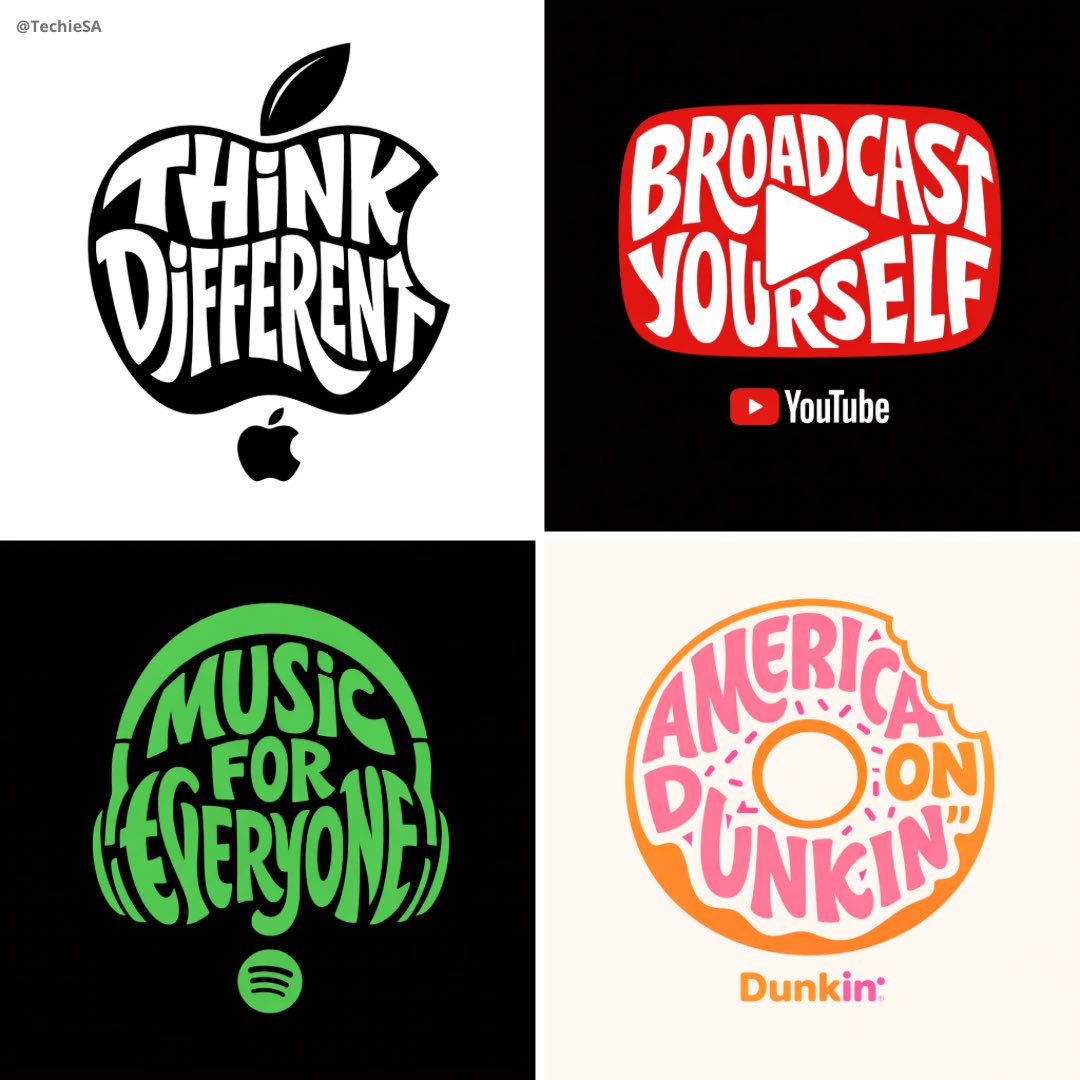
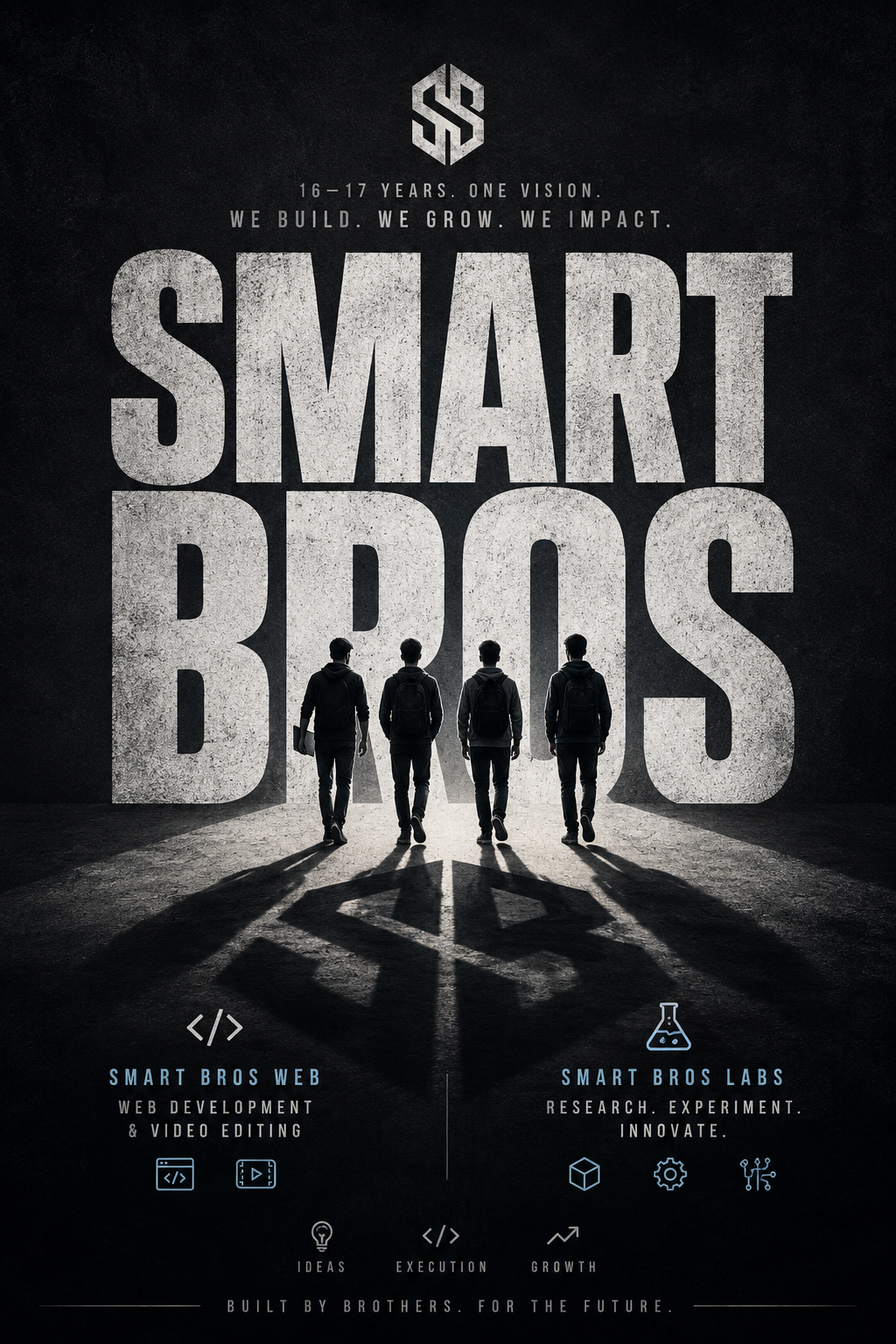
AI-generated Typographic Brand Illustration made with GPT Image 2

Typographic Brand Illustration

GPT Image 2· Image
Create a typographic illustration shaped like a [OBJECT], where the text [BRAND SLOGAN] forms the shape — bold and playful lettering style that fills the entire silhouette — letters adapt fluidly to the curves and contours of the [OBJECT] — [COLOR DESCRIPTION] with [BACKGROUND COLOR] background that enhances the focus on the main shape — include [BRAND] logo positioned below the [OBJECT] — vector-style, clean, high resolution, 1080x1080 pixels, square format.
@TechieBySA
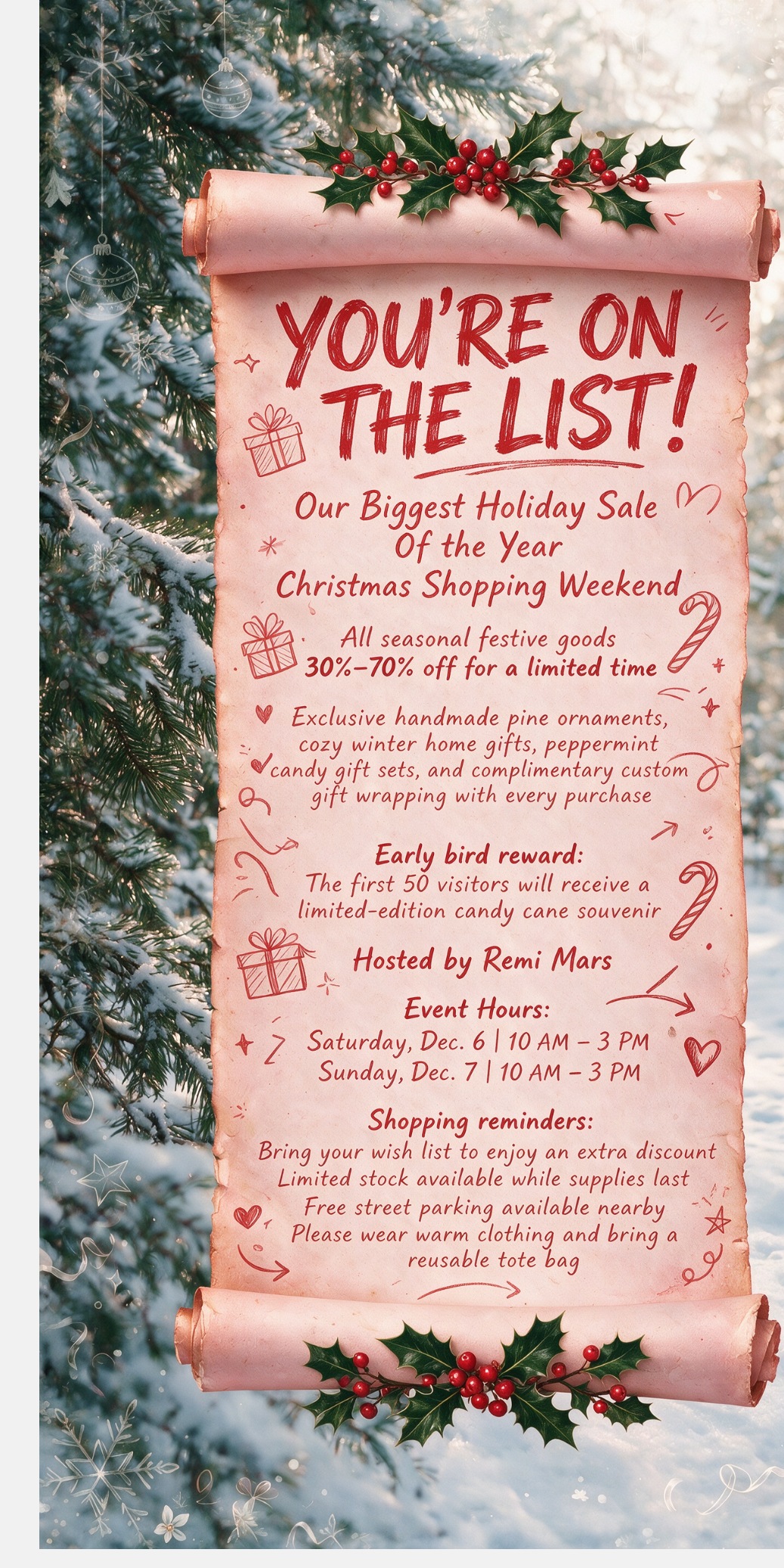
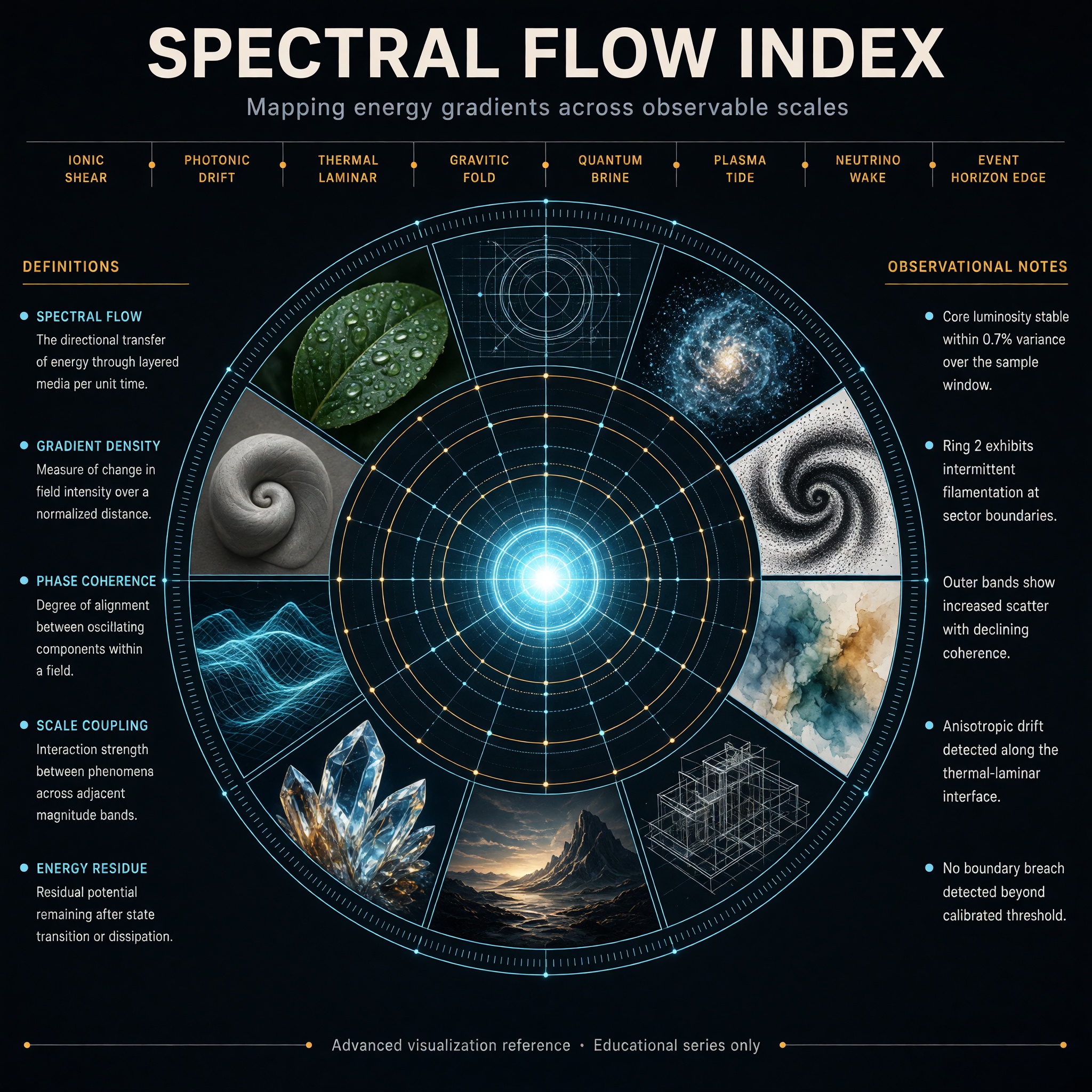
AI-generated Neon Kinetic Typographic Poster made with GPT Image 2

Neon Kinetic Typographic Poster

GPT Image 2· Image
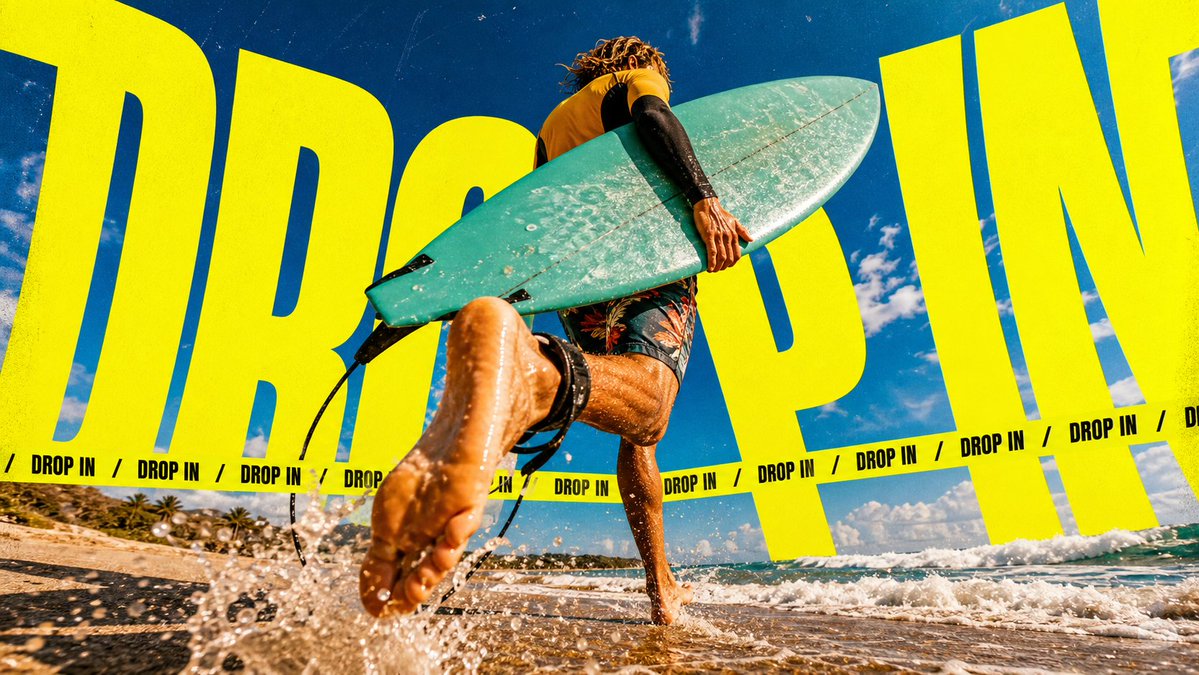
Create a 9:16 poster in the "Neon Kinetic Typographic Poster" style. Main subject: [SUBJECT]. Action: [SUBJECT_ACTION]. Prop or product: [PRODUCT_OR_PROP]. Location: [LOCATION]. Background elements: [BACKGROUND_ELEMENTS]. Wardrobe or styling: [WARDROBE_STYLE]. Use an extreme low-angle wide-angle camera perspective, as if the camera is near the ground looking upward. The subject should feel large, energetic, and close to the viewer. Add oversized warped neon yellow typography using the main text "[MAIN_TEXT]". The letters should be ultra-bold, condensed, stretched, slanted, and partially cropped by the canvas edges. The typography should wrap around the composition and sit behind or partially around the subject. Add a thin repeated uppercase text band reading "[SECONDARY_TEXT]", separated by "[ACCENT_SYMBOL]" symbols. The secondary text should run horizontally across the image like a campaign graphic stripe. Use electric neon yellow graphics, warm sunlit photographic tones, blue sky contrast, visible film grain, analog print texture, hard shadows, and an energetic youth-culture campaign poster mood. Avoid clean corporate design, small typography, flat illustration, pastel colors, luxury minimalism, and symmetrical static layout. --- VARIABLES --- [ACCENT_SYMBOL] — small separator icon such as diamond, dot, slash, star, or warning mark [BACKGROUND_ELEMENTS] — sky, hills, architecture, crowd, stage lights, roads, rocks, grass, clouds, dust, or other secondary scenery [LOCATION] — outdoor environment or contextual scene [MAIN_TEXT] — large repeated headline word or phrase [PRODUCT_OR_PROP] — object held, worn, used, or displayed by the subject [SECONDARY_TEXT] — small repeating line of text [SUBJECT] — main human figure or object [SUBJECT_ACTION] — dynamic action performed by the subject [WARDROBE_STYLE] — streetwear, outdoor fashion, sportswear, festival outfit, or editorial styling --- NEGATIVE PROMPT --- Avoid small typography, clean corporate layout, symmetrical centered poster design, flat vector illustration, pastel palette, luxury minimalism, soft studio lighting, plain white background, low contrast, overly polished 3D render, generic stock photo, tiny subject, unreadable clutter, and text that covers the subject's key action or product.
@VigoCreativeAI
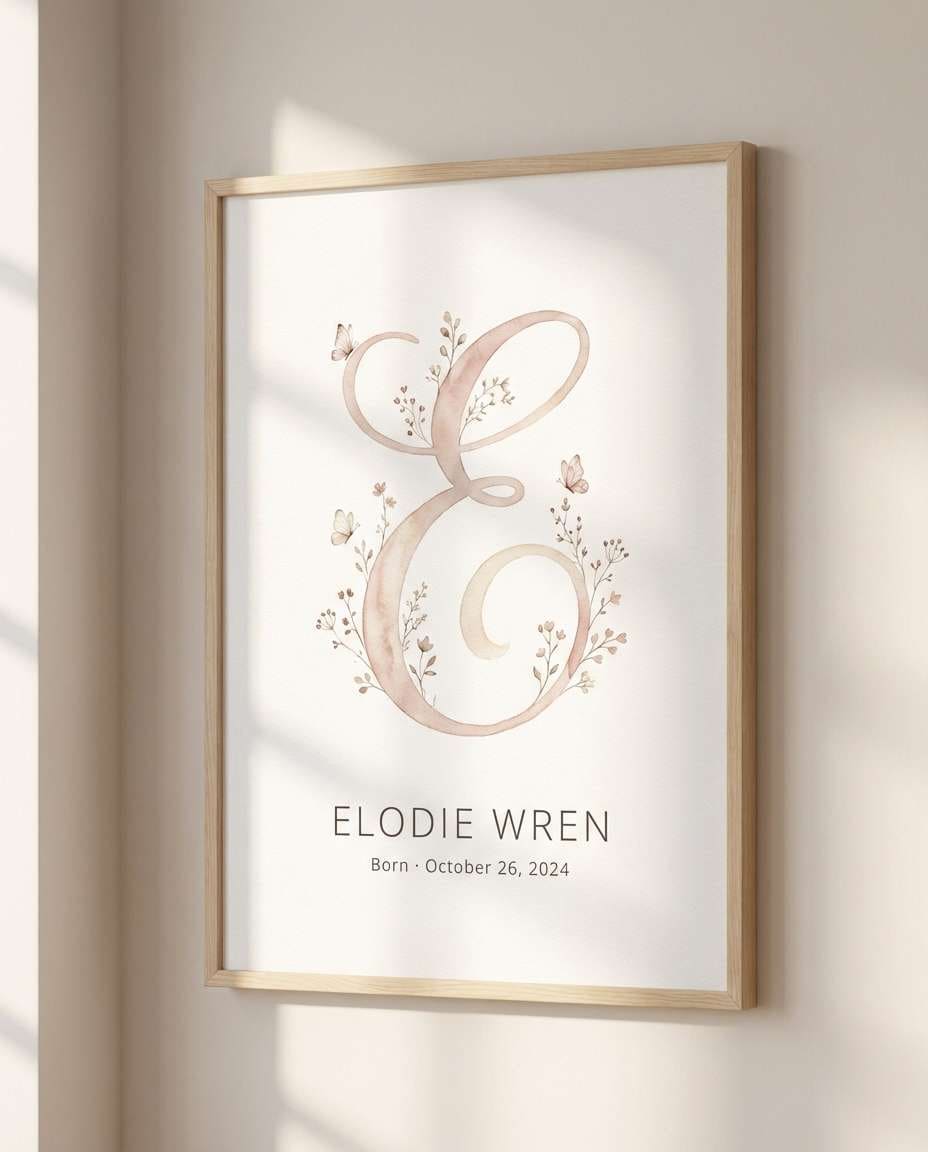
AI-generated Fabric Typography Editorial Poster made with GPT Image 2

Fabric Typography Editorial Poster

GPT Image 2· Image
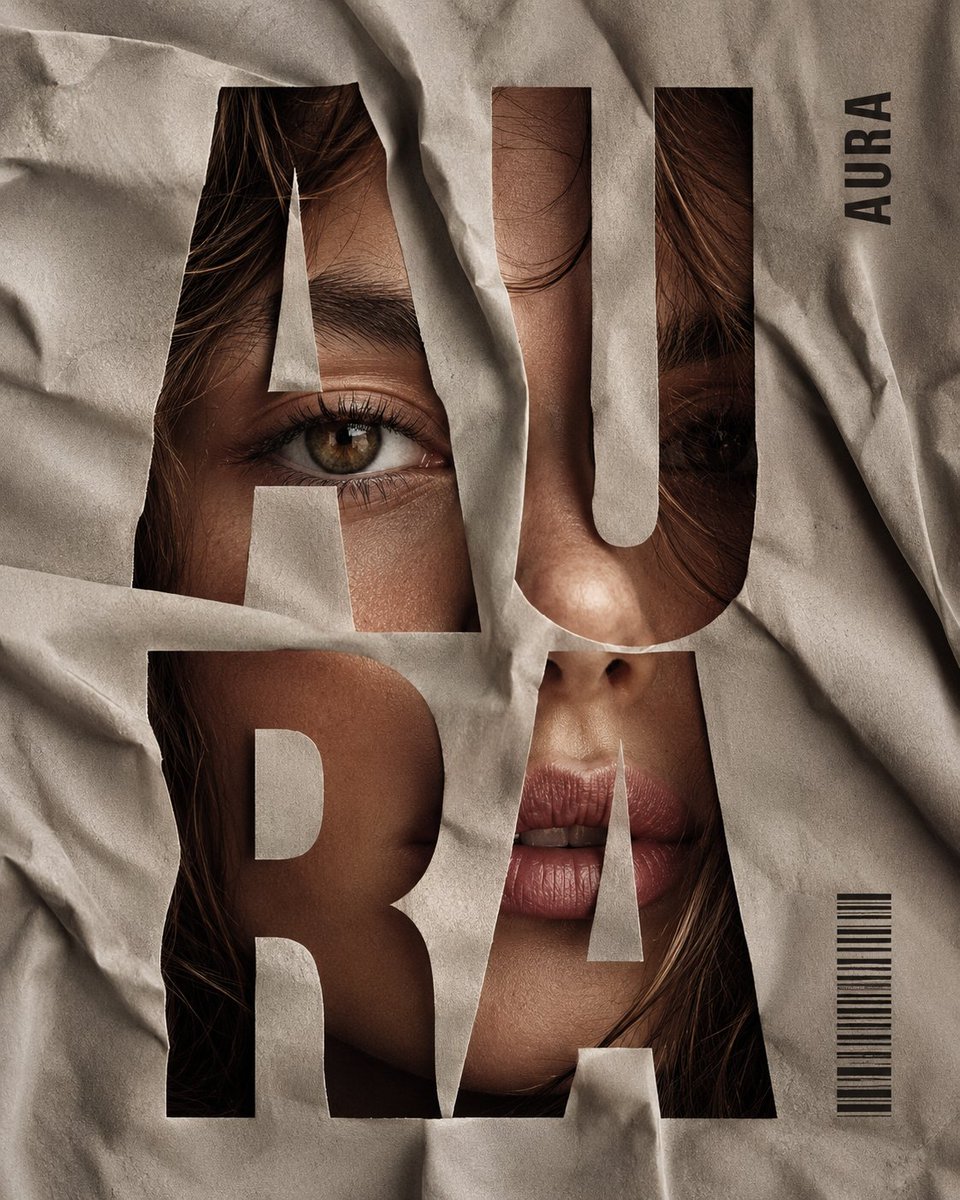
Vertical editorial poster portrait of [CHARACTER] with [HAIR], face tightly framed behind crumpled [FABRIC], oversized bold condensed sans-serif typography cut through the fabric spelling “[SPLIT]” in stacked syllables across the whole image, eyes, nose and lips visible through the letter openings, small vertical side word “[SIDE]”, tiny barcode block near the lower right, high-fashion beauty lighting, realistic skin texture, soft shadows in the folds, muted [PALETTE], clean magazine-cover composition, sharp typography hierarchy, premium print finish, no extra words, no messy layout, no cartoon style, no 3D render, ar 4:5
@Goodmanprotocol
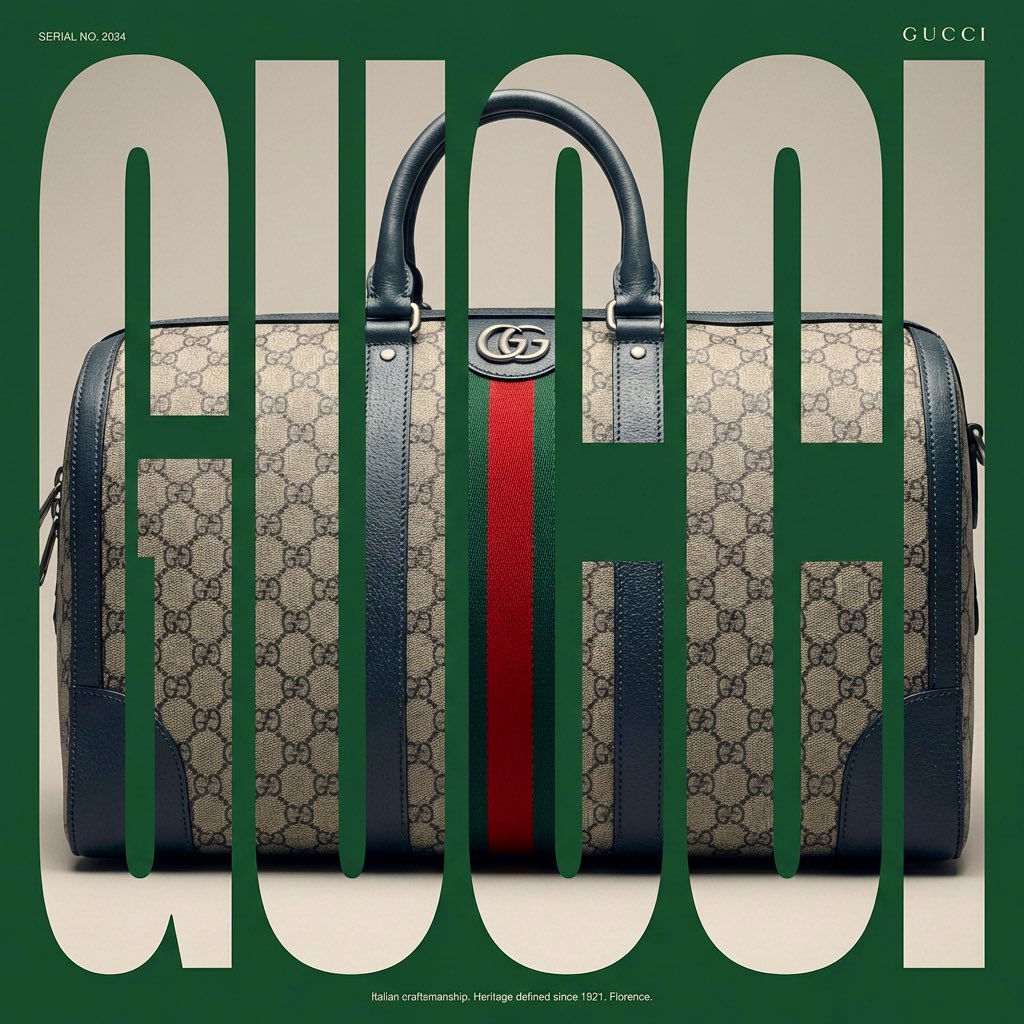
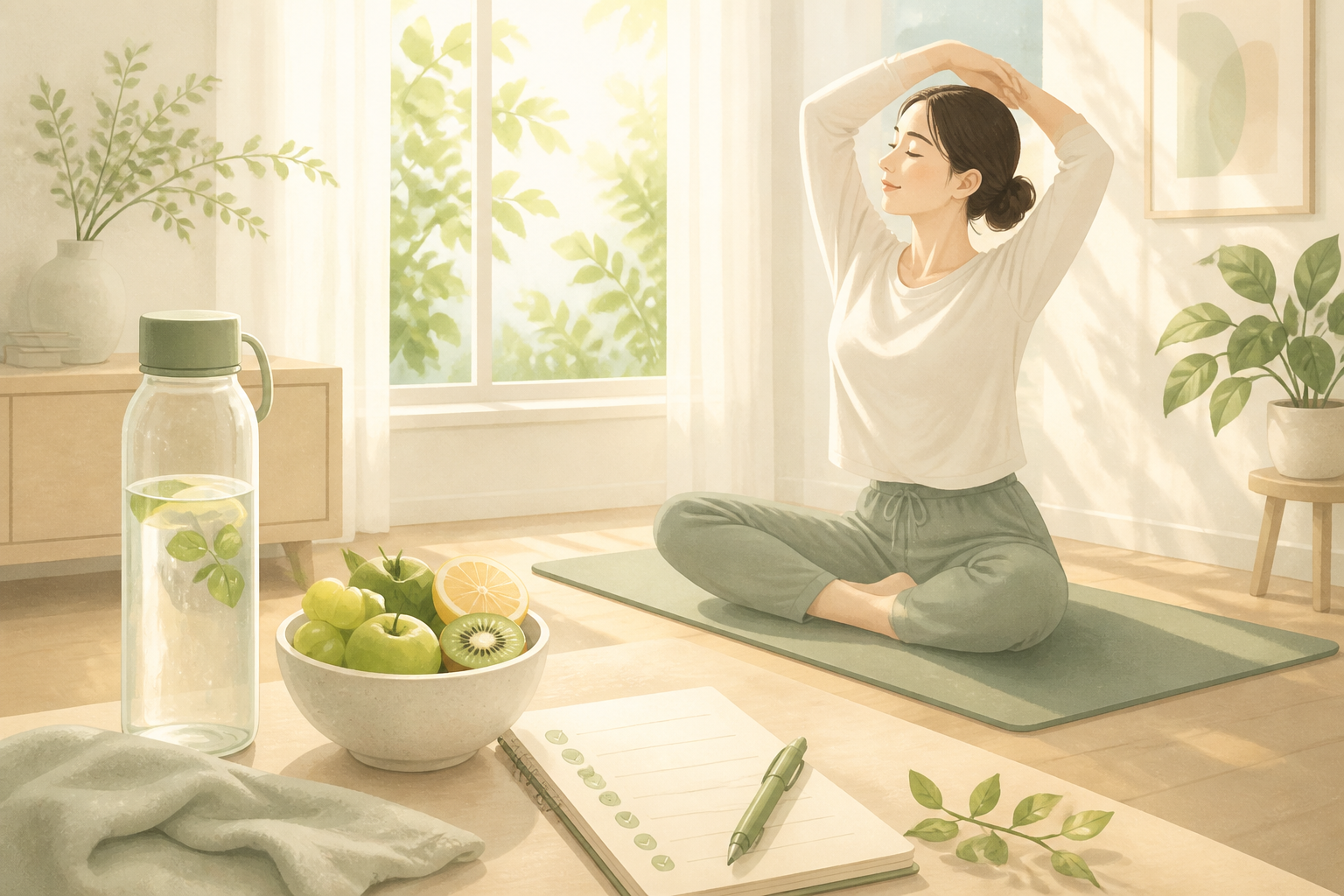
AI-generated Typographic Mask Window Poster made with Nano Banana Pro

Typographic Mask Window Poster

NanoBanana Pro· Image
[BRAND NAME]. Act as a Senior Editorial Designer and Typographer. PHASE 1: TYPOGRAPHIC MASK (THE "WINDOW" EFFECT). - Core Element: Use the most iconic slogan or the name of [BRAND NAME] as a massive, ultra-bold, heavy sans-serif typographic mask. - Layout: The letters must be giant, filling the entire vertical frame from edge to edge with tight kerning. - Concept: The text acts as a "cut-out" window. The background is solid white, and the photographic subject is visible ONLY through the letterforms. PHASE 2: DYNAMIC SUBJECT LOGIC. - Subject Selection: - Detail: Ensure a high-contrast element (like a red shoe or a glowing headlight) is visible through one of the letters as a focal point. PHASE 3: SOPHISTICATED MUTED PALETTE. - Atmosphere: Use a "Refined Muted" color scheme. - Tones: Soft slate blues, charcoal greys, and creamy off-whites for the photography inside the mask. - Accent: Identify one sharp, saturated accent color belonging to [BRAND NAME] and apply it to a single key object visible through the text. PHASE 4: PHOTOGRAPHY & LIGHTING. - Lighting: Soft-box studio lighting. Diffused shadows and gentle highlights to create a cinematic, high-end editorial feel. - Finish: Clean, matte texture with zero visual noise. High-definition photographic quality. PHASE 5: MINIMALIST BRANDING. - Accents: Add a tiny minimalist logo and a small vertical tagline in a clean, microscopic sans-serif font near the corners. - Year: Include the year "2026" in a subtle, elegant font to mimic a limited-edition look.
@AmirMushich
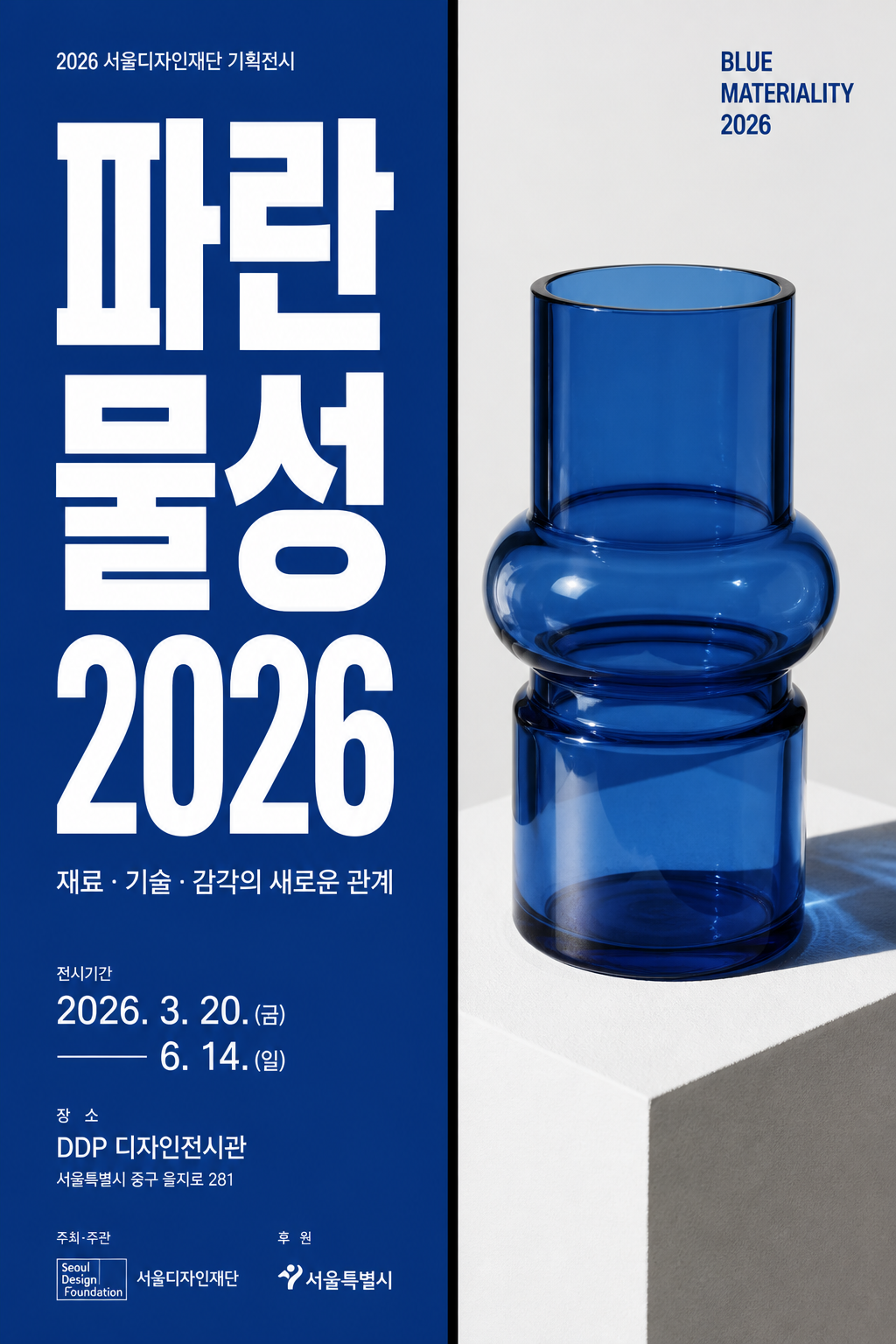
AI-generated Vertical Korean Editorial Poster with a Strong Split-screen Composition made with GPT Image 2
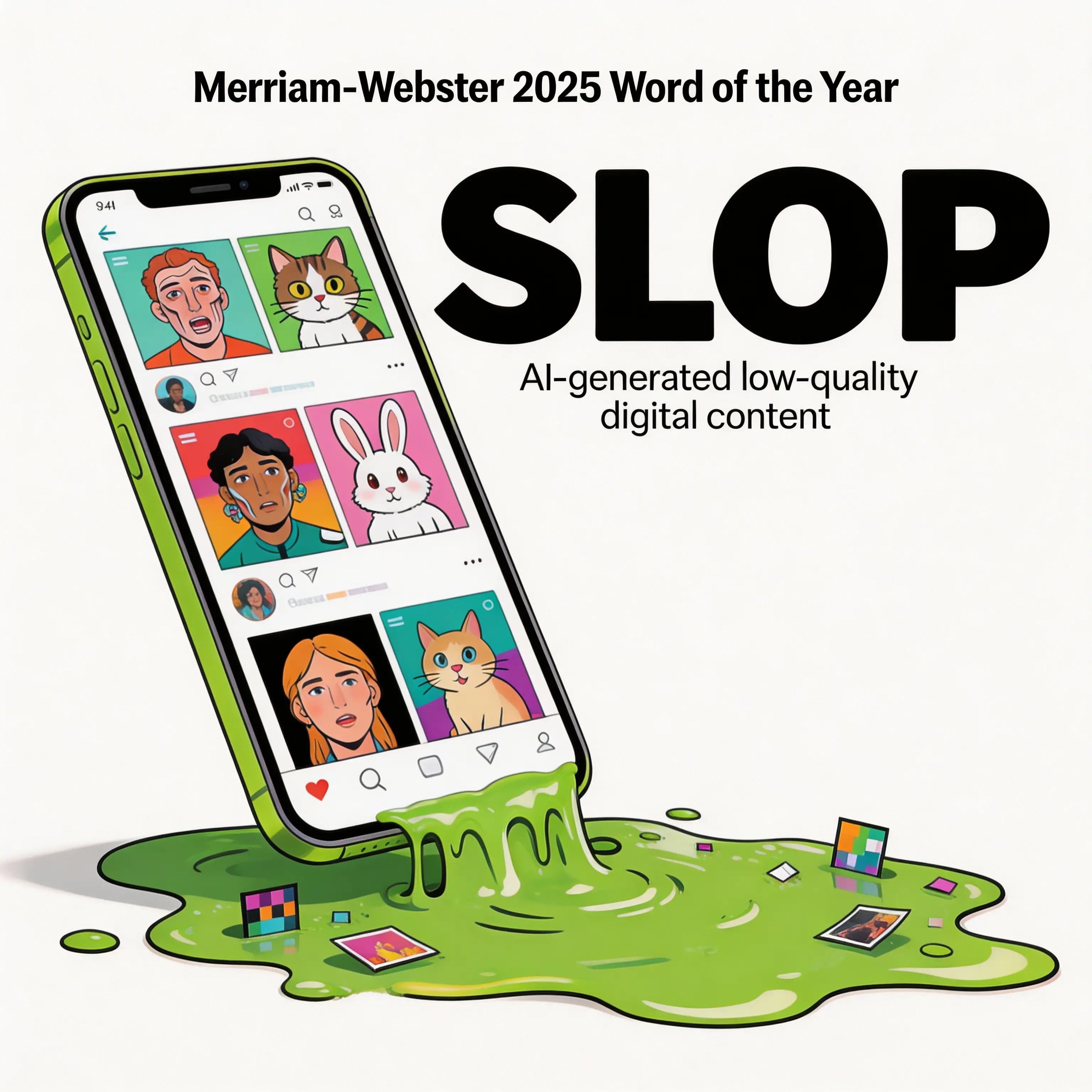
Vertical Korean Editorial Poster with a Strong Split-screen Composition

GPT Image 2· Image
Create a vertical Korean editorial poster with a strong split-screen composition. Left half: solid deep cobalt blue background with oversized bold Korean typography stacked vertically, reading '파란 물성' and large white numerals '2026'. Right half: a sharp, direct studio photograph of a transparent blue glass object on a white pedestal, with crisp shadows and glossy reflections. A thick vertical black divider line separates the two halves. Use high-contrast Swiss graphic design, bold sans-serif Korean typography, small exhibition metadata at the bottom, generous margins, no dreamy scenery, no abstract gradients, no soft emotional photography. The poster must feel like a professional design exhibition poster, clean, structured, and immediately understandable.

What is a Typography Poster AI Prompt?

A Typography Poster AI prompt is a collection of professional instructions for generating poster art that communicates visual messages through the form, size, spacing, and placement of letters. Rather than simply inserting text into an image, the letters themselves function as graphic elements that define the overall design's tone and manner. Modern typography spans from the rigorous grid systems of Swiss design to experimental kinetic type, and this prompt serves to visualize all these possibilities through AI's interpretive capabilities. By precisely controlling text texture, dimensionality, and color contrast, it maximizes the visual impact of typography.

Key Use Cases

  • Official poster designs for exhibitions, conferences, and cultural events
  • Art frames for interior decoration in cafes and co-working spaces
  • Cover artwork for music albums and single releases
  • Section title pages in corporate reports and brand books
  • Social media announcement graphics and quote images

Why This Tag is Useful

The Typography Poster tag allows you to create high-quality typo art without professional graphic design work. It dramatically reduces the time spent on font selection and layout, enabling you to compare dozens of layout proposals in seconds. You can also instantly check entirely new design directions through simple prompt modifications, without opening Illustrator to test experimental styles. This makes it a powerful tool for quickly visualizing creative ideas.

Related Prompts

poster, neon-photo, logo, illustration, editorial, minimalist, infographic

Tips for Crafting Prompts

  1. Specify font styles concretely. Keywords like 'bold sans-serif', 'elegant serif', or 'geometric monospace' determine the character of the letters.
  2. Define the layout structure. Create visual flow with 'centered composition', 'asymmetric grid', or 'diagonal text flow'.
  3. Add textures and effects. 'Letterpress texture', 'foil stamping effect', or 'glitch distortion' add depth to typography.
  4. Limit the color palette. Controlling colors with 'monochrome with one accent color' makes the message clearer and more impactful.
    Combining these principles allows you to create stylish typography posters where the message reads clearly.
Frequently Asked Questions

Related Prompts

Drink Photo

Drink Photo

28 prompts

Webtoon Cover

Webtoon Cover

9 prompts

Prop Design

Prop Design

1 prompts

Double Exposure

Double Exposure

4 prompts

Carat Prompt Gallery

Create trending AI prompts instantly

Prompts

  • Logo
  • PPT Design
  • Thumbnail
  • Poster
  • Web Novel Cover
  • ID Photo
  • Caricature
  • Product Detail Page
  • Banner

Models

  • GPT Image 2
  • Seedance 2.0
  • NanoBanana Pro
  • NanoBanana 2

Carat

  • Get started
  • About
  • Blog
  • Careers
  • Contact
  • Partnership
  • Terms
  • Privacy

© 2026 Paradot.Inc All rights reserved.