AI image prompts for Meta Muse Image, which follows written instructions in order and renders text, tables and charts inside the image accurately. Restore photos, restyle people, redecorate rooms and shoot product cuts from a single prompt.
2026.08.27
Make “Meta Muse Image” exactly the way you wantCreate your own “Meta Muse Image”
Just ask in plain language — Carat generates optimized images and videos for you.
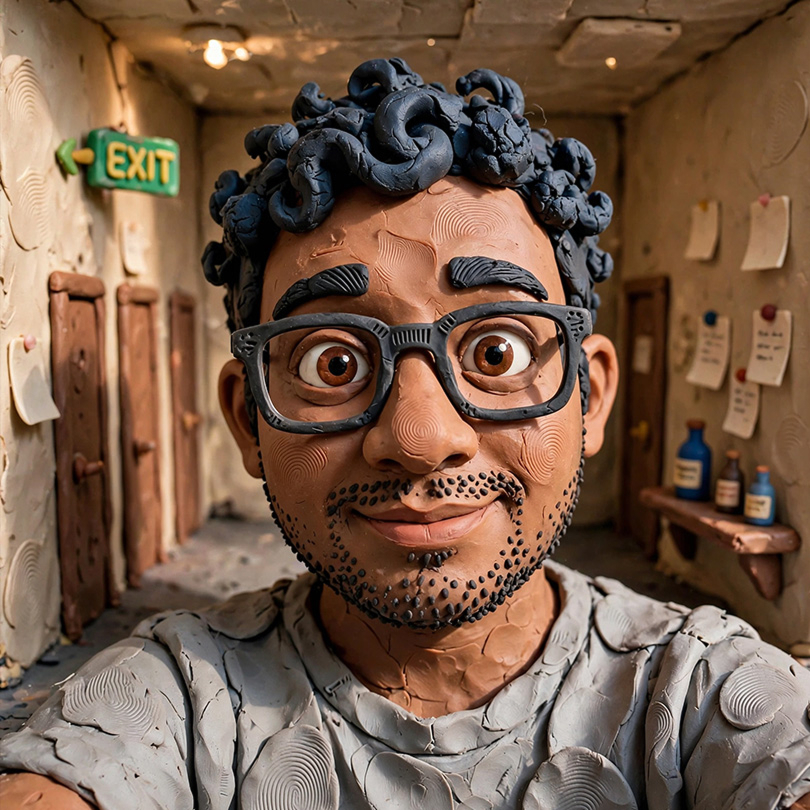
Transform the subject from the input image into appealing claymation character, keep likeness. Handmade plasticine style, simplified, matte clay with thumbprints, big expressive eyes, rounded features, warm studio light, pastel backdrop.
Create a flat illustration of this scene. Highly stylized, non-literal proportions, merge complicated features into large shapes, avoid realistic anatomy, bright & sophisticated colors, painterly edge texture, no outlines.
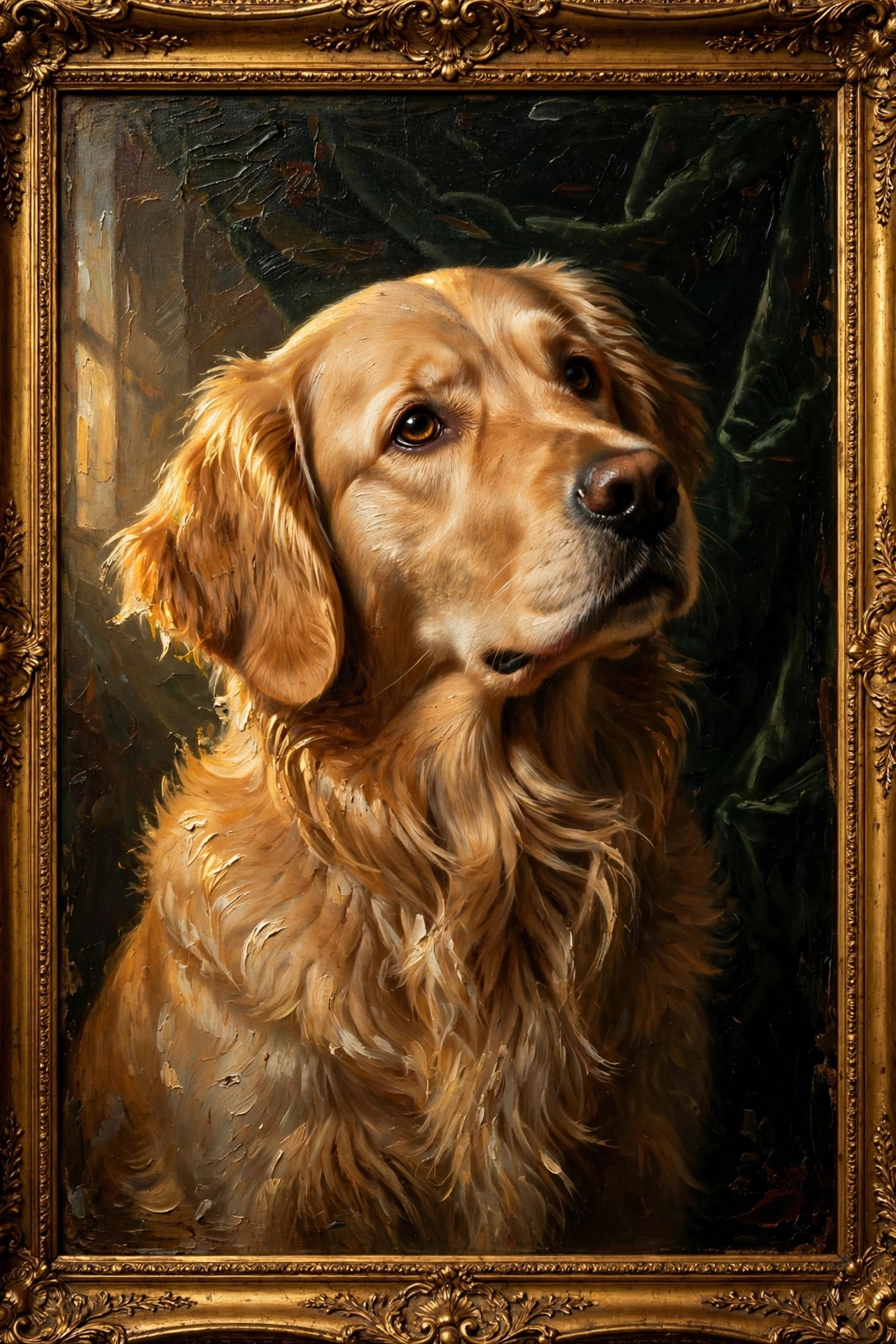
Repaint this pet photo as a classical oil painting. Thick impasto brushstrokes, dramatic directional lighting from one side, rich chiaroscuro contrast, velvet backdrop, ornate gold frame look, soulful expression, timeless museum feel.
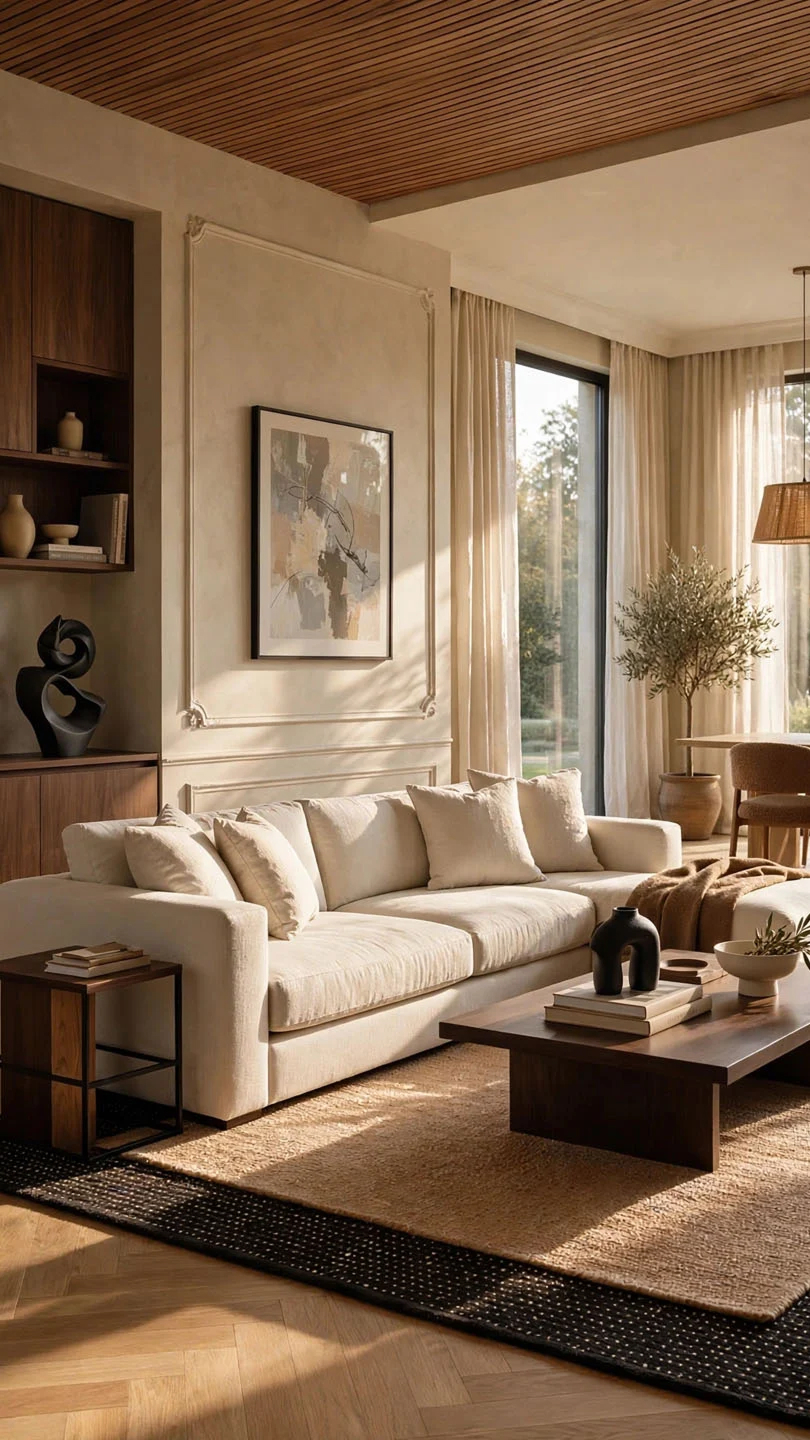
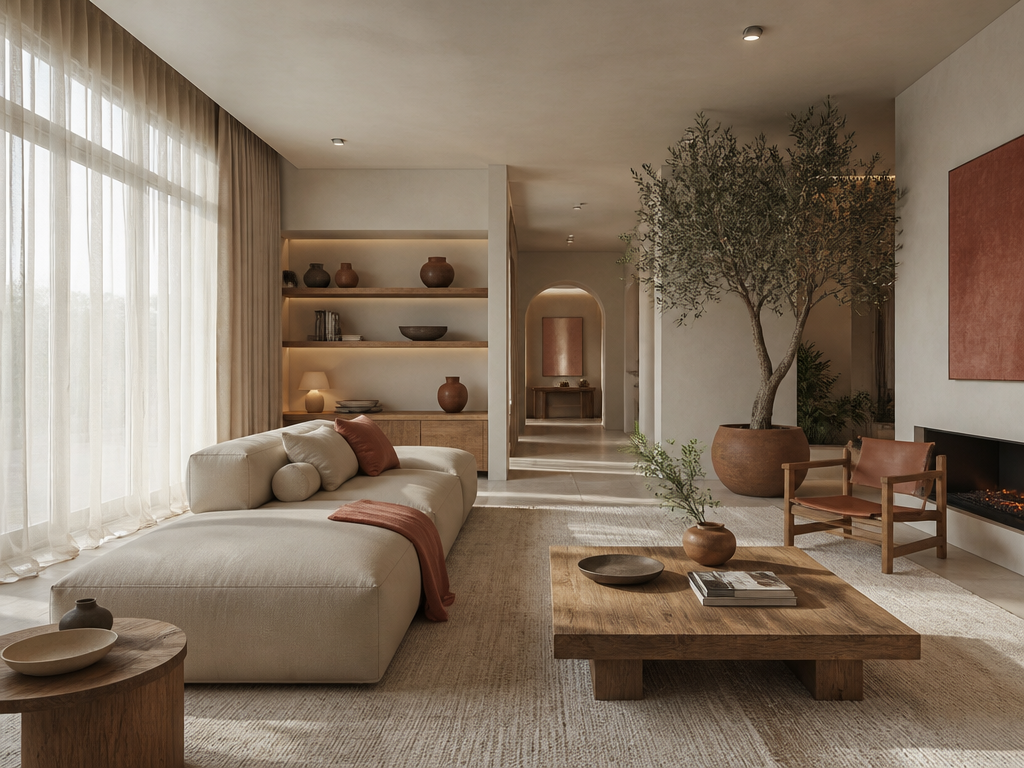
Refurnish and redecorate this room in a warm minimalist meets quiet luxury style with real products that I can purchase. Space should feel full, layered, abundant and carefully appointed, with aesthetically pleasing elements that fill out the space. Respect the general layout of the current space. Editorial interior design photographic style.
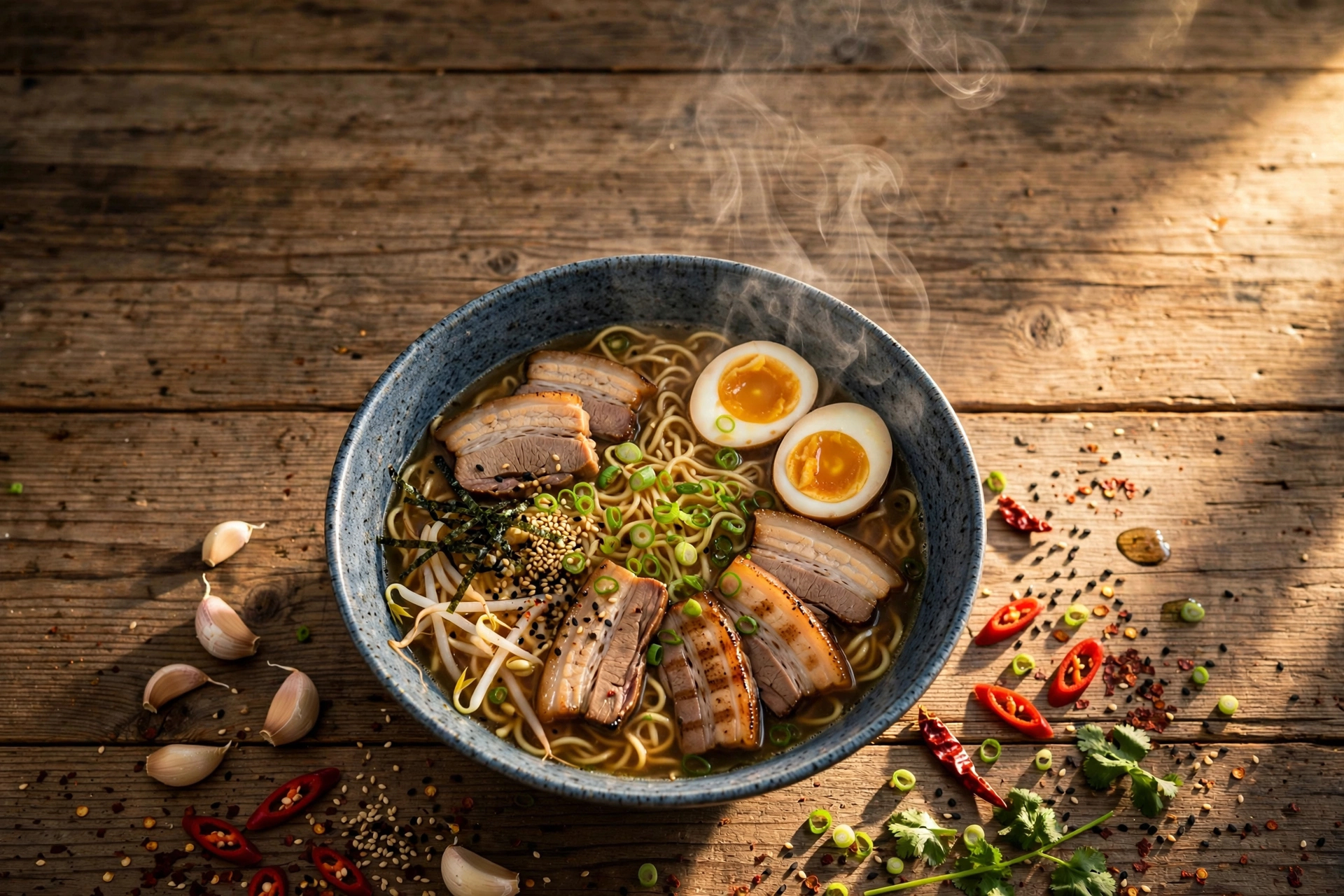
Make this dish photo into a premium food magazine cover. Overhead flat lay, rustic wood table, steam rising, dramatic side light, scattered ingredients, vivid color grade, negative space at top for title text.
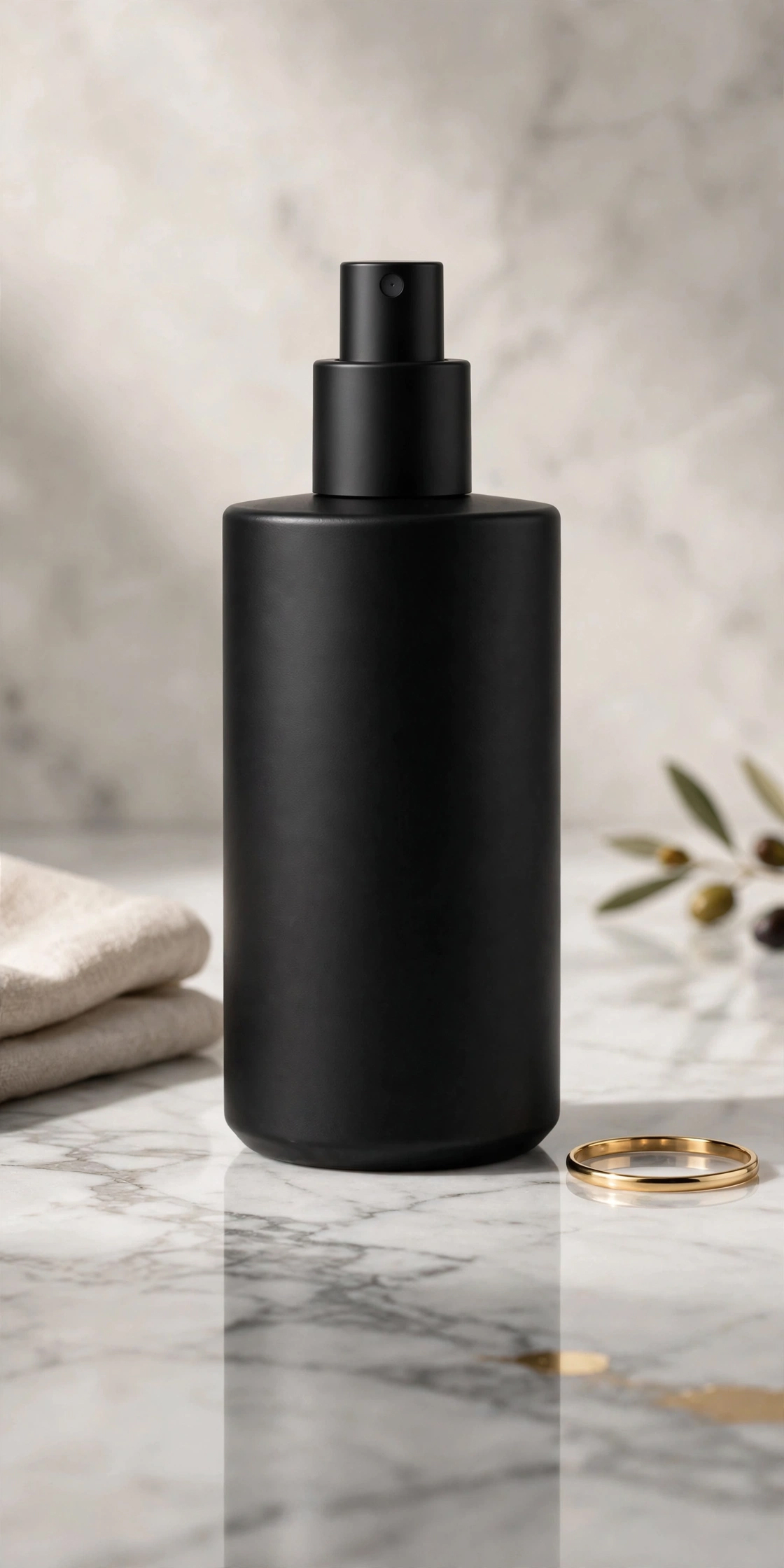
Make this product photo a luxury e-commerce hero shot. Place it on white Carrara marble, add soft studio shadows + crisp reflections, 8k detail, minimalist props, gold accent, premium ad-ready vibe.
Meta Muse Image is the image generation model Meta Superintelligence Labs released on July 7, 2026. Instead of mapping a prompt straight to pixels, it plans the layout, looks up the context it needs on the web, and refines its own output before returning it. Carat pairs each Muse Image result with the prompt behind it, so you can copy and run it as is.
Where You'll Use It
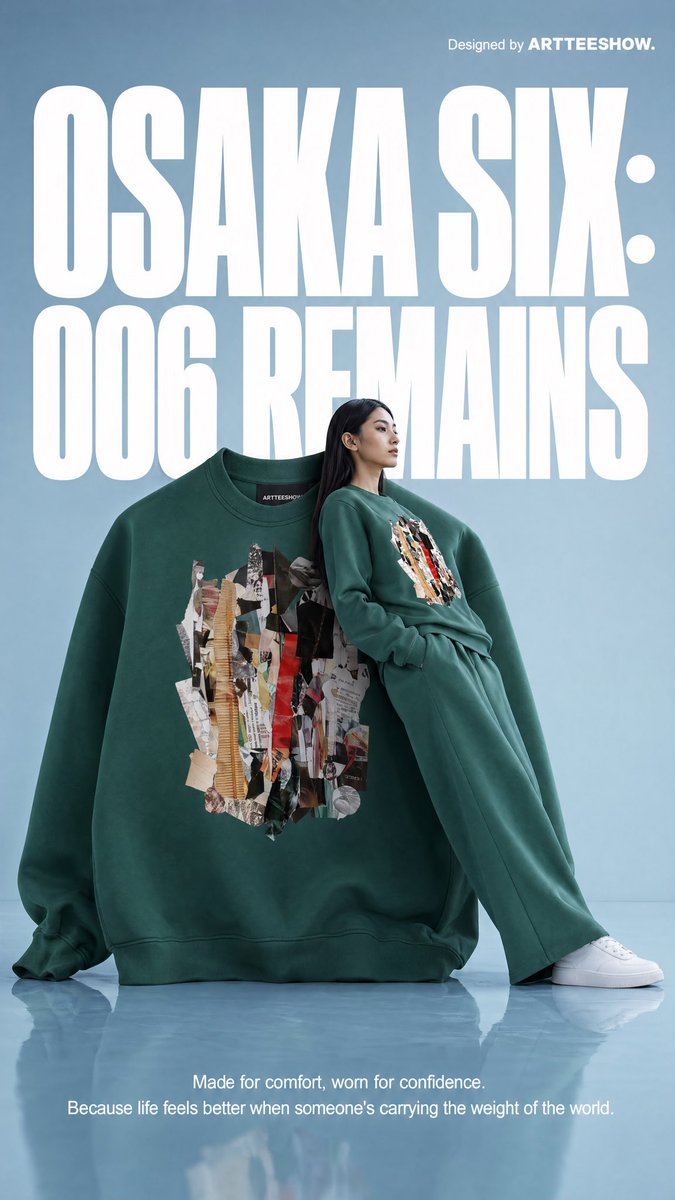
Posters and exploded-view diagrams where text, tables, charts and labels have to be correct
Composites that pull the person from one reference, the background from another, and props from a third
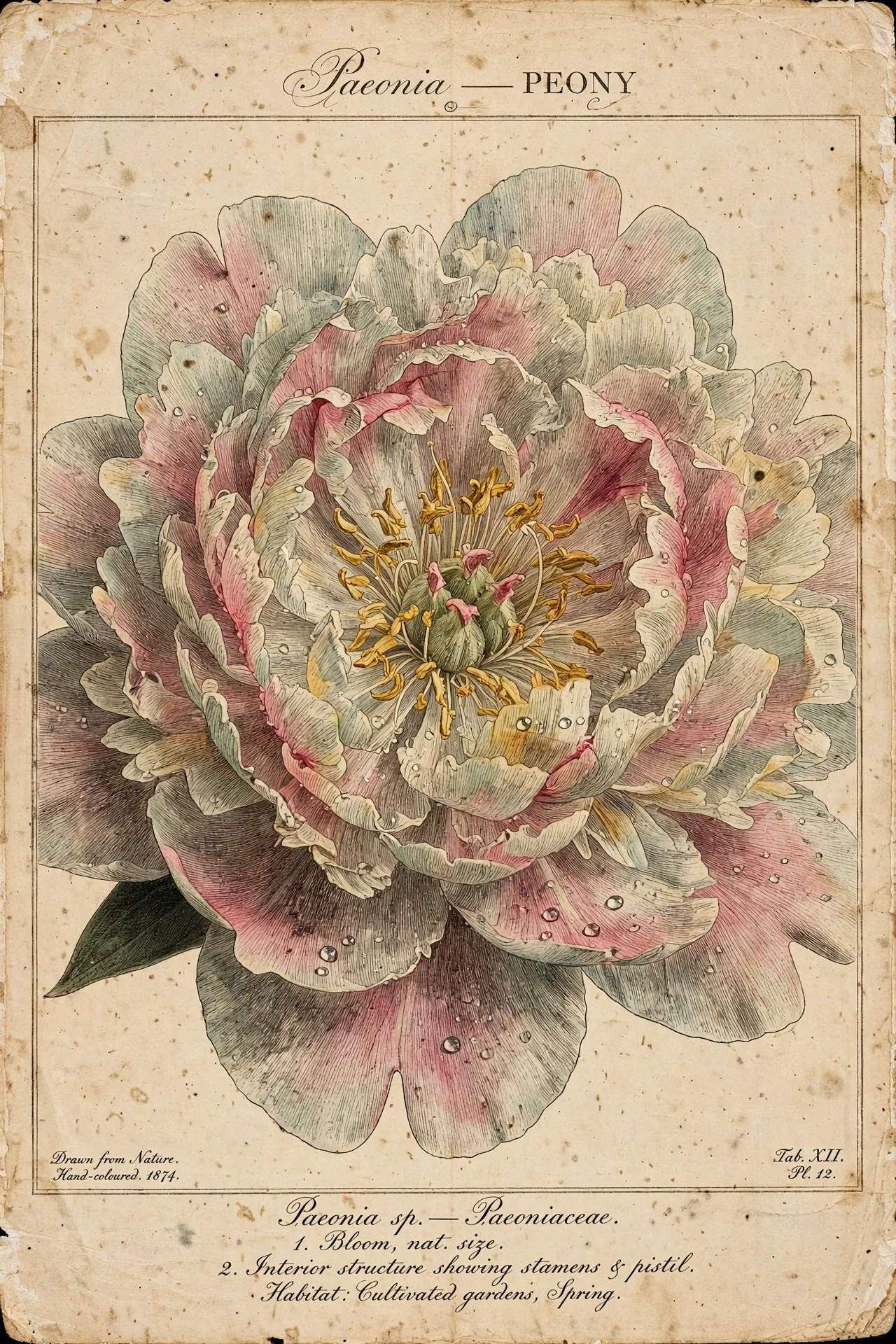
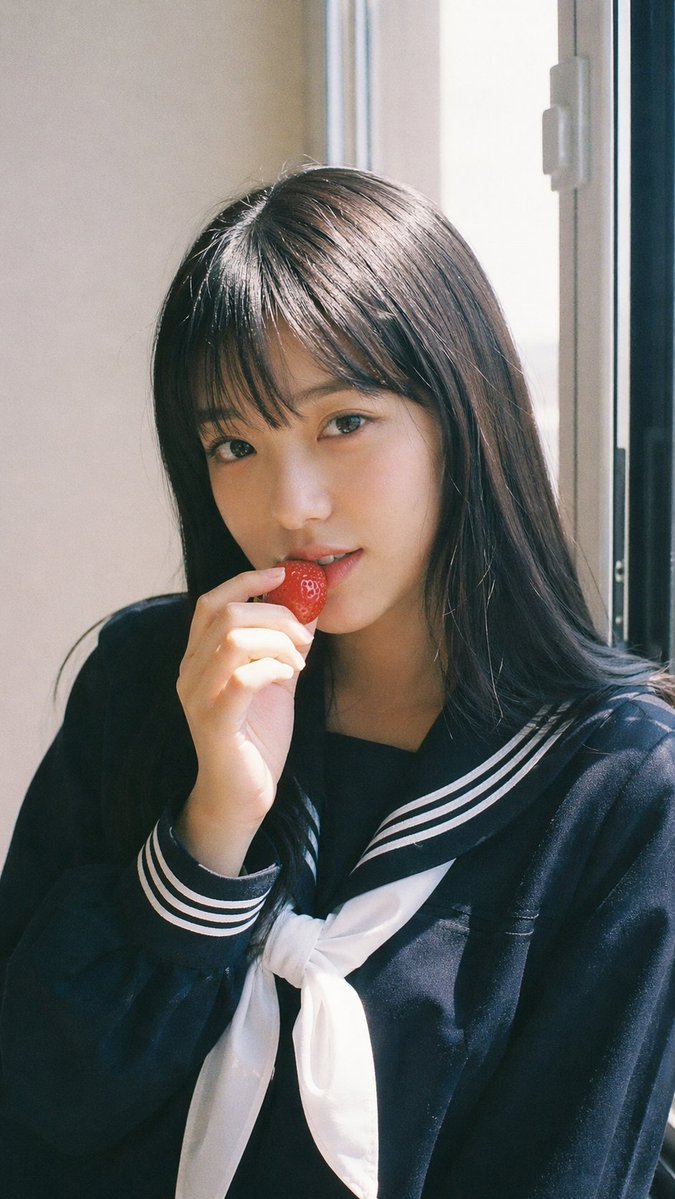
Restyling a single photo into oil paint, clay, pixel art or papercraft
Interior restyling that keeps the room's layout and swaps only the furniture and decor
Product cuts relit with studio lighting and a new backdrop for a detail page
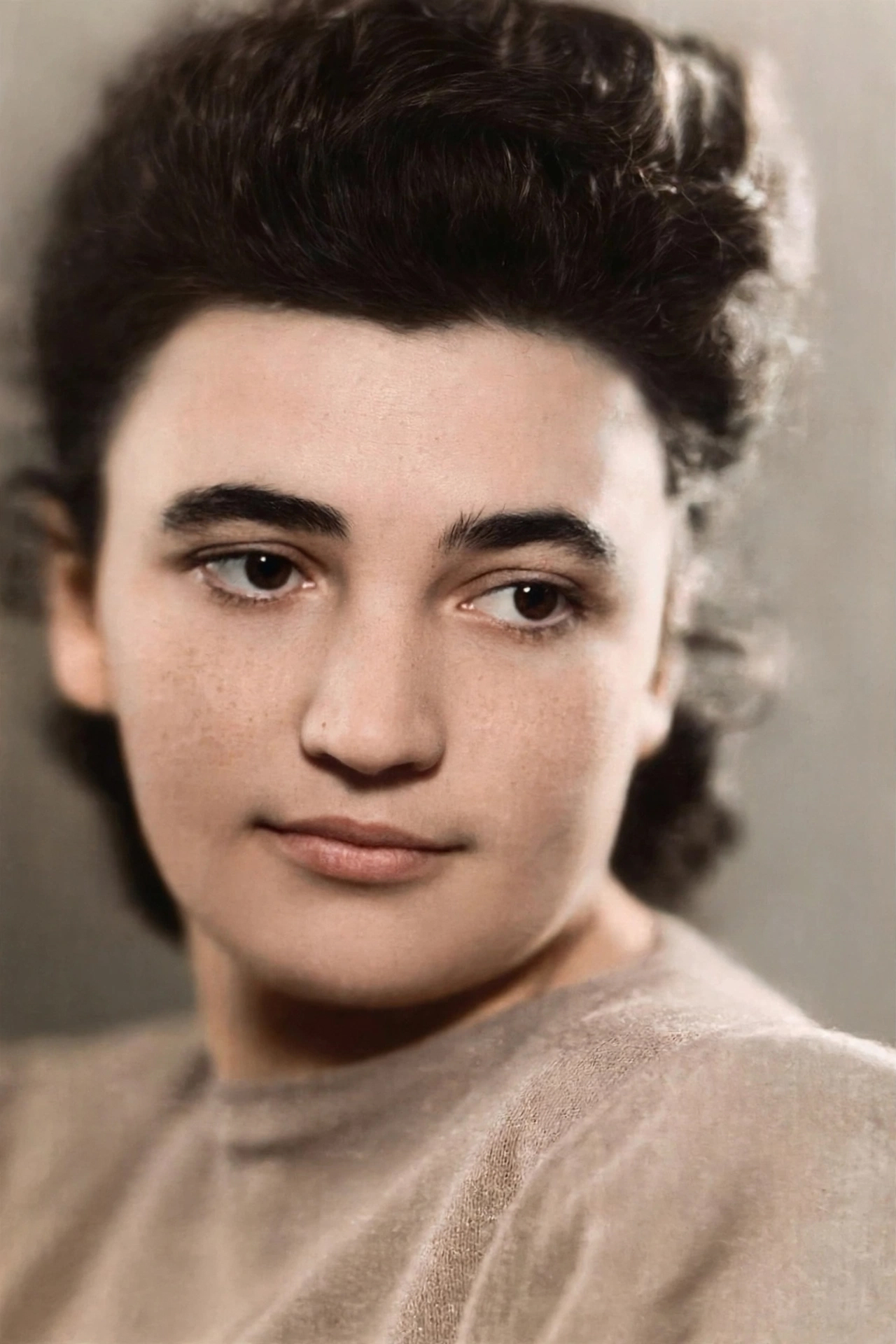
Restoring old photos by clearing scratches and correcting color
Why This Tag Is Useful
Muse Image is tuned to follow written instructions in the order you wrote them, so conversational sentences work better than comma-separated keyword strings. A single edit request takes up to 10 reference images, and follow-up requests keep the person and framing from the image you just made. Rendering fine detail such as text and charts accurately is one of the axes the model was built around. You can pick from nine aspect ratios between 21:9 and 9:21, and if you leave it out the model sets the dimensions from the request.
Tips for Crafting Prompts
Write what changes and what stays as separate sentences to limit unintended drift.
Put any text that belongs in the image inside quotes, and say where it should sit.
When you supply several references, state what each one is for: the subject, the background, the props.
Set the aspect ratio in the prompt or the settings so the output fits where it is going.
When the result misses your intent, adding one sentence about the part that is off is faster than rewriting the whole prompt.