
Carat AI - Free AI Cursive r Generator & Design Tool
Generate the perfect lowercase cursive 'r' in various styles with Carat AI. From practice worksheets to logo designs, create easily via chat and download in 4K resolution.
Start creating now It's FREE!
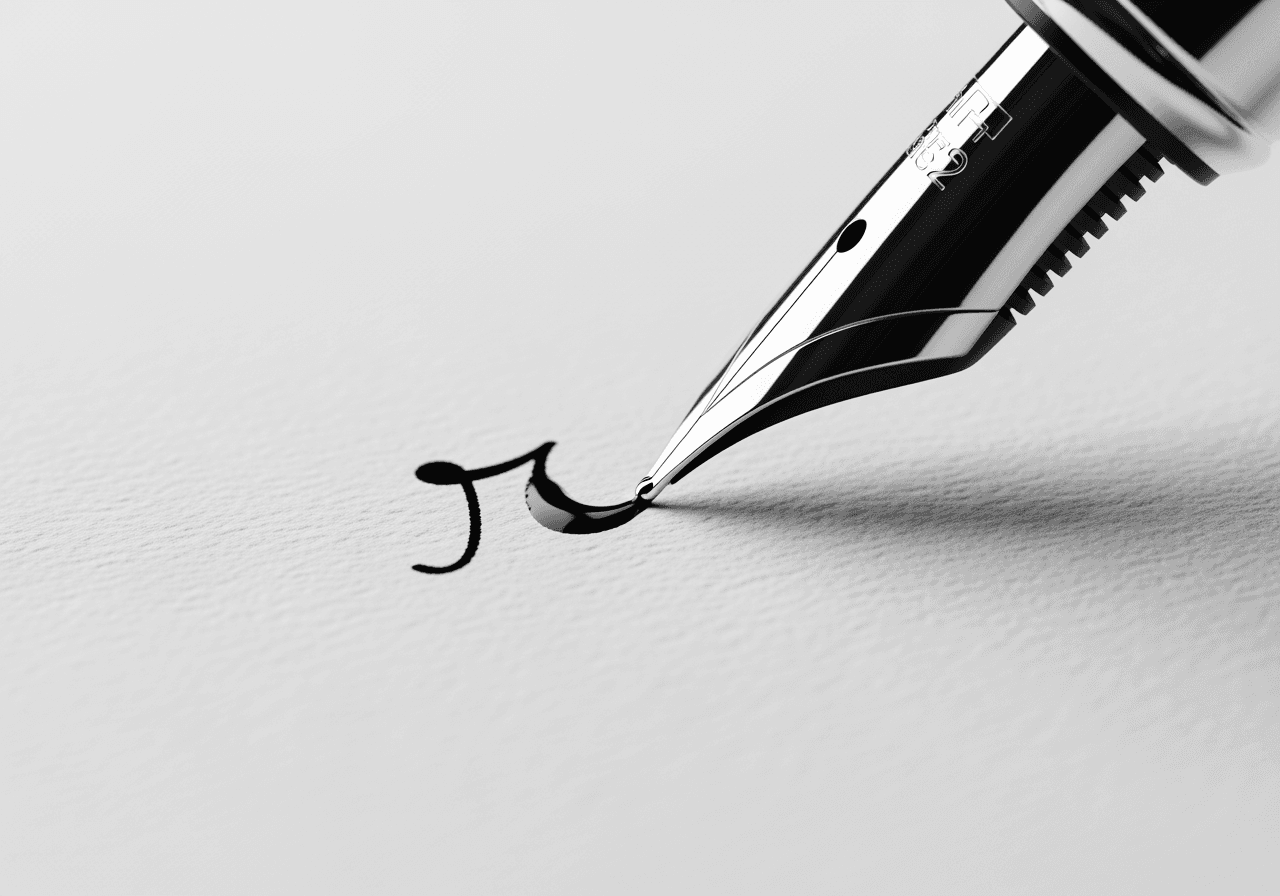
Perfect Cursive 'r' via AI
Carat AI uses 30+ AI models to render the cursive 'r', one of the trickiest letters, in various typefaces perfectly.
Diverse Calligraphy Styles
From traditional Palmer to modern calligraphy, generate the exact style of cursive 'r' simply by asking in chat.

4K Ultra-HD Upscaling
Upscale generated text images to 4K resolution, ensuring crisp quality for printed worksheets or large design assets.

Precise Conversational Editing
Not happy with the stroke width or slant? Refine the design in real-time by simply requesting changes in the chat.

How to Generate Cursive 'r' with Carat AI
No need to learn complex tools; simply type the style you want into the chat window.
01
Describe the Style
Describe the desired vibe of the cursive 'r' (vintage, modern, bold pen, etc.) in text details.
02
Generate & Review
Carat AI understands your intent and generates the image using the optimal model.
03
Upscale & Download
Once satisfied, upscale to 4K and download the high-quality file without watermarks.
Why Choose Carat AI for Cursive Generation?
From designers to students, we offer features optimized for handwriting practice and design.
Custom Practice Materials
Create your own handwriting practice sheets by generating various forms of the tricky lowercase 'r'.
Copyright-Free Design
Use generated calligraphy images commercially for logos, invitations, and web designs without copyright worries.
Easy Sharing & Collaboration
Share generated assets with teammates or friends via a single link and manage workflows efficiently.
Frequently Asked Questions
Check out common questions about generating cursive 'r' and design tips.
Why is the cursive 'r' difficult to write and unique in shape?
×
The lowercase cursive 'r' looks completely different from print and changes its loop shape based on context, making it one of the hardest letters for beginners.
How should I write the prompt to get a specific shape of cursive 'r'?
+
Can I make the generated cursive images clear enough for printing?
+
What makes Carat AI better than other font generation tools?
+


