
Instagram Post Multiple Photos - Carat AI
Create and edit perfect images for Instagram Carousel posts with Carat AI. Transform multiple photos with consistent styles using 30+ AI models and upscale them to 4K resolution.
Start creating now It's FREE!
or Drop a file here
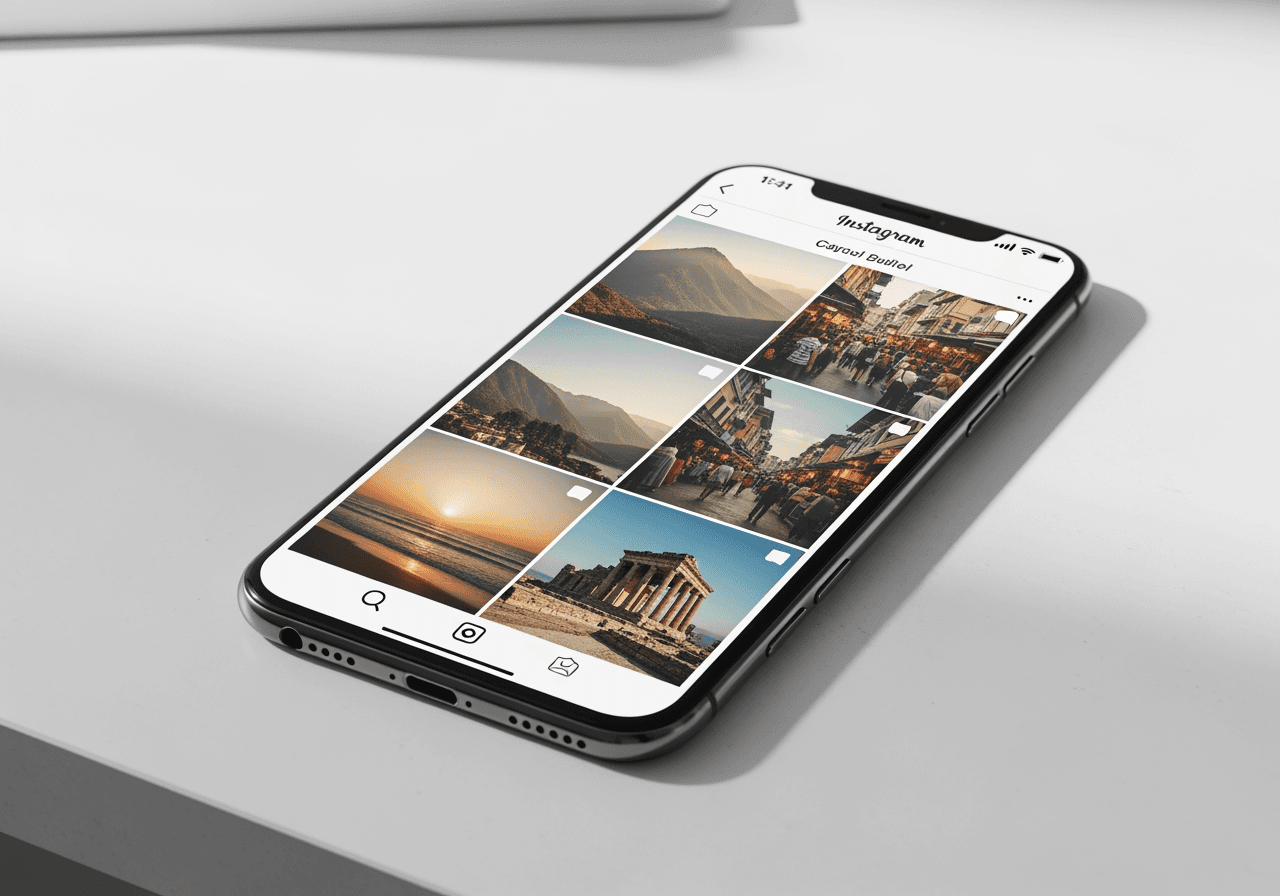
Instagram Post Optimization Features
We provide the essential AI features needed when posting multiple photos.
Conversational AI Editing
No complex tools needed. Just ask in the chat interface. Commands like 'Brighten the second photo' or 'Match the tone of all photos' are handled instantly by the AI Agent.

30+ Integrated AI Models
Want to change the mood? Utilize over 30 diverse AI models to generate emotional images perfectly suited for your Instagram feed.

4K Ultra-HD Upscaling
Don't worry about Instagram quality compression. Upscale generated images to 4K resolution for sharp, crystal-clear carousel posts.

How to Create Instagram Multiple Photo Posts
Complete a pro-level feed in seconds using Carat AI.
01
Upload Images & Describe Intent
Upload the photos you want to post and describe your desired style or theme (e.g., 'Vintage Travel Log') in the chat.
02
Refine Details with AI Agent
Check the generated output and request edits via chat. From applying filters to adjusting layouts, everything is flexible.
03
High-Quality Download & Share
Download the finished images in high quality without watermarks, or easily share them with teammates via link for collaboration.
Why Choose Carat AI?
Here is why Instagram influencers and marketers choose Carat AI.
Maintain Consistent Tone & Manner
AI automatically harmonizes the visual style, which is crucial when posting multiple photos. Fix inconsistent photo tones all at once.
Overwhelming Workflow Speed
No need to open Photoshop and adjust layers. Automate complex creative workflows with a single text command.
Seamless Collaboration Environment
Save generated assets to the cloud and share instantly with your team. Reflect feedback to edit and download in real-time.
Frequently Asked Questions (FAQ)
Solving your questions about posting multiple photos on Instagram.
What is an Instagram multiple photo post (Carousel)?
×
Instagram's Carousel feature allows you to upload up to 10 (or 20 for some accounts) photos or videos in a single post. It is highly effective for storytelling or delivering information.
What is the best aspect ratio when posting multiple photos?
+
Any tips for improving photo quality and matching tones?
+
Why is Carat AI better than other apps?
+

