
Mirror Webcam & 4K Upscaling - Carat AI
Instantly mirror your webcam footage and upscale it to 4K using Carat AI's conversational interface. Access 30+ AI models for professional video enhancement without watermarks.
Start creating now It's FREE!
or Drop a file here
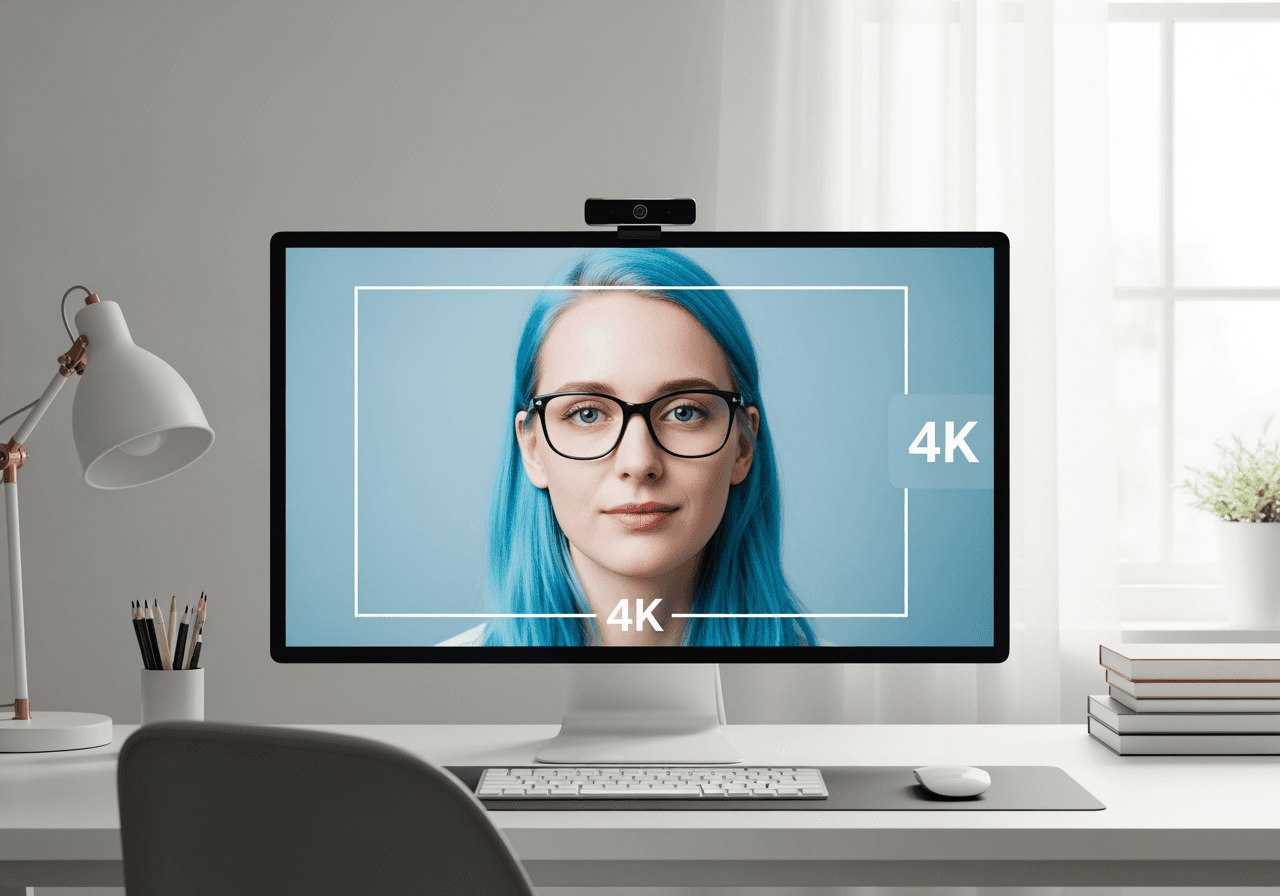
Mirror Webcam & AI Enhancement Features
Go beyond simple flipping; elevate your webcam footage quality to professional standards with AI.
Instant Horizontal Flip (Mirroring)
Instantly flip your recorded webcam footage horizontally to create a natural mirror mode with just a simple conversation command.

4K AI Upscaling
Transform low-quality webcam videos into 4K resolution, generating sharp and crystal-clear high-quality outputs.

Conversational AI Editing
Easily handle complex tasks like trimming, filtering, and lighting correction by simply requesting them via chat.

How to Mirror Webcam Video with Carat AI
Anyone can easily flip and edit videos without professional technical skills.
01
Upload Footage
Upload the webcam recording (video or image) you want to edit to the Carat AI chat interface.
02
Command the AI
Type 'Mirror this video horizontally', and the AI will instantly apply the flip effect and optimize quality.
03
Download High-Quality
Review the generated video and download it in high quality without watermarks or share it with your team.
Why Choose Carat AI for Webcam Mirroring?
Carat AI is more than just a tool; it's a powerful AI Agent supporting creative workflows.
30+ Integrated AI Models
Utilize over 30 latest AI models covering image, video, and audio in one place, beyond just video flipping.
No Watermarks
All outputs are provided watermark-free, ready for immediate use in streaming, YouTube, or presentations.
Seamless Collaboration
Easily share generated assets via a link and advance projects together with your team members.
Frequently Asked Questions (FAQ)
Check out useful information about webcam mirroring and using Carat AI.
What is Mirror Webcam?
×
Mirror Webcam refers to flipping the camera feed horizontally to show an image identical to looking in a mirror. While webcams typically output the view as seen by others, users often prefer the mirror mode for monitoring or recording as it feels more natural.
Are there any tips for better webcam recording results?
+
How can I improve webcam quality with 4K upscaling?
+
Why should I use Carat AI for webcam video editing?
+
Explore more AI

How to Flip a Video AI Agent

Free Online Mirror - Flip Images & Videos Instantly

AI .m4a Converter & Visualizer

WebM to MP4 Converter - High-Quality Video Conversion

MP4 Video Editor AI Agent

WMV to MP4 AI Converter

Remove Text from Video AI

MPEG-4 to MP4 Converter & AI Enhancer

WAV to MP4 Converter

Convert MP4 to MOV & AI Video Upscaling

Apps Like CapCut: AI Video Generator & Editor

MP4 to WMV Converter
