
AI Split GIF - Carat AI
Easily split animated GIFs into individual frames and save or edit them as high-quality images using Carat AI's conversational interface.
Start creating now It's FREE!
or Drop a file here
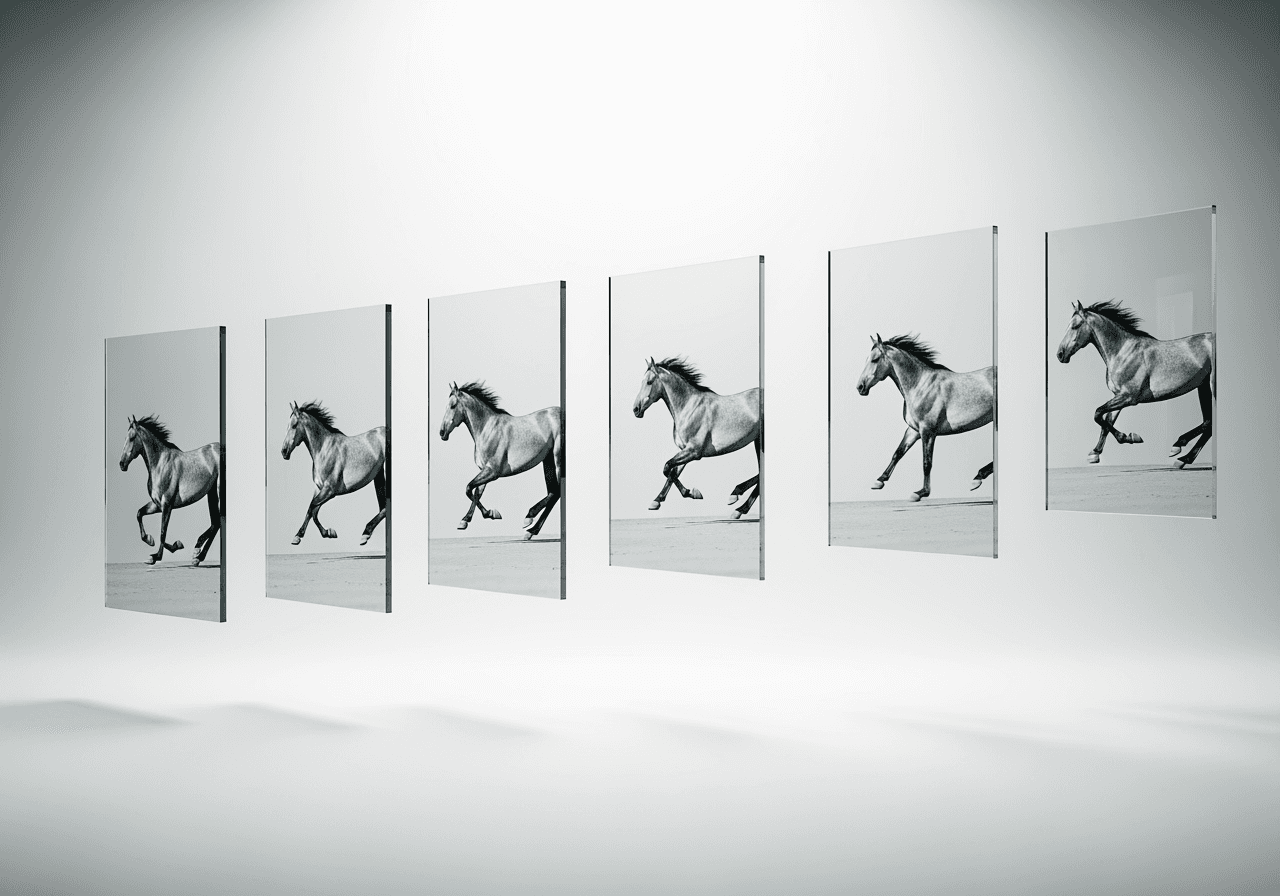
Split GIFs with a Single Conversation
Split GIFs and extract the scenes you want by simply talking to Carat AI, without complex editing tools.
Conversational Extraction
Simply say 'Split this GIF' to automatically extract all frames without complex timeline manipulation.

4K Upscaling Support
Transform images extracted from low-resolution GIFs into crisp 4K quality using Carat AI's upscaling features.

Instant Editing & Remixing
Select specific split frames and instantly edit them into new styles using over 30 AI models.

How to Split GIFs with Carat AI
Experience a simple 3-step GIF splitting workflow that anyone can follow.
01
Upload GIF File
Drag and drop the animated GIF file you want to split into the chat window.
02
Command Split Extraction
Ask the AI to 'Split this GIF into frames' to start the extraction process.
03
Download & Share
Download your favorite extracted frames in high quality or share them with teammates via link.
04
AI Editing (Optional)
Instantly modify specific frames through further conversation if you want to enhance quality or change styles.
Why Choose Carat AI for Splitting GIFs?
More than just a splitting tool, it's an AI agent service that boosts creative efficiency.
30+ Integrated Models
Beyond simple splitting, access diverse generative AI models for image, video, and audio all in one place.
Seamless Collaboration
Easily share generated assets with your team and streamline workflows with watermark-free high-quality files.
Convenient Web Interface
Split and manage GIFs directly in your web browser without installing heavy software.
Frequently Asked Questions
Find answers to your questions about splitting GIFs and extracting frames.
What is 'Split GIF'?
×
Splitting a GIF refers to the process of extracting individual still images (frames) that make up an animated GIF file. This allows you to capture specific scenes or use them as editing resources.
What is the best file format when extracting GIF frames?
+
Can I improve the quality of extracted GIF frames?
+
Why is Carat AI better than other GIF splitting tools?
+
Explore more AI

AI GIF Splitter & Frame Extractor

Trim GIF & Animation Editor

Crop GIF

Infinite GIF Generator

Meme Maker GIF Generator

Slow Down GIF Speed Changer

Speed Up GIF - AI GIF Speed Changer

AVI to GIF Converter

GIF Speed Changer

GIF to WebM Converter

Happy Anniversary GIF Generator

InShot vs CapCut AI Video Editor Alternative
