
YouTuber Video Editing Software - Carat AI
Discover the AI video editing software YouTubers use. Handle complex cuts to 4K upscaling effortlessly via a conversational interface with Carat AI.
Start creating now It's FREE!
or Drop a file here
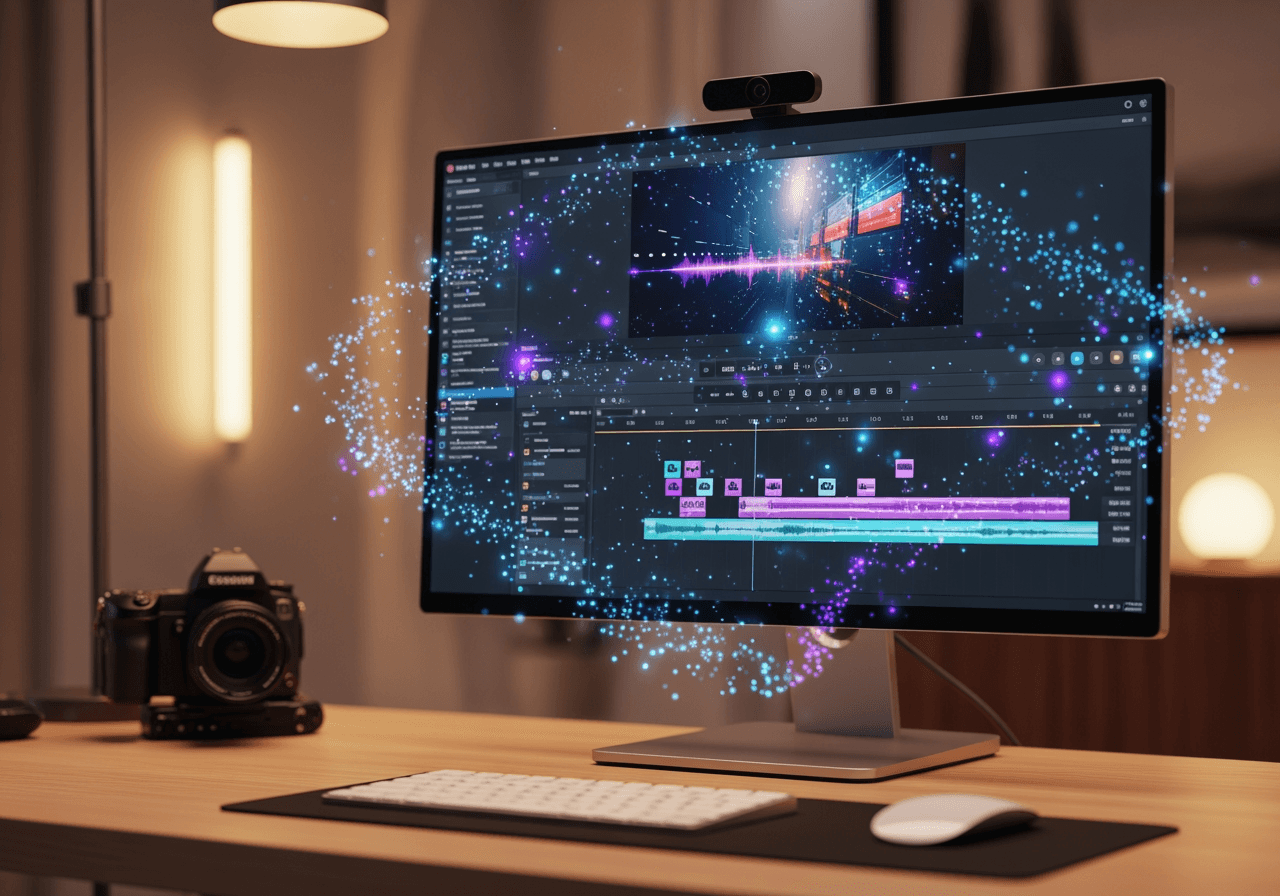
All-in-One AI Editing Solution for YouTubers
Create pro-level videos just by chatting, without complex timeline editing.
Conversational AI Editing Agent
No need to learn complex tools; simply command the AI to apply cuts and effects as if talking to a pro.

30+ Integrated AI Models
Access over 30 top-tier AI models for video generation, audio enhancement, and asset creation in one place.

4K Ultra-HD Upscaling
Low-quality footage? No problem. AI restores details and converts your video into crisp 4K resolution.

How to Edit Videos with Carat AI
We provide a simple workflow that anyone can easily follow.
01
Upload Raw Footage
Upload your vlog or raw footage that you want to edit.
02
Conversational Commands
Type your edit requests like 'Add background music' or 'Upscale quality' into the chat.
03
Download & Share
Download the finished video without watermarks or share it instantly with your team.
Why YouTubers Choose Carat AI
Discover why creators save time and maximize quality with us.
No Watermarks, Pro Quality
All outputs are commercially usable and provided clean without any watermarks.
Team Collaboration
Share edited assets via a single link and collaborate seamlessly with editors and designers.
Creative Workflow
Let AI handle repetitive tasks so you can focus entirely on content planning and creativity.
Frequently Asked Questions
Answers to common questions about YouTuber video editing software and Carat AI.
What editing software do most YouTubers use?
×
Traditionally, Premiere Pro or Final Cut are popular, but recently, creators are adopting AI-based tools like Carat AI to speed up workflows.
Are there any pro-tips for better video quality?
+
Can I convert low-quality video to 4K?
+
Why is Carat AI better than other editing tools?
+
