
How to Reduce Video File Size - Carat AI
Learn how to reduce video file size without losing quality using Carat AI. Compress large videos easily for sharing and streaming with our AI agent.
Start creating now It's FREE!
or Drop a file here
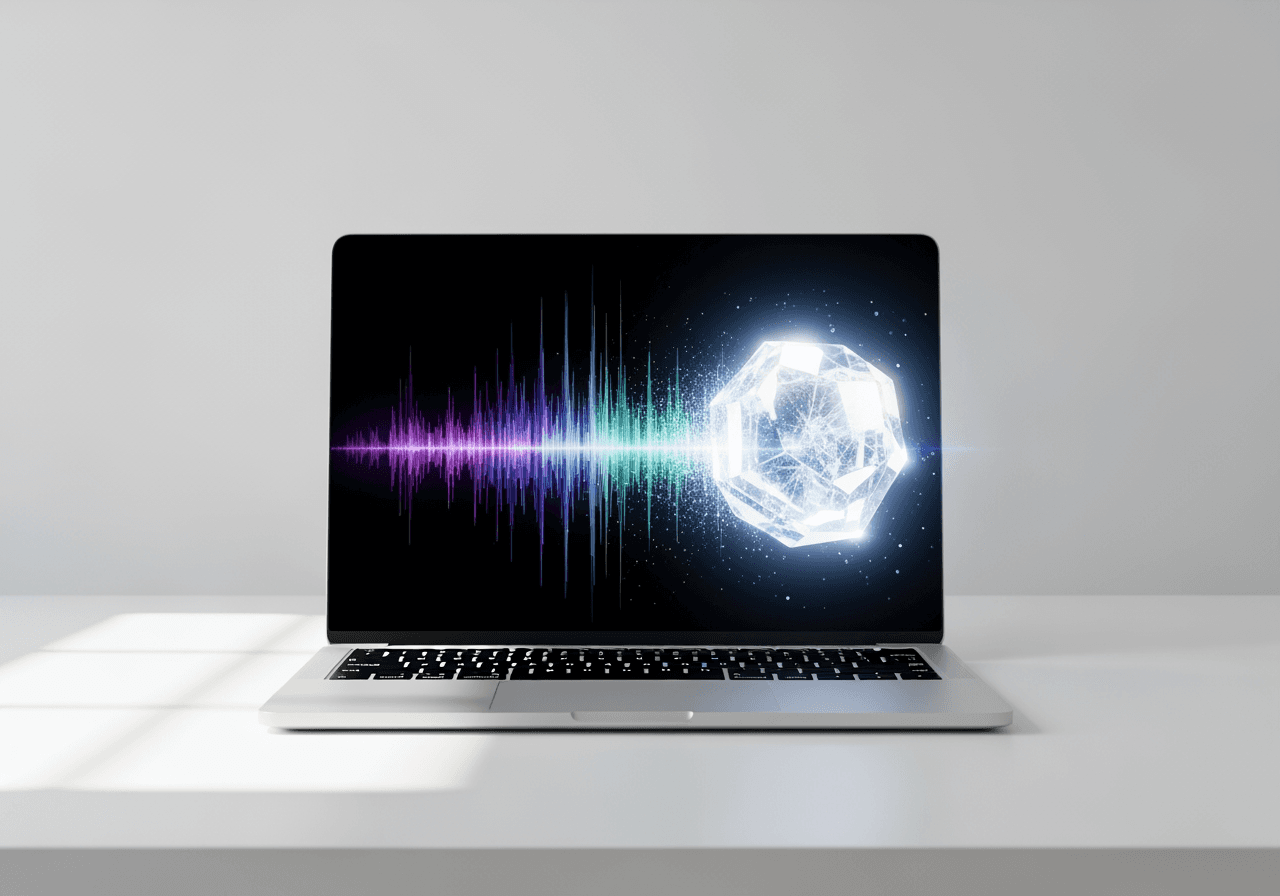
AI-Powered Smart Video Compression
Optimize video size with a single conversation, without complex encoding settings.
Intelligent Bitrate Control
AI analyzes video complexity to efficiently reduce data size without impacting visual quality.

Multi-Format Compatibility
Supports various formats like MP4, MOV, and AVI, converting them for optimal web upload or mobile transfer.

Conversational Fine-Tuning
Request specific target file sizes or quality levels via chat, and the AI instantly adjusts settings to generate results.

How to Use Carat AI for Video Compression
Anyone can use it easily without technical knowledge.
01
Upload Video File
Drag and drop the large video file you want to compress into the Carat AI chat window.
02
Enter Compression Request
Type a command in natural language, such as 'Reduce file size by half' or 'Compress for email attachment'.
03
Review and Download
Preview the compressed video, and if satisfied, download it in high quality or share it directly with your team.
Why Choose Carat AI?
More than just compression, it's an AI agent service that revolutionizes creative workflows.
30+ Integrated AI Models
Access over 30 latest AI models for video compression, image generation, audio editing, and more in one place.
4K Upscaling Restoration
Worried about quality loss? Use Carat AI's 4K upscaling feature to dramatically restore sharpness.
No Watermarks & Easy Sharing
All results are watermark-free, and generated assets can be easily shared with team members to boost collaboration.
Frequently Asked Questions
We answer your questions about how to reduce video file size.
Why is knowing how to reduce video file size important?
×
High-quality videos have large file sizes, which can hit limits when emailing, messaging, or uploading to websites. Efficient compression is essential to save storage and speed up transfer while maintaining quality.
Are there tips for reducing size without losing quality?
+
What if the video becomes too blurry after compression?
+
Why is Carat AI better than other compression tools?
+
Explore more AI

How to Compress a Video AI High-Quality Compressor

Compress Video for Email - AI Video Optimizer

Video File Compressor for Email

Remove Text from Video AI

How to Flip a Video AI Agent

MP4 Video Editor AI Agent

AI .m4a Converter & Visualizer

AI MP4 to AVI Converter

WebM to MP4 Converter - High-Quality Video Conversion

.avi File Converter & AI Editor

Apps Like CapCut: AI Video Generator & Editor

Convert MP4 to MOV & AI Video Upscaling
