
Convert Video to Live Photo - Seamless High-Quality Creation
Instantly convert your favorite videos into Live Photos for iPhone wallpapers. Use Carat AI's conversational interface to upscale to 4K quality without watermarks and share easily.
Start creating now It's FREE!
or Drop a file here
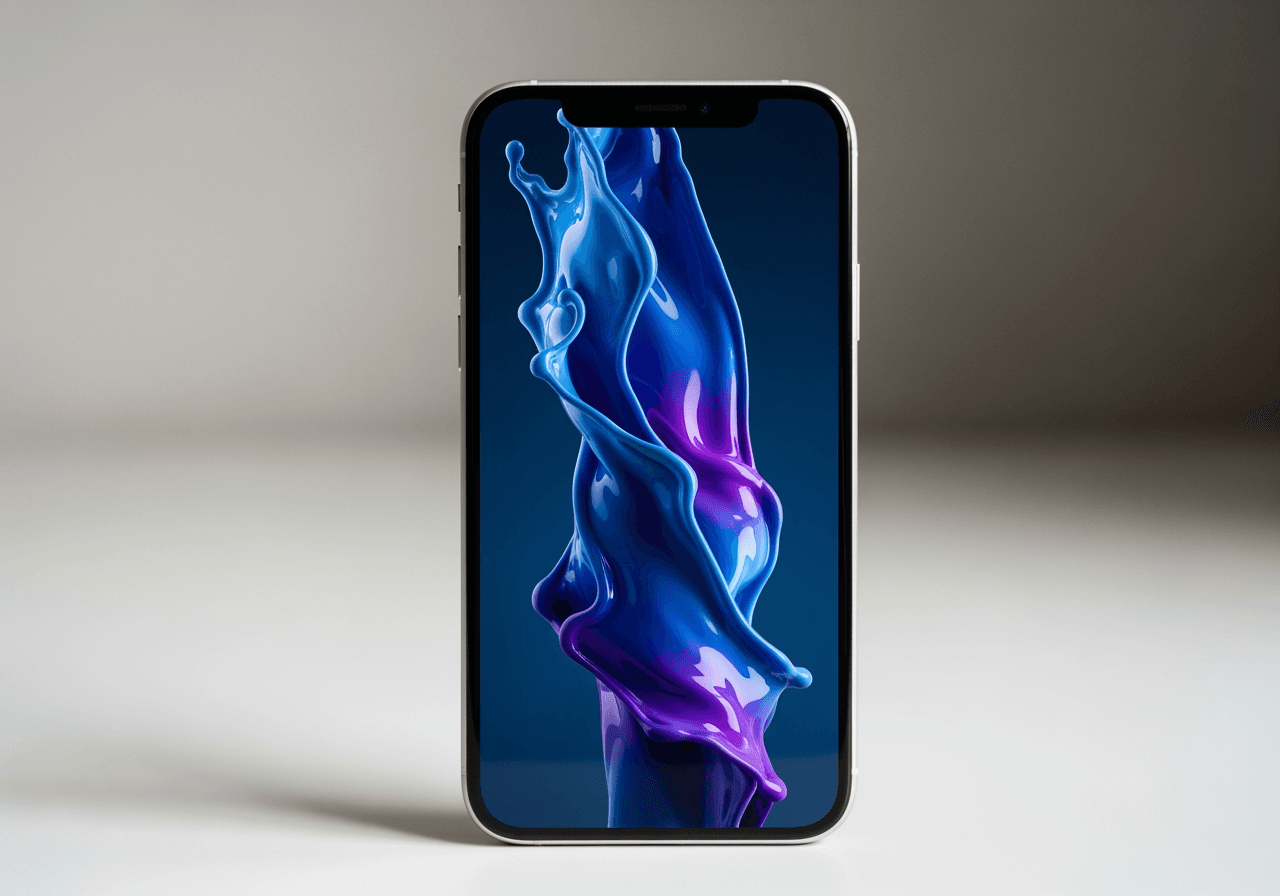
The Perfect Solution for Live Wallpapers
Carat AI goes beyond simple conversion, reinventing your videos into the most perfect Live Photos.
Conversational AI Editing
No complex settings needed. Just ask naturally. The AI agent adjusts video length and finds the optimal segment to convert into a Live Photo.

4K Upscaling Support
Don't worry about low-quality videos. The AI upscales resolution during conversion to create crisp, 4K-level Live Photos.

30+ Multimodal Models Integrated
Beyond conversion, utilize various AI models to apply new effects or change styles, creating unique results.

How to Convert Video to Live Photo
Complete your custom wallpaper in seconds with the AI Agent.
01
Upload Video
Upload the video file you want to turn into a Live Photo. Short clips or longer videos are all accepted.
02
Request via Chat
Type your desired segment or style in the chat. Just say 'Upscale for wallpaper', and the AI handles the rest.
03
Download High-Quality File
Review the generated Live Photo and download the watermark-free high-quality file to set as your wallpaper immediately.
Why Choose Carat AI
Experience a creative partner that goes beyond a simple converter.
Stunning 4K Quality
Unlike standard converter apps, Carat AI dramatically improves image quality, delivering sharpness that doesn't crack even on iPhone lock screens.
Watermark-Free Freedom
All results are provided without watermarks. Create clean, professional Live Photos to keep or share with friends.
Easy Sharing & Collaboration
Easily share generated assets with team members or friends, and handle complex creative workflows in one place without hassle.
Frequently Asked Questions
Find answers to your questions about converting video to Live Photo.
What is video to Live Photo conversion?
×
Video to Live Photo conversion is the technology of turning standard video files (MP4, MOV, etc.) into the iPhone's 'Live Photo' format. This allows you to set moving lock screens or wallpapers, which is essential for the trend of keeping TikTok or Instagram Reels as wallpapers.
Are there tips for getting the best results when converting?
+
Can I turn low-quality videos into high-quality wallpapers?
+
Why is Carat AI better than other converter apps?
+
Explore more AI

AI GIF to MOV Converter

8MB Converter AI Agent

Rotate GIF - AI Image Rotation & Editor

Flowers Wallpaper AI Generator

Bow Wallpaper Generator

AI Ken Burns Effect Generator

AI Voicemail to Text Converter

Red Arrow PNG Generator

AI Movie Poster Generator

AI Nail Design Generator

Tiger Drawing Generator

Indian Accent Voice Generator
