
.avi File Converter & High-Res Upscaling - Carat AI
Convert legacy .avi files to modern formats and enhance quality up to 4K with AI. Edit videos via a conversational interface without complex installation.
Mulai berkarya sekarang, GRATIS!
atau lepaskan file di sini
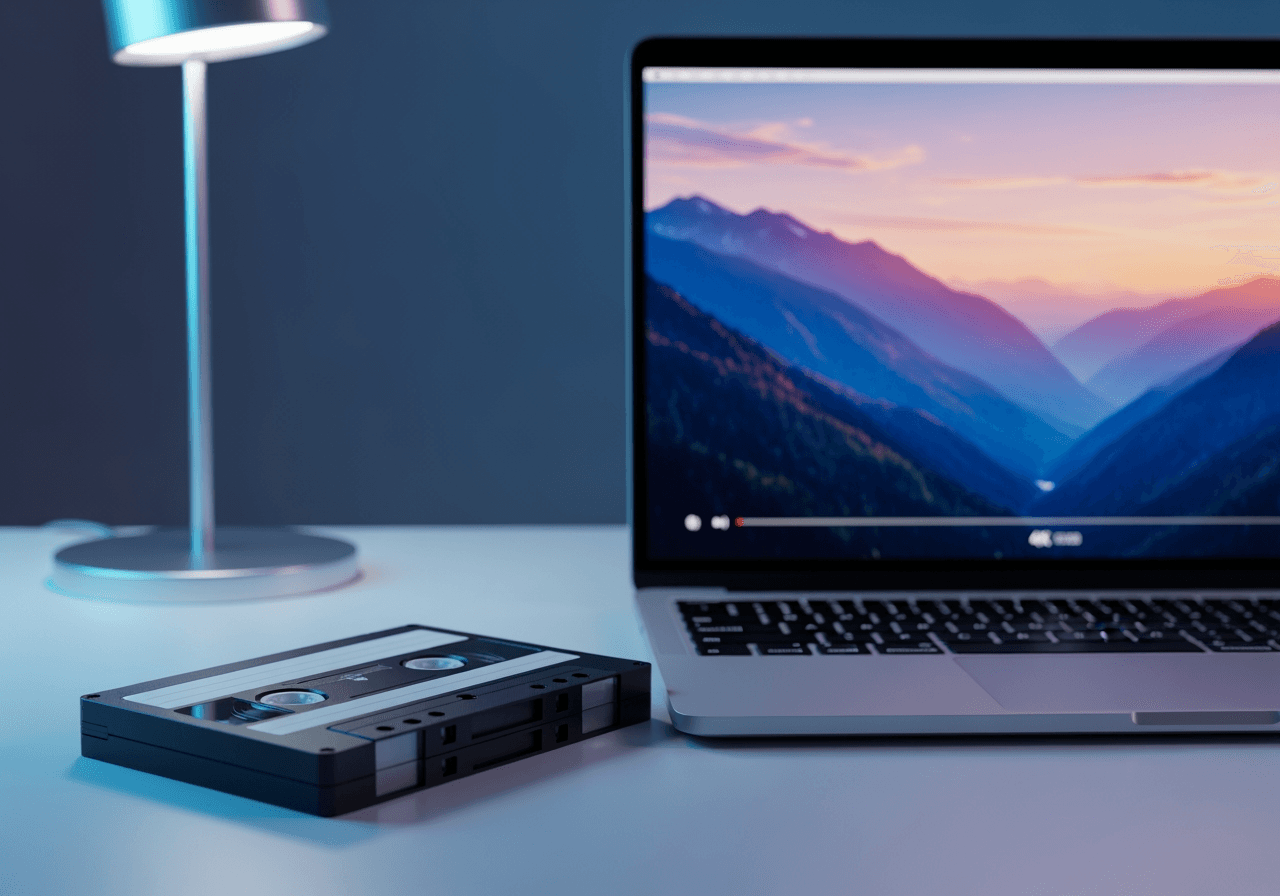
AI-Powered .avi File Solution
Carat AI is an AI agent service that makes handling legacy .avi video formats effortless.
Conversational Video Editing
Instead of complex timeline tools, simply type your requests in the chat to trim, merge, or apply effects to .avi files.

4K Quality Upscaling
Analyze low-resolution or noisy legacy .avi footage and restore it into crystal-clear 4K high-definition video.

30+ Integrated AI Models
Access over 30 diverse AI models for video conversion, image generation, and audio editing all in one place.

How to Convert and Edit .avi Files
Anyone can use it easily without professional video editing skills.
01
Upload File
Drag and drop the .avi file you want to edit or convert into the Carat AI chat interface.
02
Ask the AI Agent
Enter a command in natural language, such as 'Convert this video to MP4 and enhance the quality.'
03
Review and Download
Preview the generated high-quality video and download it without watermarks or share it seamlessly with your team.
Why Choose Carat AI
We provide features optimized for .avi file processing and a convenient workflow.
Solved Compatibility Issues
Instantly convert hard-to-play .avi files into modern formats compatible with mobile and web, solving compatibility issues.
Secure Collaboration
Process files securely in the cloud and boost collaboration efficiency by easily sharing generated assets via a single link.
Pro-Quality Guarantee
Going beyond simple conversion, we apply the latest AI upscaling technology to deliver results with better quality than the original.
FAQ about .avi Files
Check out features of .avi files and editing tips using Carat AI.
What is an .avi file and why is it less common today?
×
AVI (Audio Video Interleave) is an older video container format developed by Microsoft. While it offers good quality, it has low compression efficiency resulting in large file sizes, making efficient formats like MP4 more preferred today.
How can I reduce .avi file size while maintaining quality?
+
Can I improve the quality of old .avi videos?
+
Does converting .avi files with Carat AI leave a watermark?
+
Jelajahi AI lainnya

AI MP4 to AVI Converter

MKV to MOV Converter AI

WMV to MP4 AI Converter

Convert MP4 to MOV & AI Video Upscaling

MP4 to MOV Converter

MPEG-4 to MP4 Converter & AI Enhancer

AI .m4a Converter & Visualizer

MP4 Video Editor AI Agent

MP4 to MPEG AI Converter

MP4 to WMV Converter

WebM to MP4 Converter - High-Quality Video Conversion

How to Flip a Video AI Agent
