
AI Background Expander
Try Carat AI's Background Expander. With just a single photo, you can restore cropped images and extend the canvas to your desired ratio, creating perfectly composed images. Get natural, high-resolution results in seconds.
Начните творить прямо сейчас — это БЕСПЛАТНО!
или перетащите файл сюда
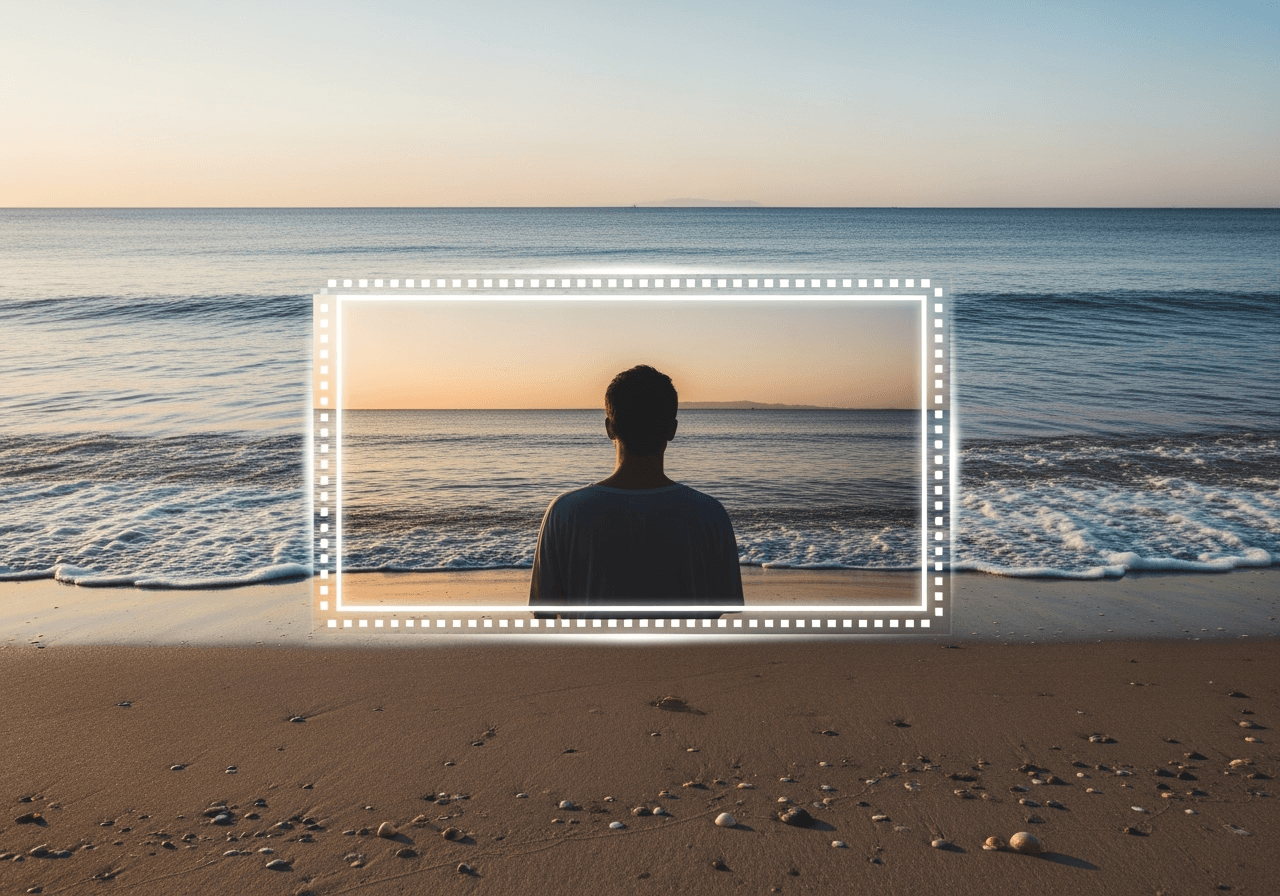
Go Beyond the Frame with AI Background Expansion
Don't be limited by the original frame of your image anymore. Carat AI's powerful background expansion feature analyzes the existing context of your photo to naturally fill in cropped-out areas or extend the canvas as much as you want, creating new space.
Context-Aware Expansion
Carat AI intelligently analyzes all elements in your photo, including subjects, lighting, and textures. The expanded background blends in seamlessly and perfectly, as if it was there from the start.

Adjust Aspect Ratios for Any Platform
Need to turn a portrait photo into a landscape image for a YouTube thumbnail, or a square post into a vertical story? Create the perfect aspect ratio for any social media platform with a single click.

One Photo, One Click
No complicated training processes or multiple photos are needed. Simply upload a single image, select the area you want to expand, and the Carat AI agent will handle the rest, delivering results in seconds.

How to Expand Image Backgrounds in Seconds with Carat AI
Anyone can expand photo backgrounds like a pro. Just follow these three simple steps.
01
Upload Your Image
Upload the single photo you want to expand to Carat AI. You can do this from either the web or our mobile app.
02
Set Expansion Area and Ratio
Choose the direction you want to expand the image and set the new canvas size or aspect ratio. This step defines the space for the AI to fill.
03
Generate and Download
Click the 'Generate' button, and the AI will start working immediately. In a moment, you can download the finished image as a high-resolution, watermark-free file.
When to Use the Carat AI Background Expander
Go beyond simple image editing and discover various ways to elevate your content and creativity to the next level.
Optimize Social Media Content
Stop cropping out important parts of your photos to fit the optimal image sizes required by platforms like Instagram, Facebook, and TikTok. The AI will naturally fill the background to create the perfect post.
Restore Cropped Photos
Do you have a photo where an important person or background detail was unfortunately cropped out? Restore the edges of your photos and bring back hidden details with the AI background expansion feature.
Enhance Creative Projects
Add endless possibilities to your creative photo editing, such as creating an aesthetic composition by adding more negative space around your subject, or transforming a narrow landscape shot into a vast panoramic image.
Frequently Asked Questions
Have more questions about the Carat AI Background Expander?
How many photos are needed for AI background expansion?
×
You only need one photo. Carat AI is designed to analyze a single image to perform natural background expansion.
Is there a watermark on the generated images?
+
Can I use the generated images for commercial purposes?
+
How long does it take to generate an image?
+
What pricing plans are available?
+


