
Add Photos to Instagram Post
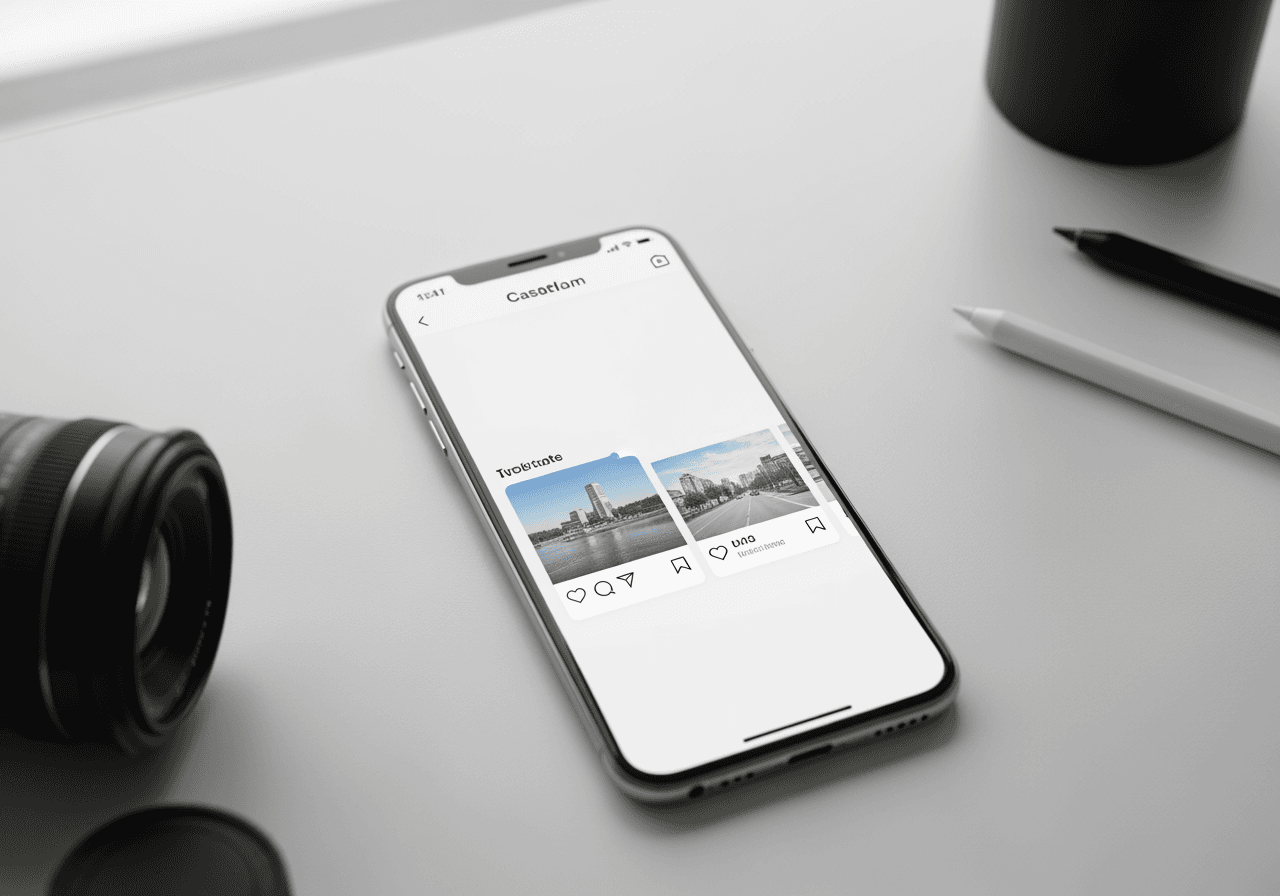
Need to add photos to an Instagram post after posting? Use Carat AI to quickly reconstruct your carousel, seamlessly integrate missing images, and upscale to 4K for a perfect re-upload.
Начните творить прямо сейчас — это БЕСПЛАТНО!
или перетащите файл сюда
AI Solution for the Perfect Feed
Don't worry if you missed a photo. Rebuild your post better and faster with Carat AI.
Conversational Editing
Create complex image layouts easily through a conversational interface without needing complicated tools.

30+ Diverse AI Models
Access 30+ diverse AI models to fill in gaps or enhance the style of your photos in one place.

4K Upscaling
Generate high-quality images and upscale them to 4K resolution to ensure your re-post looks professional.

How to Add Photos & Fix Posts
While Instagram prevents direct adding after posting, here is the fastest workflow with Carat AI.
01
Upload Assets
Upload your existing photos and the new one you want to add into the Carat AI interface.
02
Merge with AI
Ask the AI to 'Combine these images into a seamless carousel' to integrate the missing photo.
03
Download & Repost
Upscale the generated assets to 4K, download high-quality files, and repost seamlessly.
Why Choose Carat AI
More than just editing, it's an AI Agent Service that revolutionizes your creative workflow.
No Watermarks
All generated assets are watermark-free, ready for immediate use on business or personal feeds.
Easy Collaboration
Easily share generated assets with others and download high-quality files for seamless workflow.
Integrated Creative Hub
Access image, video, and audio features in one integrated environment for diverse content creation.
FAQ: Adding Photos to Instagram Posts
Answers to common questions about editing and adding to Instagram posts.
Can you add photos to an Instagram post after posting?
×
Currently, Instagram does not allow adding photos to an existing post natively. You must delete and repost. However, Carat AI helps you quickly merge old and new photos to create a superior version for your repost.
What is the best aspect ratio for reposting on Instagram?
+
How can I enhance photo quality before reposting?
+
Why is Carat AI the best tool for this?
+
