
Convert WebM to MP3 - High Quality AI Audio Extraction
Instantly extract audio from WebM video files and convert them to high-quality MP3 using Carat AI. Convert easily and quickly with a conversational interface without complex settings.
Начните творить прямо сейчас — это БЕСПЛАТНО!
или перетащите файл сюда
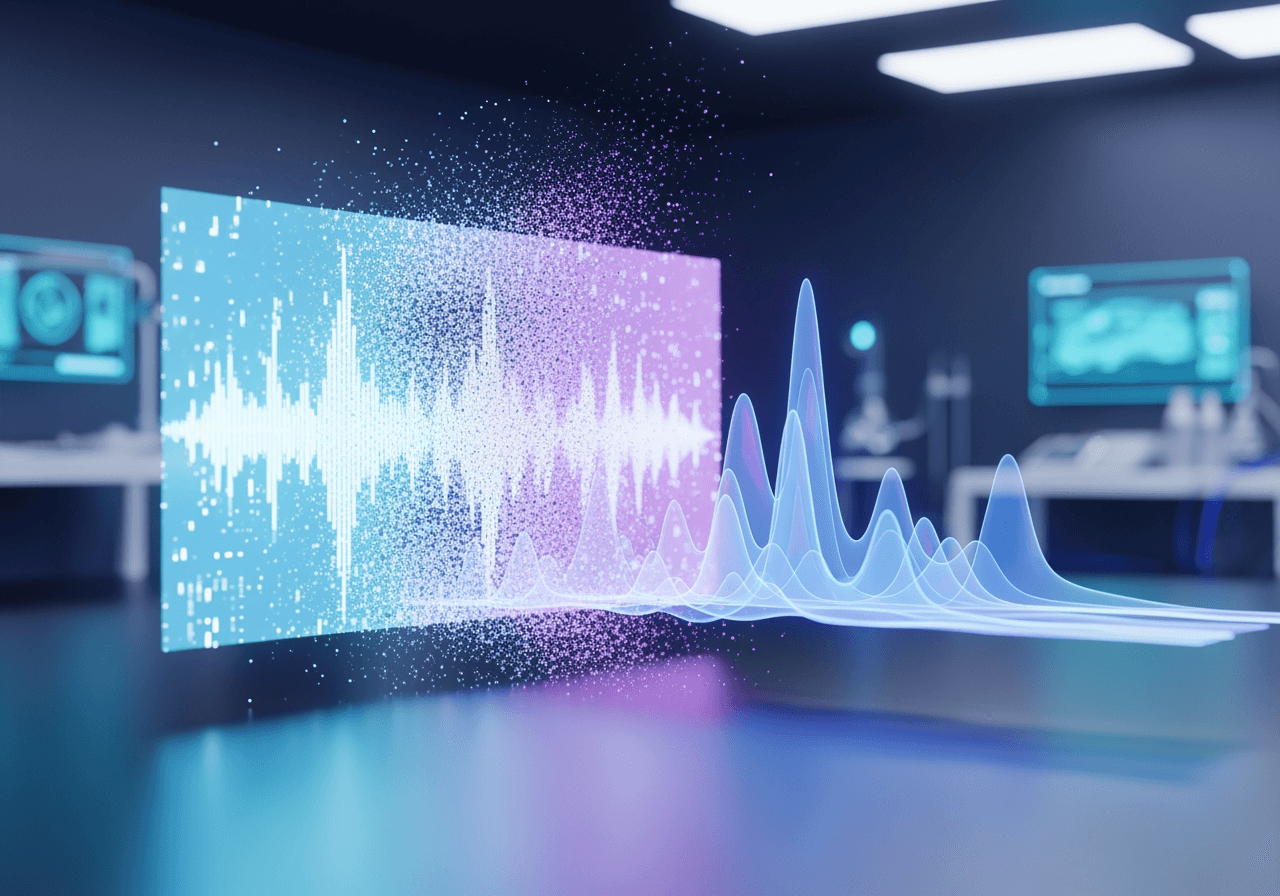
Smart Media Conversion Powered by AI
Carat AI is more than just a conversion tool. It is an AI agent service that integrates video, audio, and image management utilizing over 30 AI models.
Easy Conversion via Conversational Interface
No need for complex codec settings or bitrate adjustments. Simply tell the chat 'Convert to MP3', and the AI performs the conversion with optimal settings.

Integrated Support for Diverse AI Models
Complete your creative workflow by accessing over 30 different AI models in one place, including audio extraction, image generation, and video editing.

4K Upscaling and High-Quality Output
Maintain the quality of converted audio, and also utilize features to upscale the original video to 4K resolution or enhance its visual quality.

How to Convert WebM to MP3
Convert media files with just a few clicks and a conversation through Carat AI's intuitive process.
01
Upload WebM File
Drag and drop the WebM video file you wish to convert into the Carat AI chat window to upload.
02
Enter Conversion Command
Enter a command in natural language such as 'Convert this video to MP3 audio', and the AI will immediately start the task.
03
Download and Share Results
Download the converted high-quality MP3 file or instantly share it with team members via link for collaboration.
Why Use Carat AI Converter?
Experience a professional AI tool equipped with fast speed, security, and collaboration features.
Clean Results No Watermark
Unlike free conversion tools, Carat AI leaves no unnecessary watermarks on the output, ensuring it's clean for commercial use.
Seamless Team Collaboration
Easily share generated assets within projects and manage high-quality files without needing to download and transfer them every time.
Comprehensive Creative Features
Beyond simple conversion, it's an all-in-one solution that maximizes media asset value through features like 4K upscaling and AI editing.
Frequently Asked Questions
We resolve any questions related to WebM to MP3 conversion.
What does converting WebM to MP3 mean?
×
WebM is a video format optimized for the web. Converting it to MP3 means extracting only the audio track from the video file and saving it in the most widely used audio format, making it suitable for music listening or podcasts.
How can I get the best audio quality when converting to MP3?
+
Can I enhance audio or video quality beyond conversion?
+
Why is Carat AI better than other free converters?
+


