
Flip GIF & Mirror Tool - Carat AI
Flip or mirror GIFs horizontally and vertically without quality loss. Use Carat AI's conversational interface to instantly correct GIF orientation without complex frame editing.
Начните творить прямо сейчас — это БЕСПЛАТНО!
или перетащите файл сюда
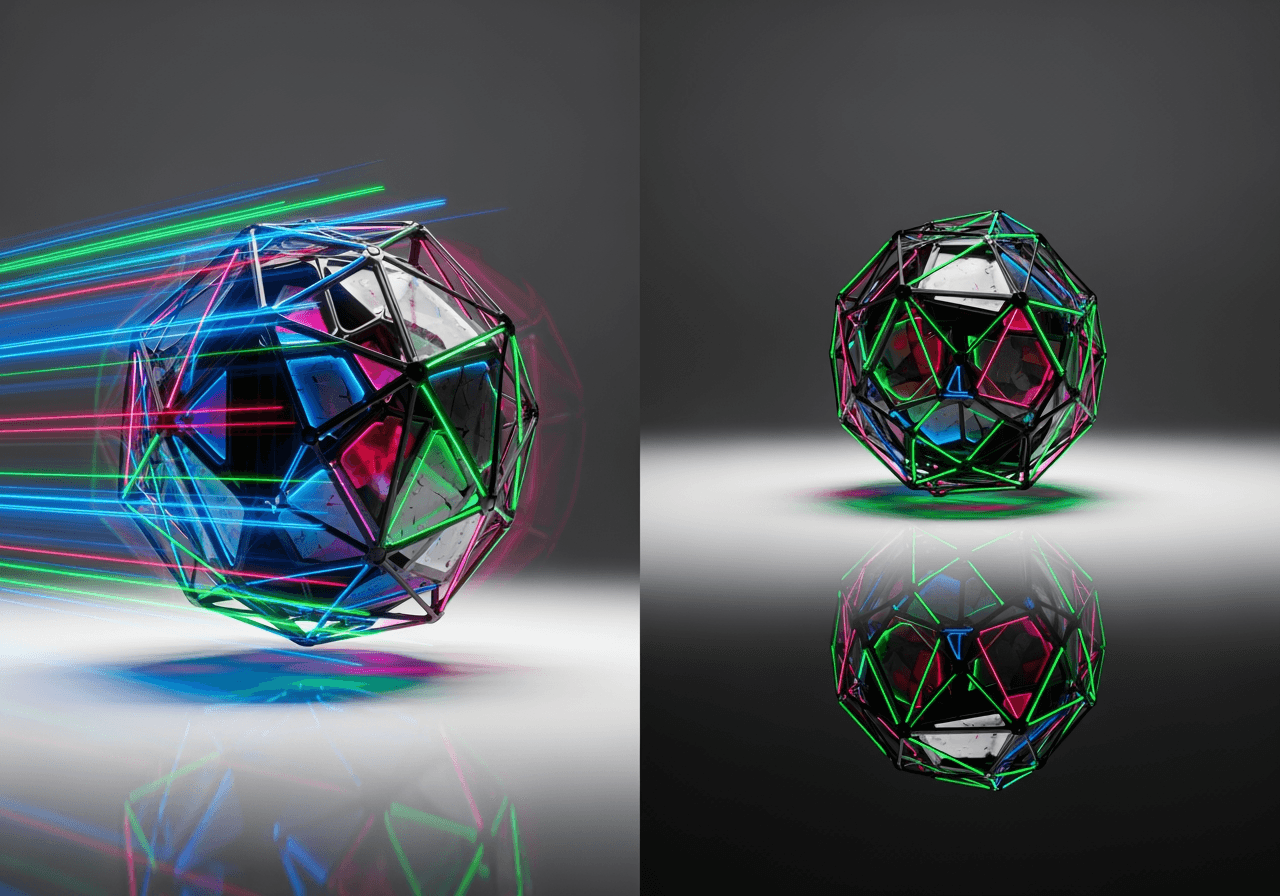
AI-Powered GIF Editing Features
Go beyond simple rotation and perfectly control your GIFs while maintaining animation flow.
Instant Horizontal/Vertical Flip
Analyze every frame of the GIF to instantly mirror or flip it without losing animation speed or quality.

4K Upscaling Support
After flipping old or blurry GIFs, convert them to high definition using Carat AI's 4K upscaling feature.

Conversational Media Editing
Instead of complex toolbars, simply say 'Rotate this GIF 90 degrees clockwise' and the AI handles the task.

How to Use Flip GIF
No complex timeline editing required on Carat AI. Just upload and command conversationally.
01
Upload GIF File
Drag and drop the GIF file you want to edit into the upload window.
02
Enter Edit Command
Type your desired action, such as 'Flip horizontally' or 'Flip vertically'.
03
Download Result
Check the converted high-quality GIF and download or share it without watermarks.
Why Choose Carat AI
More than just a GIF tool, it's the perfect AI agent for your creative workflow.
No Watermark, High Quality
From personal collections to business use, we provide clean results without watermarks.
30+ AI Models Integrated
Access over 30 latest AI models for image generation, video conversion, and GIF editing in one place.
Easy Sharing & Collaboration
Easily share generated assets with team members and simplify professional workflows.
Frequently Asked Questions (FAQ)
Common questions users ask about flipping and editing GIFs.
What is Flip GIF?
×
Flip GIF refers to mirroring an animated image file horizontally or flipping it vertically. It is useful for creating memes or correcting animations that point in a specific direction.
How can I flip a GIF without breaking the animation?
+
Can I improve quality after flipping a GIF?
+
Why is Carat AI better than other GIF editing tools?
+


