
MP4 to AVI Converter - High Quality AI Video Conversion
Easily convert MP4 files to AVI format via Carat AI's conversational interface. Offers lossless conversion and 4K upscaling features simultaneously.
Начните творить прямо сейчас — это БЕСПЛАТНО!
или перетащите файл сюда
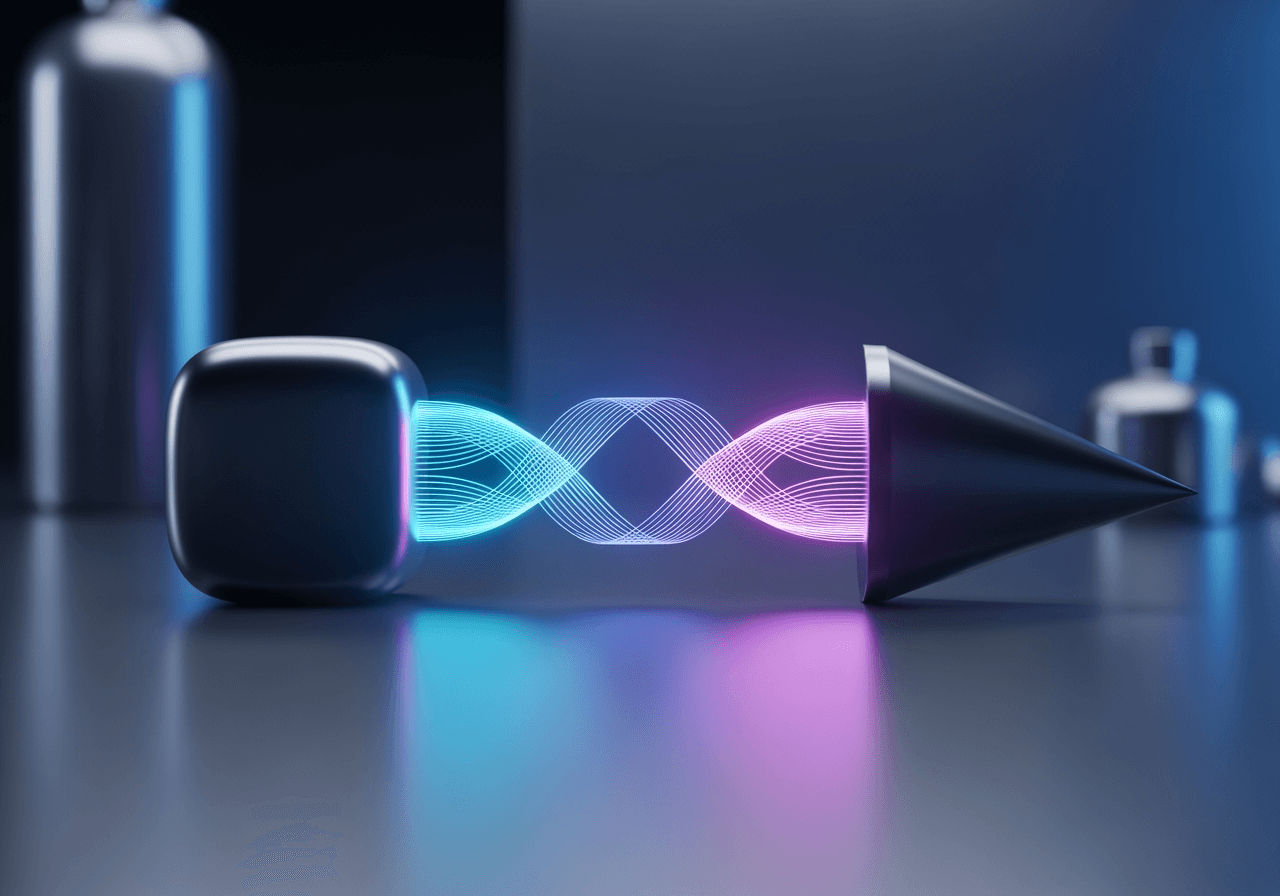
AI-Powered Smart Video Format Conversion
Beyond simple conversion, the AI Agent optimizes video quality and handles complex settings for you.
Conversational Conversion Interface
Request like a chat without complex codec settings. Carat AI perfectly converts MP4 to AVI.

4K AI Upscaling
Increase resolution to 4K while converting formats. Revive old videos with clarity.

Integrated Editing Workflow
Before downloading converted videos, utilize 30+ AI models for additional editing.

How to Convert MP4 to AVI
Anyone can perform professional-grade video conversion easily.
01
Upload Video File
Drag and upload the MP4 file you want to convert into the Carat AI chat window.
02
Enter Conversion Command
Type 'Convert this video to AVI'. Request quality improvement together if needed.
03
Download Result
Check the AI-generated high-quality AVI file and download it instantly without watermarks.
Why Choose Carat AI Converter?
Delivers the best results with fast speed and powerful AI capabilities.
Integrated 30+ AI Models
Solve complex creative tasks by utilizing conversion, editing, and generation models all in one platform.
Easy Sharing & Collaboration
Easily share generated assets with team members and seamlessly transfer high-quality files.
High-Quality Results No Watermark
Create clean, high-resolution videos available for commercial use without limits.
Frequently Asked Questions (FAQ)
Find answers about MP4 to AVI conversion and quality improvement.
What is the difference between MP4 and AVI formats?
×
MP4 offers high compression and web compatibility, while AVI supports uncompressed or low-compression data, making it a common Windows-based format for editing sources.
How do I prevent quality loss when converting MP4 to AVI?
+
Can I improve video quality simultaneously with conversion?
+
Why is Carat AI better than other online converters?
+


