
What is an M4A File? Definition & AI Cover Art - Carat AI
Understand exactly what an M4A file is, how it differs from MP3, and use Carat AI to generate professional album covers and visuals for your audio tracks instantly.
Начните творить прямо сейчас — это БЕСПЛАТНО!
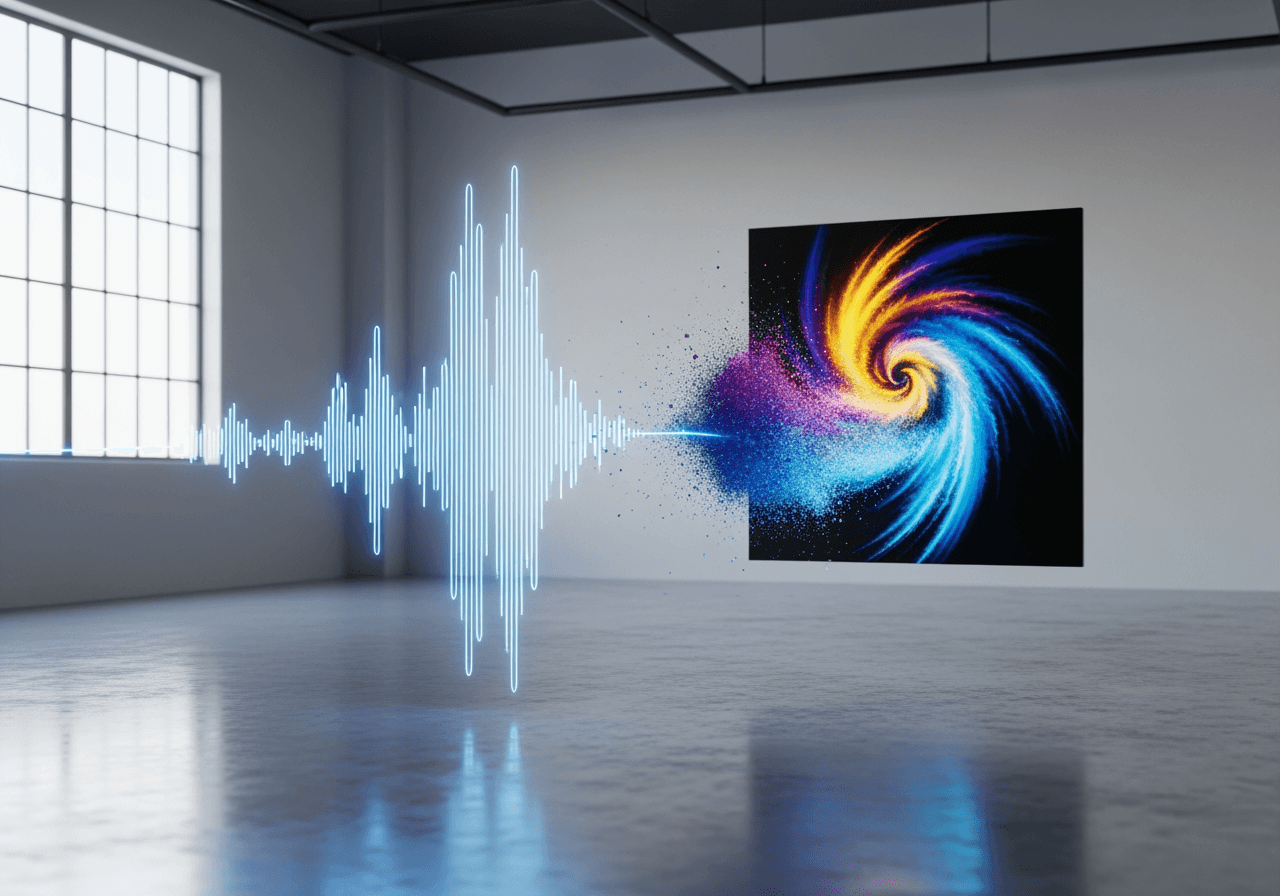
Understanding M4A & AI Creative Solutions
Learn the technical aspects of the M4A audio format and complete your music's visuals with Carat AI.
Definition & Features of M4A
M4A, the MPEG-4 audio layer, offers better compression and sound quality than MP3. It is standard on Apple devices and supports both lossless (ALAC) and lossy (AAC) compression.

Conversational AI Image Generation
Fill the visual gap left by audio files. Create album art matching your track's mood using 30+ AI models through a conversational interface, without complex tools.

4K Upscaling & Sharing
Upscale generated images to 4K resolution for high-quality streaming platform submissions and easily share assets with your team for seamless collaboration.

How to Create Visuals for M4A Tracks
A simple workflow to visually express the emotion of your audio files using Carat AI.
01
Describe Track Mood
Enter the genre, emotion, and key color themes of your M4A music track as text.
02
Generate AI Artwork
Select your desired style (e.g., illustration, 3D, photo) to instantly generate unique album cover art.
03
Upscale & Download
Upscale to 4K directly in the chat and download clean, watermark-free files.
Creative Workflow with Carat AI
Go beyond understanding files and experience powerful benefits that elevate your content creation quality.
Access 30+ Diverse Models
Access over 30 of the latest AI models for image, video, and audio integration with a single subscription.
Seamless Collaboration
Instantly share generated assets with team members or clients and incorporate feedback for revisions.
Pro-Quality 4K Output
Convert low-res images to 4K to get results suitable for commercial use, such as album art and YouTube thumbnails.
M4A File & AI Usage FAQ
Check out FAQs about M4A files and tips for creating visuals using AI.
What exactly is an M4A file?
×
M4A is an MPEG-4 audio-only container format. It typically uses AAC (lossy) or ALAC (lossless) codecs, offering higher sound quality at smaller file sizes compared to MP3.
How can I maintain the best sound quality for M4A files?
+
How can I create better album covers for M4A files using AI?
+
Why should I use Carat AI for album art creation?
+
Больше об ИИ

Convert M4A to MP4 with AI Visuals

AI M4A to Text Converter

AI .m4a Converter & Visualizer

MP4 to M4A Converter

M4A to MP4 Converter

MPEG-4 to MP4 Converter & AI Enhancer

AI MP4 to AVI Converter

WAV to MP4 Converter

MP4 to MPEG AI Converter

Convert MP4 to MOV & AI Video Upscaling

MP4 Video Editor AI Agent

WMV to MP4 AI Converter
