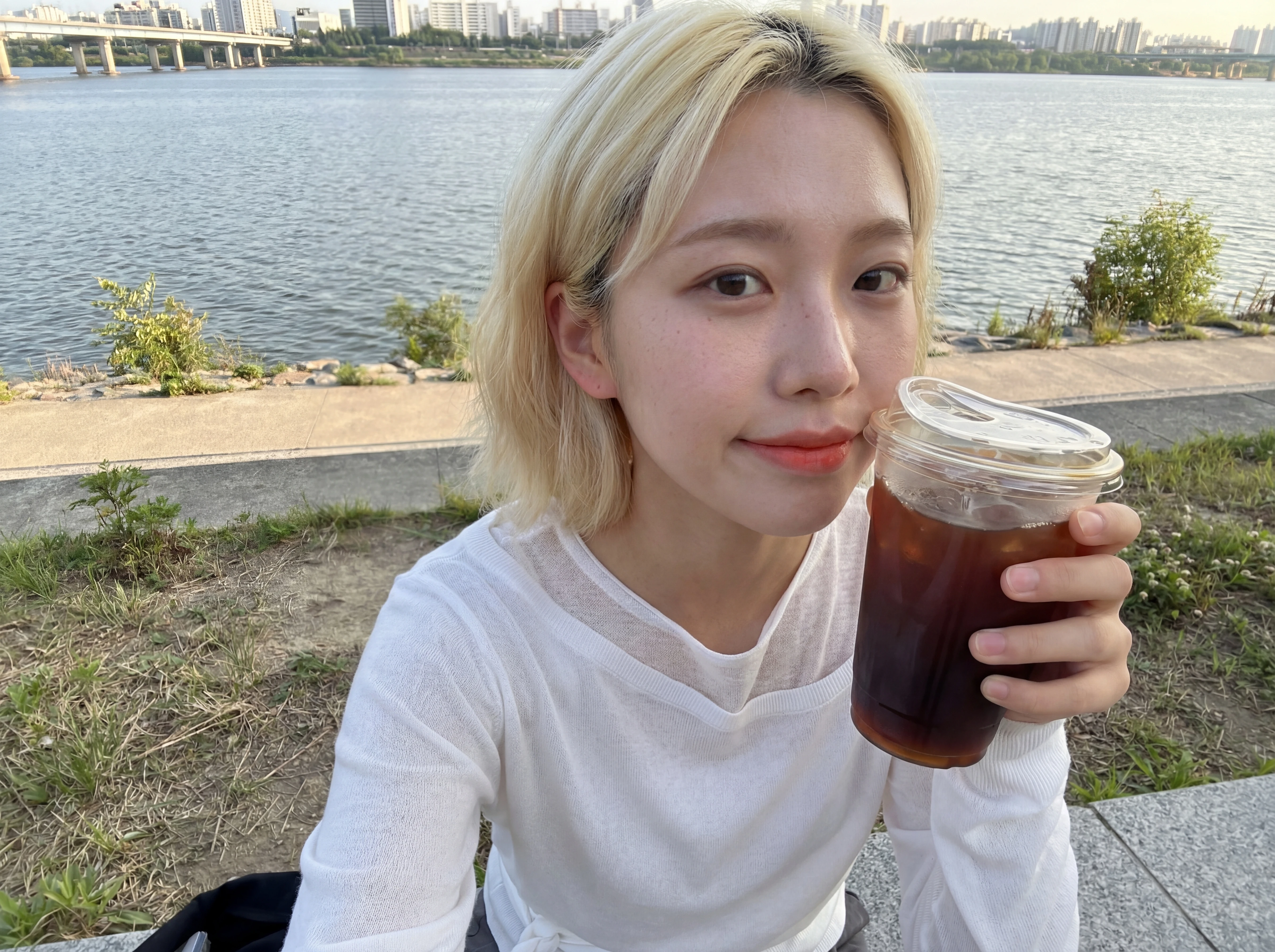
Hyperreal Portrait
Example results
Realistic AI Person Generator for Hyperreal Portraits
How it works
Most AI generated person images give themselves away: skin that looks airbrushed, lighting that feels like a studio ad, a face with no texture. Carat AI's Hyperreal Portrait is an AI person generator built to avoid that. Powered by Nano Banana Pro, it creates a brand-new photorealistic person with visible pores, fine wrinkles and natural skin texture, at 4K by default. You don't need to master prompts. Fill in a few slots — gender, age, ethnicity, shot type, setting, camera tone — and the app handles the rest. If you already know exactly what you want, switch to the advanced custom prompt. Think of it as a realistic AI photo generator focused on people: every result is a new person who looks like they were photographed, not rendered. It does not edit your own face photo; it creates someone new from your settings.
01
Pick the person
Choose gender (female or male), age and ethnicity (12 options). Add a beauty direction, a hair style and a makeup level: bare, natural, full daily or bold editorial. Every slot is optional, so leave blank whatever you don't care about.
02
Set up the shot
Pick a shot type: front-camera selfie, mirror selfie, candid shot taken by someone else, upper-body portrait or full body. Describe the outfit, or upload a garment reference image to dress the person exactly as shown. Choose a setting such as a café, subway or bus, street by day or night, park, beach, convenience store, room, Han River, PC café, gym or train, or type your own. Then pick a camera tone (iPhone selfie, Android selfie, DSLR or film camera) and an aspect ratio: 4:5, 1:1, 9:16, 3:4, 16:9 or 4:3.
03
Create the 4K portrait
Add props and an expression or pose if you like, then hit Create to get your hyperreal portrait.
Use cases
Mock up model shots for a product page or lookbook by uploading a garment reference and seeing it worn by a realistic person
Build the look of an AI influencer or social persona with everyday selfie and mirror-selfie shots
Create photoreal character references for ad storyboards, pitches, games or fiction
Compare the same person across camera tones, from iPhone selfie to film camera, for a mood board
FAQ
How does this AI person generator work?
×
You choose the traits and the scene, and Nano Banana Pro generates a new photorealistic person to match, with skin detail like pores and fine wrinkles. It is a portrait-focused alternative to a general AI human generator or realistic AI image generator.
Do I need to write prompts?
+
No. Fill the slots and press Create; every slot is optional. Advanced users can write a custom prompt instead.
Can I upload my own face?
+
No. The app creates a new person from your settings and does not edit a photo of you. The only image you can upload is a garment reference for the outfit.
Can I choose what the person wears?
+
Yes. Describe the wardrobe in text, or upload a garment reference image and the person will be dressed exactly as shown.
How do I make the portrait look less like AI?
+
Pick a selfie or candid shot type, an iPhone, Android or film camera tone, and bare or natural makeup. Everyday settings like a convenience store, subway or street at night help too.
What resolution and sizes can I get?
+
Portraits are 4K by default. Aspect ratios are 4:5, 1:1, 9:16, 3:4, 16:9 and 4:3.


© 2026 Paradot Inc. All rights reserved.


