
MPEG to MP4 Converter - High-Quality AI Video Conversion
Easily convert MPEG files to universal MP4 format via Carat AI's conversational interface. Experience sharper quality than the original with 4K upscaling capabilities.
Start creating now It's FREE!
or Drop a file here
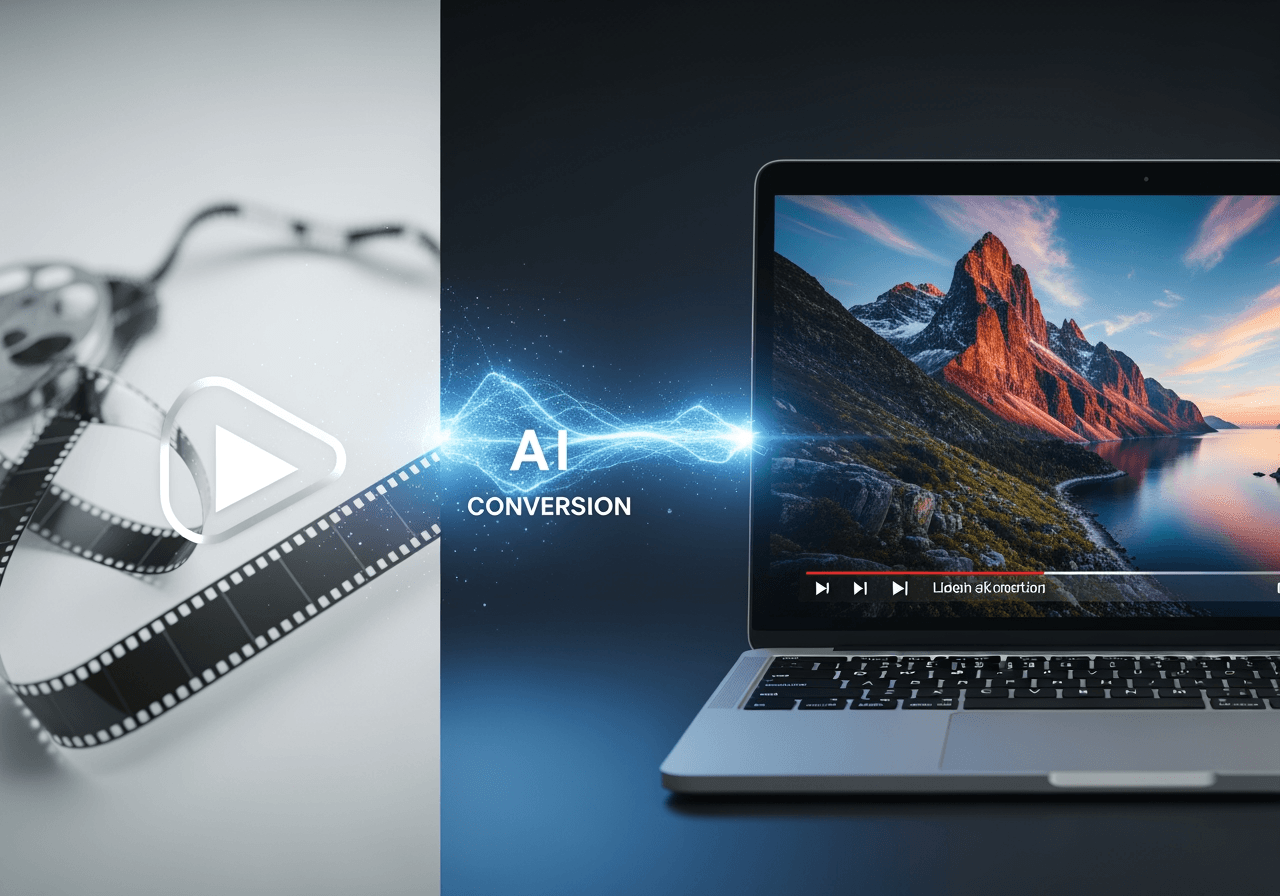
AI-Powered Smart Video Format Conversion
Beyond simple file conversion, AI finds the optimal codec and quality settings to enhance your video.
Ensure Overwhelming Compatibility
Resolve compatibility issues by converting older MPEG formats into MP4, playable on all modern devices and web browsers.

4K AI Upscaling
Experience sharper, cleaner videos by upscaling to 4K resolution without quality loss during the conversion process.

Conversational Editing Agent
Simply ask in the chat without complex settings, and the AI agent handles everything from conversion to simple cut editing.

How to Convert MPEG to MP4 with Carat AI
Anyone can get high-quality videos with just a few clicks and conversation, without needing professional knowledge.
01
Upload Video File
Drag and drop the MPEG video file you want to convert into the Carat AI chat window.
02
Enter Conversion Command
Type 'Convert to MP4' or 'Enhance quality', and the AI will start working with optimal settings.
03
Download High-Quality Result
Check the converted MP4 video and instantly download or share the watermark-free high-quality file.
Why Choose Carat AI Converter?
It's not just a converter. Carat AI is a partner that accelerates your creative workflow.
30+ Integrated AI Models
Utilize over 30 latest AI models for not just video conversion, but also image generation and audio editing in one place.
Watermark-Free Pro Quality
Get clean, watermark-free results even in the free trial, ready for immediate business and professional use.
Seamless Collaboration & Sharing
Easily share converted assets with team members via a single link and experience an efficient cloud-based workflow.
FAQ regarding MPEG to MP4 Conversion
We have compiled the most frequently asked questions about video format conversion and using Carat AI.
What is the difference between MPEG and MP4?
×
MPEG is an older video standard that can have large file sizes and lower compatibility, whereas MP4 is a modern standard format with excellent compression efficiency and the highest mobile and web compatibility.
How can I minimize quality loss during conversion?
+
Can low-resolution MPEG files be made into high-quality MP4s?
+
What makes Carat AI converter better than other free tools?
+


