
Convert MOV to MP3 - High Quality Audio Extractor | Carat AI
Instantly extract high-quality MP3 audio from MOV video files using Carat AI's conversational interface. Convert fast and easily with access to 30+ AI models.
Start creating now It's FREE!
or Drop a file here
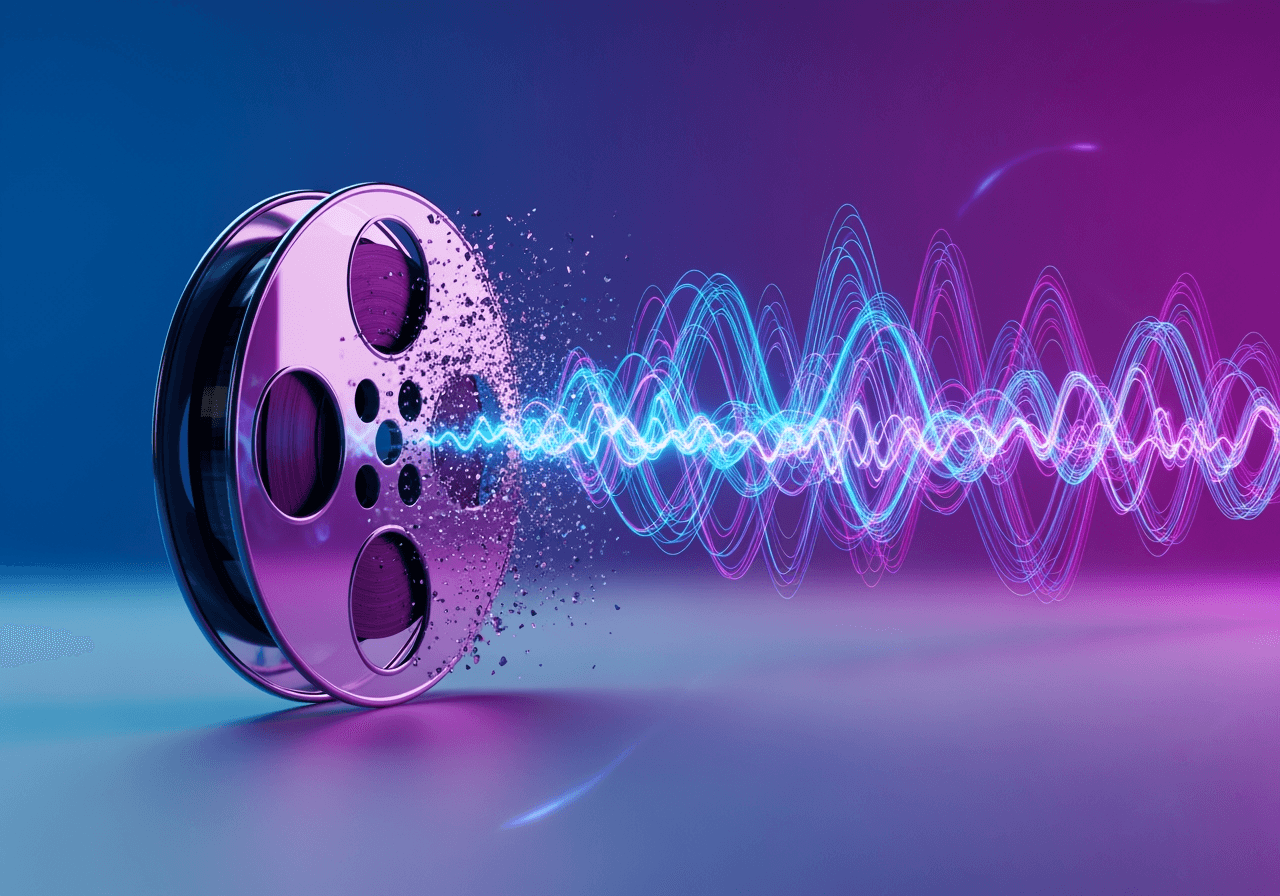
Audio Conversion via Simple Conversation
Upload MOV files and convert to MP3 through a conversational interface without complex settings. Carat AI offers 30+ diverse AI models and integrated editing features in one place.
Conversational AI Conversion Agent
Create and convert complex image and video content easily through a conversational interface. Just say "Convert to MP3" to start immediately.

Integrated 30+ AI Models
Access 30+ diverse AI models (Image, Video, Audio) for optimal audio extraction. We ensure the best quality beyond simple conversion.

Easy Sharing & Download
Easily share generated assets with others and download high-quality files for a seamless workflow.

How to Convert MOV to MP3
With Carat AI, you can extract audio from video with just a few clicks and a conversation.
01
Upload MOV File
Drag and drop the MOV video file you want to convert into the chat window.
02
Enter Conversion Command
Type your request like "Convert to MP3" naturally. The AI understands your intent and processes it immediately.
03
Download Result
Check the extracted MP3 audio and download the high-quality file instantly.
Why Choose Carat AI
More than just a converter, it's a powerful AI partner supporting your creative workflow.
Pro-Quality Guaranteed
Based on engines capable of high-quality image/video generation and 4K upscaling, we provide lossless, top-tier audio quality extraction.
No Watermarks
We provide clean files without watermarks for both personal and commercial use.
Strong Security & Privacy
Uploaded files are processed securely, and we strictly protect user data privacy after conversion.
Frequently Asked Questions
Here are answers to common questions about MOV to MP3 conversion.
What is MOV to MP3 conversion?
×
MOV is a video container format developed by Apple, but converting to the widely compatible MP3 format is efficient when only audio is needed. This process involves extracting and saving only the soundtrack from the video file.
Are there tips for extracting high-quality MP3?
+
Can I edit or enhance the audio after conversion?
+
Why should I use Carat AI for MOV conversion?
+
Explore more AI


