
Add Screen Record to iPhone & Upscale to 4K | Carat AI
Easily edit and upscale your iPhone screen recordings to 4K using Carat AI's conversational agent. Access 30+ AI models to create noise-free, high-quality videos instantly.
Start creating now It's FREE!
or Drop a file here
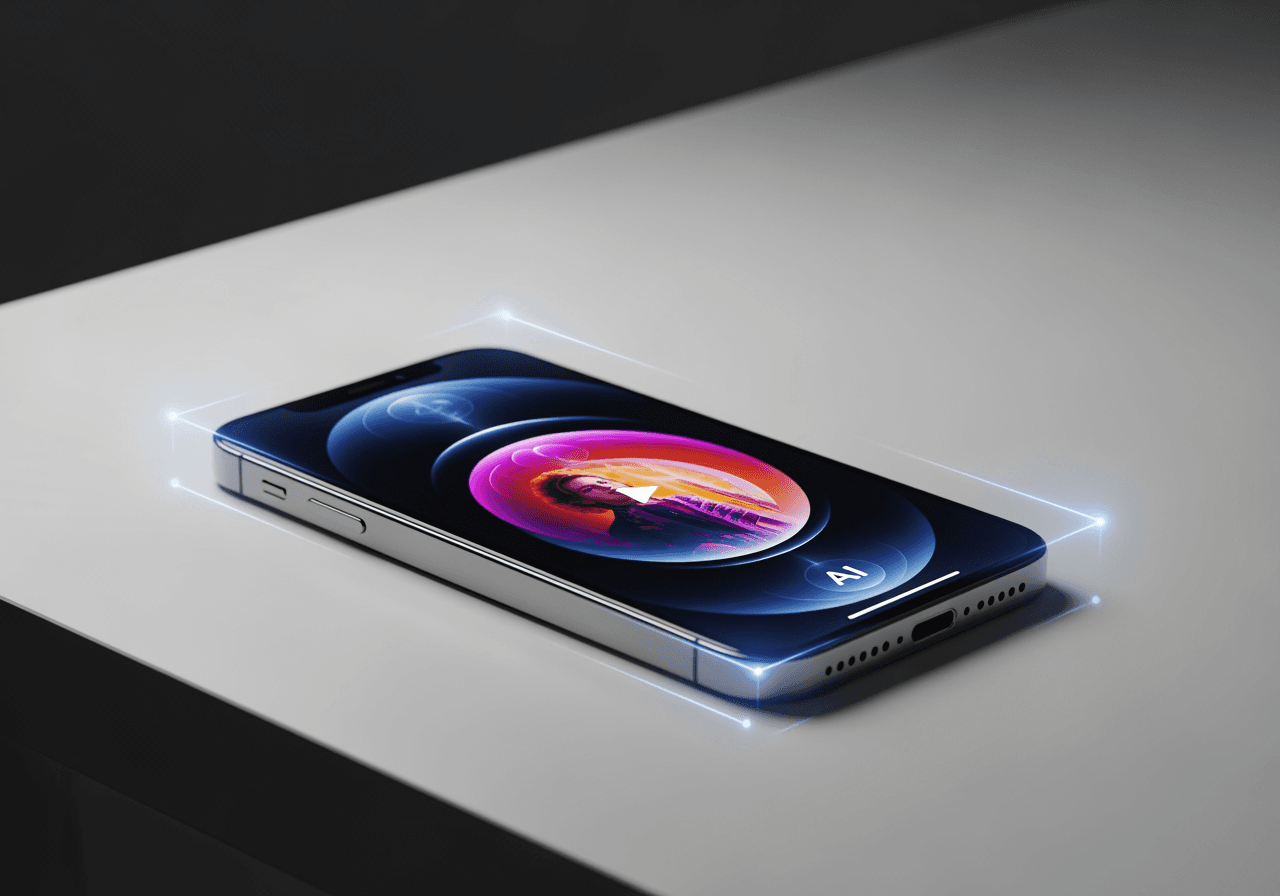
Transform Screen Recordings into Pro Quality
Go beyond simple recording; let AI perfectly enhance quality and content.
4K AI Upscaling
Convert blurry mobile screen recordings into 4K ultra-high resolution, making even small text crystal clear.

Conversational AI Editing
Trim unnecessary sections or create highlights simply by commanding the chat interface, without complex tools.

30+ Multimodal Integration
Beyond video editing, use AI audio models to add background music or narration all in one place.

How to Edit Screen Records with Carat AI
Upload your file and request edits conversationally without any complex steps.
01
Upload Video
Drag and drop the video recorded from your iPhone Control Center into Carat AI.
02
Enter AI Command
Type commands like "Upscale to 4K" or "Keep only the highlights" into the chat window.
03
High-Quality Download
Review the generated pro-quality video and download or share it seamlessly without watermarks.
Why Choose Carat AI?
Experience powerful AI features that go beyond the limitations of iPhone's native editing tools.
No Watermarks
Get clean videos without watermarks even in trials, ready for immediate professional use.
Seamless Collaboration
Easily share generated assets with team members and incorporate feedback to shorten workflows.
All-in-One AI Studio
Access over 30 latest AI models covering image, video, and audio in a single interface.
Frequently Asked Questions
Answers to common questions about iPhone screen recording and using Carat AI.
How do I add the screen record feature to my iPhone?
×
Go to 'Settings > Control Center' on your iPhone and tap the + button next to 'Screen Recording'. This adds the button to your Control Center for easy access.
What is a pro-tip for getting the best quality screen recording?
+
Can I make blurry text in my recording clearer?
+
Why should I use Carat AI over other editing apps?
+
Explore more AI

AI Video Overlay Generator

How to Do Voice Over on TikTok: AI Voice Generator

Person Drawing AI Generator

AI Transition Between Images Generator

St Patrick's Day Wallpaper Generator

Best Alternative to CapCut: AI Video Generator & Editor

AI ASMR Generator

ByteDance Seedance 2.0 AI Generator

Biology AI Generator

Obituary Template Generator

AI Fire Drawing Generator

Happy Sunday Images Generator
