
How to Do Voice Over on TikTok - Carat AI
The easiest way to add high-quality AI voiceovers to TikTok videos. Convert text to natural speech using 30+ AI models and upscale to 4K via a conversational interface.
Start creating now It's FREE!
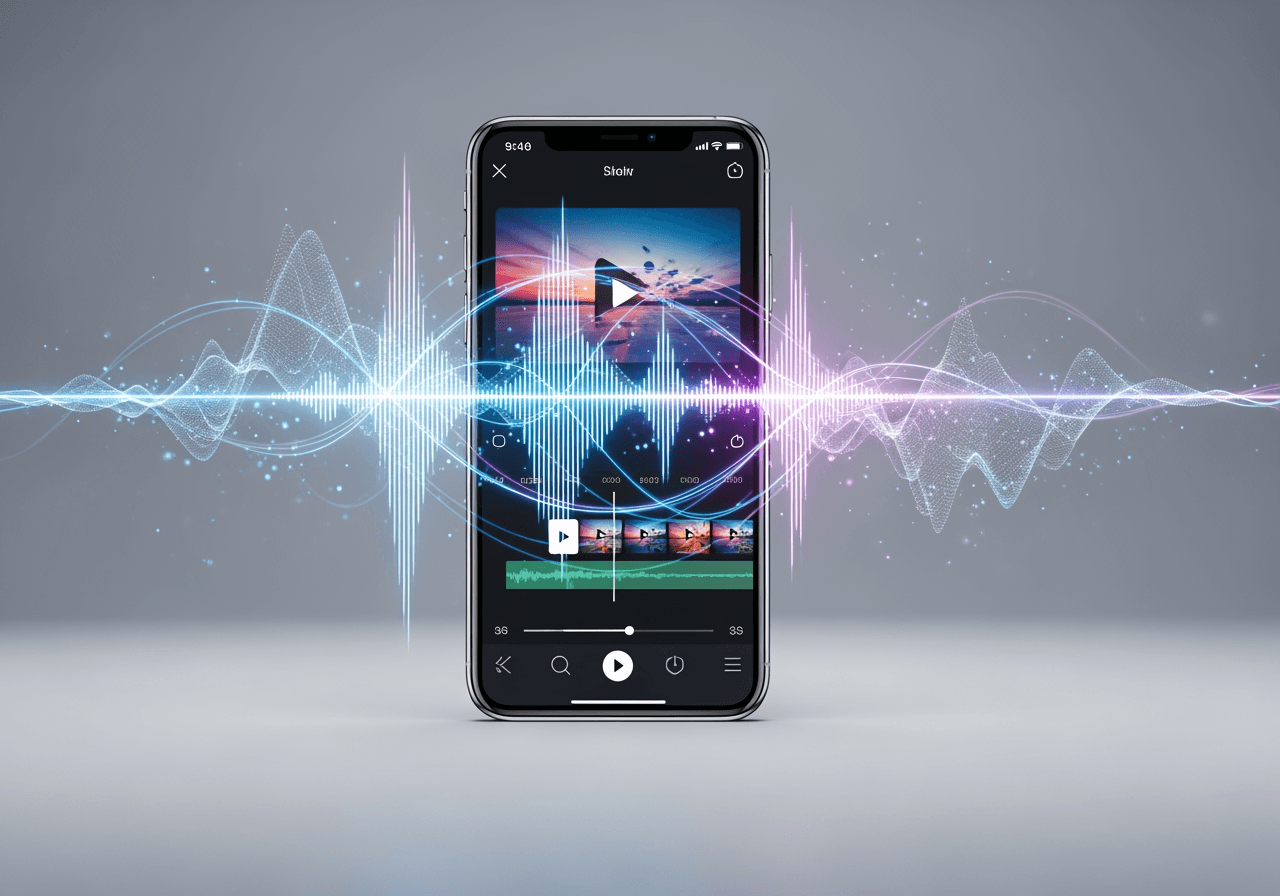
AI Agent Features for TikTok Voiceovers
Create professional-level dubbed videos without recording equipment using Carat AI's conversational interface.
30+ Diverse AI Voice Models
Simply input text, and over 30 AI models with various tones and styles will generate natural TikTok narrations.

Conversational Audio Editing & Integration
Sync audio and convert images to video just by chatting, completing your dubbing without complex editing tools.

4K Upscaling Support
Upscale your generated TikTok videos to 4K resolution, providing high-quality content that captivates both eyes and ears.

How to Do Voice Over on TikTok with Carat AI
Discover the process of adding the perfect voice to your TikTok videos with just a few conversations.
01
Input Script & Request Voice Style
Enter your script and request the desired mood in the chat, such as 'Read this in an energetic tone'.
02
Generate Video & Adjust Editing
Combine the generated voice with video, or adjust background music and voice volume via the conversational interface.
03
High-Quality Download & Share
Download the finished video in 4K without watermarks and immediately upload and share it on TikTok.
Why Use Carat AI for TikTok Voiceovers?
It guarantees faster, clearer, and more engaging results than recording it yourself.
Pro-Level Audio Quality
Get clean AI voices that sound studio-recorded, without worrying about noise or pronunciation errors.
Reduced Production Time
Drastically cut production time by generating perfect dubbing with a single prompt, eliminating the need for multiple retakes.
Easy Collaboration & Sharing
Easily share generated assets with team members and incorporate feedback to streamline your workflow.
Frequently Asked Questions
Common questions about TikTok voiceovers and using Carat AI.
What is a TikTok Voice Over?
×
TikTok Voice Over is a feature that overlays your voice or AI audio onto a video. It helps explain situations or add narration, enhancing content delivery and viewer immersion.
How can I get better audio quality when doing voiceovers on TikTok?
+
Can I further enhance the quality of the generated voice?
+
Why should I use Carat AI instead of TikTok's built-in features?
+
Explore more AI

AI Video Overlay Generator

AI ASMR Generator

Person Drawing AI Generator

Obituary Template Generator

Add Screen Record to iPhone AI Editor

Indian Voice Generator AI Speech Creation

WMA to MP3 Converter AI

ByteDance Seedance 2.0 AI Generator

AI Fire Drawing Generator

AI Audio Looper Generator

MPEG to MP3 Converter

AI Tattoo Generator: Design Custom Ink Instantly
