
Free Pixelated Photo Fixer & 4K AI Upscaler | Carat AI
Instantly fix pixelated or blurry photos with Carat AI's conversational interface. Utilize 30+ AI models to upscale images to 4K resolution and restore professional quality details.
Start creating now It's FREE!
or Drop a file here
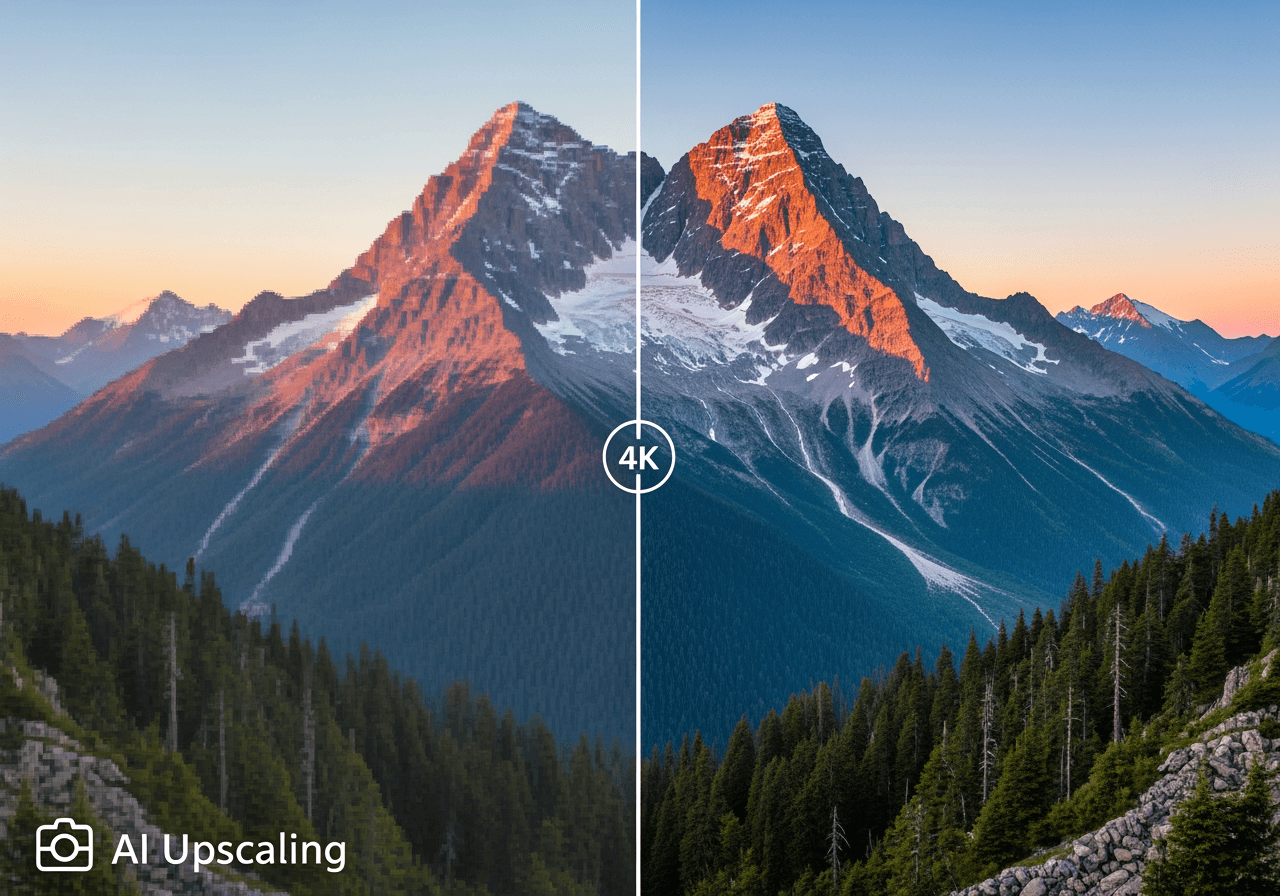
Turn Blurry Photos into Sharp 4K Masterpieces
Experience powerful image enhancement that goes beyond simple repair to restore lost details with Carat AI.
4K AI Upscaling
Analyzes low-resolution pixelated images to fill in details and sharply upscale them up to 4K resolution.

30+ Professional Models
Utilize over 30 AI models optimized for portraits, landscapes, and illustrations to provide the most natural restoration results.

Conversational Precision Editing
Request further edits via chat without complex tools. Enhance sharpness in specific areas or remove noise simply by asking.

How to Fix Pixelated Photos Instantly
Achieve professional quality with just a few clicks and a conversation, without needing complex Photoshop skills.
01
Upload Image
Upload the pixelated or blurry photo file that needs enhancement.
02
Enter Enhancement Command
Instruct the AI by typing commands like 'Fix this photo' or 'Upscale to 4K' in the chat window.
03
Download High-Quality File
Review the AI-restored image and instantly download the watermark-free high-quality file if satisfied.
Why Carat AI is the Best Choice
The easiest and most powerful AI image enhancement solution chosen by creators worldwide.
No Watermarks
Provides professional-quality images without watermarks even in free trials, making them suitable for commercial use.
Easy Collaboration & Sharing
Easily share generated assets with team members via a link and incorporate feedback to streamline your workflow.
All-in-One AI Creative
A true AI Agent service that handles not just restoration but also image, video, and audio generation in one platform.
Frequently Asked Questions
Check out frequently asked questions about fixing pixelated photos and improving image quality.
Why do photos become pixelated or blurry?
×
Pixelation typically occurs when a photo is saved at a low resolution or when a small image is forcibly enlarged. Excessive file compression or shooting in low-light conditions can also cause noise and blurriness.
Are there any tips to prevent pixelation when shooting or saving?
+
How can I sharpen the quality of an already pixelated photo?
+
What are the benefits of using Carat AI to fix photos?
+
Explore more AI

AI Movement Image Generator

Ugly Rat Image Generator

AI Twins Generator

Rat Drawing AI Generator

How to Flip a Video on iPhone: AI Video Rotator

Cute Frog Drawing Generator

Small Tits AI Image Generator

AI Shoe Search by Image & Style Analyzer

Happy Fathers Day Images AI Generator

Baby Panda Image Generator

Cute Dog Image Generator

AI Elephant Drawing Generator
