
How to Remove Background Noise from Video - Carat AI
Learn how to remove background noise from video with Carat AI. Enhance audio clarity, isolate speech, and upscale visuals to 4K using a conversational interface.
Start creating now It's FREE!
or Drop a file here
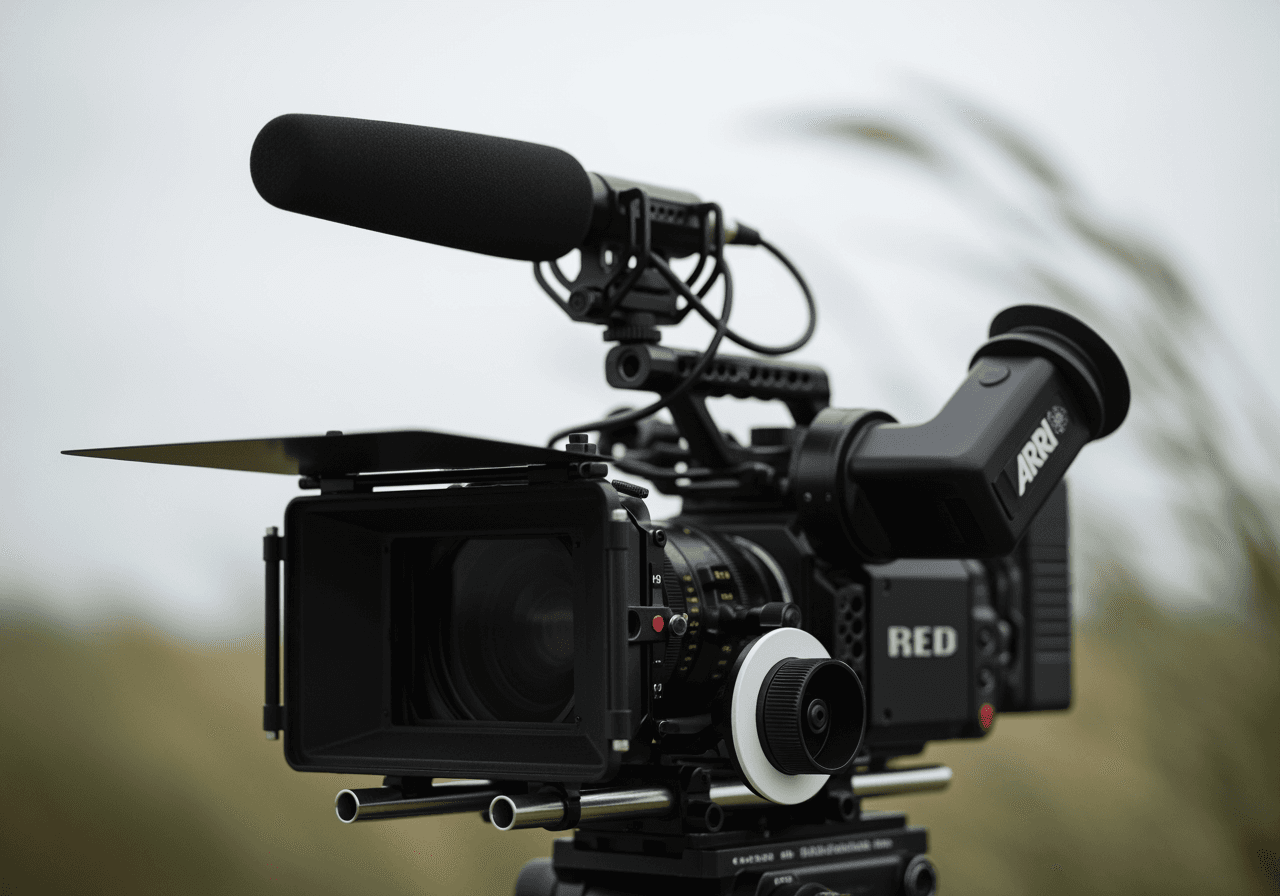
AI-Powered Audio & Video Enhancement
Carat AI goes beyond simple noise reduction, revolutionizing overall video quality through 30+ integrated AI models.
Conversational Audio Cleaning
Remove background noise and clarify speech simply by chatting, without needing complex audio editing skills.

30+ Multimodal Models
Access over 30 diverse AI models for audio enhancement, image generation, and video editing all in one place.

4K Resolution Upscaling
Video quality matters as much as audio. Transform blurry footage into sharp 4K resolution with a single click.

How to Use Video Noise Remover
Experience Carat AI's workflow that allows anyone to easily achieve professional-grade audio correction.
01
Upload Video File
Upload the video file from which you want to remove background noise into the Carat AI chat interface.
02
Enter AI Command
Type your request (e.g., 'Remove ambient noise') and the AI will instantly analyze and process the audio.
03
Share & Download
Review the cleaned video, download the high-quality file, or share it easily with your team via a link.
Why Choose Carat AI?
Carat AI reduces complex workflow time for creators and ensures the best possible results.
All-in-One Creative Solution
From noise removal to video editing and captioning, access over 30 AI tools within a single interface.
Seamless Collaboration
Instantly share generated assets with teammates or clients to facilitate efficient feedback workflows.
Superior Quality Assurance
Get noise-free, clean audio and 4K upscaled high-definition video simultaneously using the latest AI models.
Frequently Asked Questions
Find useful information and tips regarding video background noise removal.
What is background noise in video?
×
It refers to unintended sounds like wind, traffic, or hums recorded during filming. Removing these is essential as they distract viewers.
Are there tips to reduce noise during recording?
+
Can I improve video quality besides audio?
+
Why is Carat AI better than other tools?
+
Explore more AI

Remove Background Noise from Video

Add Image to MP3 Converter

8mb Video Compressor AI Converter

Rate My Singing & AI Vocal Performance Analyzer

Flip GIF Editor

GIF Speed Up Tool

MP4 to WebM Converter

Race Guesser AI - Heritage Analysis & Visualization

AI Cut GIF & Editor

March Clipart Generator

AI Digital Invitation Maker
