
WebM to GIF Converter - High Quality & Fast
Instantly convert WebM videos to high-quality GIFs with Carat AI. Use our conversational interface to adjust frame rates, edit clips, and upscale to 4K effortlessly.
Start creating now It's FREE!
or Drop a file here
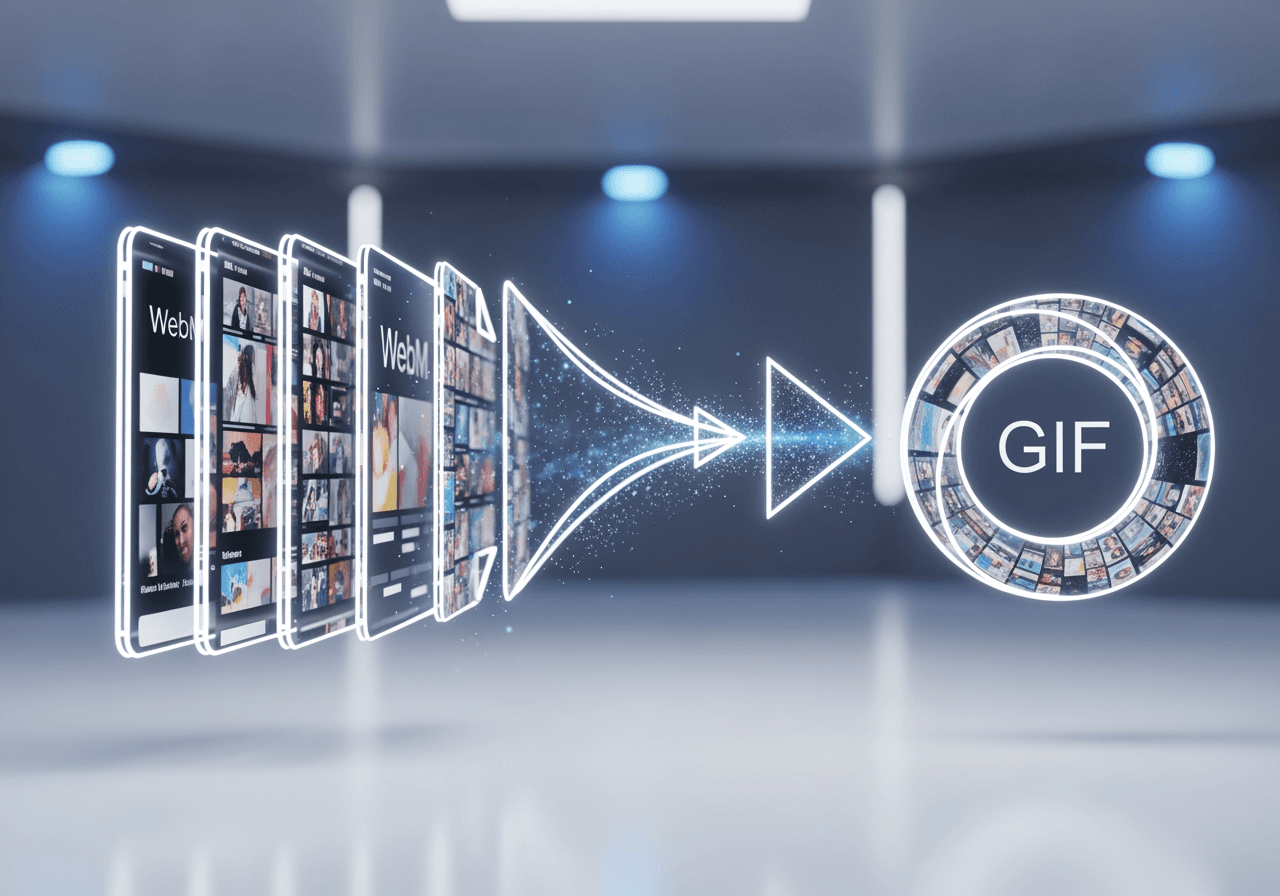
Smart AI-Powered GIF Conversion
Beyond simple file conversion, our AI understands your content to generate the optimal GIF. Create perfection through conversation without complex editing tools.
Conversational Editing Interface
No need for complex timelines. Just tell the AI 'Trim the first 3 seconds and make it a GIF', and it happens instantly.

30+ Integrated AI Models
Want to style your converted GIF or add new elements? Access over 30 diverse AI models in one place to enhance your content.

Lossless Quality Conversion
Generate crisp GIFs optimized for web sharing while maintaining the visual fidelity of the original WebM file.

How to Convert WebM to GIF
With Carat AI, anyone can create professional-grade GIFs without technical knowledge.
01
Upload Video
Drag and drop the WebM file you want to convert directly into the chat interface.
02
Ask the AI
Simply ask 'Convert this video into a funny GIF' or describe any specific edits you need using natural language.
03
Download in High Quality
Review the generated GIF and download it instantly for sharing once you are satisfied.
Why Choose Carat AI?
More than just a converter, we are an AI Agent service transforming your creative workflow.
4K Upscaling Support
Upscale even small WebM files to 4K resolution to create crisper, clearer GIFs.
No Watermarks
Get clean, watermark-free results suitable for everything from personal use to commercial projects.
Easy Sharing & Collaboration
Easily share generated assets with team members and experience a seamless collaborative workflow.
FAQ
Find answers to common questions about WebM to GIF conversion.
What is the difference between WebM and GIF?
×
WebM is a high-efficiency video format optimized for the web, while GIF is a silent animation format displaying a sequence of images. Converting WebM to GIF is useful for sharing animated content in environments that don't support video players, like emails or certain messaging apps.
Are there any tips for maintaining best quality when converting WebM to GIF?
+
Can I enhance the quality of the converted GIF?
+
Why is Carat AI better than other converters?
+


