
What Do YouTubers Use To Edit Videos - Carat AI
Discover the secret tools top YouTubers use to edit videos. Generate high-quality B-roll, intros, and thumbnails with Carat AI's conversational interface and upscale to 4K instantly.
Start creating now It's FREE!
or Drop a file here
All-in-One AI Creative Solution for YouTubers
Revolutionize your editing workflow by generating professional video assets and images through simple conversation, without complex software.
Conversational Content Creation
Create complex image and video content easily through a conversational interface without needing advanced editing skills.

Access 30+ Diverse AI Models
Access 30+ diverse AI models (Image, Video, Audio) and integrated editing features in one place to expand your editing assets infinitely.

4K Upscaling Technology
Generate high-quality images/videos and upscale them to 4K resolution to provide the best viewing experience for your audience.

How to Create Video Assets with Carat AI
Experience the fast and easy creation process loved by YouTubers.
01
Input Prompt & Select Model
Type in the mood or content of the video you want and select the appropriate AI model.
02
Conversational Editing
Review the output and request changes via chat to direct the perfect scene.
03
High-Quality Download & Share
Download the finished assets in 4K or share them instantly with your team to add to your editing timeline.
Why YouTubers Choose Carat AI
We offer features optimized for real editing workflows beyond simple generation.
Seamless Collaboration
Easily share generated assets with others and download high-quality files for seamless workflow.
Copyright-Free Content
Use unique AI-generated video assets to maintain your channel's originality without copyright concerns.
Save Time and Cost
Instantly create necessary B-roll and effects without expensive stock footage or complex shoots, drastically reducing production costs.
Frequently Asked Questions
Answers to common questions about YouTuber video editing tools and using Carat AI.
What software do YouTubers mostly use to edit videos?
×
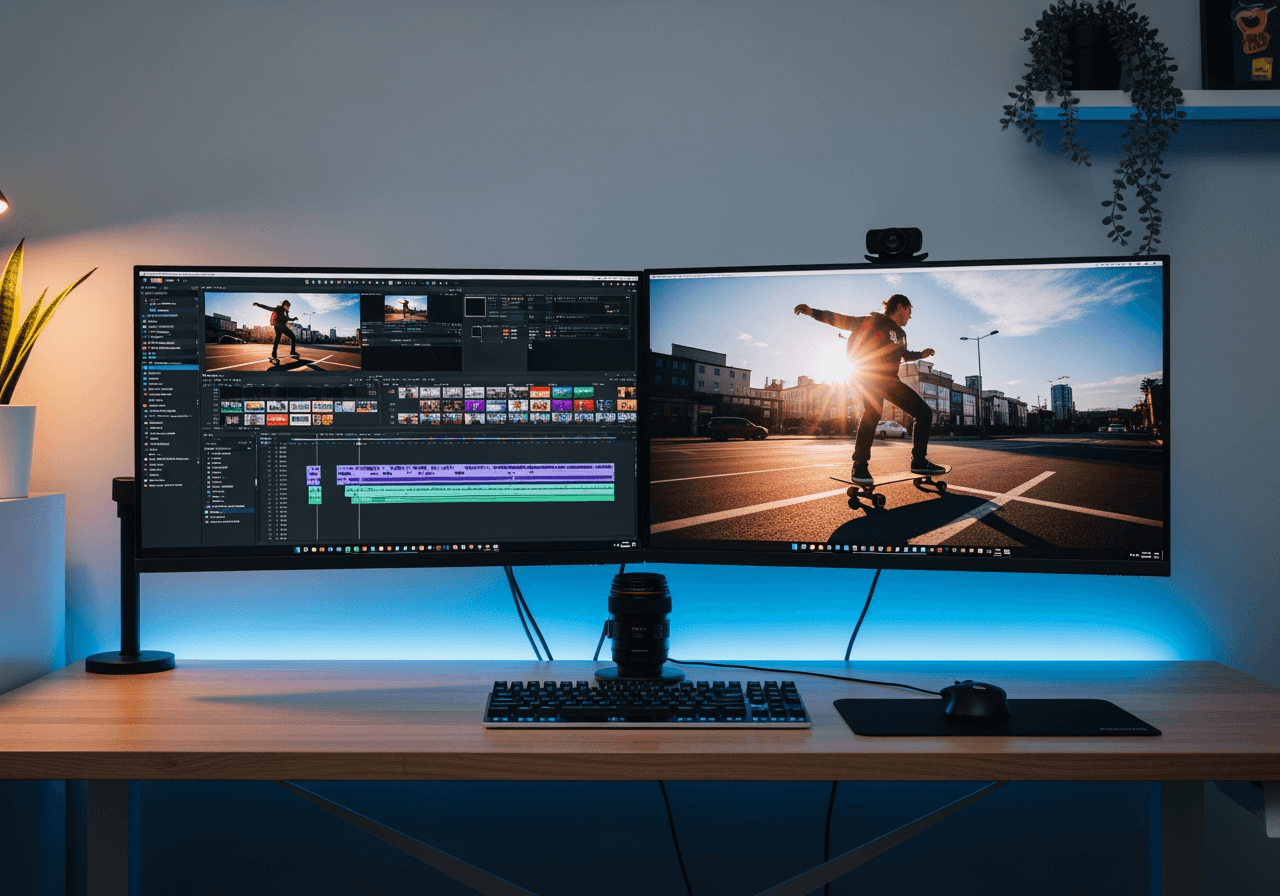
Most professional YouTubers use NLE systems like Adobe Premiere Pro, Final Cut Pro, or DaVinci Resolve. Recently, the trend is to combine these tools with AI generators like 'Carat AI' to quickly create B-roll, thumbnails, and special effects to boost workflow efficiency.
Are there any tips to increase retention when editing YouTube videos?
+
How can I improve the quality of my edited videos?
+
Why is Carat AI the best solution for creating video assets?
+
Explore more AI

YouTube Merge AI Editor

YouTube Mirror & AI Video Flipper

AOC Bikini Style AI Photo Generator

Cake Drawing Generator

AI Background Generator

Congratulations Images Generator

Bottom Text Generator

Baddie Wallpaper Generator

Convert AVI to MP4 & Enhance Quality

Happy New Year 2026 Image Generator

Praying Hands Image Generator

Wallpaper Cave AI Generator
