
Alternative Éditeur Vidéo IA : InShot vs CapCut
Comparez InShot et CapCut et découvrez Carat AI. Éditez des vidéos via une interface conversationnelle, accédez à 30+ modèles IA et passez en 4K.
Commencez à créer maintenant, c'est GRATUIT !
ou déposez un fichier ici
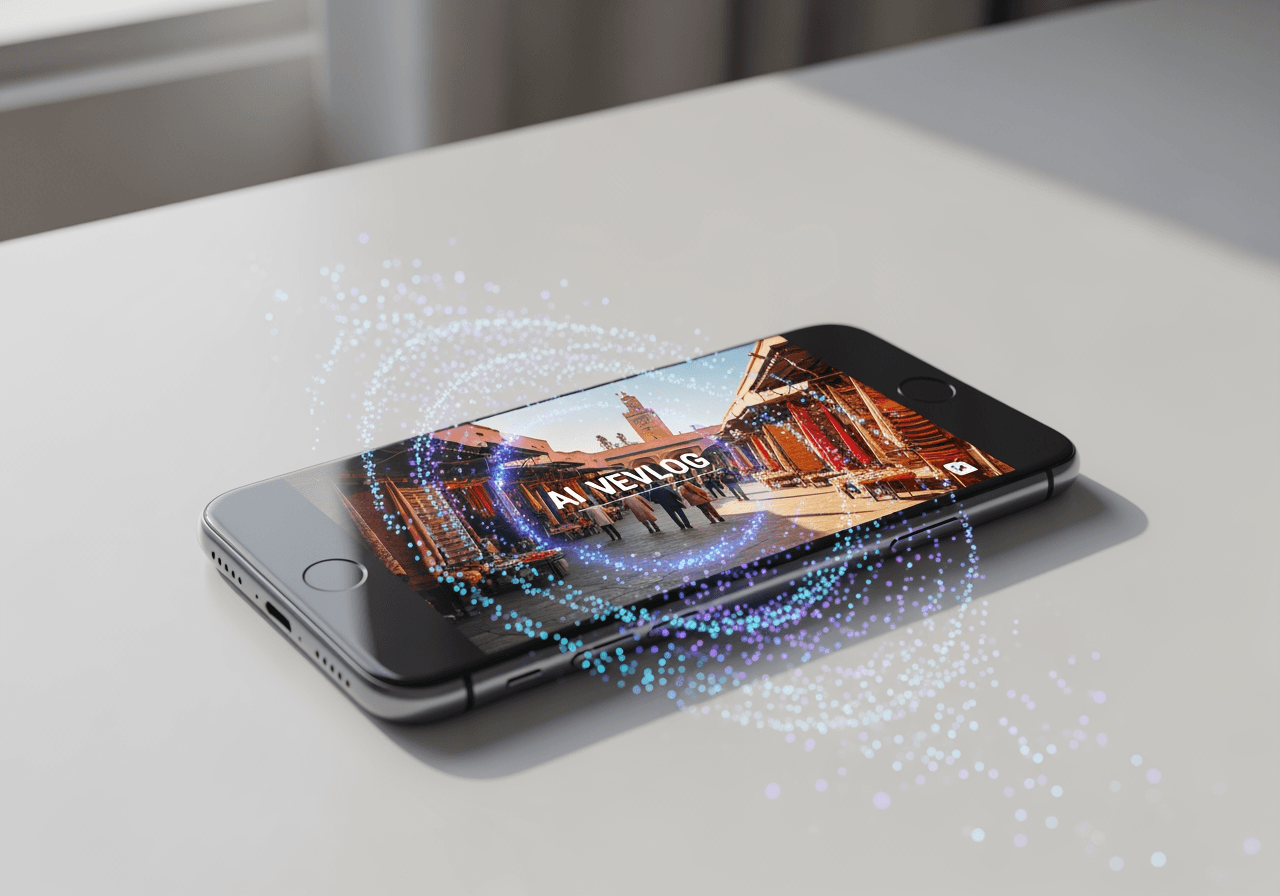
Édition par Agent IA au-delà des Apps Classiques
Dépassant les limites d'InShot et CapCut, Carat AI gère des tâches complexes par simple conversation.
Interface IA Conversationnelle
Éditez instantanément en décrivant les effets dans le chat, sans chronologies complexes.

30+ Modèles Multimodaux Intégrés
Accédez à plus de 30 modèles IA pour vidéo, image et audio au même endroit.

Upscaling Résolution 4K
Améliorez vos résultats en 4K net en un clic, évitant la perte de qualité.

Comment Éditer comme un Pro avec Carat AI
Créez des vidéos de haute qualité avec un processus intuitif sans tutoriels complexes.
01
Télécharger et Analyser la Vidéo
Téléchargez le fichier vidéo et l'IA analysera le contenu pour se préparer.
02
Commandes d'Édition Conversationnelle
Demandez l'ambiance, les coupes ou les sous-titres souhaités via le chat.
03
Exportation et Partage Haute Qualité
Passez la vidéo finale en 4K pour la télécharger ou la partager instantanément.
Pourquoi Carat AI surpasse InShot et CapCut
Découvrez un partenaire IA qui soutient tout le processus créatif.
Vitesse de Flux de Travail Impressionnante
Réduisez le temps de coupe manuel et voyez les résultats en quelques secondes grâce à l'IA.
Qualité Professionnelle Garantie
Même les débutants peuvent produire des vidéos pro avec l'upscaling 4K et les filtres IA.
Flux de Travail Collaboratif
Générez des résultats propres sans filigrane et partagez-les facilement.
FAQ sur InShot vs CapCut
Réponses à vos questions sur les applis vidéo et l'utilisation de Carat AI.
Quelle est la différence principale entre InShot et CapCut ?
×
InShot est intuitif pour des éditions simples, CapCut s'intègre à TikTok. Les deux nécessitent une édition manuelle.
Conseils pour des vidéos haute qualité sur mobile ?
+
Comment améliorer la qualité de ma vidéo éditée ?
+
Pourquoi choisir Carat AI plutôt qu'InShot ou CapCut ?
+
Explorer plus d'IA

MP4 Editor Online - AI Video Editing Agent

Trim GIF & Animation Editor

MP4 to MKV Converter

Slow Down GIF Speed Changer

AI GIF Splitter & Frame Extractor

AI Split GIF & Frame Extractor

Speed Up GIF - AI GIF Speed Changer

GIF Speed Changer

Crop GIF

What Is The Best Editing App: AI Integrated Agent

Compress MOV AI Video Reducer

Infinite GIF Generator
