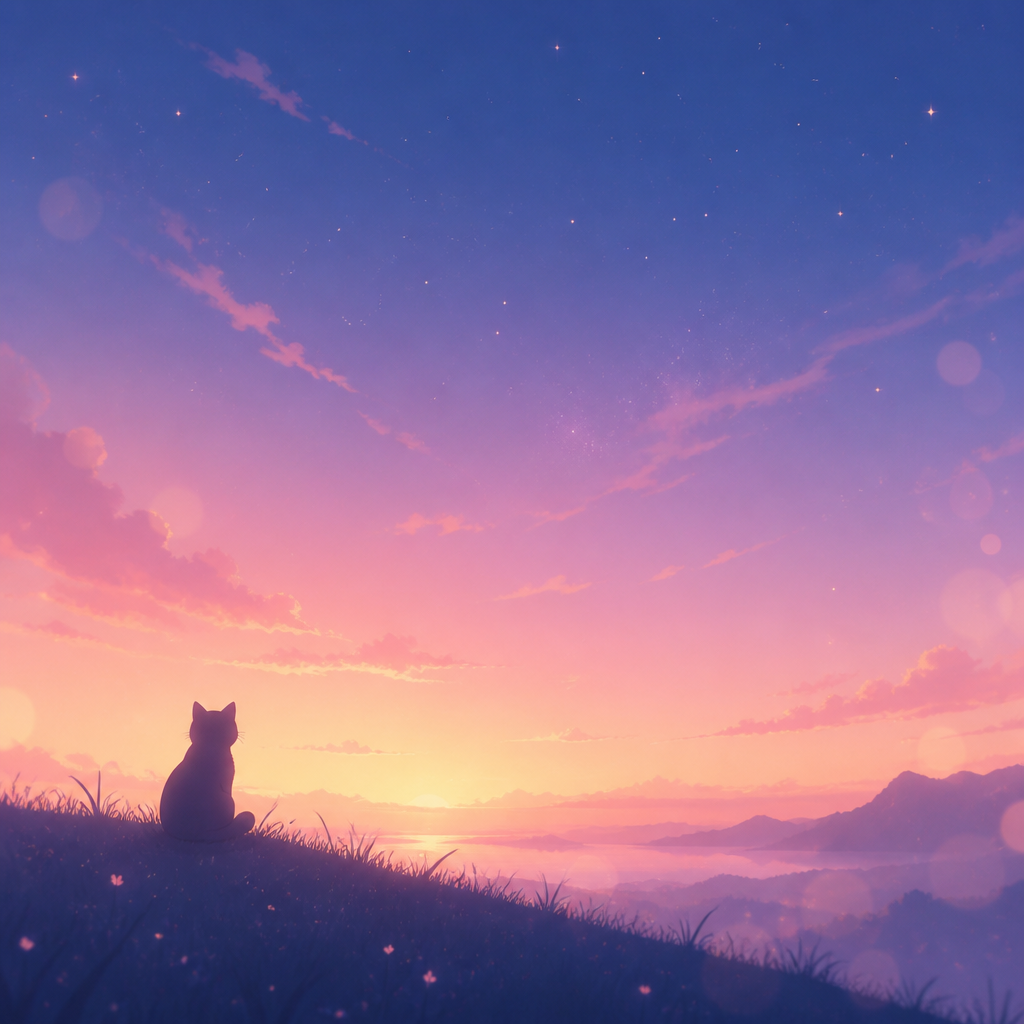
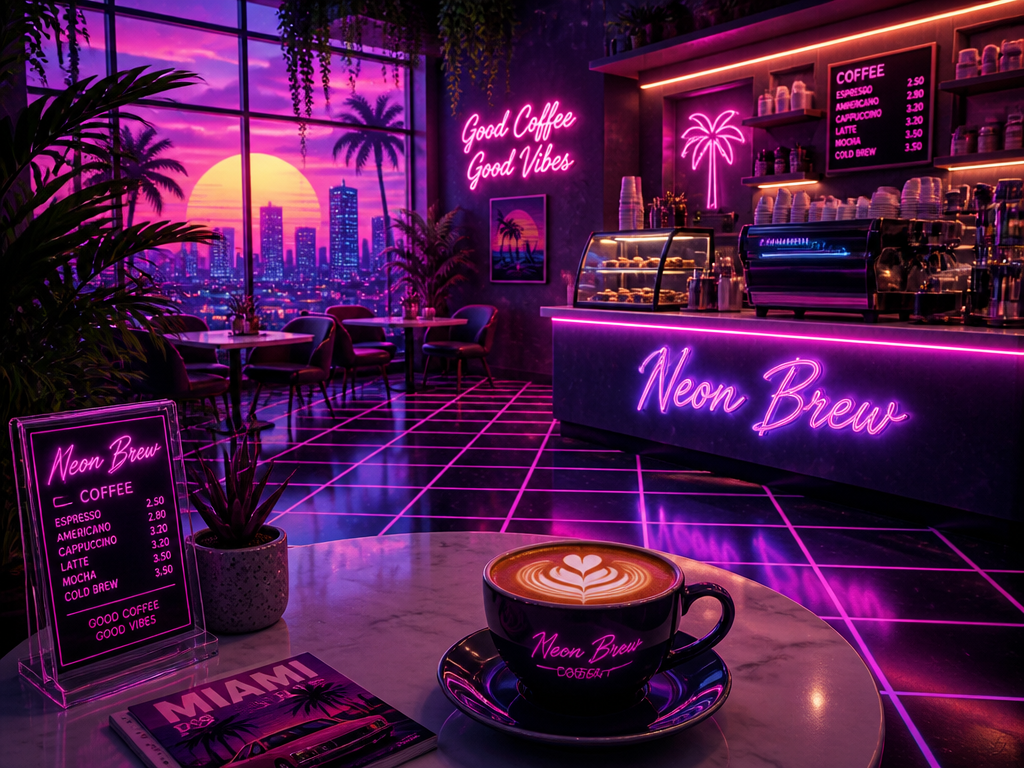
Bias MacBook Wallpaper
AI prompts that turn one photo of your bias into a desktop or laptop wallpaper. Quickly create aesthetic backgrounds, lock screens, and moody desktop shots.
2026.06.30
Buat “Bias MacBook Wallpaper” persis seperti maumuBuat “Bias MacBook Wallpaper” versimu sendiri
Cukup minta pakai bahasamu sendiri — Carat membuatkan gambar dan video yang pas untukmu.

Mulai sekarang dengan 100 kredit gratis tiap hari
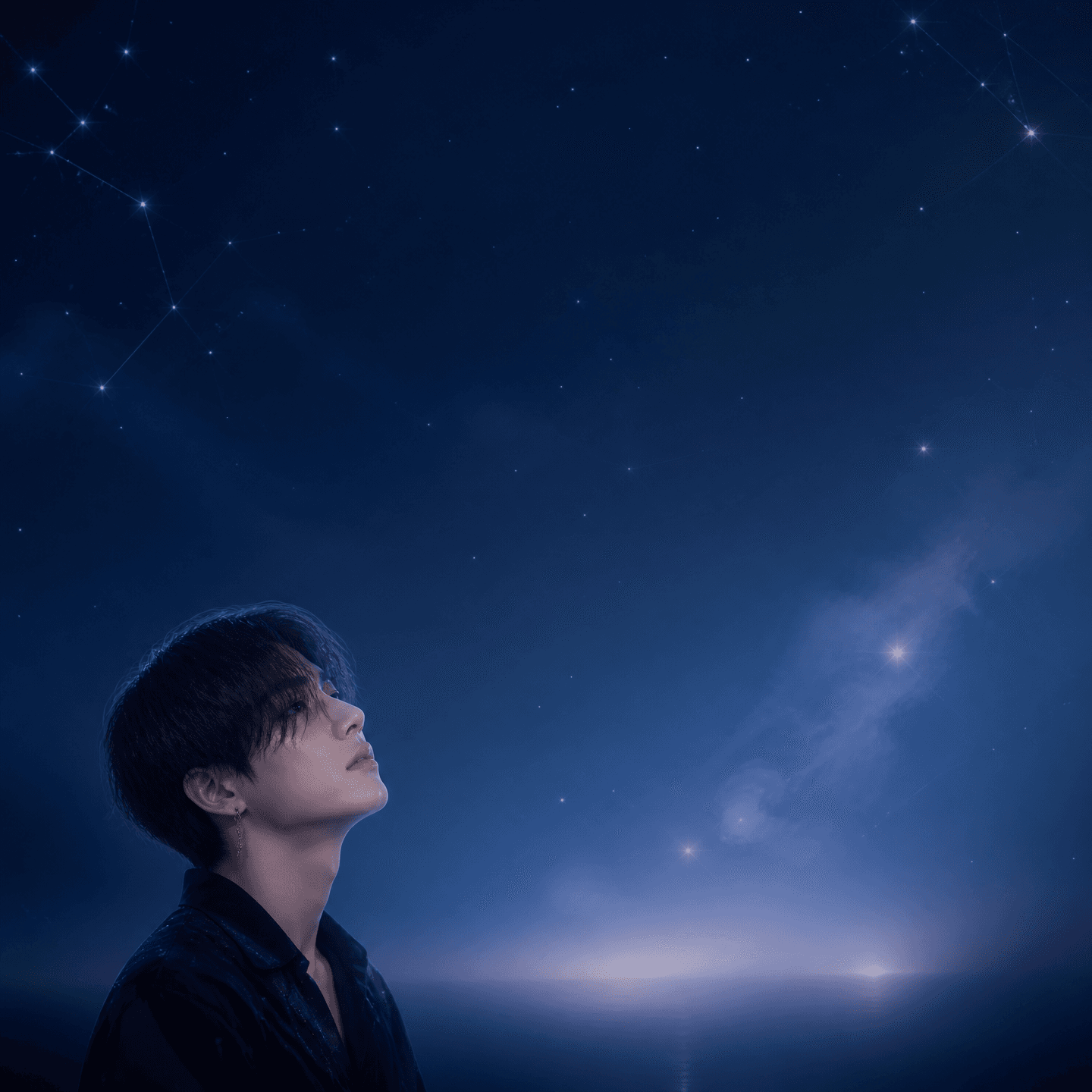
Bias MacBook Wallpaper
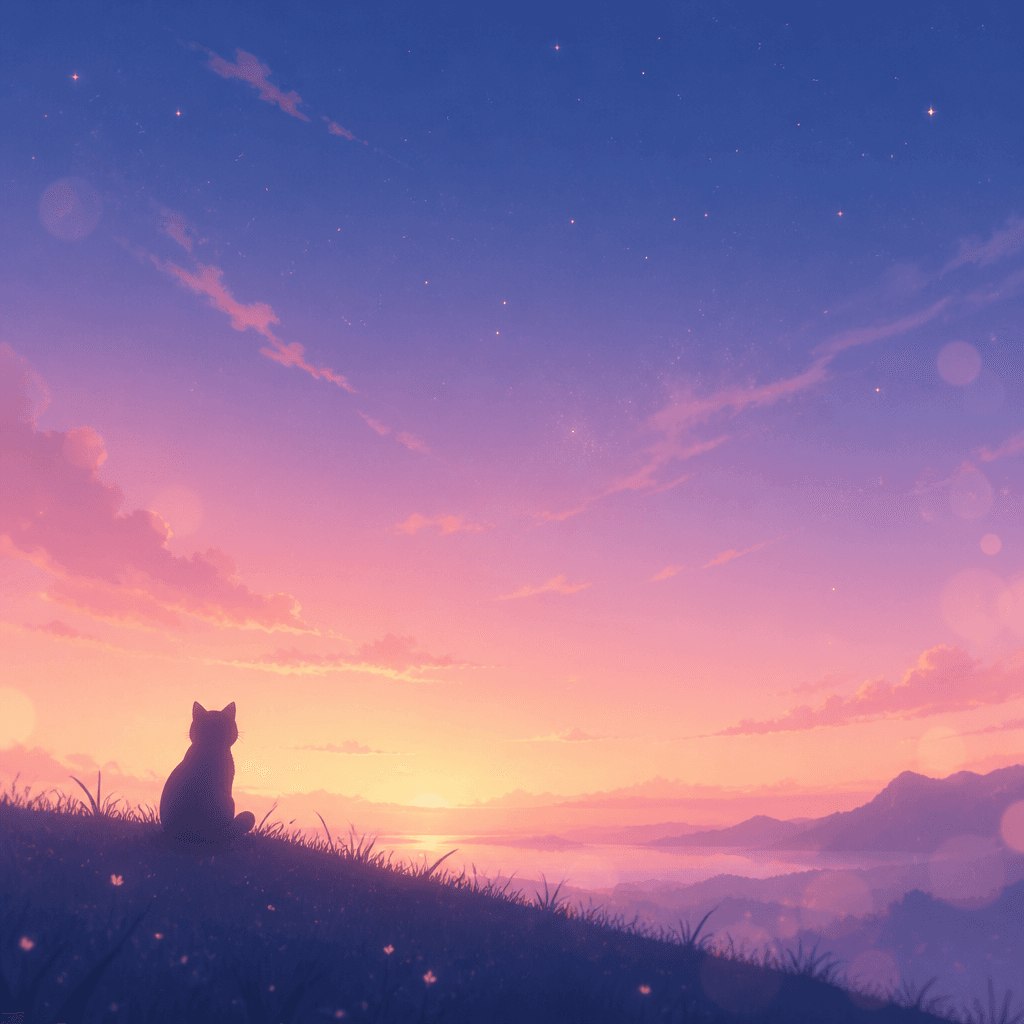
감성 맥북 배경화면
What Are Bias MacBook Wallpaper AI Prompts?
Bias MacBook wallpaper AI prompts transform a single photo of your favorite idol, character, pet, or even yourself into an aesthetic wallpaper made for a MacBook or laptop screen. Inspired by the MacBook photobooth aesthetic trending on social media, these prompts take an uploaded image and reimagine it as a wide desktop moodshot or a vertical lock-screen wallpaper. With models like GPT Image 2 or Nano Banana, you can keep the face and vibe of the original photo while filling the whole screen with a polished background.
Where You'll Use It
- Turning a photo of your bias idol or character into a wide MacBook desktop wallpaper
- Converting your selfie or couple photo into an aesthetic laptop background
- Creating vertical lock-screen and home-screen wallpapers
- Styling a pet photo into a moody desktop background
- Building a matching wallpaper set with a seasonal mood (autumn, summer beach, and more)
Why This Tag Is Useful
Using a low-resolution or wrong-ratio photo as a wallpaper often leaves it pixelated or awkwardly cropped. The prompts in this tag frame the composition to fit desktop and mobile screen ratios, preserving the face and mood of your bias while adjusting only the background, lighting, and color for on-screen use. With just one photo and no design skills, you can fill the laptop and phone you open every day with your own taste, making wallpapers you'll want to collect and swap often.
Related Prompts
Prompt Tips
- State the screen ratio clearly. Use 16:10 or 16:9 landscape for MacBook and desktop, and 9:16 portrait for lock screens, so the background fills the screen without cropping.
- When you add a bias photo as a reference, ask the model to keep the face and mood so the result still feels like the original.
- Leave room for icons by placing the subject to one side or asking for empty space at the top or bottom.
- Add the mood and color you want (warm autumn, calm night, pastel, and so on) to build a cohesive wallpaper set.
With just one photo plus a chosen ratio and mood, you can quickly create your own wallpaper that fills the screens you see every day with your bias.