carat

Galeri prompt

/

Course Thumbnail

Masuk
Daftar

Course Thumbnail

Course Thumbnail prompts. Copy and use Course Thumbnail image generation prompts from Carat right away.

2026.07.12

Buat “Course Thumbnail” persis seperti maumuBuat “Course Thumbnail” versimu sendiri

Cukup minta pakai bahasamu sendiri — Carat membuatkan gambar dan video yang pas untukmu.

Mulai sekarang dengan 100 kredit gratis tiap hari

·
GPT 이미지 2로 생성한 강의 썸네일

강의 썸네일

GPT Image 2· Gambar
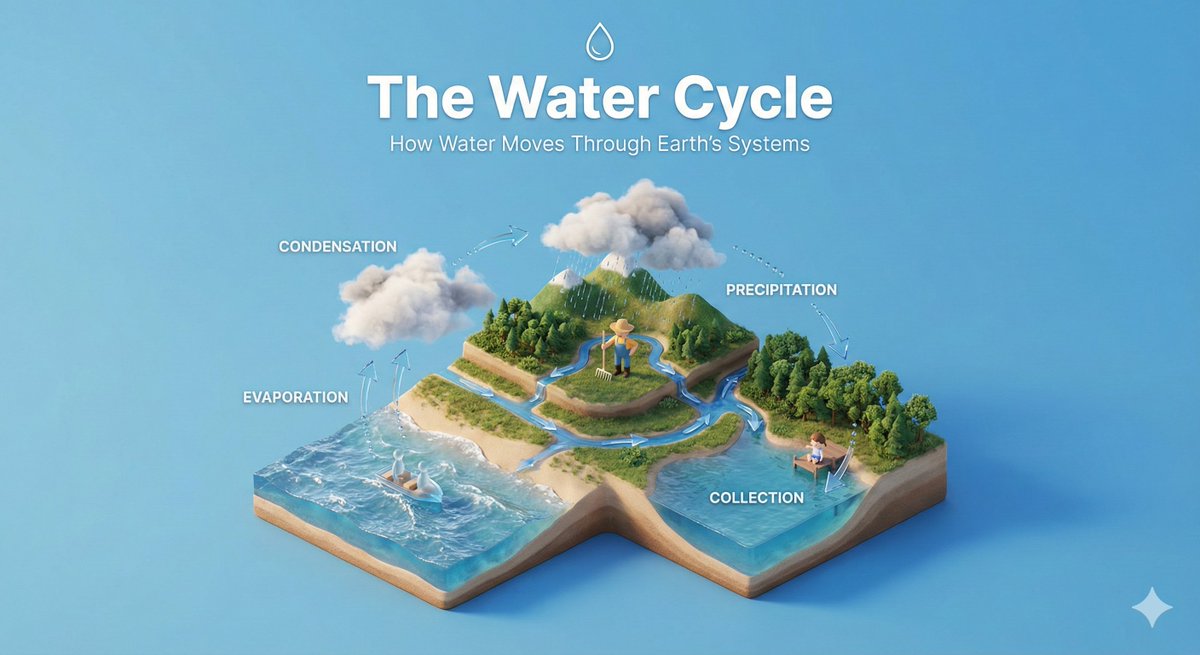
Square online course thumbnail featuring a focused young designer at a desk with a laptop, floating abstract interface panels and geometric learning modules around them, cobalt blue and warm orange palette, clear subject separation, soft studio lighting, modern editorial education graphic with bold hierarchy readable at small size. No readable text, no letters, no logo, no watermark.
fal:241241
AI-generated Online Class Illustration made with GPT Image 2

Online Class Illustration

GPT Image 2· Gambar
Create a clean editorial illustration about online classes, laptop video lecture screen, notebook, coffee, small educational icons, warm modern flat illustration style with soft gradients, no readable text.
fal:75265

What are Course Thumbnail Prompts?

A collection of AI prompts for generating course thumbnail images. Copy the Course Thumbnail prompts provided by Carat and paste them into an AI image generation tool to get professional-grade results.

How to Use Course Thumbnail Prompts

  1. Select and copy your desired prompt.
  2. Paste it into the Carat agent.
  3. Modify colors, styles, and composition as needed.
  4. Download the generated image and use it in your project.

Tips for Writing Course Thumbnail Prompts

Specify lighting, texture, composition, and lens information in detail for more precise results. Add "No text, no watermark" to prevent unwanted text overlays.

Course Thumbnail Prompt Applications

Course Thumbnail prompts are used across content creation, marketing, design, and educational resources. AI-generated images dramatically reduce production time while maintaining professional quality.

Course Thumbnail Prompt Optimization Guide

Choose the aspect ratio based on your use case: vertical (9:16) for social media, horizontal (16:9) for web banners, and square (1:1) for product images.
Pertanyaan umum

Prompt terkait

Education Materials

Education Materials

3 prompt

Training Material

Training Material

4 prompt

Onboarding Material

Onboarding Material

5 prompt

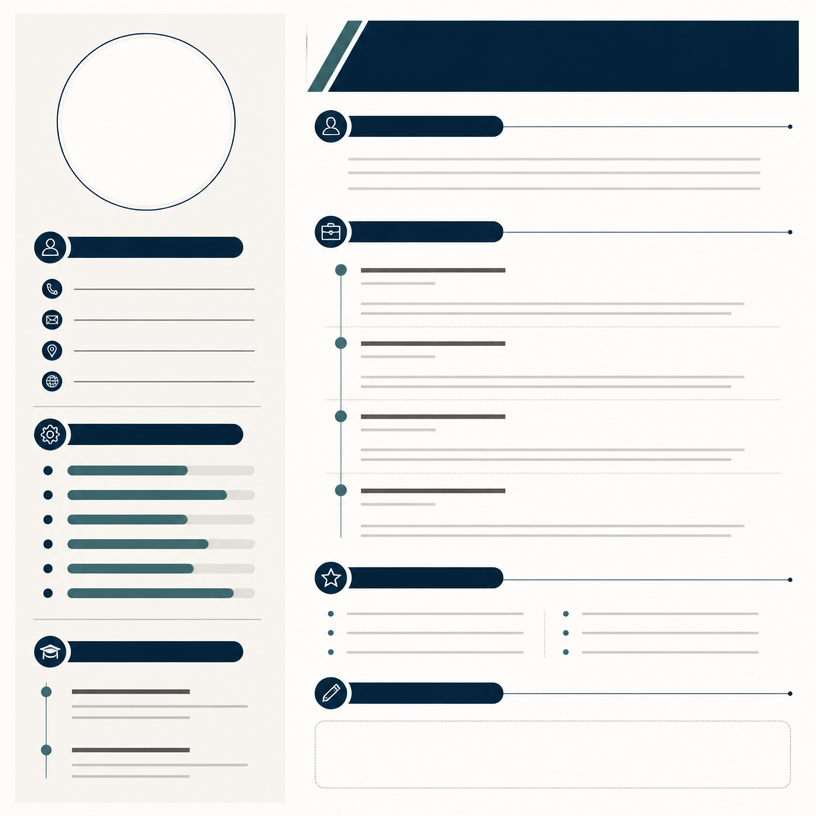
Resume Infographic

Resume Infographic

5 prompt

Galeri Prompt Carat

Buat prompt AI yang lagi tren dalam sekejap

Prompt

  • Logo
  • Desain presentasi
  • Thumbnail
  • Poster
  • Sampul novel web
  • Pasfoto
  • Karikatur
  • Halaman detail produk
  • Banner

Model

  • GPT Image 2
  • Seedance 2.0
  • Nano Banana Pro
  • Nano Banana 2

Carat

  • Mulai
  • Tentang
  • Blog
  • Karier
  • Kontak
  • Kemitraan
  • Ketentuan
  • Privasi

© 2026 Paradot.Inc All rights reserved.