carat

Galeri prompt

/

Notebook Cover Design

Masuk
Daftar

Notebook Cover Design

Notebook Cover Design prompts. Copy and use Notebook Cover Design image generation prompts from Carat right away.

2026.08.12

Buat “Notebook Cover Design” persis seperti maumuBuat “Notebook Cover Design” versimu sendiri

Cukup minta pakai bahasamu sendiri — Carat membuatkan gambar dan video yang pas untukmu.

Mulai sekarang dengan 100 kredit gratis tiap hari
·
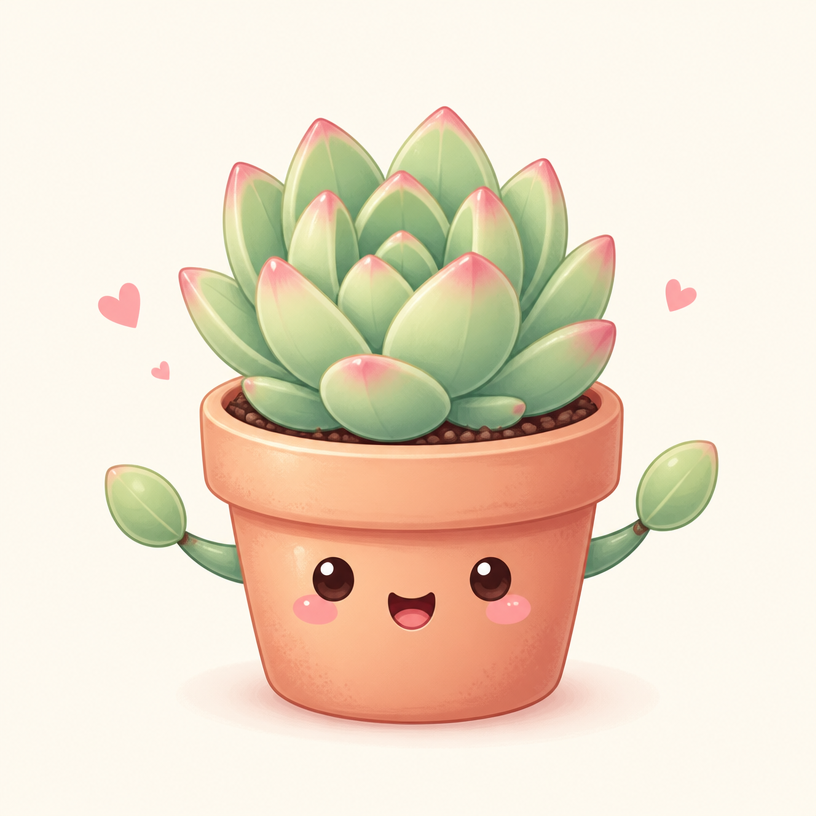
GPT 이미지 2로 생성한 식물 캐릭터

식물 캐릭터

GPT Image 2· Gambar
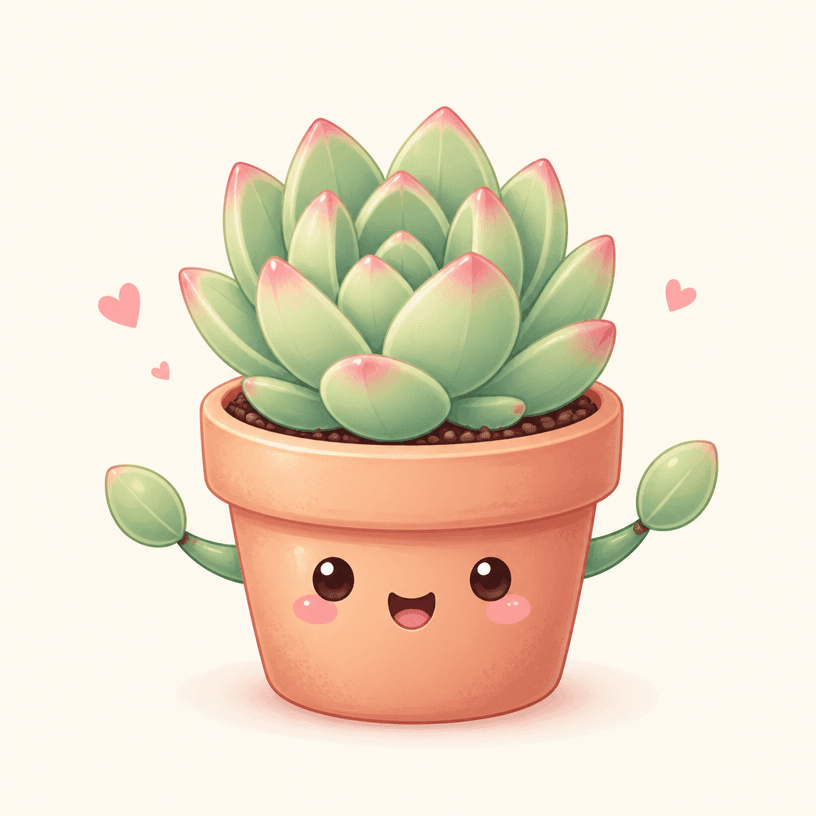
A cute plant character illustration, a small succulent in a terracotta pot with a smiling face and tiny leaf arms, kawaii style, soft pastel green and pink colors, simple clean background, adorable character design, digital illustration. No text, no watermark.
GPT 이미지 2로 생성한 스케치 캐릭터

스케치 캐릭터

GPT Image 2· Gambar
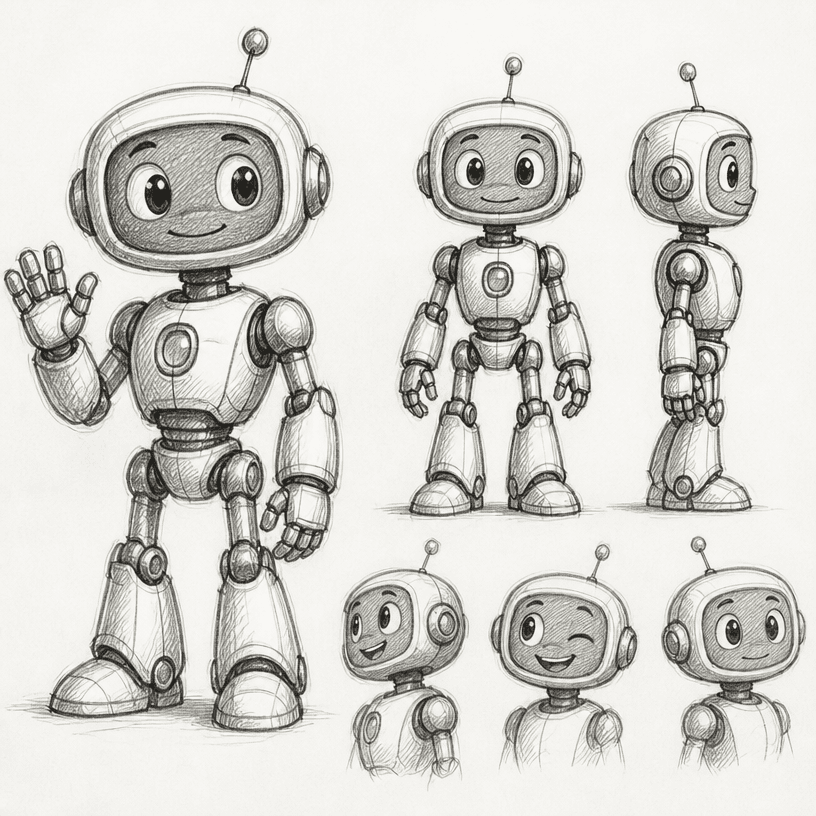
A pencil sketch character design of a friendly robot with expressive eyes, loose gestural drawing style on white paper, cross-hatching shading, multiple angle studies showing front and side views, concept art illustration, traditional drawing technique. No text, no watermark.
GPT 이미지 2로 생성한 노트 일러스트

노트 일러스트

GPT Image 2· Gambar
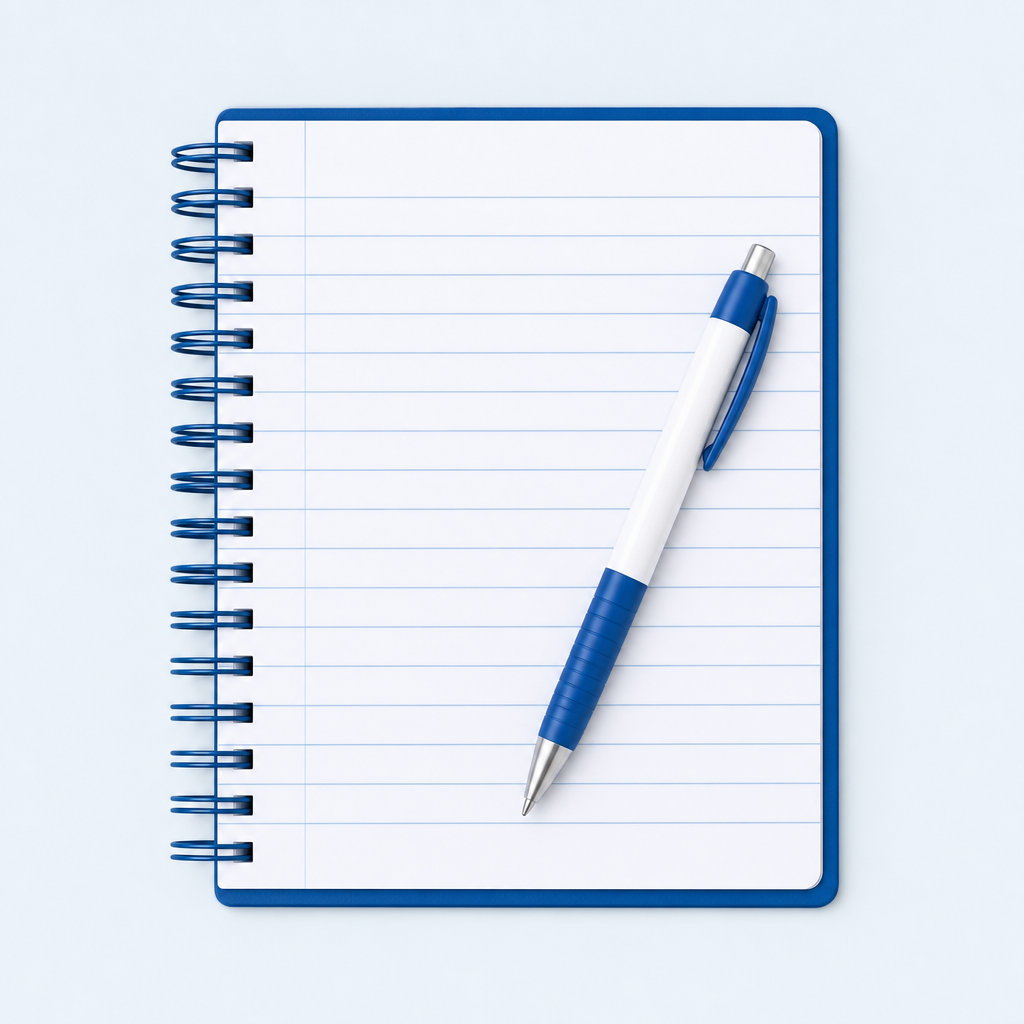
photograph, Glimmerglass micro-diffusion on skin only. Crystal clear on product. Lifted blacks to soft gray. Overexposed highlights high-key. Skin L0-L1 glass reflection poreless. Flat front lighting no shadows. White or pale pastel background. Ultra-clean digital. No grain. Hasselblad, 85mm f/8, stationery icon style, a clean vector-style spiral-bound notebook with lined pages and a sleek pen resting on it. Centered composition, thick crisp outlines, flat colors, blue and white palette. Minimalist studio setting, soft even overhead lighting, razor sharp details, no shadows. No text, no watermark, no 3D render, no warm yellow tones, no film grain, no harsh shadows.
fal:213562

What are Notebook Cover Design Prompts?

A collection of AI prompts for generating notebook cover design images. Copy the Notebook Cover Design prompts provided by Carat and paste them into an AI image generation tool to get professional-grade results.

How to Use Notebook Cover Design Prompts

  1. Select and copy your desired prompt.
  2. Paste it into the Carat agent.
  3. Modify colors, styles, and composition as needed.
  4. Download the generated image and use it in your project.

Tips for Writing Notebook Cover Design Prompts

Specify lighting, texture, composition, and lens information in detail for more precise results. Add "No text, no watermark" to prevent unwanted text overlays.

Notebook Cover Design Prompt Applications

Notebook Cover Design prompts are used across content creation, marketing, design, and educational resources. AI-generated images dramatically reduce production time while maintaining professional quality.

Notebook Cover Design Prompt Optimization Guide

Choose the aspect ratio based on your use case: vertical (9:16) for social media, horizontal (16:9) for web banners, and square (1:1) for product images.
Pertanyaan umum

Prompt terkait

eBook Cover

eBook Cover

3 prompt

Character Notebook

Character Notebook

4 prompt

Book Series Cover Set

Book Series Cover Set

11 prompt

Notebook Illustration

Notebook Illustration

1 prompt

Galeri Prompt Carat

Buat prompt AI yang lagi tren dalam sekejap

Prompt

  • Logo
  • Desain presentasi
  • Thumbnail
  • Poster
  • Sampul novel web
  • Pasfoto
  • Karikatur
  • Halaman detail produk
  • Banner

Model

  • GPT Image 2
  • Seedance 2.0
  • Nano Banana Pro
  • Nano Banana 2

Carat

  • Mulai
  • Tentang
  • Blog
  • Karier
  • Kontak
  • Kemitraan
  • Ketentuan
  • Privasi

© 2026 Paradot.Inc All rights reserved.